import collections
import datetime
import math
-import collections
+import markdown2
import os, os.path
import re
import subprocess
i2 = frac2 * (range2.stop - range2.start) + range2.start
return i2
+md2html = markdown2.markdown
+
RELOAD_HTML = b"""
<script>
document.addEventListener("DOMContentLoaded", function (event) {
self.output_path.parent.mkdir(parents=True, exist_ok=True)
with open(self.output_path, "wb") as f:
f.write(output)
+ # TODO: Add a 'paginated' property that Tag, Category, Author, and index.html can all use
@property
def context(self):
return self.path.relative_to(self.blog.static_dir)
class Post(Templatable):
- def __init__(self, parsed, blog):
+ def __init__(self, parsed, blog, parsed_md):
super().__init__(blog)
self.post, self.comments = parsed.pop("content").split("<!-- comments -->\n")
self.main_display = True
+ self.md = parsed_md["content"]
for k, v in parsed.items():
if k in {"tags", "author", "categories"}:
k = "_" + k
self[k] = v
+ # TODO: Add an 'above the fold' part, maybe
+
+ @property
+ def md_html(self):
+ return md2html(self.md)
+
+ @property
+ def output_path_html(self):
+ output_path_template = self.blog["post_html_destination"]
+ return Path(mustache.render(output_path_template, self.context))
+
+ @property
+ def output_path_md(self):
+ output_path_template = self.blog["post_md_destination"]
+ return Path(mustache.render(output_path_template, self.context))
+
+ @property
+ def url_md(self):
+ return self.blog.web_root + "/" + str(self.output_path_md.relative_to(self.blog.destination))
+
+ @property
+ def url_html(self):
+ return self.blog.web_root + "/" + str(self.output_path_html.relative_to(self.blog.destination))
+
+ def content_combined(self):
+ return self.render_template(self.blog, "postcombined", self.context).encode("utf8")
+
+ def content_md(self):
+ content = self.render_template(self.blog, self.type, collections.ChainMap({
+ "post": self.md_html
+ }, self.context))
+ return self.render_template(self.blog, "layout", collections.ChainMap({
+ "content": content,
+ }, self, self.blog)).encode("utf8")
+
+ def output(self):
+ output = self.content()
+ if self.blog.reload:
+ output += RELOAD_HTML
+ self.output_path_html.parent.mkdir(parents=True, exist_ok=True)
+ with open(self.output_path_html, "wb") as f:
+ f.write(output)
+
+ output = self.content_md()
+ if self.blog.reload:
+ output += RELOAD_HTML
+ self.output_path_md.parent.mkdir(parents=True, exist_ok=True)
+ with open(self.output_path_md, "wb") as f:
+ f.write(output)
+
+ output = self.content_combined()
+ if self.blog.reload:
+ output += RELOAD_HTML
+ self.output_path.parent.mkdir(parents=True, exist_ok=True)
+ with open(self.output_path, "wb") as f:
+ f.write(output)
+
@property
def date_rfc822(self):
return self.date.strftime(RFC822)
def load_posts(self):
for post_input_path in Path(self.post_dir).iterdir():
- self.add_post(Post(frontmatter.load(post_input_path), self))
+ post_md_input_path = Path(self.post_md_dir) / post_input_path.relative_to(self.post_dir).with_suffix(".md")
+ self.add_post(Post(frontmatter.load(post_input_path), self, frontmatter.load(post_md_input_path)))
def add_post(self, post):
self._posts.append(post)
result = subprocess.run([sys.argv[0], "--supervised"] + sys.argv[1:])
if result.returncode == NO_RESTART_EXIT_CODE:
break
+ sys.exit(0)
if __name__ == "__main__":
if "--supervised" not in sys.argv:
domain: "blog2.za3k.com"
title: 'blog of zachary "za3k" vance'
-post_dir: "posts"
+post_md_dir: "posts-md"
+post_dir: "posts-html"
page_dir: "page"
image_dir: "images"
static_dir: "static"
author_template: "templates/author.mustache.html"
-category_template: "templates/tag.mustache.html"
+category_template: "templates/category.mustache.html"
deadlinks_template: "templates/deadlinks.mustache.html"
links_template: "templates/links.mustache.html"
index_template: "templates/index.mustache.html"
feed_template: "templates/feed.mustache.html"
layout_template: "templates/layout.mustache.html"
post_template: "templates/post.mustache.html"
+postcombined_template: "templates/postcombined.mustache.html"
tag_template: "templates/tag.mustache.html"
tagcloud_template: "templates/tagcloud.mustache.html"
image_destination: "{{destination}}/images/{{image}}"
page_destination: "{{destination}}/{{page}}"
post_destination: "{{destination}}/posts/{{id}}.html"
+post_md_destination: "{{destination}}/posts/{{id}}.md.html"
+post_html_destination: "{{destination}}/posts/{{id}}.orig.html"
static_destination: "{{destination}}/{{relative_path}}"
tag_destination: "{{destination}}/tag/{{slug}}.html"
front = yaml.safe_load(parts[1])
front["content"] = parts[2]
return front
+
def load(path):
try:
with open(path) as f:
except:
print(path)
raise
+
+def dump(matter):
+ content = matter.pop("content")
+ out = "---\n"
+ out += yaml.dump(matter)
+ out += "---\n"
+ out += content
+ if not out.endswith("\n"):
+ out += "\n"
+ return out
+
+def save(path, matter):
+ with open(path, "w") as f:
+ f.write(dump(matter))
--- /dev/null
+var TurndownService = require('turndown')
+const fs = require("fs");
+
+// Preview options at https://mixmark-io.github.io/turndown/
+var turndownService = new TurndownService({
+ linkStyle: 'referenced',
+ hr: '---',
+ headingStyle: 'atx',
+ emDelimiter: '*',
+ linkReferenceStyle: 'full',
+ bulletListMarker: '-',
+})
+
+const html = fs.readFileSync(0, "utf-8");
+const markdown = turndownService.turndown(html)
+process.stdout.write(markdown);
+process.stdout.write('\n');
+
--- /dev/null
+"""
+A python wrapper around html2markdown.js, which converts posts-html/ to posts-md/
+"""
+import frontmatter
+import subprocess
+from pathlib import Path
+
+CMD=["node", "html2markdown.js"]
+
+class Post():
+ def __init__(self, path):
+ self.stem = path.stem
+ self.data = frontmatter.load(path)
+
+ @staticmethod
+ def html2markdown(html):
+ result = subprocess.run(CMD, input=html.encode("utf8"), capture_output=True, check=True)
+ return result.stdout.decode("utf8")
+
+ def convert(self):
+ self.data["content"] = self.html2markdown(self.data["content"])
+
+ def save(self, target_dir):
+ target_dir.mkdir(parents=True, exist_ok=True)
+ target_path = target_dir / (self.stem + ".md")
+ frontmatter.save(target_path, self.data)
+
+class Converter():
+ def __init__(self, from_, to):
+ self.from_ = from_
+ self.to = to
+
+ def posts(self):
+ for post in Path(self.from_).iterdir():
+ yield Post(post)
+
+ def convert_all(self):
+ for post in self.posts():
+ post.convert()
+ post.save(Path(self.to))
+
+if __name__ == "__main__":
+ converter = Converter("posts-html", "posts-md")
+ converter.convert_all()
--- /dev/null
+---
+author: admin
+categories:
+- Technical
+date: 2015-03-07 18:20:51-07:00
+markup: html
+source: wordpress
+tags:
+- normativity
+- philosophy
+- programming
+title: KISS vs DRY
+updated: 2015-03-07 18:21:21-07:00
+wordpress_id: 116
+wordpress_slug: '116'
+---
+> The best practice or goal emphasized above with respect to templates and views is KISS and DRY. As long as the implementation does not become overly complex and difficult to grok, keep the template code DRY, otherwise KISS principle overrides the need to have template code that does not repeat itself.
+>
+> –[Vertebrae Framework][1]
+
+A nice illustration of conflicting positive principles and resolution.
+
+[1]: http://pixelhandler.github.io/vertebrae/notes/backbone-dot-js-and-mustache-dot-js-small-views-and-templates/2012/01/09/
--- /dev/null
+---
+author: admin
+categories:
+- Non-Technical
+date: 2022-08-10 10:03:17-07:00
+markup: html
+source: wordpress
+tags:
+- self-improvement
+- timelog
+title: 20 minute interruptions
+updated: 2022-08-10 10:03:18-07:00
+wordpress_id: 776
+wordpress_slug: 20-minute-interruptions
+---
+Very, very early in my self-improvement journey, I tried adding a 20 minute timer to my life. Every 20 minutes of my waking life, it went off. I’d explicitly say to myself what it was I was doing (“Watching TV” or “Talking to Fred”). It’s important to have a verbal or written note of what you’re doing.
+
+I added a specific prompt at one point: “What am I doing, and why?”. I don’t think goals are how I think about things today, but it’s how I tried to think back then ([goal factoring][1]). Today I might ask, “What am I doing, and do I want to be doing it? Do I want to be doing it this way?”
+
+The basic 20-minute check-in process was very helpful to me. Some benefits:
+
+- **Ding! What am I doing?** It gave me an awareness of time. How long do things last? Our subjective sense of time doesn’t always match. For example, doing my daily chores takes about 20 minutes. A typical conversation with a friend takes 60-120 minutes for me. But the chores feel way longer to me!
+- **What am I doing, and do I want to be doing it?** Interrupting default activities (a type of inertia). Watching TV until I get bored of it takes me 2-10 hours, if I don’t have a timer. Having a timer interrupt me let me say “well, maybe this will be the last episode, then.” It’s easy to get into a low-energy state for leisure activities where you don’t notice the passage of time. And it’s important to note, I don’t have any rules. I can keep watching TV all night if I want to. This helps me avoid doing it out of pure inertia. (It also really keyed me in that TV does not really “recharge” my batteries. Other relaxation is better.)
+- **Do I want to be doing it, or doing it this way?** Interrupting bad approaches (a type of inertia). Sometimes, I get stubborn. I’ll keep trying to solve a problem in one way, for way too long. Having a regular interruption keys me into how long I’ve been doing that. I’ll notice I should maybe try a different approach or a work-around. Or give up.
+- **Ding!** Providing a check-in. I’ll just take stock, and say “hey, am I really having fun? is this even useful?”. Sometimes I’m just doing something dumb. Or sometimes I forget to have fun or take a break for too long. This is my reminder to check in with my strategic system; my emotions; my body.
+
+[1]: https://www.lesswrong.com/tag/goal-factoring#:~:text=Goal%20Factoring%20is%20a%20rationality,that%20better%20accomplish%20the%20goals.
--- /dev/null
+---
+author: admin
+categories:
+- Non-Technical
+date: 2021-02-09 18:30:01-07:00
+markup: html
+source: wordpress
+tags:
+- book review
+- books
+- review
+- yearly review
+title: 2020 books
+updated: 2021-02-09 18:46:59-07:00
+wordpress_id: 562
+wordpress_slug: 2020-books
+---
+Here’s a list of books I read in 2020. The ones in **bold** I recommend.
+
+**Fiction:**
+
+A College of Magics by Caroline Stevermer
+A Crucible of Souls by Mitchell Hogan
+Alcatraz and the Evil Librarians by Brandon Sanderson
+A Memory Called Empire, by Arkady Martine
+Apex (Nexus 3) by Ramez Naam
+[A Practical Guide to Evil][1], to end of book 5
+Arena by Holly Jennings
+Ariel by Steven Barnett
+Ascend Online by Luke Chmilenko
+[Bastard Operator from Hell][2]
+Circe, by Madeline Miller
+City of Brass by S A Chakrabarty p1-460
+Cold Comfort Farm by Stella Gibbons
+Colour out of Space by HP Lovecraft
+Crux (Nexus 2) by Ramez Naam
+Cryptonomicon by Neal Stephenson
+Cultivation Chat Group – ch1-56
+Dark Lord of Derholm by Dianna Wynne Jones
+Dayworld by Philip Jose Farmer
+Dayworld Rebel by Philip Jose Farmer # gave up halfway
+Dust by Hugh Howey
+Emperor Mage by Tamora Pierce
+Enchantress by James Maxwell
+Exhalation by Ted Chiang
+Fall by Neal Stephenson p1-545
+Forging Divinity by Andrew Rowe
+Future Indefinite by Dave Duncan
+Futuristic Tales of the Here and Now by Cory Doctrow
+Ghostwater by Will Wight
+Gideon the Ninth by Tansyn Muir
+House of Blades by Will Wight
+House of Earth and Blood by Sarah Maas
+Ithenalin’s Restoration by Lawrence Watt-Evans
+Lament by Maggie Stiefvater
+Legacy of the Fallen by Luke Chmilenko p1-316
+**[Lone Wolf][3] / Kai adventure series 1-5, magnakai 1, by Joe Dever
+**Magic for Liars by Sarah Gailey
+Magician by Raymond Feist
+Magicians by Lev Grossman
+Making Money by Terry Pratchett
+Mirror Gate by Jeff Wheeler
+New York Fantastic by Paula Guran
+Nexus by Ramez Naam
+Night of Madness by Lawrence Watt-Evans
+Ninth House by Leigh Bardogo
+Od Magic by Patricia McKillip p1-222
+One Word Kill by Mark Lawrence
+On the Shoulders of Titans by Andrew Rowe
+Past Imperative by Dave Duncan
+Piranesi by Susanna Clarke
+Present Tense by Dave Duncan
+Prince of Thorns by Mark Lawrence
+Priory of the Orange Tree by Samantha Shannon, p1-534?
+Rage of Dragons by Evan Winter (some)
+Relics of War by Lawrence Watt-Evans
+Starfish (Rifters 1) by Peter Watts
+Shades of Milk and Honey by Mary Robinette Kowal (all)
+Shift (Silo 6-8) by Hugh Howey
+[Shining Path][4] by Matthew Skala
+Shouldn’t You Be In School? by Lemony Snicket
+Sister Sable, by T Mountebank, p1-378
+Skysworn by Will Wight
+Skyward by Brandon Sanderson
+Snowspelled by Stephanie Burges
+Spellmonger by Terry Mancour, p1-165
+Starfish by Peter Watts
+**Stone Unturned by Lawrence Watt-Evans
+**Storm Glass by Jeff Wheeler
+**Sufficiently Advanced Magic by Andrew Rowe
+**The Alien’s Lover by Zoey Draven
+The Archived by Victoria Schwab
+The Atrocity Archive by Charles Stross
+The Blood of a Dragon by Lawrence Watt-Evans
+The Burning White (Lightbringer 5) by Brent Weeks
+The Collapsing Empire by John Scalzi
+The Diamond Age by Neal Stephenson
+The Fractured World by David Aries
+The Goblin Emperor by Katherine Addison
+**The Library at Mount Char by Scott Hawkins
+**The Magic Goes Away by Larry Niven
+The Maker of Universes by Philip Jose Farmer
+The Misenchanted Sword by Lawrence Watt-Evans
+The Mysterious Study of Doctor Sex by Tamsyn Muir
+The Necromancer’s House by Christopher Buehlman
+The Queen’s Poisoner by Jeff Wheeler
+The Rook by Daniel O’Malley
+The Sorcerer’s Widow by Lawrence Watt-Evans
+The Spell of the Black Dagger by Lawrence Watt-Evans
+The Spriggan Mirror by Lawrence Watt-Evans
+The Unwilling Warlord by Lawrence Watt-Evans
+The Vondish Ambassador by Lawrence Watt-Evans
+The Warrior Heir by Cinda Williams Chima, p1-116
+The Wiz Biz by Rick Cook
+The Woven Ring by MD Presley, p1-28
+Three-Body Problem by Cixin Liu
+Three Men in a Boat by Jerome K. Jerome
+[Twig][5] by wildbow (arc 1-18)
+Uncrowned by Will Wight
+Underlord by Will Wight
+**Unsong by Scott Alexander**
+**Unsouled by Will Wight**
+When Did You See Her Last? by Lemony Snicket
+Wintersteel by Will Wight
+With a Single Spell by Lawrence Watt-Evans
+Wool by Hugh Howey (v1-5)
+
+**Nonfiction** (mostly I read web nonfiction)**:**
+
+507 Mechanical Movements by Henry T Brown
+Advanced Magick for Beginners by Alan Chapman
+Broadcast Channels with Confidential Messages
+[Busy Beaver Frontier][6] by Scott Aaronson. I did some [work][7] based on it.
+Computational Geometry by Mark de Berg
+Craeft by Alexander Langlands
+D&D 5e Player’s Handbook
+D&D 5e Dungeon Master’s Guide
+Forrest Mem’s Notebook
+Forrest Mim’s Engineer’s Notebook
+Forrest Mim’s Mini Notebook
+Intel’s x86-64 manual
+Introduction to Analysis by Maxwell Rosenlicht
+**[Kademelia][8] by Peter Maymounkov
+**[kleiman v wright][9] australian tax document
+Incremental String Searching by Bertrand Meyer (KNP algorithm)
+Rules to One Night Ultimate Werewolf
+The Art of Computer Programming, v1, v3 by Donald Knuth (parts)
+The Pragmatic Programmer
+The Rust Programming Language
+**[There’s Plenty of Room at the Bottom][10] by Richard Feynman
+**Total Money Makeover by Dave Ramsey
+W65025 manual (6502 clone)
+
+[1]: https://practicalguidetoevil.wordpress.com/table-of-contents/
+[2]: http://bofh.bjash.com/
+[3]: https://www.projectaon.org/en/Main/Books
+[4]: https://shiningpathbook.com/
+[5]: https://twigserial.wordpress.com/
+[6]: https://www.scottaaronson.com/blog/?p=4916
+[7]: https://github.com/za3k/busy_beaver
+[8]: https://www.researchgate.net/publication/2492563_Kademlia_A_Peer-to-peer_Information_System_Based_on_the_XOR_Metric
+[9]: https://library.za3k.com/law%20documents/kleiman%20v%20wright%20-%20austrialian%20taxation%20office%20findings.pdf
+[10]: https://web.pa.msu.edu/people/yang/RFeynman_plentySpace.pdf
--- /dev/null
+---
+author: admin
+categories:
+- Non-Technical
+date: 2021-03-06 02:09:13-07:00
+markup: html
+source: wordpress
+tags:
+- review
+- yearly review
+title: 2020 Review
+updated: 2021-06-05 15:38:49-07:00
+wordpress_id: 570
+wordpress_slug: 2020-review
+---
+What happened in 2020? Well,
+
+- (General news) COVID-19 of course, and Trump left office
+- I stayed inside. I’ve been getting groceries delivered, even–I’ve been somewhere other than my house maybe twice since COVID-19 lockdown started.
+- I started watching wayyy more videos, especially video game streams.
+- I looked into buying land in Colorado and living in an RV
+- I [transcribed][1] my log books, and started coverting them all to a standard, computer-parsable format (mostly done, one left).
+- I deleted [bs][2].
+- I figured out [twitch streaming][3], both with a standalone capture card and on linux.
+- I got hardware random number generators to work.
+- I designed v1 and v2 of a protocol to allow a set of computers to store a large amount of content. It’s designed to back up things like the Internet Archive. I’m calling the project “valhalla”, after ArchiveTeams’s project [valhalla][4] and IA.BAK.
+- I learned to use an oscilloscope, and bit-banged SPI and I2C for a while, trying to get a 9-axis sensor to work unsuccessfully.
+- I learned how to make a pretty good pizza
+- I played a bunch of video games
+- I [worked][5] on the Lazy Beaver [problem][6], and tied the state of the art.
+- I made a master TODO list, and finished every single TODO I had that took an hour or less.
+- I figured out how to make VMs in Linux and run them all the time
+- I got a tablet, and learned GIMP and InkScape well enough to draw some stuff.
+- I wrote a custom client for omegle
+- I did a yearly backup
+- I did various research. I learned about algorithms, data structures, RALA, and quantum physics.
+- I wrote up my [cookbook][7] and released it.
+- I wrote some blog posts 🙂
+- Four of my friends moved to Ohio, two from nearby me. I only know one person in the state I’m in well at this point.
+- A friend of mine got out of jail and got to go home.
+
+[1]: https://blog.za3k.com/time-log-transcribed/
+[2]: https://blog.za3k.com/postmortem-bs-store/
+[3]: https://blog.za3k.com/streaming-linux-twitch-using-ffmpeg-and-alsa/
+[4]: https://wiki.archiveteam.org/index.php/Valhalla
+[5]: https://github.com/za3k/busy_beaver
+[6]: https://oeis.org/A337805
+[7]: https://blog.za3k.com/cookbook/
--- /dev/null
+---
+author: admin
+categories:
+- Non-Technical
+date: 2021-02-05 00:30:43-07:00
+markup: html
+source: wordpress
+tags:
+- games
+- review
+- reviews
+- videogames
+- yearly review
+title: 2020 Videogames
+updated: 2021-02-09 18:46:17-07:00
+wordpress_id: 553
+wordpress_slug: 2020-videogames
+---
+In 2020 I’m newly retired, so I’ve had free time. I think it’s fun to do reviews, so without further ado here’s every video game I played in 2020!
+
+I recommend:
+
+- (4/5) Among Us – Very fun. It’s only fun with voice chat with friends, so I’ve only gotten to play once or twice. I’ve been watching it more than playing it. Also free to play for mobile gamers–I’m tired of the “everyone buys a copy” model of group gameplay.
+- (4/5) Brogue. Brogue is an ascii-art roguelike. It’s great, and it has a nice difficulty ramp. It’s a good “quick break” game. I play it in preference to other roguelikes partly because I haven’t done it to death yet, and partly because I don’t need a numpad?
+- (4/5) Cook Serve Delicious 3. One of the more fun games I played this year. You get really into it, but I had trouble relaxing and paying attention to the real world when I played too much, haha. I own but haven’t played the first two–I gather this is pretty much just a refinement.
+- (4/5) Green Hell. Price tag is a bit high for the number of hours I got out of it, but I haven’t finished the story. Great graphics, and the BEST map design I’ve seen in a 3D game in a long time. It feels like a real place, with reasonable geography instead of copy-pasted tiles. I love that as you walk along, you can just spot a cultivated area from the rest of the jungle–it feels more like it’s treating me like an adult than most survival games. Everything still gets highlighted if you can pick it up. I played the survival mode, which was okay but gets old quickly. I started the story mode–I think it would be fine, but it has some LONG unskippable scenes at the start, including a very hand-holdy tutorial, that I think they should have cut. I did start getting into the story and was having fun, but I stopped. I might finish the game some time.
+- (4/5) Hyperrogue. One of my recent favorites. The dev has made a fair number of highly experimental games, most of which are a total miss with me, but this one is fun. I do wish the early game wasn’t quite as repetitive. Failing another solution, I might actually want this not to be permadeath, or to have a save feature? I bought it on steam to support the dev and get achievements, but it’s also available a version or two behind free, which is how I tried it. Constantly getting updates and new worlds.
+- (4/5) Minecraft – Compact Claustrophobia modpack. Fun idea, nice variety. After one expansion felt a little samey, and it was hard to start with two people. I’d consider finishing this pack.
+- (4/5) Overcooked 2. Overcooked 2 is just more levels for Overcooked. The foods in the second game is more fun, and it has better controls and less bugs. If you’re considering playing Overcooked, I recommend just starting with the second game, despite very fun levels in the first. I especially appreciate that the second game didn’t just re-use foods from the first.
+- (4/5) Please Don’t Press Anything. A unique little game where you try to get all the endings. I had a lot of fun with this one, but it could have used some kind of built-in hints like Reventure. Also, it had a lot of red herrings. Got it for $2, which it was well worth.
+- (5/5) Reventure. Probably the best game new to me this year. It’s a short game where you try to get each of about 100 endings. The art and writing are cute and funny. The level design is INCREDIBLE. One thing I found interesting is the early prototype–if I had played it, I would NOT have imagined it would someday be any fun at all, let alone as amazing as it is. As a game designer I found that interesting! I did 100% complete this one–there’s a nice in-game hint system, but there were still 1-3 “huh” puzzles, especially in the post-game content, one of which I had to look up. It’s still getting updates so I’m hoping those will be swapped for something else.
+- (5/5) Rimworld. Dwarf fortress, but with good cute graphics, set in the Firefly universe. Only has 1-10 pawns instead of hundreds of dwarves. Basically Dwarf Fortress but with a good UI. I wish you could do a little more in Rimworld, but it’s a fantastic, relaxing game.
+- (5/5) Slay the Spire. Probably the game I played most this year. A deckbuilding adventure through a series of RPG fights. A bit luck-based, but relaxing and fun. I like that you can play fast or slow. Very, very well-designed UI–you can really learn how things work. My favorite part is that because it’s singleplayer, it’s really designed to let you build a game-breaking deck. That’s how it should be!
+- (4/5) Stationeers. I had a lot of fun with this one. It’s similar to Space Engineers but… fun. It has better UI by a mile too, even if it’s not perfect. I lost steam after playing with friends and then going back to being alone, as I often do for base-building games. Looks like you can genuinely make some complicated stuff using simple parts. Mining might not be ideal.
+- (5/5) Spy Party. One of my favorite games. Very fun, and an incredibly high skill ceiling. There’s finally starting to be enough people to play a game with straners sometimes. Bad support for “hot seat”–I want to play with beginners in person, and it got even harder with the introduction of an ELO equivalent and removing the manual switch to use “beginner” gameplay.
+- (4/5) Telling Lies. A storytelling game. The core mechanic is that you can use a search engine for any phrase, and it will show the top 5 survellance footage results for that. The game internally has transcripts of every video. I didn’t really finish the game, but I had a lot of fun with it. The game was well-made. I felt the video acting didn’t really add a huge amount, and they could have done a text version, but I understand it wouldn’t have had any popular appeal. The acting was decent. There’s some uncomfortable content, on purpose.
+- (4/5) Totally Accurate Battle Simulator (TABS). Delightful. Very silly, not what you’d expect from the name. What everyone should have been doing with physics engines since they were invented. Imagine that when a caveman attacks, the club moves on its own and the caveman just gets ragdolled along, glued to it. Also the caveman and club have googley eyes. Don’t try to win or it will stop being fun. Learn how to turn on slo-mo and move the camera.
+- (4/5) We Were Here Together. Lots of fun. I believe the second game out of three. Still some crashes and UI issues. MUCH better puzzles and the grpahics are gorgeous. They need to fix the crashes or improve the autosave, we ended up replaying a lot of both games from crashes. It’s possible I should be recommending the third game but I haven’t played it yet.
+
+The Rest
+
+- (3/5) 5D Chess with Multiverse Time Travel. More fun that it sounds. If you play to mess around and win by accident, it’s pretty good. Definitely play with a second human player, though.
+- (1.5/5) 7 billion humans. Better than the original, still not fun. Soulless game about a soulless, beige corporation. Just play Zachtronics instead. If you’re on a phone and want to engage your brain, play Euclidea.
+- (3/5) A Dark Room. Idle game.
+- (1/5) Amazing Cultivation Simulator. A big disappointment. Bad english voice acting which can’t be turned off, and a long, unskippable tutorial. I didn’t get to actual gameplay. I like Rimworld and cultivation novels so I had high hopes.
+- (3/5) ADOM (Steam version) – Fun like the original, which I would give 5/5. Developed some major issues on Linux, but I appreciate that there’s a graphical version available, one of my friends will play it now.
+- (4/5) agar.io – Good, but used to be better. Too difficult to get into games now. Very fun and addictive gameplay.
+- (3/5) Amorous – Furry dating sim. All of the hot characters are background art you can’t interact with, and the characters you can actually talk to are a bunch of sulky nerds who for some reason came to a nightclub. I think it was free, though.
+- (0/5) Apis. Alpha game, AFAIK I was the first player. Pretty much no fun right now (to the point of not really being a game yet), but it could potentially become fun if the author puts in work.
+- (4/5) Autonauts. I played a ton of Autonauts this year, almost finished it, which is rare for me. My main complaint is that it’s fundamentally supposed to be a game about programming robots, but I can’t actually make them do more than about 3 things, even as a professional programmer. Add more programming! It can be optional, that’s fine. They’re adding some kind of tower defense waves instead, which is bullshit. Not recommended because it’s not for everyone.
+- (3/5) A-Z Inc. Points for having the guts to have a simple game. At first this looked like just the bones of Swarm Simulator, but the more you look at the UI and the ascension system, the worse it actually is. I would regularly reset because I found out an ascension “perk” actually made me worse off.
+- (5/5) Beat Saber. Great game, and my favorite way to stay in shape early this year. Oculus VR only, if you have VR you already have this game so no need to recommend. Not QUITE worth getting a VR set just to play it at current prices.
+- (1/5) Big Tall Small. Good idea, but no fun to play. Needed better controls and level design, maybe some art.
+- (0.5/5) Blush Blush. Boring.
+- (3/5) Business Shark. I had too much fun with this simple game. All you do is just eat a bunch of office workers.
+- (3/5) chess.com. Turns out I like chess while I’m high?
+- (3/5) Circle Empires Rivals. Decent, more fun than the singleplayer original. It shouldn’t really have been a separate game from Circle Empires, and I’m annoyed I couldn’t get it DRM-free like the original.
+- (3/5) Cross Virus. By Dan-box. Really interesting puzzle mechanics.
+- (4/5) Cultist Simulator. Really fun to learn how to play–I love games that drop you in with no explanation. Great art and writing, I wish I could have gotten their tarot deck. Probably the best gameplay “ambience” I’ve seen–getting a card that’s labeled “fleeting sense of radiance” that disappears in 5 seconds? Great. Also the core stats are very well thought out for “feel” and real-life accuracy–dread (depression) conquers fascination (mania), etc. It has a few gameplay gotchas, but they’re not too big–layout issues, inability to go back to skipped text, or to put your game in an unwinnable state early on). Unfortunately it’s a “roguelike”, and it’s much too slow-paced and doesn’t have enough replay value, so it becomes a horrible, un-fun grind when you want to actually win. I probably missed the 100% ending but I won’t be going back to get it. I have no idea who would want to play this repeatedly. I’m looking forward to the next game from the same studio though! I recommend playing a friend’s copy instead of buying.
+- (2/5) Darkest Dungeon. It was fine but I don’t really remember it.
+- (2/5) Dicey Dungeons. Okay deck-building roguelike gameplay (with an inventory instead of a deck). Really frustrating, unskippably slow difficulty curve at the start. I played it some more this year and liked it better because I had a savegame. I appreciate having several character classes, but they should unlock every difficulty from the start.
+- (2/5) Diner Bros. Basically just a worse Overcooked. I didn’t like the controls, and it felt too repetitive with only one diner.
+- (2/5) Don’t Eat My Mind You Stupid Monster. Okay art and idea, the gameplay wasn’t too fun for me.
+- (2/5) Don’t Starve – I’ve played Don’t Stave maybe 8 different times, and it’s never really gripped me, I always put it back down. It’s slow, a bit grindy, and there’s no bigger goal–all you can do is live.
+- (3/5) Don’t Starve Together – Confusingly, Don’t Starve Together can be played alone. It’s Don’t Starve, plus a couple of the expansions. This really could be much more clearly explained.
+- (1/5) Elemental Abyss – A deck-builder, but this time it’s grid-based tactics. Really not all that fun. Just play Into the Abyss instead or something.
+- (1/5) Else Heart.Break() – I was excited that this might be a version of “Hack N’ Slash” from doublefine that actually delivered and let you goof around with the world. I gave it up in the first ten minutes, because the writing and characters drove me crazy, without getting to hacking the world.
+- (2/5) Everything is Garbage. Pretty good for a game jam game. Not a bad use of 10 minutes. I do think it’s probably possible to make the game unwinnable, and the ending is just nothing.
+- (1/5) Evolve. Idle game, not all that fun. I take issue with the mechanic in Sharks, Kittens, and this where buying your 15th fence takes 10^15 wood for some reason.
+- (4/5) Exapunks. Zachtronics has really been killing it lately, with Exapunks and Opus Magnum. WONDERFUL art and characters during story portions, and much better writing. The gameplay is a little more varied than in TIS-100 or the little I played of ShenZen I/O. My main complaint about Zachtronics games continues to be, that I don’t want to be given a series of resource-limited puzzles (do X, but without using more than 10 programming instructions). Exapunks is the first game where it becomes harder to do something /at all/, rather than with a particular amount of resources, but it’s still not there for me. Like ShenZen, they really go for a variety of hardware, too. Can’t recommend this because it’s really only for programmers.
+- (1/5) Exception. Programming game written by some money machine mobile games company. Awful.
+- (4/5) Factorio. Factorio’s great, but for me it doesn’t have that much replay value, even with mods. I do like their recent updates, which included adding blueprints from the start of the game, improving belt sorting, and adding a research queue. We changed movement speed, made things visually always day, and adding a small number of personal construction robots from the start this run. I’m sure if you’d like factorio you’ve played it already.
+- (3/5) Fall Guys – I got this because it was decently fun to watch. Unfortunately, it’s slightly less fun to play. Overall, there’s WAY too much matchmaking waiting considering the number of players, and the skill ceiling is very low on most of the games, some of which are essentially luck (I’m looking at you, team games).
+- (3/5) Forager – Decent game. A little too much guesswork in picking upgrades–was probably a bit more fun on my second play because of that. Overall, nice graphics and a cute map, but the gameplay could use a bit of work.
+- (3/5) Getting Over It – Funny idea, executed well. Pretty sure my friends and I have only gotten through 10% of the game, and all hit about the same wall (the first tunnel)
+- (3/5) Guild of Dungeoneering – Pretty decent gameplay. I feel like it’s a bit too hard for me, but that’s fine. Overall I think it could use a little more cute/fun art, I never quite felt that motivated.
+- (1/5) Hardspace: Shipbreakers. Okay, I seriously didn’t get to play this one, but I had GAMEBREAKING issues with my controller, which is a microsoft X-box controller for PC–THE development controller.
+- (2/5) Helltaker. All right art, meh gameplay. But eh, it’s free!
+- (3/5) Hot Lava. Decent gameplay. Somehow felt like the place that made this had sucked the souls out of all the devs first–no one cared about the story or characters. It’s a game where the floor is made out of lava, with a saturday morning cartoon open, so that was a really an issue. Admirable lack of bugs, though. I’m a completionist so I played the first world a lot to get all the medals, and didn’t try the later ones.
+- (3/5) House Flipper – Weird, but I had fun. I wish the gameplay was a little more unified–it felt like a bunch of glued-together minigames.
+- (2/5) Hydroneer. Utterly uninspiring. I couldn’t care about making progress at all, looked like a terrible grind to no benefit.
+- (1/5) io. Tiny game, I got it on Steam, also available on phone. Basically a free web flash game, but for money. Not good enough to pay the $1 I paid. Just a bit of a time-killer.
+- (3/5) Islanders – All you do is place buildings and get points. Not particularly challenging, but relaxing. Overall I liked it.
+- (3/5) Jackbox – I played this online with a streamer. Jackbox has always felt a little bit soulless money grab to me, but it’s still all right. I like that I can play without having a copy–we need more games using this purchase model.
+- (3/5) Life is Feudal – Soul-crushingly depressing and grindy, which I knew going in. I thought it was… okay, but I really want an offline play mode (Yes, I know there’s an unsupported single-player game, but it’s buggier and costs money). UI was pretty buggy, and I think hunting might literally be impossible.
+- (2/5) Minecraft – Antimatter Chemistry. Not particularly fun.
+- (3/5) Minecraft – ComputerCraft. I played a pack with just ComputerCraft and really nothing else. Was a little slow, would have been more fun with more of an audience. I love the ComputerCraft mod, I just didn’t have a great experience playing my pack I made.
+- (3/5) Minecraft – Foolcraft 3. Fun, a bit buggy. Honestly I can’t remember it too well.
+- (1/5) Minecraft – Manufactio. Looked potentially fun, but huge bugs and performance issues, couldn’t play.
+- (4/5) Minecraft – Tekkit. Tekkit remains one of my favorite Minecraft modpacks.
+- (3/5) Minecraft – Valhelsia 2. I remember this being fun, but I can’t remember details as much as I’d like. I think it was mostly based around being the latest version of minecraft?
+- (4/5) Minecraft – Volcano Block. Interesting, designed around some weird mods I hadn’t used. I could have used more storage management or bulk dirt/blocks early in the game–felt quite cramped. Probably got a third of the way through the pack. I got novelty value out of it, but I wouldn’t have enjoyed it if I had ever used the plant mod before–it’s a very fixed, linear progression.
+- (5/5) Minit. This is a weird, small game. I actually had a lot of fun with it. Then I 100% completed it, which was less fun but I still had a good time overall.
+- (3/5) Monster Box. By Dan-box. One of two Dan-box games I played a lot of. Just visually appealing, the gameplay isn’t amazing. Also, Dan-box does some great programming–this is a game written in 1990 or so, and it can render hundreds of arrows in the air smoothly in a background tab.
+- (3/5) Monster Train. A relatively fun deckbuilding card game. It can’t run well on my computer, which is UNACCEPTABLE–this is a card game with 2D graphics. My MICROWAVE should run this shit in 2020. Ignoring that, the gameplay style (summon monsters, MTG style) just isn’t my cup of tea.
+- (2/5) Moonlighter. Felt like it was missing some inspiration, just didn’t have a sense of “fun”. The art was nice. The credits list is surprisingly long.
+- (2/5) Muse Dash. All right, a basic rhythm game. Not enough variety to the game play, and everything was based around perfect or near-perfect gameplay, which makes things less fun for me.
+- (3/5) NES games – various. Dr Mario, Ice Climbers. Basically, I got some Chinese handheld “gameboy” that has all the NES games preloaded on it. Overall it was a great purchase.
+- (2/5) Noita. “The Powder Game” by Dan-Box, as a procedurally generated platformer with guns. Lets you design your own battle spells. Despite the description, you really still can’t screw around as much as I’d like. I also had major performance issues
+- (3/5) Observation. I haven’t played this one as much as I’d like, I feel like it may get better. Storytelling, 3D game from the point of view of the AI computer on a space station. I think I might have read a book it’s based on, unfortunately.
+- (2/5) One Step From Eden. This is a deck-building combat tactics game. I thought it was turn-based, but it’s actually realtime. I think if it was turn-based I would have liked it. The characters were a bit uninspired.
+- (1/5) Orbt XL. Very dull. I paid $0.50 for it, it was worth that.
+- (4/5) Opus Magnum. Another great game from Zachtronics, along with Exapunks they’re really ramping up. This is the third execution of the same basic concept. I’d like to see Zachtronics treading new ground more as far as gameplay–that said, it is much improved compared to the first two iterations. The art, writing, and story were stellar on the other hand.
+- (3/5) Out of Space. Fun idea, you clean a spaceship. It’s never that challenging, and it has mechanics such that it gets easier the more you clean, rather than harder. Good but not enough replay value. Fun with friends the first few times. The controls are a little wonky.
+- (1/5) Outpost (tower defense game). I hate all tower defense.
+- (3/5) Overcooked. Overcooked is a ton of fun.
+- (4/5) Powder Game – Dan-box. I played this in reaction to not liking Noita. It’s fairly old at this point. Just a fun little toy.
+- (1/5) Prime Mover – Very cool art, the gameplay put me to sleep immediately. A “circuit builder” game but somehow missing any challenge or consistency.
+- (2/5) Quest for Glory I. Older, from 1989. Didn’t really play this much, I couldn’t get into the writing, and the pseudo-photography art was a little jarring.
+- (4/5) Raft. I played this in beta for free on itch.io, and had a lot of fun. Not enough changed that it was really worth a replay, but it has improved, and I got to play with a second player. Not a hard game, which I think was a good thing. The late game they’ve expanded, but it doesn’t really add much. The original was fun and so was this.
+- (3/5) Satisfactory. I honestly don’t know how I like this one–I didn’t get too far into it.
+- (4/5) Scrap Mechanic. I got this on a recommendation from a player who played in creative. I only tried the survival mode–that mode is not well designed, and their focuses for survival are totally wrong. I like the core game, you can actually build stuff. If I play again, I’ll try the creative mode, I think.
+- (3.5/5) Shapez.io. A weird, abstracted simplification of Factorio. If I hadn’t played factorio and half a dozen copies, I imagine this would have been fun, but it’s just more of the same. Too much waiting–blueprints are too far into the game, too.
+- (2.5/5) Simmiland. Okay, but short. Used cards for no reason. For a paid game, I wanted more gameplay out of it?
+- (0.5/5) Snakeybus. The most disappointing game I remember this year. Someone made “Snake” in 3D. There are a million game modes and worlds to play in. I didn’t find anything I tried much fun.
+- (1/5) Soda Dungeon. A “mobile” (read: not fun) style idle game. Patterned after money-grab games, although I don’t remember if paid progress was actually an option. I think so.
+- (4/5) Spelunky. The only procedurally generated platformer I’ve ever seen work. Genuinely very fun.
+- (4/5) Spelunky 2. Fun, more of an upgrade of new content than a new game. Better multiplayer. My computer can’t run later levels at full speed.
+- (1/5) Stick Ranger 2. Dan-box. Not much fun.
+- (3/5) Superliminal. Fun game. A bit short for the pricetag.
+- (3/5) Tabletop Simulator – Aether’s End: Legacy. Interesting, a “campaign” (series of challenge bosses and pre-written encounters) deckbuilding RPG. I like the whole “campaign RPG boardgame” idea. This would have worked better with paper, there were some rough edges in both the game instructions and the port to Tabletop Simulator.
+- (4/5) Tabletop Simulator – The Captain is Dead. Very fun. I’d love to play with more than 2 people. Tabletop simulator was so-so for this one.
+- (2/5) Tabletop Simulator – Tiny Epic Mechs. You give your mech a list of instructions, and it does them in order. Arena fight. Fun, but I think I could whip up something at least as good.
+- (3/5) The Council. One of the only 3D games I finished. It’s a story game, where you investigate what’s going on and make various choices. It’s set in revolutionary france, at the Secret World Council that determines the fate of the world. It had a weak ending, with less choice elements than the rest of the game so far, which was a weird decision. Also, it has an EXCRUTIATINGLY bad opening scene, which was also weird. The middle 95% of the game I enjoyed, although the ending went on a little long. The level of background knowledge expected of the player swung wildly–they seemed to expect me to know who revolutionary French generals were with no explanation, but not Daedalus and the Minotaur. The acting was generally enjoyable–there’s a lot of lying going on in the game and it’s conveyed well. The pricetag is too high to recommend.
+- (0/5) The Grandma’s Recipe (Unus Annus). This game is unplayably bad–it’s just a random pixel hunt. Maybe it would be fun if you had watched the video it’s based on.
+- (3/5) The Room. Pretty fun! I think this is really designed for a touchscreen, but I managed to play it on my PC. Played it stoned, which I think helps with popular puzzle games–it has nice visuals but it’s a little too easy.
+- (3/5) This Call May Be Recorded. Goofy experimental game.
+- (4/5) TIS-100. Zachtronics. A programming game. I finally got done with the first set of puzzles and into the second this year. I had fun, definitely not for everyone.
+- (3/5) Trine. I played this 2-player. I think the difficulty was much better 2-player, but it doesn’t manage 2 players getting separated well. Sadly we skipped the story, which seemed like simple nice low-fantasy. Could have used goofier puzzles, it took itself a little too seriously and the levels were a bit same-y.
+- (2/5) Unrailed. Co-op railroad building game. It was okay but there wasn’t base-building. Overall not my thing. I’d say I would prefer something like Overcooked if it’s going to be timed? Graphics reminded me of autonauts.
+- (2/5) Vampire Night Shift. Art game. Gameplay could have used a bit of polish. Short but interesting.
+- (4/5) Wayward. To date, the best survival crafting system I’ve seen. You can use any pointy object and stick-like object, together with glue or twine, to make an arrow. The UI is not great, and there’s a very counter-intuitive difficulty system. You need to do a little too much tutorial reading, and it could use more goals. Overall very fun. Under constant development, so how it plays a given week is a crapshoot. The steam version finally works for me (last time I played it was worse than the free online alpha, now it’s the same or better). I recomend playing the free online version unless you want to support the author.
+- (1/5) We Need to Go Deeper. Multiplayer exploration game in a sub, with sidescrolling battle. Somehow incredibly unfun, together with high pricetag. Aesthetics reminded me of Don’t Starve somehow.
+- (2/5) We Were Here. Okay 2-player puzzle game. Crashed frequently, and there were some “huh” puzzles and UI. Free.
+- (3/5) Yes, your grace. Gorgeous pixel art graphics. The story is supposed to be very player-dependent, but I started getting the feeling that it wasn’t. I didn’t quite finish the game but I think I was well past halfway. Hard to resume after a save, you forget things. I got the feeling I wouldn’t replay it, which is a shame because it’s fun to see how things go differently in a second play with something like this.
+
+These are not all new to me, and very few came out in 2020. I removed any games I don’t remember and couldn’t google (a fair number, I play a lot of game jam games) as well as any with pornographic content.
--- /dev/null
+---
+author: admin
+categories:
+- Non-Technical
+date: 2022-01-31 14:13:12-07:00
+markup: html
+source: wordpress
+tags:
+- book review
+- books
+- review
+- yearly review
+title: 2021 books
+updated: 2022-01-31 14:13:12-07:00
+wordpress_id: 723
+wordpress_slug: 2021-books
+---
+Here’s a list of books I read in 2021. The ones in **bold** I recommend.
+
+**Fiction:**
+
+Enigma by Graeme Base
+City of Stairs by Robert Jackson Bennett
+Look to Windward (Culture 7) by Ian Banks
+Surface Detail (Culture 8) by Ian M Banks
+Pump Six by Paolo Bacigalupi
+Six of Crows by Leigh Bardugo
+Lexicon by Max Barry
+Mage Errant 1 by John Bierce
+Mage Errant 2 by John Bierce
+Mage Errant 3 by John Bierce
+Mage Errant 4 by John Bierce
+Mage Errant 5 by John Bierce
+The Atlas Six by Olivie Blake
+Lilith’s Brood (Xenogenesis 1) by Octavia E Butler
+Elegy Beach (Change 2) by Steven Boyett
+Curse of Charion by Louis Bujold
+Xenocide by Orson Scott Card
+Bohemian Gospel by Dan Carpenter
+Convergence (Foreigner 18) by C J Cherryh
+Emergence (Foreigner 19) by C J Cherryh
+Convergence (Foreigner 21) by C J Cherryh
+Iron Prince by Bryce O’Conner and Luke Chmilenko
+Murder on the Orient Express by Agatha Christie
+The Alchemist by Paulo Coelho
+Artemis Fowl (Artemis Fowl 1) by Eoin Colfer
+The Arctic Incident (Artemis Fowl 2) by Eoin Colfer
+Eternity Code (Artemis Fowl 3) by Eoin Colfer
+Opal Deception (Artemis Fowl 4) by Eoin Colfer
+Space Between Worlds by J Conrad and Micaiah Johnson
+Little Brother by Cory Doctrow
+Homeland (Little Brother 2) by Cory Doctrow
+Children of Chaos by Dave Duncan
+The Alchemist’s Apprentice by Dave Duncan
+The Alchemist’s Code by Dave Duncan
+The Alchemist’s Pursuit by Dave Duncan
+The Cutting Edge by Dave Duncan
+Upland Outlaws by Dave Duncan
+The Stricken Field by Dave Duncan
+Queen of Blood by Sarah Beth Durst
+Vita Nostra by Maryna and Serhiy Dyachenko
+How Rory Thorne Destroyed the Multiverse by K. Eason
+Malazan (Malazan 1) by Steven Erikson
+**Daughter of the Empire by Raymond Feist and Janny Wurts
+**Mistress of the Empire by Raymond Feist and Janny Wurts
+Servant of the Empire by Raymond Feist and Janny Wurts
+Dragon’s Egg (Cheela 1) by Robert L Forward
+**[Mother of Learning][1] by Domagoj Kurmaic/nobody103**
+Books of Magic by Neil Gaiman
+The Midnight Library by Matt Haig
+The Warehouse by Rob Hart
+Forging Hephestus by Drew Hayes
+Super Powereds, v1 by Drew Hayes
+Super Powereds, v2 by Drew Hayes
+Super Powereds, v3 by Drew Hayes
+Super Powereds, v4 by Drew Hayes
+Johannes Cabal by Johnathan L. Howard
+The Medusa Plague by Mary Kirchoff
+**Six Wakes by Muir Lafferty**
+King of Thorns by Mark Lawrence
+Emperor of Thorns by Mark Lawrence
+First Contacts by Murray Leinster
+Futurological Congress by Stanislaw Lem
+Perfect Vacuum by Stanislaw Lem
+**Tuf Voyaging by George R R Martin**
+Memory of Empire by Arkady Martine
+A Desolation Called Peace by Arkady Martine
+Middlegame by Seanan McGuire
+The Host by Stephanie Meyers
+The city & the city by China Mieville
+\*The House that Made the 16 Loops of time by Tamsyn Muir
+Harrow the Ninth by Tamsyn Muir
+**Convenience Store Woman by Sayaka Murata**
+A Deadly Education by Naomi Novik
+The Last Graduate (Schoolomance 2) by Naomi Novik
+Stiletto (Chequey, book 2) by Daniel O’Malley
+Special Topics in Calamity Physics by Marisha Pessl
+Carpe Jugulum by Terry Pratchett
+Guards! Guards! by Terry Pratchett
+Jingo by Terry Pratchett
+The Last Continent by Terry Pratchett
+Monsterous Regiment by Terry Pratchett
+Men at Arms by Terry Pratchett
+Night Watch by Terry Pratchett
+Snuff by Terry Pratchett
+Sourcery by Terry Pratchett
+The Truth by Terry Pratchett
+The Woven Ring (Sol’s Harvest 1) by M D Presley
+Years of Rice + Salt by Kim Stanley Robinson
+The Torch That Ignites the Stars by Andrew Rowe
+Sleep Donation by Karen Russell
+A Darker Shade of Magic by V E Schwab
+Invisible Life of Addie LaRue by V E Schwab
+Vicious by V E Schwab
+Vengeance by V E Schwab
+Grasshopper Jungle by Andrew Smith
+Why Is This Night Different Than All Other Nights? by Lemony Snicket
+Dark Storm (Rhenwars 1) by M L Spenser
+Anathem by Neal Stephenson
+Cryptonomicon by Neal Stephenson
+Nimona by Noele Stevenson
+Hunter x Hunter manga v1-36 by Yoshihiro Togashi
+Worth the Candle by Alexander Wales
+Educated by Tara Westover
+Soulsmith (Cradle 2) by Will Wight
+Blackflame (Cradle 3) by Will Wight
+Skysworn (Cradle 4) by Will Wight
+Ghostwater (Cradle 5) by Will Wight
+Underlord (Cradle 6) by Will Wight
+Uncrowned (Cradle 7) by Will Wight
+Wintersteel (Cradle 8) by Will Wight
+Bloodlines (Cradle 9) by Will Wight
+Reaper (Cradle 10) by Will Wight
+The Crimson Vault (Travelers Gate 2) by Will Wight
+\***Dinosaurs by Walter Jon Williams
+**Blind Lake by Robert Charles Wilson
+Thousand Li by Tao Wong
+Thousand Li 2 by Tao Wong
+Thousand Li 3 by Tao Wong
+Thousand Li 4 by Tao Wong
+Thousand Li 5 by Tao Wong
+Sorcerer’s Legacy by Janny Wurts (see also Feist)
+[Heretical Edge][2] by ceruleuanscrawling
+[Mark of the Fool][3] by UnstoppableJuggernaut
+[there is no antimemetics division][4] by qntm
+[Only Villains Do That][5] by Webbonomicon
+[Worm][6] by wildbow
+
+**Nonfiction:**
+
+Compiling with Continuations by Andrew W. Appel
+The Rule of Benedict by St Benedict (read the front material only)
+Programming Pearls by Jon Bentley
+Whole Brain Emulation Roadmap by Nick Bostrom
+Data Matching by Peter Christen
+Attack and Defense by James Davies and Akira Ishida
+Engines of Creation by K. Eric Drexler
+**Class by Paul Fussell**
+The Food Lab by J Kenzi Lopez-Alt
+Primitive Technology by John Plant
+Monero whitepaper by Nicolas van Saberhagen
+Secrets and Lies by Bruce Schneier
+The Cuckoo’s Egg by Clifford Stoll
+
+[1]: https://www.royalroad.com/fiction/21220/mother-of-learning
+[2]: https://ceruleanscrawling.wordpress.com/table-of-contents/
+[3]: https://www.royalroad.com/fiction/41618/mark-of-the-fool-a-progression-fantasy
+[4]: https://scp-wiki.wikidot.com/antimemetics-division-hub
+[5]: https://www.royalroad.com/fiction/40182/only-villains-do-that
+[6]: https://parahumans.wordpress.com/
--- /dev/null
+---
+author: admin
+categories:
+- Non-Technical
+date: 2023-01-04 19:20:18-07:00
+markup: html
+source: wordpress
+tags:
+- book review
+- books
+- review
+- yearly review
+title: 2022 books
+updated: 2023-01-04 21:49:19-07:00
+wordpress_id: 971
+wordpress_slug: 2022-books
+---
+Here’s a list of books I read in 2022. The ones in bold I recommend.
+
+**Fiction:**
+
+1632 by Eric Flint
+Alex Verus 1: Fated by Benedict Jacka
+Alex Verus 2: Cursed by Benedict Jacka
+Alex Verus 3: Taken by Benedict Jacka
+Alex Verus 4: Chosen by Benedict Jacka
+Alex Verus 5: Hidden by Benedict Jacka
+Alex Verus 6: Burned by Benedict Jacka
+Alex Verus 7: Bound by Benedict Jacka
+Alex Verus 8: Marked by Benedict Jacka
+Alex Verus 9: Fallen by Benedict Jacka
+Alex Verus 10: Forged by Benedict Jacka
+Alex Verus 11: Risen by Benedict Jacka
+Art of the Adept 2: Secrets and Spellcraft by Michael G Manning
+Art of the Adept 3: Scholar of Magic by Michael G Manning
+Aspects by John M Ford
+Aurora by Kim Stanley Robinson
+Aurora Rising by Amie Kaufman
+**Bastion (Immortal Great Souls 1) by Phil Tucker
+**Children of Time by Adrian Tchaikovsky
+Citadel: Training in Necessity by Unillustrated
+City of Broken Magic by Mirah Bolender
+Cradle 11: Dreadgod by Will Wight
+Crown of Vengeance by James Mallory and Mercedes Lackey
+Cytonic by Brandon Sanderson
+Elder Race by Adrian Tchaikovsky
+Gamechanger by L. X. Beckett
+Genius by Leopoldo Gout
+Good Omens by Neil Gaiman and Terry Pratchett
+Grand Game by Tom Elliot (LitRPG)
+**Project Hail Mary by Andy Weir
+Head-on by John Scalzi
+**He Who Fights with Monsters 1 by Shirtaloon
+He Who Fights with Monsters 2 by Shirtaloon
+He Who Fights with Monsters 3 by Shirtaloon
+He Who Fights with Monsters 4 by Shirtaloon
+He Who Fights with Monsters 5 by Shirtaloon
+Highfire by Eoin Colfer
+Immortality Code by Douglas E Richards
+In Other Lands by Sarah Rees
+Insane City by Dave Barry
+Iron Prince by Bryce O’Conner and Luke Chmilenko
+Isolate (Grand Illusion 1) by L E Modesitt Jr
+**[The Kevin Jenkins Experience][1] by Hambone
+**Kusuriya no Hitorigoto / Alchemist’s Journal by Natsu Hyuuga et al
+The Left-handed Booksellers of London by Garth Nix
+Lock In by John Scalzi
+Mage’s Blood by David Hair
+Mark of the Fool by J M Clarke
+Martian Abroad by Carrie Vaughn
+Master Li and Number Ten Ox 1: Bridge of Birds by Barry Hughart
+Master Li and Number Ten Ox 2: Story of the Stone by Barry Hughart
+Master Li and Number Ten Ox 3: Eight Skilled Gentlemen by Barry Hughart
+Mazer in Prison by Orson Scot Card
+Memory of Earth by Orson Scott Card
+Memory of Earth 2: Call of Earth by Orson Scott Card
+**Millenial Mage by J L Mullins
+**Neverworld Wake by Marisha Pessl
+Orc on the Wild Side by Tom Holt
+Pact by wildbow
+Penric’s Progress by Louis McMaster Bujold
+Penric’s Travels by Louis McMaster Bujold
+Perfect State by Brandon Sanderson
+Powder Mage 1 by Brian McClellan
+Primal Hunter by Zogarth
+Quantum Shadows by L E Modesitt *(in the style of Gene Wolf)*
+Ready Player Two by Ernest Cline
+Recluse 1: Magic of Recluse by L E Modesitt Jr
+Recluse 2: Towers of the Sunset by L E Modesitt Jr
+Recluse 3: Magic Engineer by L E Modesitt Jr
+Red Rising by Pierce Brown
+Red Rising 2: Golden Son by Pierce Brown
+Red Rising 3: Morning Star by Pierce Brown
+Remnant Population by Elizabeth Moon
+RE: Trailer Trash by FortySixtyFour
+Revelation Space by Alastair Reynolds
+Rook and Rose 1: Mask of Mirrors by M A Carrick
+Rook and Rose 2: The Liar’s Knot by M A Carrick
+Salvaged by Madeleine Roux
+Salvos by V A Lewis (LitRPG)
+Scardown by Elizabeth Bear
+Servant Mage by Kate Elliot
+Significant Digits by Alexander Deebus
+Sleep In a Sea of Stars by Chistopher Paolini
+Solutions and Other Problems by Allie Brosh
+Soulmage by meowcats734
+Starsight by Brandon Sanderson
+Story of My Life by Hellen Keller
+Strange and Stubborn Endurance by Foz Meadows
+A **Succession of Bad Days by Graydon Saunders
+**The Starless Sea by Eric Morgenstern
+Termination Shock by Neal Stephenson
+The Consuming Fire by John Scalzi
+The Every by Dave Eggers
+The Last Emperox by John Scalzi
+The Philosopher’s War by Tom Miller
+The Prefect by Alastair Reynolds
+The Testing by Joelle Charbonneau
+The Truth and Other Stories by Stanislaw Lem
+The Unspoken Name by A.K. Larkwood
+Thief’s Magic by Trudi Canavan
+Three Body Problem 2: Wallfacer: Dark Forest by Cixin Liu
+Throne of the Five Winds by S C Emmett
+Under the Pendulum Sun by Jeanette Ng
+Venemous Lumpsucker by Ned Beauman
+Vigor Mortis by Natalie Maher
+Ward by Wildbow
+Weirkey 1: Soulhome by Sarah Lin
+Weirkey 2: Rainhorn by Sarah Lin
+Winter’s Orbit by Everina Maxwell
+
+**Nonfiction:**
+
+The Art of Computer Programming v1 by Donald Knuth
+The Art of Computer Programming v2 by Donald Knuth
+Attack and Defense by James Davies
+Burning Wheel (RPG) by Luke Crane
+The Economist (magazine)
+Home Improvement 1-2-3
+Illustrated Guide to Everything Sold in Hardware Stores (1988) by Steve Ettlinger
+Inadequate Equilibria by Eliezer Yudkowsky
+The Prince by Niccolo Machiavelli
+Programming Crystal by Ivo Balbaert
+Sigbovik 2021
+Spymistress by William Stevenson
+What If? by Randall Munroe
+What If? 2 by Randall Munroe
+
+[1]: https://deathworlders.com/books/deathworlders/chapter-00-kevin-jenkins-experience/
--- /dev/null
+---
+author: admin
+categories:
+- Non-Technical
+date: 2023-04-23 17:09:30-07:00
+markup: html
+source: wordpress
+tags:
+- personal
+- review
+- yearly
+title: 2022 Year in Review
+updated: 2023-04-23 17:09:30-07:00
+wordpress_id: 1013
+wordpress_slug: 2022-year-in-review
+---
+Here’s what happened in 2022 for me!
+
+## Move
+
+I moved from California to Ohio. I wanted to be with my friends. Also, my old place caught on fire (twice). The new place is cheap, but underground. The first order of business was installing lots of lights, and replacing my moldy old mattress.
+
+My dad kindly lent me a car until mine showed up in September. There was lots of DMV paperwork. Not the best, but Ohio is much cheaper and easier than California in this regard. I also got health insurance, which cost almost as much as my rent.
+
+Happily I already knew many people where I was moving, and I also started attending several meetups from meetup.com. I got to spend Thanksgiving and Christmas with friends and family this year. I also sent out Christmas cards for the first time.
+
+## Games
+
+I started two D&D games in 2022. One ended before session 1, the other exploded after two months. I had a nice time playing as a player in “Index Card RPG”, though. I ran a session of [lexicon][1], which went pretty well. We quit before getting to the letter Z, but that’s a design flaw in Lexicon–it’s way too long.
+
+I participated in the 2022 April Fools Puzzle Contest, on #ircpuzzles. I came in [7th][2].
+
+## This and that
+
+A little travel. I went to Missouri to visit friends. I got to go to my friends’ wedding in Boston.
+
+I read “The Art of Computer Programming” volumes 1 and 2. Donald Knuth sent me a check for finding a 0x1.2 bugs.
+
+[][3]
+
+I got a snakebite lip piercing.
+
+I made a first-aid kit, which I’m realizing I didn’t write up. My thinking was that it’s bad to give medical advice when you don’t know anything about medicine.
+
+I made a new blast furnace with my sister, which we never used ([old one][4]).
+
+I made an [e-ink laptop][5].
+
+## Software
+
+In November, I did [Hack-a-Day][6], a project I conceived to do a new computer project every day of the month that I could show off to others. As part of it, I learned web sockets, webRTC, unity3D, game programming. In all, there were around 30 projects–click the link to see them all.
+
+- I made huge improvements to [qr-backup][7]. Its basically “done” for the CLI version.
+- I wrote [youtube-autodl][8], a program to automatically download a feed of youtube videos and sort them into folders.
+- I wrote a video linter for my personal video collection.
+- I wrote a [screenshotter][9], which takes one screenshot a minute of my laptop (encrypted) and archives them indefinitely.
+- I re-wrote [is rick and morty out.com][10] for Season 6.
+- I wrote [record-shell][11] and installed it on my computers. It records all shell sessions, etc including ssh sessions.
+- I wrote [Doodle RPG][12], which I was quite proud of. It ran for a good while and tapered off. It supports mobile!
+- I did a couple late hack-a-day followups: a [bug reporter][13] and [hack-a-spring][14] (unfinished).
+- Worked on beggar-my-neighbor solver.
+
+## Habits
+
+I was exercising daily. I kind lapsed after my ankle surgery, oops.
+
+I stopped doing my daily morning log at some point, and didn’t fix it within 2022.
+
+I tried an experiment with “no-computer” sundays. This was super productive one time, and less so the next. It led to the e-ink laptop, because writing a short story by hand was really painful.
+
+I started limiting myself to one youtube video per day. That went great and I’ve kept it up.
+
+Every year I have a checklist of things to do. I did them. Two of the more well-known are my [storage cost survey][15] and my [media longevity test][16].
+
+I [sorted my scans][17] into folders. I decided not to do the whole process (transcribe the handwritten documents, etc) for the thousands of scans, because it wouldn’t be worth the time. I’ll wait and see what I can do with AI in a few years, maybe.
+
+# Writing
+
+You can read most of what I wrote here! On a blog! Of particular interest might be my new [index page][18].
+
+I also wrote a short story, *Earth II*. It’s not online because it’s bad.
+
+I had to remove library.za3k.com because of DMCAs.
+
+[1]: https://za3k.com/archive/lexicon1/
+[2]: https://blog.ircpuzzles.org/2022/04/2022-april-fools-rankings/
+[3]: https://blog.za3k.com/wp-content/uploads/2023/04/san_serriffe-scaled.jpg
+[4]: https://blog.za3k.com/blast-furance/
+[5]: https://blog.za3k.com/e-ink-laptop/
+[6]: https://za3k.com/hackaday
+[7]: https://github.com/za3k/qr-backup/
+[8]: https://blog.za3k.com/youtube-autodl/
+[9]: https://blog.za3k.com/one-screenshot-per-minute/
+[10]: http://isrickandmortyout.com/
+[11]: http://isrickandmortyout.com/
+[12]: https://doodle-rpg.com/
+[13]: https://blog.za3k.com/hack-a-day-hack-a-bug/
+[14]: https://tilde.za3k.com/hackaday/spring/
+[15]: https://blog.za3k.com/storage-prices-2022-07/
+[16]: https://www.reddit.com/r/DataHoarder/comments/tb26cy/flash_media_longevity_testing_2_years_later/
+[17]: https://blog.za3k.com/scan-organizer/
+[18]: https://za3k.com/blog
--- /dev/null
+---
+author: admin
+categories:
+- Non-Technical
+- Technical
+date: 2023-01-09 11:30:38-07:00
+markup: html
+source: wordpress
+tags:
+- archiving
+- backup
+- research
+title: 2023 Flash media longevity testing (3 years later)
+updated: 2023-01-09 11:30:39-07:00
+wordpress_id: 979
+wordpress_slug: 2023-flash-media-longevity-testing-3-years-later
+---
+- [Year 0][1] – I filled 10 32-GB Kingston flash drives with random data.
+- [Year 1][2] – Tested drive 1, zero bit rot. Re-wrote drive 1 with the same data.
+- [Year 2][3] – Tested drive 2, zero bit rot. Re-tested drive 1, zero bit rot. Re-wrote drives 1-2 with the same data.
+- Year 3 – Tested drive 3, zero bit rot. Re-tested drives 1-2, zero bit rot. Re-wrote drives 1-3 with the same data.
+
+This year they were stored in a box on my shelf.
+
+Will report back in 1 more year when I test the fourth 🙂
+
+- [FAQ][4]
+- [Reddit][5]
+
+[1]: https://www.reddit.com/r/DataHoarder/comments/e3nb2r/longterm_reliability_testing/
+[2]: https://www.reddit.com/r/DataHoarder/comments/lwgsdr/research_flash_media_longevity_testing_1_year/
+[3]: https://www.reddit.com/r/DataHoarder/comments/tb26cy/flash_media_longevity_testing_2_years_later/
+[4]: https://blog.za3k.com/usb-flash-longevity-testing-year-2/
+[5]: https://www.reddit.com/r/DataHoarder/comments/102razr/flash_media_longevity_testing_3_years_later/
--- /dev/null
+---
+author: admin
+categories:
+- Non-Technical
+date: 2021-02-09 18:22:54-07:00
+markup: html
+source: wordpress
+tags:
+- game design
+- games
+title: 3 more Games
+updated: 2021-02-09 18:45:17-07:00
+wordpress_id: 560
+wordpress_slug: 3-more-games
+---
+I’ve added a central **games** page [https://za3k.com/mygames.md][1] to my website, with all the games I designed. The new games:
+
+[Loot Boxes][2]. Untested. Easy storytelling game for 2-4 players. The players have an inventory of absurd random items, and must solve challenges using each item in turn.
+
+[Stupid Russia][3]. Tested. Party game for 10+ people. Each player is a spy director at the Stupid KGB, and must report as many codenames to the Inspector as possible, swapping secret information with other players. The players had fun, especially adopting bad accents. The rules were too hard to understand, and it was too much work and no fun for me as the Inspector. Overall I’d just recommend Stupid Conspiracies instead.
+
+[Stupid Conspiracies][4]. Untested. Party Game for 8+ people. Each player tries to recruit the others into their conspiracy, for about half an hour. It’s a re-write of the core idea in Stupid Russia. Overall, big party games are just too hard for me to organize.
+
+I also playtested “No this cannot be! I AM INVINCIBLE!”. It ran about 45 minutes prep (not fun) and 45 minutes playtime, which was the main problem. Overall the play time was fun. I rewrote it to have MUCH easier prep, and for the game to be generally easier. I also re-wrote the rules of “Ninjas Ninjas Ninjas” without a playtest. I don’t think it will ever be too popular but it has a soft spot for me.
+
+[1]: https://za3k.com/mygames.md
+[2]: https://za3k.com/archive/lootboxes.md
+[3]: https://za3k.com/archive/stupid_russia.md
+[4]: https://za3k.com/archive/conspiracies.md
--- /dev/null
+---
+author: admin
+categories:
+- Non-Technical
+date: 2021-03-19 09:56:45-07:00
+markup: html
+source: wordpress
+tags:
+- game design
+- games
+title: '3 new games: Deadly Education RPG, Logic Potions, Emperical Zendo'
+updated: 2021-06-05 15:38:40-07:00
+wordpress_id: 573
+wordpress_slug: 3-new-games-deadly-education-rpg-logic-potions-emperical-zendo
+---
+- [Emperical Zendo][1], a semi-competitive game for 3-8 players based on the icehouse game Zendo. Vaguely based on rants by Bayesians.
+- [Logic Potions][2], a competitive game about deductive logic and making new rules for 2-4 players. Actual gameplay quickly gets complicated as players add more rules about brewing potions. Inspired by “Imaginary Go Fish” and “Emperical Zendo”.
+- [Deadly Education RPG][3], a traditional pen+paper RPG game based on Naomi Novik’s “Deadly Education”. Reading the book is not required.
+
+All three are untested as of posting.
+
+See also: [List of all games][4]
+
+[1]: https://za3k.com/archive/emperical_zendo.md
+[2]: https://za3k.com/archive/logic_potions.md
+[3]: https://za3k.com/archive/deadly.md
+[4]: https://za3k.com/mygames.md
--- /dev/null
+---
+author: admin
+categories:
+- Non-Technical
+date: 2024-02-20 12:45:12-07:00
+markup: html
+source: wordpress
+tags:
+- hack-a-day
+title: 30 days of learning, play, and newness
+updated: 2024-02-20 12:45:13-07:00
+wordpress_id: 1294
+wordpress_slug: 30-days-of-learning-play-and-newness
+---
+So I’ve decided on my next project! I’m going to spend a month learning new things. Unlike hack-a-day, where the focus was mostly on doing something every day, here I’m trying to cultivate a different attitude. So the following are all encouraged:
+
+- Being curious about stuff
+- Getting distracted
+- Having fun
+- New experiences
+- Being goofy, even if I don’t “learn” anything from goof experiences
+- Naps
+- Hanging with other people
+
+And these are discouraged:
+
+- Completionism
+- “Grinding” through a nonfiction book I’m not that into
+- Rigorously writing up everything
+- TV and other mindless activities
+- (tentatively) reading?
--- /dev/null
+---
+author: admin
+categories:
+- Technical
+date: 2024-05-12 19:59:50-07:00
+markup: html
+source: wordpress
+tags:
+- command-line
+- linux
+title: A mystery in the text editor
+updated: 2024-05-13 12:49:32-07:00
+wordpress_id: 1351
+wordpress_slug: a-mystery-in-the-text-editor
+---
+Hello, Linux terminal users! Let me present you a simple feature you’ve all seen, but might not have noticed.
+
+[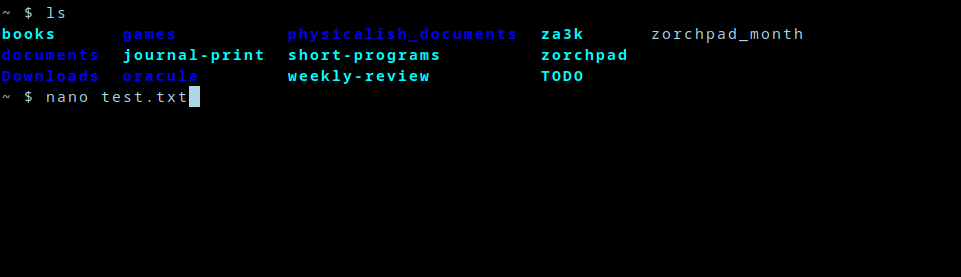][1]
+
+You’re on the terminal, and you open a text editor of chice–nano, vim, emacs, acme etc.
+
+[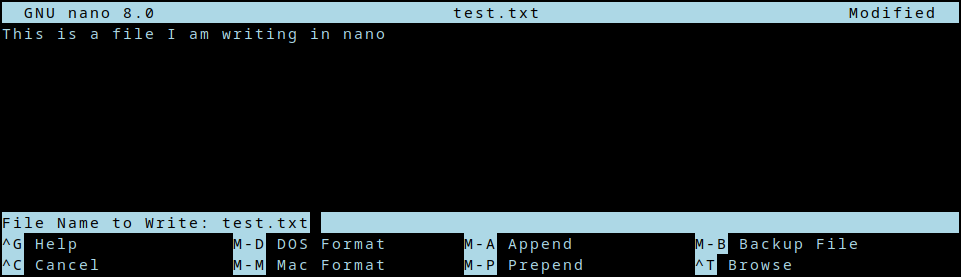][2]
+
+After you edit for a bit, you close the editor.
+
+[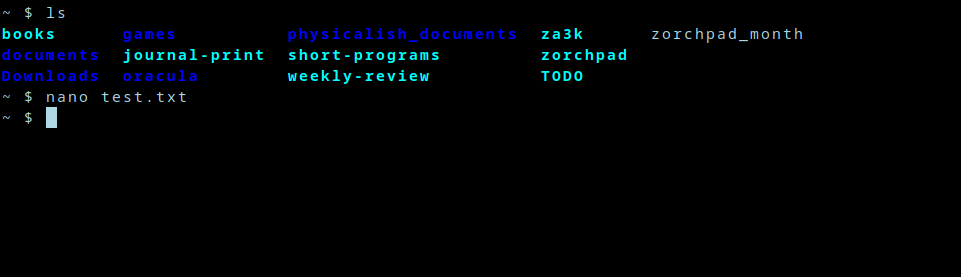][3]
+
+Now you’re back where you left off. My question is, *how?* How does nano remember what used to be on screen? How does it get restored? Is nano doing this, or bash?
+
+Well, I took at look at the [source code][4] to *nano*. Then I thought, “whoa! that’s way too complicated.” So I found a much simpler project called *ted* someone made to educate themselves. That was [also][5] a little complicated, but both seemed to use ncurses. So I wrote the following simple program, which *also* displays something and then restores the screen. Even though it’s very simple, it still works.
+
+ // Compile with: gcc -lncurses editor.c -o editor
+
+ #include <curses.h>
+ #include <stdio.h>
+
+ int main(int argc, char **argv) {
+ initscr();
+
+ refresh();
+ printw("Hello world");
+ getch();
+
+ endwin();
+ return 0;
+ }
+
+Aha, so it’s something in ncurses, maybe. Let’s dive deeper.
+
+So *initscr()* presumably saves the state in some fashion. *endwin()* definitely restores it, because if we comment that out, the terminal stops being restored. Since *initscr()* probably does lots of other irrelevant logic, we could take a look at *endwin()* to dive in. But let’s do something even simpler first.
+
+As background, the linux command line is pretending to be an obsolete piece of hardware called a [terminal][6]. Specifically, it’s pretending to be a model called the DEC VT100 (or a later one, but they’re mostly backwards compatible). The terminal accepted text over a wire, and printed it to the screen.
+
+When it got special text, it would do special things. These are captured today as “escape codes”–special non-printable characters, which cause your software terminal to also do special things. What kind of special things? Well one example escape code is “Backspace”, which deletes the last character. Another code is “\\r\\n” (carriage return; new line), which goes to the beginning of the line, and down one.
+
+I suspect the answer to what’s happening with save and restore of my terminal might be some magic escape codes. So let’s just redirect the output to a file, and see what data is being center over the virtual wire to our virtual terminal.
+
+ $ ./editor >magic.txt
+ $ xxd < magic.txt
+ 00000000: 1b28 421b 2930 1b5b 3f31 3034 3968 1b5b .(B.)0.[?1049h.[
+ 00000010: 313b 3530 721b 5b6d 0f1b 5b34 6c1b 5b48 1;50r.[m..[4l.[H
+ 00000020: 1b5b 4a48 656c 6c6f 2077 6f72 6c64 6a1b .[JHello worldj.
+ 00000030: 5b35 303b 3148 1b5b 3f31 3034 396c 0d1b [50;1H.[?1049l..
+ 00000040: 5b3f 316c 1b3e [?1l.>
+
+
+Well, that’s certainly a bunch of magic. Now something cool happens:
+
+ $ cat magic.txt
+
+This command does *nothing visible*. It doesn’t print “Hello world”, even though that’s in the file. In other words, it’s printing Hello world, then really quick resetting the terminal. Just too fast for my poor human eyes to see.
+
+We’ve confirmed the escape code theory! This file has everything we need. We can look at the source code to ncurses if we’re curious, but we don’t need to (and I won’t).
+
+One thing I immediately see in this file, is that it *doesn’t* seem to contain the words that were on screen. So it’s not that the program read what was on screen, and printed it back later. Rather, there are some magic escape sequences happening to save and restore the terminal.
+
+Okay, so somewhere in those 70 bytes is a magic code or two we want. Let’s examine all the bytes.
+
+What kinds of escape codes appear here? Hex **0x1b** is ESC, basically *the* escape sequence–it cues the terminal in that a special escape code is coming. **0x1b9b** ( **ESC** followed by **\[** )is the CSI escape code. [DEC private codes][7] refer to other escape sequences used by the DEC terminals like the VT00 (I’ll just shorten this to “DEC” below).
+
+Without further ado, let’s break down those 70 bytes. Apologies for any errors below–correct me in the comments.
+
+- **0x1b** (B
+ - Set first character set to US ASCII \[[xterm DEC guide][8]\]
+- **0x1b** )0
+ - Set second character set to “DEC Special Character and Line Drawing Set” \[[xterm DEC guide][9]\]
+- **0x1b9b** ?1049h
+ - **Save cursor as in DECSC and use Alternate Screen Buffer, clearing it first.** \[[xterm CSI guide][10]\]
+- ****0x1b**9b** 1;49r
+ - DECSTBM: Set scrolling region to rows 1-49 \[[xterm CSI guide][11]\]
+ (When I ran the program, my terminal was 49 lines tall inside tmux–so the whole terminal in other words.)
+- **0x1b9b** m
+ - (Empty) color and style set comand \[[ANSI/CSI][12]\]
+ I think this could be left out entirely.
+- **0x0f (Ctrl-O)**
+ - Shift In. Use the standard character set. \[[xterm][13]\]
+- **0x1b9b** 4l
+ - RM: Replace Mode / IRM \[[xterm CSI guide][14]\]
+ Typing doesn’t shift everything over, it writes over existing content.
+- **0x1b9b** H
+ - Move the cursor to “home” (top left of the screen) \[[ANSI/CSI][15]\]
+- **0x1b9b** J
+ - Clear the screen \[[ANSI/CSI][16]\]
+- Hello worldj
+ - The program prints “Hello world”. The final j was echoed when I pressed “j” to exit.
+- **0x1b9b** 49;1H
+ - Move the cursor to line 49, column 1 — the bottom-left corner \[[ANSI/CSI][17]\]
+- **0x1b9b** ?1049l
+ - **Use Normal Screen Buffer and restore cursor as in DECRC** \[[xterm CSI guide][18]\]
+- **0x0d (\\r or Ctrl-M)**
+ - Carriage return \[[xterm][19]\]
+ Moves cursor to column 0
+- ****0x1b**9b** ?1l
+ - DECCKM reset: Re-enables the cursor? \[[VT100][20]\]
+- **0x1b** \>
+ - DECONM: Normal Keypad \[[xterm DEC guide][21], [VT100][22]\]
+
+OK, solved. The magic save bytes are **1b 9b 3f 31 30 34 39 68** (<ESC> \[?1049h). The magic restore bytes are **1b 9b 3f 31 30 34 39 6c** (<ESC> \[?1049l). And xterm or tmux is doing the save/restore magic, based on seeing this escape mode.
+
+Hmm, how minimal can we get a working file, I wonder?
+
+ #!/bin/sh
+ echo -ne '\x1b[?1049h' # Save terminal
+ echo -ne '\x1b[H' # Home the cursor
+ echo "Hello world"
+ sleep 1
+ echo -ne '\x1b[?1049l' # Restore terminal
+
+Yep. That works fine.
+
+ANSI: [https://gist.github.com/fnky/458719343aabd01cfb17a3a4f7296797][23]
+DEC: [https://vt100.net/emu/ctrlseq\_dec.html][24]
+DEC: [https://vt100.net/docs/vt220-rm/chapter4.html#S4.6.18][25]
+xterm’s control sequences: [https://www.xfree86.org/current/ctlseqs.html][26]
+
+[1]: https://blog.za3k.com/wp-content/uploads/2024/05/01-mystery.png
+[2]: https://blog.za3k.com/wp-content/uploads/2024/05/02-mystery.png
+[3]: https://blog.za3k.com/wp-content/uploads/2024/05/03-mystery.png
+[4]: https://github.com/madnight/nano/blob/master/src/nano.c
+[5]: https://github.com/madnight/nano/blob/master/src/nano.c
+[6]: https://en.wikipedia.org/wiki/Computer_terminal
+[7]: https://en.wikipedia.org/wiki/VT100
+[8]: https://www.xfree86.org/current/ctlseqs.html
+[9]: https://www.xfree86.org/current/ctlseqs.html
+[10]: https://www.xfree86.org/current/ctlseqs.html
+[11]: https://www.xfree86.org/current/ctlseqs.html
+[12]: https://gist.github.com/fnky/458719343aabd01cfb17a3a4f7296797
+[13]: https://www.xfree86.org/current/ctlseqs.html
+[14]: https://www.xfree86.org/current/ctlseqs.html
+[15]: https://gist.github.com/fnky/458719343aabd01cfb17a3a4f7296797
+[16]: https://gist.github.com/fnky/458719343aabd01cfb17a3a4f7296797
+[17]: https://gist.github.com/fnky/458719343aabd01cfb17a3a4f7296797
+[18]: https://www.xfree86.org/current/ctlseqs.html
+[19]: https://www.xfree86.org/current/ctlseqs.html
+[20]: https://vt100.net/docs/vt220-rm/chapter4.html#S4.6.18
+[21]: https://www.xfree86.org/current/ctlseqs.html
+[22]: https://vt100.net/docs/vt220-rm/chapter4.html#S4.6.18
+[23]: https://gist.github.com/fnky/458719343aabd01cfb17a3a4f7296797
+[24]: https://vt100.net/emu/ctrlseq_dec.html
+[25]: https://vt100.net/docs/vt220-rm/chapter4.html#S4.6.18
+[26]: https://www.xfree86.org/current/ctlseqs.html
--- /dev/null
+---
+author: admin
+categories:
+- Non-Technical
+date: 2015-01-18 17:12:54-07:00
+markup: html
+source: wordpress
+tags:
+- art
+- computercraft
+- minecraft
+- pixel art
+title: A pixel art
+updated: 2015-01-18 17:13:15-07:00
+wordpress_id: 101
+wordpress_slug: a-pixel-art
+---
+[][1]
+
+[1]: https://blog.za3k.com/wp-content/uploads/2015/01/Screen-Shot-2015-01-13-at-11.12.20-AM.png
--- /dev/null
+---
+author: admin
+categories:
+- Technical
+date: 2017-07-06 18:20:09-07:00
+markup: html
+source: wordpress
+tags:
+- archiving
+- crawling
+- internet archive
+- recipe
+title: All the recipes
+updated: 2017-07-24 13:17:10-07:00
+wordpress_id: 424
+wordpress_slug: all-the-recipes
+---
+I’ve crawled the largest english-language recipes sites, and parsed the results into JSON. Go do fun things with a database of 140,000 recipes!
+
+Not much to say here, just a link: [https://archive.org/details/recipes-en-201706][1]
+
+[1]: https://archive.org/details/recipes-en-201706
--- /dev/null
+---
+author: admin
+categories:
+- Technical
+date: 2014-07-26 23:29:47-07:00
+markup: html
+source: wordpress
+tags:
+- AWS
+- cloud
+title: Amazon AWS
+updated: 2014-10-18 03:28:55-07:00
+wordpress_id: 7
+wordpress_slug: amazon-aws
+---
+I was originally planning to write a rosetta-stone style guide for similar commands between digital ocean, google compute, and AWS. Instead, I spent all day writing this [CLI tool for EC2][1] which wraps the enormous and unintuitive AWS command-line tool. It’s not totally polished, namely you’ll have to hand-substitute some stuff at the top of the script that should properly go in a config file, but hopefully someone will find it useful.
+
+As a warning it terminates, not just stops, all amazon instances when asked.
+
+[1]: https://github.com/vanceza/ec2-cli
--- /dev/null
+---
+author: admin
+categories:
+- Technical
+date: 2014-11-23 13:51:31-07:00
+markup: html
+source: wordpress
+tags:
+- android
+- arch linux
+- backup
+- phone
+- system administration
+title: Android backup on arch linux
+updated: 2015-04-24 02:41:58-07:00
+wordpress_id: 63
+wordpress_slug: android-backup-on-arch-linux
+---
+Edit: See [here][1] for an automatic version of the backup portion.
+
+Connecting android to Windows and Mac, pretty easy. On arch linux? Major pain. Here’s what I did, mostly via the help of the [arch wiki][2]:
+
+1. Rooted my phone. Otherwise you can’t back up major parts of the file system (including text messages and most application data) \[EDIT: Actually, you can’t back these up over MTP even once you root your phone. Oops.\]
+2. Installed [jmtpfs][3], a FUSE filesystem for mounting MTP, the new alternative to mount-as-storage on portable devices.
+3. Enabled ‘user\_allow\_other’ in /etc/fuse.conf. I’m not sure if I **needed** to, but I did.
+4. Plugged in the phone, and mounted the filesystem:
+
+ jmtpfs /media/android
+
+ The biggest pitfall I had was that if the phone’s screen is not unlocked at this point, mysterious failures will pop up later.
+
+5. Synced the contents of the phone. For reasons I didn’t diagnose (I assume specific to FUSE), this actually fails as root:
+
+ rsync -aAXv --progress --fake-super --one-file-system /media/android --delete --delete-excluded "$SYNC\_DESTINATION"
+
+
+1. Pingback: [Backup android on plugin | Optimal Prime][4]
+
+
+[1]: https://blog.za3k.com/backup-android-on-plugin/ "Backup android on plugin"
+[2]: https://wiki.archlinux.org/index.php/MTP "arch wiki"
+[3]: https://aur.archlinux.org/packages/jmtpfs/ "jmtpfs"
+[4]: https://blog.za3k.com/backup-android-on-plugin/
--- /dev/null
+---
+author: admin
+categories:
+- Non-Technical
+date: 2023-04-23 16:32:01-07:00
+markup: html
+source: wordpress
+tags:
+- ircpuzzles
+- puzzles
+title: April Fools Puzzle Contest Solutions
+updated: 2023-04-23 16:32:02-07:00
+wordpress_id: 1011
+wordpress_slug: april-fools-puzzle-contest-solutions
+---
+The April Fools Puzzle Contest is over. Congrats to the [winners][1].
+
+I wrote up solutions for [2019][2], [2020][3], [2021][4], [2022][5], and [2023][6] (2023 not yet live).
+
+Spoiler tags are available, so you see clues and incremental hints, if you missed the original contest and want to play one.
+
+[1]: https://blog.ircpuzzles.org/2023/04/2023-april-fools-rankings/
+[2]: https://blog.ircpuzzles.org/2023/04/2019-afpc-summary/
+[3]: https://blog.ircpuzzles.org/2023/04/2020-afpc-summary/
+[4]: https://blog.ircpuzzles.org/2023/04/2021-afpc-summary/
+[5]: https://blog.ircpuzzles.org/2023/04/2022-afpc-summary/
+[6]: https://blog.ircpuzzles.org/category/solutions/
--- /dev/null
+---
+author: admin
+categories:
+- Non-Technical
+date: 2023-04-04 11:33:24-07:00
+markup: html
+source: wordpress
+tags:
+- irc
+- puzzles
+title: April Fools Puzzle Contest
+updated: 2023-04-04 11:33:24-07:00
+wordpress_id: 1005
+wordpress_slug: april-fools-puzzle-contest
+---
+See [https://blog.ircpuzzles.org/2023/04/2023-april-fools-live/][1] for how to play.
+
+Every year, the libera IRC network has a puzzle contest starting on 04-01. (It’s not an april fools joke). It’s fun but quite difficult.
+
+This year I wrote about a third of the puzzles. Give them a try, either alone or as a team! It will be open indefinitely, but social activity will die off in a week or two.
+
+As of writing, no one has won (finished all the puzzles) just yet.
+
+[1]: https://blog.ircpuzzles.org/2023/04/2023-april-fools-live/
--- /dev/null
+---
+author: admin
+categories:
+- Technical
+date: 2015-12-05 19:25:52-07:00
+markup: html
+source: wordpress
+tags:
+- backup
+- bash
+- linux
+- sysadmin
+title: Archiving all bash commands typed
+updated: 2015-12-05 19:25:52-07:00
+wordpress_id: 391
+wordpress_slug: archiving-all-bash-commands-typed
+---
+This one’s a quickie. Just a second of my config to record all bash commands to a file (.bash\_eternal\_history) forever. The default bash HISTFILESIZE is 500. Setting it to a non-numeric value will make the history file grow forever (although not your actual history size, which is controlled by HISTSIZE).
+
+I do this in addition:
+
+#~/.bash.d/eternal-history
+# don't put duplicate lines in the history
+HISTCONTROL=ignoredups
+# append to the history file, don't overwrite it
+shopt -s histappend
+# for setting history length see HISTSIZE and HISTFILESIZE in bash(1)
+HISTFILESIZE=infinite
+# Creates an eternal bash log in the form
+# PID USER INDEX TIMESTAMP COMMAND
+export HISTTIMEFORMAT="%s "
+
+PROMPT\_COMMAND="${PROMPT\_COMMAND:+$PROMPT\_COMMAND ; }"'echo $$ $USER \\
+"$(history 1)" >> ~/.bash\_eternal\_history'
--- /dev/null
+---
+author: admin
+categories:
+- Technical
+date: 2015-12-05 19:18:13-07:00
+markup: html
+source: wordpress
+tags:
+- backup
+- http
+- https
+- mitm
+- proxy
+title: Archiving all web traffic
+updated: 2015-12-06 01:06:20-07:00
+wordpress_id: 388
+wordpress_slug: archiving-all-web-traffic
+---
+Today I’m going to walk through a setup on how to archive all web (HTTP/S) traffic passing over your Linux desktop. The basic approach is going to be to install a proxy which records traffic. It will record the traffic to WARC files. You can’t proxy non-HTTP traffic (for example, chat or email) because we’re using an HTTP proxy approach.
+
+The end result is pretty slow for reasons I’m not totally sure of yet. It’s possible warcproxy isn’t streaming results.
+
+1. Install the server
+
+ \# pip install warcproxy
+
+2. Make a warcprox user to run the proxy as.
+
+ \# useradd -M --shell=/bin/false warcprox
+
+3. Make a root certificate. You’re going to intercept HTTPS traffic by pretending to be the website, so if anyone gets ahold of this, they can fake being every website to you. Don’t give it out.
+
+ \# mkdir /etc/warcprox
+ # cd /etc/warcprox
+ # sudo openssl genrsa -out ca.key 409
+ # sudo openssl req -new -x509 -key ca.key -out ca.crt
+ # cat ca.crt ca.key >ca.pem
+ # chown root:warcprox ca.pem ca.key
+ # chmod 640 ca.pem ca.key
+
+4. Set up a directory where you’re going to store the WARC files. You’re saving all web traffic, so this will get pretty big.
+
+ \# mkdir /var/warcprox
+ # chown -R warcprox:warcprox /var/warcprox
+
+5. Set up a boot script for warcproxy. Here’s mine. I’m using supervisorctl rather than systemd.
+
+ #/etc/supervisor.d/warcprox.ini
+ \[program:warcprox\]
+ command=/usr/bin/warcprox -p 18000 -c /etc/warcprox/ca.pem --certs-dir ./generated-certs -g sha1
+ directory=/var/warcprox
+ user=warcprox
+ autostart=true
+ autorestart=unexpected
+
+6. Set up any browers, etc to use localhost:18000 as your proxy. You could also do some kind of global firewall config. Chromium in particular was pretty irritating on Arch Linux. It doesn’t respect $http\_proxy, so you have to pass it separate options. This is also a good point to make sure anything you don’t want recorded BYPASSES the proxy (for example, maybe large things like youtube, etc).
--- /dev/null
+---
+author: admin
+categories:
+- Technical
+date: 2014-11-08 09:52:14-07:00
+markup: html
+source: wordpress
+tags:
+- backup
+- git
+- github
+- system administration
+title: Archiving github
+updated: 2014-11-22 09:47:39-07:00
+wordpress_id: 41
+wordpress_slug: archiving-github
+---
+[GitHub-Backup][1] is a small project to archive github repos to a local computer. It advertises that one reason to use it is
+
+> You are paranoid tinfoil-hat wearer who needs to back up everything in triplicate on a variety of outdated tape media.
+
+which describes why I was searching it out perfectly.
+
+I made a new account on my server (github) and cloned their repo.
+
+sudo useradd -m github
+sudo -i- u github
+git clone git@github.com:clockfort/GitHub-Backup.git
+
+Despite being semi-unmaintained, everything mostly works still. There were two exceptions–some major design problems around private repos. I only need to back up my public repos really, so I ‘solved’ this by issuing an Oauth token that only knows about public repos. And second, a small patch to work around a bug with User objects in the underlying Github egg:
+
+- os.system("git config --local gitweb.owner %s"%(shell\_escape("%s <%s>"%(repo.user.name, repo.user.email.encode("utf-8"))),))
++ if hasattr(repo.user, 'email') and repo.user.email:
++ os.system("git config --local gitweb.owner %s"%(shell\_escape("%s <%s>"%(repo.user.name, repo.user.email.encode("utf-8"))),))
+
+Then I just shoved everything into a cron task and we’re good to go.
+
+@hourly GitHub-Backup/github-backup.py -m -t vanceza /home/github/vanceza
+
+Edit: There’s a similar project for bitbucket I haven’t tried out: [https://bitbucket.org/fboender/bbcloner][2]
+
+[1]: https://github.com/clockfort/GitHub-Backup "GitHub-Backup"
+[2]: https://bitbucket.org/fboender/bbcloner
--- /dev/null
+---
+author: admin
+categories:
+- Technical
+date: 2014-11-23 13:14:46-07:00
+markup: html
+source: wordpress
+tags:
+- backup
+- email
+- gmail
+title: Archiving gmail
+updated: 2014-11-23 13:14:46-07:00
+wordpress_id: 59
+wordpress_slug: archiving-gmail
+---
+I set up an automatic archiver for gmail, using the special-purpose tool [gm-vault][1]. It was fairly straightforward, no tutorial here. The daily sync:
+
+@daily cd ~gmail && cronic gmvault sync -d "/home/gmail/vanceza@gmail.com" vanceza@gmail.com
+
+I’m specifying a backup folder here (-d) so I can easily support multiple accounts, one per line.
+
+[Cronic][2] is a tool designed to make cron’s default email behavior better, so I get emailed only on actual backup failures.
+
+[1]: http://gmvault.org/
+[2]: http://habilis.net/cronic/ "Cronic"
--- /dev/null
+---
+author: admin
+categories:
+- Technical
+date: 2015-10-19 22:33:34-07:00
+markup: html
+source: wordpress
+tags:
+- backup
+- linux
+- osx
+- twitch
+title: Archiving Twitch
+updated: 2015-10-19 23:12:30-07:00
+wordpress_id: 327
+wordpress_slug: archiving-twitch
+---
+Install jq and youtube-dl
+
+Get a list of the last 100 URLs:
+
+curl https://api.twitch.tv/kraken/channels/${TWITCH\_USER}/videos?broadcasts=true&limit=100 |
+ jq -r '.videos\[\].url' > past\_broadcasts.txt
+
+Save them locally:
+
+youtube-dl -a past\_broadcasts.txt -o "%(upload\_date)s.%(title)s.%(id)s.%(ext)s"
+
+Did it. youtube-dl is smart enough to avoid re-downloading videos it already has, so as long as you run this often enough (I do daily), you should avoid losing videos before they’re deleted.
+
+Thanks [jrayhawk][1] for the API info.
+
+[1]: http://www.omgwallhack.org/home/jrayhawk/
--- /dev/null
+---
+author: admin
+categories:
+- Technical
+date: 2014-11-23 14:35:14-07:00
+markup: html
+source: wordpress
+tags:
+- apis
+- backup
+- jq
+- system administration
+- twitter
+title: Archiving twitter
+updated: 2014-11-24 13:12:44-07:00
+wordpress_id: 61
+wordpress_slug: archiving-twitter
+---
+([Output][1])
+
+I wanted to archive twitter so that I could
+
+1. Make sure old content was easily available
+2. Read twitter in a one-per-line format without ever logging into the site
+
+[twitter\_ebooks][2] is a framework to make twitter bots, but it includes an ‘archive’ component to fetch historical account content which is apparently unique in that it 1) works with current TLS and 2) works the current twitter API. It stores the tweets in a JSON format which presumably matches the API return values. Usage is simple:
+
+while read account
+do
+ [ebooks][3] archive "${account}" "archive/${account}.json"
+ [jq][4] -r 'reverse | .\[\] | "\\(.created\_at|@sh)\\t \\(.text|@sh)"' "archive/${account}.json" >"archive/${account}.txt"
+done <accounts.txt
+
+I ran into a bug with [upstream incompatibilities][5] which is easily fixed. Another caveat is that the twitter API only allows access 3200 tweets back in time for an account–all the more reason to set up archiving ASAP. Twitter’s rate-limiting is also extreme ([15-180 req/15 min][6]), and I’m [worried about][7] a problem where my naive script can’t make it through a list of more than 15 accounts even with no updates.
+
+[1]: https://za3k.com/~twitter_archive/
+[2]: https://github.com/mispy/twitter_ebooks
+[3]: https://github.com/mispy/twitter_ebooks
+[4]: http://stedolan.github.io/jq/
+[5]: https://github.com/mispy/twitter_ebooks/issues/34
+[6]: https://dev.twitter.com/rest/public/rate-limiting
+[7]: https://github.com/mispy/twitter_ebooks/issues/37
--- /dev/null
+---
+author: admin
+categories:
+- Non-Technical
+date: 2022-07-06 11:26:32-07:00
+markup: html
+source: wordpress
+tags:
+- blog
+- website
+- za3k.com
+title: Articles section
+updated: 2022-07-06 11:26:32-07:00
+wordpress_id: 743
+wordpress_slug: articles-section
+---
+I added an [articles section][1] to my website with all blog posts up until now.
+
+I also fixed the very, very old [archived blog][2] from 2014.
+
+[1]: https://za3k.com/blog
+[2]: https://za3k.com/archive/wordpress/
--- /dev/null
+---
+author: admin
+categories:
+- Technical
+date: 2015-04-23 23:03:49-07:00
+markup: html
+source: wordpress
+tags:
+- android
+- arch linux
+- backup
+- linux
+title: Backup android on plugin
+updated: 2015-04-24 02:29:05-07:00
+wordpress_id: 177
+wordpress_slug: backup-android-on-plugin
+---
+In a [previous post][1] I discussed how to backup android with rsync. In this post, I’ll improve on that solution so it happens when you plug the phone in, rather than manually. My solution happens to know I have only one phone; you should adjust accordingly.
+
+The process is
+
+1. Plug the phone in
+2. Unlock the screen (you’ll see a prompt to do this).
+3. Backup starts automatically
+4. Wait for the backup to finish before unplugging
+
+First, let’s add a udev rule to auto-mount the phone when it’s plugged in and unlocked, and run appropriate scripts.
+
+\# 10-android.rules
+ACTION=="add", SUBSYSTEM=="usb", ATTR{idVendor}=="18d1", ATTR{idProduct}=="4ee2", MODE="0660", GROUP="plugdev", SYMLINK+="android", RUN+="/usr/local/bin/android-connected"
+ACTION=="remove", SUBSYSTEM=="usb", ENV{ID\_MODEL}=="Nexus\_4", RUN+="/usr/local/bin/android-disconnected"
+
+Next, we’ll add android-connected and android-disconnected
+
+#!/bin/bash
+# /usr/local/bin/android-connected
+if \[\[ "$1" != "-f" \]\]
+then
+ echo "/usr/local/bin/android-connected -f" | /usr/bin/at now
+ exit 0
+fi
+
+sudo -u zachary DISPLAY=:0 /usr/bin/notify-send "Android plugged in, please unlock."
+sudo -u zachary /usr/local/bin/android-mountfs
+sudo -u zachary DISPLAY=:0 /usr/bin/notify-send "Mounted, backing up..."
+/usr/bin/flock /var/lock/phone-backup.pid sudo -u zachary /usr/local/bin/phone-backup-xenu
+sudo -u zachary DISPLAY=:0 /usr/bin/notify-send "Backup completed."
+
+\# !/bin/sh
+# /usr/local/bin/android-disconnected
+#!/bin/sh
+sudo -u zachary DISPLAY=:0 /usr/bin/notify-send "Android unplugged."
+sudo -u zachary /usr/local/bin/android-umountfs
+
+We’ll add something to mount and unmount the system. Keeping in mind that mounting only works when the screen is unlocked we’ll put that in a loop that checks if the mount worked:
+
+#!/bin/sh
+# /usr/local/bin/android-mountfs
+
+android\_locked()
+{
+ls /media/android 2>/dev/null >/dev/null
+\[ "$?" -eq 2 \]
+}
+
+jmtpfs /media/android # mount
+while android\_locked; do
+ fusermount -u /media/android
+ sleep 3
+ jmtpfs /media/android # mount
+done
+
+#!/bin/sh
+# /usr/local/bin/android-umountfs
+fusermount -u /media/android
+
+The contents of /usr/local/bin/phone-backup are pretty me-specific so I’ll omit it, but it copies /media/android over to a server. (fun detail: MTP doesn’t show all information even on a rooted phone, so there’s more work to do)
+
+1. Pingback: [Android backup on arch linux | Optimal Prime][2]
+
+2. Pingback: [Year in Review | Optimal Prime][3]
+
+
+[1]: https://blog.za3k.com/android-backup-on-arch-linux/ "Android backup on arch linux"
+[2]: https://blog.za3k.com/android-backup-on-arch-linux/
+[3]: https://blog.za3k.com/year-in-review/
--- /dev/null
+---
+author: admin
+categories:
+- Non-Technical
+date: 2024-02-22 11:59:04-07:00
+markup: html
+source: wordpress
+tags:
+- cooking
+- recipe
+title: "B\xE1nh Ch\u01B0ng"
+updated: 2024-02-22 11:59:05-07:00
+wordpress_id: 1296
+wordpress_slug: banh-chung
+---
+A few friends and I first experienced this traditional Vietnamese Tết (Lunar New Year) food while visiting years ago. We loved it, and recently I looked up how to make it myself. It’s not a well known food in the US, so I thought it would still be fun to share.
+
+I followed the recipe from “[Enjoy a simple life][1]“, but made a homemade cardboard mold as suggested by “[Takes Two Eggs][2]“.
+
+[][3]
+
+[][4]
+
+[][5]
+
+[][6]
+
+Like a bread, this recipe takes a fair bit of time. I would start in the morning.
+
+1. Soak rice and mung beans overnight. Marinate seitan or meat.
+2. About 30 minutes of cooking. Boil beans and rice.
+3. About 30 minutes wrapping and packaging.
+4. Finally, an 8-12 hour boil in a big pot of water.
+
+Ingredients needed:
+
+- Seitan or pork belly (optional), 4-8 oz
+- **5 c** glutinous rice, lightly rinsed twice and soaked overnight
+- **2½ c** dried slit mung beans, washed and soaked overnight
+- 2 shallots, thinly sliced
+- 2 leeks, use white part, thinly sliced
+- **2 t** salt
+- **3 t** black pepper
+- **1 t** sugar
+- **2 t** good soy sauce
+- **2 T** fish sauce or **1 T** mushroom powder
+- **½ c** vegetable or peanut oil
+
+Additional supplies:
+
+- Banana leaves (defrosted)
+- Twine, string, etc
+- Scissors
+- Plastic wrap
+- Aluminium foil
+- Cardboard and packing tape to make a mold. I used a soda box
+
+Ingredient Prep:
+
+1. Cook rice with salt.
+2. Steam mung beans. Food-process them.
+3. Fry shallots and leeks in oil. Add seasonings.
+4. Remove from heat. Add the rest of the oil and mung beans. Mix thoroughly.
+
+Making the cakes:
+
+1. Place the square cardboard mold on a sheet of plastic wrap.
+2. Put two cut banana leaves inside to form a little square pocket.
+3. In the pocket, layer ½ c rice, ¼ c mung beans mix, strips of meat or seitan, ¼ c mung beans, and ½ c rice.
+4. Fold the banana leaves over, and remove the mold. Close the plastic wrap to hold everything together.
+5. Wrap the plastic wrap in a layer of alumnium foil.
+6. Tie the foil shut with string.
+
+Once you have all your cakes made, boil them at a low simmer for 8-12 hours. Your cakes are done.
+
+They last weeks and stay pretty tasty. You can freeze them if you want them to last even longer.
+
+Sources:
+
+1. [https://enjoyasimplelife.blogspot.com/2012/01/vegetarian-sticky-rice-banh-chung-chay.html][7]
+2. [https://takestwoeggs.com/banh-chung/][8]
+
+[1]: https://enjoyasimplelife.blogspot.com/2012/01/vegetarian-sticky-rice-banh-chung-chay.html
+[2]: https://takestwoeggs.com/banh-chung/
+[3]: https://blog.za3k.com/wp-content/uploads/2024/02/fork-crop.jpg
+[4]: https://blog.za3k.com/wp-content/uploads/2024/02/foil-crop.jpg
+[5]: https://blog.za3k.com/wp-content/uploads/2024/02/leaves-crop.jpg
+[6]: https://blog.za3k.com/wp-content/uploads/2024/02/unwrapped-crop.jpg
+[7]: https://enjoyasimplelife.blogspot.com/2012/01/vegetarian-sticky-rice-banh-chung-chay.html
+[8]: https://takestwoeggs.com/banh-chung/
--- /dev/null
+---
+author: admin
+categories:
+- Non-Technical
+date: 2017-07-24 12:58:32-07:00
+markup: html
+source: wordpress
+tags:
+- blast furnace
+- diy
+- fire
+- furnace
+- metalworking
+title: Blast Furance
+updated: 2017-07-24 12:58:32-07:00
+wordpress_id: 430
+wordpress_slug: blast-furance
+---
+We made a blast furnace, following David Gingery’s [The Charcoal Foundry][1]. Here are some pictures of the firing process. We haven’t melted or cast any metal yet.
+
+[][2]
+
+Slow initial burn to drive out most of the water
+
+[][3]
+
+Blast furnace in action to completely dry it
+
+[][4]
+
+You can tell we’re trained professionals by the fan setup
+
+[][5]
+
+Blast furnace meat is best meat
+
+[][6]
+
+Richard looking dubiously at the furnace
+
+[1]: https://www.amazon.com/Charcoal-Foundry-Build-Metal-Working/dp/1878087002
+[2]: https://blog.za3k.com/wp-content/uploads/2017/07/furnace-initial-burn.jpg
+[3]: https://blog.za3k.com/wp-content/uploads/2017/07/furnace-blast.jpg
+[4]: https://blog.za3k.com/wp-content/uploads/2017/07/furnace-fan.jpg
+[5]: https://blog.za3k.com/wp-content/uploads/2017/07/furnace-grill.jpg
+[6]: https://blog.za3k.com/wp-content/uploads/2017/07/furnace-richard.jpg
--- /dev/null
+---
+author: admin
+categories:
+- Technical
+date: 2023-12-18 17:45:53-07:00
+markup: html
+source: wordpress
+tags:
+- art
+- followup
+- hack-a-day
+title: Blueprint Maker (13) Complete
+updated: 2023-12-18 17:45:53-07:00
+wordpress_id: 1259
+wordpress_slug: blueprint-maker-13-complete
+---
+More followup for my house blueprint maker. The project is now done.
+
+[][1]
+
+New features include:
+
+- Premade icons for windows, doors, etc
+- Polygons (not just rectangles)
+- Pan and Zoom
+- Move and Delete text and icons
+- Share your finished project with a link
+
+See the demo [here][2]. The source code is [on github][3].
+
+[1]: https://za3k.github.io/ha3k-13-blueprint/
+[2]: https://za3k.github.io/ha3k-13-blueprint/
+[3]: https://github.com/za3k/ha3k-13-blueprint
--- /dev/null
+---
+author: admin
+categories:
+- Non-Technical
+date: 2023-08-17 12:20:03-07:00
+markup: html
+source: wordpress
+tags:
+- games
+- organization
+title: Board Game Travel Kit
+updated: 2023-08-17 12:21:35-07:00
+wordpress_id: 1123
+wordpress_slug: board-game-travel-kit
+---
+I condensed some of card games into one box:
+
+[][1]
+
+Left to right: Doomlings, Star Realms, The Mind, Chrononauts, FitzIt, Are you the traitor?, Are you a werewolf?, Hanabi, Set, Icehouse/Zendo rules, regular playing cards
+
+I’ve noticed that board game boxes tend to be a little big. I combined five into one box:
+
+[][2]
+
+Azul, Settlers of Catan, Clank, Concept, Nuclear War
+
+[][3]
+
+This is “portable” if you have a car trunk, maybe! It’s heavy as heck.
+
+[1]: https://blog.za3k.com/wp-content/uploads/2023/08/cards_open-scaled.jpg
+[2]: https://blog.za3k.com/wp-content/uploads/2023/08/box_open-scaled.jpg
+[3]: https://blog.za3k.com/wp-content/uploads/2023/08/both_closed.jpg
--- /dev/null
+---
+author: admin
+categories:
+- Technical
+date: 2019-08-09 00:49:39-07:00
+markup: html
+source: wordpress
+tags:
+- blackmagic
+- linux
+- streaming
+title: Capturing video on Debian Linux with the Blackmagic Intensity Pro 4K card
+updated: 2020-05-17 12:55:33-07:00
+wordpress_id: 462
+wordpress_slug: capturing-video-on-debian-linux-with-the-blackmagic-intensity-pro-4k-card
+---
+Most of this should apply for any linux system, other than the driver install step. Also, I believe most of it applies to DeckLink and Intensity cards as well.
+
+My main source is [https://gist.github.com/afriza/879fed4ede539a5a6501e0f046f71463][1]. I’ve re-written for clarity and Debian.
+
+1. Set up hardware. On the Intensity Pro 4K, I see a black screen on my TV when things are set up correctly (a clear rectangle, not just nothing).
+2. From the Blackmagic site, download “Desktop Video SDK” version 10.11.4 (not the latest). Get the matching “Desktop Video” software for Linux.
+3. Install the drivers. In my case, these were in `desktopvideo_11.3a7_amd64.deb`.
+ After driver install, `lsmod | grep blackmagic` should show a driver loaded on debian.
+ You can check that the PCI card is recognized with `lspci | grep Blackmagic` (I think this requires the driver but didn’t check)
+4. Update the firmware (optional). `sudo BlackmagicFirmwareUpdater status` will check for updates available. There were none for me.
+5. Extract the SDK. Move it somewhere easier to type. The relevant folder is `Blackmagic DeckLink SDK 10.11.4/Linux/includes`. Let’s assume you move that to `~/BM_SDK`
+6. Build ffmpeg from source. I’m here copying from my source heavily.
+ 1. Get the latest ffmpeg source and extract it. Don’t match the debian version–it’s too old to work.
+ `wget https://ffmpeg.org/releases/ffmpeg-4.2.tar.bz2 && tar xf ffmpeg-*.tar.bz2 && cd ffmpeg-*`
+ 2. Install build deps.
+ `sudo apt-get install nasm yasm libx264-dev libx265-dev libnuma-dev libvpx-dev libfdk-aac-dev libmp3lame-dev libopus-dev libvorbis-dev libass-dev`
+ 3. Build.
+ `PKG_CONFIG_PATH="$HOME/ffmpeg_build/lib/pkgconfig" ./configure --prefix="$HOME/ffmpeg_build" --pkg-config-flags="--static" --extra-cflags="-I$HOME/ffmpeg_build/include -I$HOME/ffmpeg_sources/BMD_SDK/include" --extra-ldflags="-L$HOME/ffmpeg_build/lib" --extra-libs="-lpthread -lm" --enable-gpl --enable-libass --enable-libfdk-aac --enable-libfreetype --enable-libmp3lame --enable-libopus --enable-libvorbis --enable-libvpx --enable-libx264 --enable-libx265 --enable-nonfree --enable-decklink`
+
+ `` make -j $(`nproc)` ``
+
+ `sudo cp ffmpeg ffprobe /usr/local/bin/`
+7. Use ffmpeg.
+ `ffmpeg -f decklink -list_devices 1 -i dummy` should show your device now. Note the name for below.
+
+ `ffmpeg -f decklink -list_formats 1 -i 'Intensity Pro 4K'` shows supported formats. Here’s what I see for the Intensity Pro 4K:
+
+ [decklink @ 0x561bd9881800] Supported formats for 'Intensity Pro 4K':
+ format_code description
+ ntsc 720x486 at 30000/1001 fps (interlaced, lower field first)
+ pal 720x576 at 25000/1000 fps (interlaced, upper field first)
+ 23ps 1920x1080 at 24000/1001 fps
+ 24ps 1920x1080 at 24000/1000 fps
+ Hp25 1920x1080 at 25000/1000 fps
+ Hp29 1920x1080 at 30000/1001 fps
+ Hp30 1920x1080 at 30000/1000 fps
+ Hp50 1920x1080 at 50000/1000 fps
+ Hp59 1920x1080 at 60000/1001 fps
+ Hp60 1920x1080 at 60000/1000 fps
+ Hi50 1920x1080 at 25000/1000 fps (interlaced, upper field first)
+ Hi59 1920x1080 at 30000/1001 fps (interlaced, upper field first)
+ Hi60 1920x1080 at 30000/1000 fps (interlaced, upper field first)
+ hp50 1280x720 at 50000/1000 fps
+ hp59 1280x720 at 60000/1001 fps
+ hp60 1280x720 at 60000/1000 fps
+ 4k23 3840x2160 at 24000/1001 fps
+ 4k24 3840x2160 at 24000/1000 fps
+ 4k25 3840x2160 at 25000/1000 fps
+ 4k29 3840x2160 at 30000/1001 fps
+ 4k30 3840x2160 at 30000/1000 fps
+
+
+Capture some video: `ffmpeg -raw_format argb -format_code Hp60 -f decklink -i 'Intensity Pro 4K' test.avi`
+
+The format (`raw_format` and `format_code`) will vary based on your input settings. In particular, note that`-raw_format uyvy422` is the default, which I found did not match my computer output. I was able to switch either the command line or the computer output settings to fix it.
+
+Troubleshooting
+
+- **I’m not running any capture, but passthrough isn’t working.** That’s how the Intensity Pro 4K works. Passthrough is not always-on. I’d recommend a splitter if you want this for streaming.
+- **ffmpeg won’t compile.** Your DeckLink SDK may be too new. Get 10.11.4 instead.
+- **I can see a list of formats, but I can’t select one using -format\_code. ffmpeg doesn’t recognize the option.** Your ffmpeg is too old. Download a newer source.
+- **When I look at the video, I see colored bars. The HDMI output turns on during recording.** The Intensity Pro 4K outputs this when the resolution, hertz, or color format does not match the input. This also happens if your SDK and driver versions are mismatched.
+
+Sources:
+
+- [https://gist.github.com/afriza/879fed4ede539a5a6501e0f046f71463][2]
+- [https://ffmpeg.org/ffmpeg-devices.html#decklink][3]
+
+[1]: https://gist.github.com/afriza/879fed4ede539a5a6501e0f046f71463
+[2]: https://gist.github.com/afriza/879fed4ede539a5a6501e0f046f71463
+[3]: https://ffmpeg.org/ffmpeg-devices.html#decklink
--- /dev/null
+---
+author: admin
+categories:
+- Non-Technical
+date: 2015-09-29 19:26:06-07:00
+markup: html
+source: wordpress
+tags:
+- cardboard
+- crafts
+- lost purposes
+- organization
+- papercrafts
+title: Cardboard mail holders
+updated: 2015-10-17 19:28:56-07:00
+wordpress_id: 248
+wordpress_slug: cardboard-mail-holders
+---
+Our house has seven people, so today I made some mail holders to put on our doors.
+
+[][1]
+
+I basically had some long cardboard boxes, and cut them in half. Then I added new ends and separators in the middle.
+
+I’m not sure if they’ll actually get used. Mail on the floor looks bad, but these aren’t that hot either. If you make some and want to improve the look, you can cover everything in paper or cardstock.
+
+[1]: https://blog.za3k.com/wp-content/uploads/2015/09/cardboard_near0.5.jpg
--- /dev/null
+---
+author: admin
+categories:
+- Technical
+date: 2014-10-30 08:56:07-07:00
+markup: html
+source: wordpress
+tags:
+- configuration
+- linux
+- mailx
+title: "Configuring mailx\u2019s .mailrc with Gmail"
+updated: 2014-10-30 08:57:14-07:00
+wordpress_id: 33
+wordpress_slug: configuring-mailxs-mailrc-with-gmail
+---
+Here’s how I added gmail to .mailrc for the BSD program mailx, provided by the *s-nail* package in arch.
+
+account gmail {
+ set folder=imaps://example@gmail.com@imap.gmail.com
+ set password-example@gmail.com@imap.gmail.com="PASS"
+ set smtp-use-starttls
+ set smtp=smtp://smtp.gmail.com:587
+ set smtp-auth=login
+ set smtp-auth-user=example@gmail.com
+ set smtp-auth-password="PASS"
+ set from="John Smith <example@gmail.com>"
+}
+
+Replace **PASS** with your actual password, and **example@gmail.com** with your actual email. Read the documentation if you want to avoid plaintext passwords.
+
+You can send mail with ‘mail -A gmail <params>’. If you have only one account, remove the first and last line and use ‘mail <params>’
--- /dev/null
+---
+author: admin
+categories:
+- Technical
+date: 2015-10-18 18:27:48-07:00
+markup: html
+source: wordpress
+tags:
+- computercraft
+- hacks
+- minecraft
+title: Controlling a computercraft turtle remotely
+updated: 2015-11-29 23:04:07-07:00
+wordpress_id: 313
+wordpress_slug: controlling-a-computercraft-turtle-remotely
+---
+[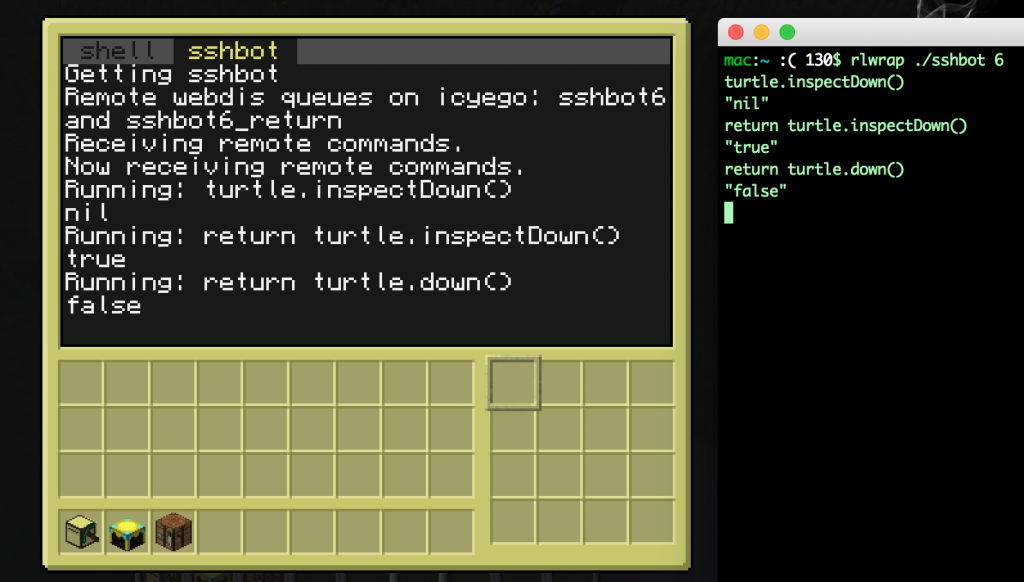][1][][2]
+
+1. Install Redis: [https://www.digitalocean.com/community/tutorials/how-to-install-and-use-redis][3]
+2. Install [Webdis
+ ][4]
+3. Start a minecraft server with computercraft. You will need to have the http API enabled, which is the default.
+4. Put down a turtle I recommend a turtle with a crafting square and a pickaxe. I also recommend giving it a label. If you’re not trying the [turtle replication challenge][5], either disable fuel or get a fair bit of starting fuel. Write down the computer’s id.
+5. Put down a chunk loader, if you’re in a modpack that has them, or DON’T log out. Computers and turtles can’t operate unless the chunks are loaded. If you’re putting down a chunkloader, I surrounded them with bedrock for foolproofing.
+6. Open the turtle and download the following script, changing “redis.example.com” to your own redis instance: pastebin get 8FjggG9w startup
+ After you have the script saved as ‘startup’, run it or reboot the computer, and it should start listening for instructions.
+
+ redis = "http://redis.example.com"
+ queue = "sshbot" .. os.getComputerID()
+ return\_queue = queue .. "\_return"
+ print("Remote webdis queues on icyego: " .. queue .. " and " .. return\_queue)
+ print("Receiving remote commands.")
+
+ function exec(str)
+ print("Running: " .. str)
+ f = fs.open("tmp", "w")
+ f.write(str)
+ f.close()
+ p = loadfile("tmp")
+ status, err = pcall(function () p = loadfile("tmp"); return p() end)
+ if status then
+ status, ret = pcall(function() return textutils.serialize(err) end)
+ if status then
+ result = ret
+ else
+ result = ""
+ end
+ else
+ result = "Error: " .. err
+ end
+ print(result)
+ return result
+ end
+
+ print("Now receiving remote commands.")
+ while true do
+ handle = http.get(redis .. "/BRPOP/" .. queue .. "/5.txt")
+ if (handle and handle.getResponseCode() == 200) then
+ str = handle.readAll()
+ handle.close()
+ str = string.sub(str, string.len(queue) + 1)
+ result = exec(str)
+ if string.find(result, "Error: ") then
+ result2 = exec("return " .. str)
+ if string.find(result2, "Error: ") then a=0 else result=result2 end
+ end
+ http.post(redis, "LPUSH/" .. return\_queue .. "/" .. result)
+ end
+ end
+
+7. On your local machine, save the following, again replacing “redis.example.com”:
+
+ #!/bin/bash
+ function send() {
+ curl -s -X POST -d "LPUSH/sshbot${1}/${2}" "http://redis.example.com" >/dev/null
+
+ }
+
+ function get() {
+ curl -s -X GET "http://redis.example.com/BRPOP/sshbot${1}\_return/20.json" | jq .BRPOP\[1\]
+ }
+
+ if \[ $# -ne 1 \]; then
+ echo "Usage: rlwrap ./sshbot <COMPUTER\_ID>"
+ exit 1
+ fi
+ ID=$1
+
+ while read LINE; do
+ send ${ID} "$LINE"
+ get ${ID}
+ done
+
+8. Run: rlwrap ./sshbot <ID>, where <ID> is the turtle’s ID. You should be able to send commands to the computer now.
+
+1. [Alex Booth][6] says:
+
+ [April 25, 2018 at 9:27 am][7]
+
+ Opening up ComputerCraft to the world using the http commands was an amazing idea from the developers!
+
+ [Reply][8]
+
+
+[1]: https://blog.za3k.com/wp-content/uploads/2015/10/Screen-Shot-2015-10-18-at-7.16.59-PM.png
+[2]: https://blog.za3k.com/wp-content/uploads/2015/10/Screen-Shot-2015-10-18-at-7.17.30-PM.png
+[3]: https://www.digitalocean.com/community/tutorials/how-to-install-and-use-redis
+[4]: https://github.com/nicolasff/webdis
+[5]: http://www.computercraft.info/forums2/index.php?/topic/4462-competition/
+[6]: https://comparegamehosting.com/game/minecraft/
+[7]: https://blog.za3k.com/controlling-a-computercraft-turtle-remotely/#comment-3128
+[8]: https://blog.za3k.com/controlling-a-computercraft-turtle-remotely/?replytocom=3128#respond
--- /dev/null
+---
+author: admin
+categories:
+- Non-Technical
+date: 2020-05-15 16:31:18-07:00
+markup: html
+source: wordpress
+tags:
+- announcements
+- cooking
+- documents
+- recipe
+title: Cookbook
+updated: 2021-06-05 15:40:30-07:00
+wordpress_id: 525
+wordpress_slug: cookbook
+---
+I filled up my paper notebook I use to keep recipes. I typed it up and edited it. It’s available for free online, as a .txt or .pdf file: [https://github.com/za3k/cookbook/releases][1]
+
+Note that most of these recipes are from online or printed sources. Some are written by me, family, or friends.
+
+
+
+
+
+
+
+[1]: https://github.com/za3k/cookbook/releases
--- /dev/null
+---
+author: admin
+categories:
+- Technical
+date: 2021-06-05 15:29:36-07:00
+markup: html
+source: wordpress
+tags:
+- programming
+- technical advice
+- web crawling
+title: Crawling Etiquette
+updated: 2021-06-05 15:40:05-07:00
+wordpress_id: 594
+wordpress_slug: crawling-etiquette
+---
+I participate in a mentoring program, and recently one of the people I mentor asked me about whether it was okay to crawl something. I thought I would share my response, which is posted below nearly verbatim.
+
+For this article, I’m skipping the subject of how to scrape websites (as off-topic), or how to avoid bans.
+
+> People keep telling me that if I scrape pages like Amazon that I’ll get banned. I definitely don’t want this to happen! So, what is your opinion on this?
+
+Generally bans are temporary (a day to two weeks). I’d advise getting used to it, if you want to do serious scraping! If it would be really inconvenient, either don’t scrape the site or learn to use a secondary IP, so when your scraper gets banned, you can still use the site as a user.
+
+More importantly than getting banned, you should learn about **why** things like bans are in place, because they’re not easy to set up–someone decided it was a good idea. Try to be a good person. As a programmer, you can cause a computer to blindly access a website millions of times–you get a big multiplier on anything a normal person can do. As such, you can cause the owners and users of a site problems, even by accident. Learn scraping etiquette, and always remember there’s an actual computer sitting somewhere, and actual people running the site.
+
+That said, there’s a big difference between sending a lot of traffic to a site that hosts local chili cookoff results, and amazon.com. You could cause make the chili cookoff site hard to access or run up a small bill for the owners if you screw up enough, while realistically there’s nothing you can do to slow down Amazon.com even if you tried.
+
+Here are a couple reasons people want to ban automated scraping:
+
+1. It costs them money (*bandwidth*). Or, it makes the site unusable because too many “people” (all you) are trying to access it at once (*congestion*). Usually, it costs them money because the scaper is *stupid*–it’s something like a badly written search engine, which opens up every comment in a blog as a separate page, or opens up an infinite series of pages. For example, I host a bunch of large binaries (linux installers–big!), and I’ve had a search engine try to download every single one, once an hour. As a scraper, you can can avoid causing these problems by
+ - rate-limiting your bot (ex. only scraping one page every 5-10 seconds, so you don’t overload their server). This is a good safety net–no matter what you do, you can’t break things too badly. If you’re downloading big files, you can also rate-limit your bandwidth or limit your total bandwidth quota.
+ - examining what your scraper is doing as it runs (so you don’t download a bunch of unncessessary garbage, like computer-generated pages or a nearly-identical page for every blog comment)
+ - obeying [robots.txt][1], which you can probably get a scraping framework to do for you. you can choose to ignore robots.txt if you think you have a good reason to, but make sure you understand why robots.txt exists before you decide.
+ - testing the site while you’re scraping by hand or with a computerized timer. If you see the site do something like load slower (even a little) because of what you’re doing, stop your scraper, and adjust your rate limit to be 10X smaller.
+ - make your scraper smart. download only the pages you need. if you frequently stop and restart the scraper, have it remember the pages you downloaded–use some form of local cache to avoid re-downloading things. if you need to re-crawl (for example to maintain a mirror) pass if-modified-since HTTP headers.
+ - declare an HTTP user-agent, which explains what you’re doing and how to contact you (email or phone) in case there is a problem. i’ve never had anyone actually contact me but as a site admin I have looked at user agents.
+ - probably some more stuff i can’t think of off the top of my head
+2. They want to keep their information secret and proprietary, because having their information publicly available would lose them money. This is the main reason Amazon will ban you–they don’t want their product databases published. My personal ethics says I generally ignore this consideration, but you may decide differently
+3. They have a problem with automated bots posting spam or making accounts. Since you’re not doing either, this doesn’t really apply to you, but your program may be caught by the same filters trying to keep non-humans out.
+
+For now I would advise not yet doing any of the above, because you’re basically not doing serious scraping yet. Grabbing all the pages on xkcd.com is fine, and won’t hurt anyone. If you’re going to download more than (say) 10,000 URLs per run, start looking at the list above. One exception–DO look at what your bot does by hand (the list of URLs, and maybe the HTML results), because it will be educational.
+
+> Also, in my web crawler project I eventually want to grab the text on each page crawled and analysis it using the requests library. Is something like this prohibited?
+
+Prohibited by whom? Is it against an agreement you signed without reading with Amazon? Is it against US law? Would Amazon rather you didn’t, while having no actual means to stop you? These are questions you’ll have to figure out for yourself, and how much you care about each answer. You’ll also find the more you look into it that *none* of the three have very satisfactory answers.
+
+The answer of “what bad thing might happen if I do this” is perhaps less satisfying if you’re trying to uphold what you perceive as your responsibilities, but easier to answer.
+
+These are the things that may happen if you annoy a person or company on the internet by scraping their site. What happens will depend both on what you do, and what entity you are annoying (more on the second). *Editor’s note: Some of the below is USA-specific, especially the presence/absence of legal or government action.*
+
+- You may be shown CAPTCHAs to see if you are a human
+- Your scaper’s IP or IP block may be banned
+- You or your scraper may be blocked in some what you don’t understand
+- Your account may be deleted or banned (if your scraper uses an account, and rarely even if not)
+- They may yell at you, send you an angry email, or send you a polite email asking you to stop and/or informing you that you’re banned and who to contact if you’d like to change that
+- You may be sent a letter telling you to stop by a lawyer (a cease-and-desist letter), often with a threat of legal action if you do not
+- You may be sued. This could be either a legitimate attempt to sue you, or a sort of extra-intimidating cease-and-desist letter. The attempt could be successful, unsuccessful but need you to show up in court, or could be something you can ignore althogether.
+- You may be charged with some criminal charge such as computer, wire, or mail fraud. The only case I’m aware of offhand is [Aaron Swartz][2]
+- You may be brought up on some charge by the FBI, which will result in your computers being taken away and not returned, and possibly jailtime. This one will only happen if you are crawling a government site (and is not supposed to happen ever, but that’s the world we live in).
+
+For what it’s worth, so far I have gotten up to the “polite email” section in my personal life. I do a reasonable amount of scraping, mostly of smaller sites.
+
+\[… section specific to Amazon cut …\]
+
+Craigslist, government sites, and traditional publishers (print, audio, and academic databases) are the only companies I know of that aggressively goes after scrapers through legal means, instead of technical means. Craigslist will send you a letter telling you to stop first.
+
+What a company will do once you publicly post all the information on their site is another matter, and I have less advice there. There are several sites that offer information about historical Amazon prices, for what that’s worth.
+
+You may find [this article][3] interesting (but unhelpful) if you are concerned about being sued. Jason Scott is one of the main technical people at the Internet Archive, and people sometimes object to things he posts online.
+
+In my personal opinion, suing people or bringing criminal charges does not work in general, because most people scraping do not live in the USA, and may use technical means to disguise who they are. Scrapers may be impossible to sue or charge with anything. In short, a policy of trying to sue people who scape your site, will result in your site still being scraped. Also, most people running a site don’t have the resources to sue anyone in any case. So you shouldn’t expect this to be a common outcome, but basically a small percentage of people (mostly crackpots) and companies (RIAA and publishers) may.
+
+[1]: https://www.cloudflare.com/learning/bots/what-is-robots.txt/
+[2]: https://en.wikipedia.org/wiki/Aaron_Swartz
+[3]: https://privacy-pc.com/articles/that-awesome-time-i-was-sued-for-two-billion-dollars-jason-scotts-extraordinary-experience.html
--- /dev/null
+---
+author: admin
+categories:
+- Technical
+date: 2020-05-18 22:13:02-07:00
+markup: html
+source: wordpress
+tags:
+- cron
+- email
+- linux
+- system administration
+title: Cron email, and sending email to only one address
+updated: 2020-05-18 22:16:46-07:00
+wordpress_id: 535
+wordpress_slug: cron-email-and-sending-email-to-only-one-address
+---
+So you want to know when your monitoring system fails, or your cron jobs don’t run? Add this to your crontab:
+
+ MAILTO=me@me.com
+
+Now install a mail-sending agent. I like ‘[nullmailer][1]‘, which is much smaller than most mail-sending agents. It can’t receive or forward mail, only send it, which is what I like about it. No chance of a spammer using my server for something nasty.
+
+The way I have it set up, I’ll have a server (avalanche) sending all email from one address (nullmailer@avalanche.za3k.com) to one email (admin@za3k.com), and that’s it. Here’s my setup on debian:
+
+ sudo apt-get install nullmailer
+ echo "admin@za3k.com" | sudo tee /etc/nullmailer/adminaddr # all mail is sent to here, except for certain patterns
+ echo "nullmailer@`hostname`.za3k.com" | sudo tee /etc/nullmailer/allmailfrom # all mail is sent from here
+ echo "`hostname`.za3k.com" | sudo tee /etc/nullmailer/defaultdomain # superceded by 'allmailfrom' and not used
+ echo "`hostname`.za3k.com" | sudo tee /etc/nullmailer/helohost # required to connect to my server. otherwise default to 'me'
+ echo "smtp.za3k.com smtp --port=587 --starttls" | sudo tee /etc/nullmailer/remotes && sudo chmod 600 /etc/nullmailer/remotes
+
+Now just run `echo "Subject: sendmail test" | /usr/lib/sendmail -v admin@za3k.com` to test and you’re done!
+
+[1]: http://untroubled.org/nullmailer/
--- /dev/null
+---
+author: admin
+categories:
+- Non-Technical
+date: 2023-03-18 15:23:11-07:00
+markup: html
+source: wordpress
+tags:
+- dungeons and dragons
+- games
+- research
+title: "D&D Spells: SRD vs 5e Player\u2019s Handbook"
+updated: 2023-04-04 11:34:34-07:00
+wordpress_id: 997
+wordpress_slug: dd-spells-srd-vs-5e-players-handbook
+---
+I’ve been working on a spell guide for D&D games. During the process, I researched the differences between the Dungeons and Dragons [5e Player’s Handbook][1] (PHB) and the [5e System Reference Document][2] (SRD).
+
+For those that don’t know, in 3e Wizards of the Coast released the core rules of the game for free. They’ve continued to do so for 3.5, 4, and 5e. The 5e rules were released under Creative Commons recently (thanks!), in response to some community backlash over proposed licensing changes (eek!).
+
+There are 361 spells in the PHB, but only 318 in the SRD. Which are missing?
+
+Here are the 43 spells in the PHB but not the SRD:
+
+- *arcane gate*
+- *armor of agathys*
+- *arms of hadar*
+- *aura of life*
+- *aura of purity*
+- *aura of vitality*
+- *banishing smite*
+- *beast sense*
+- *blade ward*
+- *blinding smite*
+- *chromatic orb*
+- *circle of power*
+- *cloud of daggers*
+- *compelled duel*
+- *conjure barrage*
+- *conjure volley*
+- *cordon of arrows*
+- *crown of madness*
+- *crusader’s mantle*
+- *destructive wave*
+- *dissonant whispers*
+- *elemental weapon*
+- *ensnaring strike*
+- *feign death*
+- *friends*
+- *grasping vine*
+- *hail of thorns*
+- *hex*
+- *hunger of hadar*
+- *lightning arrow*
+- *phantasmal force*
+- *power word heal*
+- *prayer of healing*
+- *ray of sickness*
+- *searing smite*
+- *staggering smite*
+- *swift quiver*
+- *telepathy*
+- *thorn whip*
+- *thunderous smite*
+- *tsunami*
+- *witch bolt*
+- *wrathful smite*
+
+Why are they missing? Well, the official WoTC answer is:
+
+> In general, the criteria for what went into the SRD is if it (1) was in the 3E SRD, (2) has an equivalent in 5th edition D&D, and (3) is vital to how a class, magic item, or monster works. For example, the 3E SRD has the delay poison spell, but in 5th edition that’s handled by the protection from poison spell, so protection from poison is in the SRD.
+>
+> Wizards of the Coast, SRD5.1 FAQ
+
+Looking at the actual list, every single spell missing was (1) not in the 3E SRD, (2) was added in 5E. I was curious what fraction of new 5E spells got added to the SRD vs. not, but it looks like no one has a list of new 5E spells, so I couldn’t easily check.
+
+The following are renamed but present in the SRD, presumably for trademark reasons:
+
+- *drawmij’s instant summons*, *evard’s black tentacles*, *leomund’s secret chest*, *melf’s acid arrow*, *mordenkainen’s faithful hound*, *mordenkainen’s magnificent mansion*, *mordenkainen’s private sanctum*, *otiluke’s freezing sphere*, *otiluke’s resilient sphere*, *otto’s irresistible dance*, *rary’s telepathic bond*, *tasha’s hideous laughter*, and *tenser’s floating disk* are all shortened. They become *instant summons*, *black tentacles*, *secret chest*, *acid arrow*, *faithful hound*, *magnificent mansion*, *private sanctum*, *freezing sphere*, *resilient sphere*, *irresistable dance*, *telepathic bond*, and *floating disk*.
+- *bigby’s hand* becomes *arcane hand*
+- *mordenkainen’s sword* becomes *arcane sword*
+- *nystul’s magic aura* becomes *arcanist’s magic aura*
+
+[1]: https://www.amazon.com/Players-Handbook-Dungeons-Dragons-Wizards/dp/0786965606
+[2]: https://dnd.wizards.com/resources/systems-reference-document
--- /dev/null
+---
+author: admin
+categories:
+- Non-Technical
+date: 2023-07-20 09:17:10-07:00
+markup: html
+source: wordpress
+tags:
+- roleplaying
+title: D&D Story Time
+updated: 2023-07-20 09:17:10-07:00
+wordpress_id: 1114
+wordpress_slug: dd-story-time
+---
+In my recent campaign, I had a handout for the players. I took it out, and on a whim, I thought *« a handout is boring* ».
+
+I tore it into quarters in front of their eyes. I wrote on back of the handout pieces “**5**“, “**10**“, “**15**“, “**20**“. *“Make me an investigation check,”* I intoned in my best DM voice. “*I will grant you any pieces under your roll.*“
+
+[][1]
+
+They got 23, so I gave them all four scraps. They taped it back together and got the whole handout.
+
+And they remembered that handout. They told players *in other campaigns* about the handout.
+
+[1]: https://blog.za3k.com/wp-content/uploads/2023/07/scraps.jpg
--- /dev/null
+---
+author: admin
+categories:
+- Non-Technical
+date: 2016-06-20 17:27:24-07:00
+markup: html
+source: wordpress
+tags:
+- meta
+- websites
+title: DDoS
+updated: 2020-05-17 12:56:44-07:00
+wordpress_id: 402
+wordpress_slug: ddos
+---
+za3k.com was the site of a DDoS attack. I’m pretty sure this was because my wordpress installation was compromised, and the hacker who took control of my server was herself DDoSed.
+
+More updates to come, but the short story is that I’ll be formalizing my install and eventually containerizing + hardening everything
+
+1. Mircea Popescu says:
+
+ [September 2, 2017 at 6:23 pm][1]
+
+ Perhaps look into [http://trilema.com/2015/mika-epstein-aka-ipstenu-is-a-thoroughly-clueless-poser/][2]
+
+ [Reply][3]
+
+
+[1]: https://blog.za3k.com/ddos/#comment-2927
+[2]: http://trilema.com/2015/mika-epstein-aka-ipstenu-is-a-thoroughly-clueless-poser/
+[3]: https://blog.za3k.com/ddos/?replytocom=2927#respond
--- /dev/null
+---
+author: admin
+categories:
+- Non-Technical
+date: 2015-03-08 15:02:31-07:00
+markup: html
+source: wordpress
+tags:
+- design
+- icon
+- informative
+- twitter
+title: Default twitter icons
+updated: 2015-03-08 15:02:59-07:00
+wordpress_id: 119
+wordpress_slug: default-twitter-icons
+---
+The default twitter icon is an egg. There are six available. One is chosen at random for each new user.
+
+[][1] [][2] [][3] [][4] [][5] [][6]
+
+Hex colors for the six icons:
+
+1. #e95f28
+2. #4a913c
+3. #ffac33
+4. #8899a6
+5. #744eaa
+6. #be1931
+
+Large versions of those icons:
+
+[][7] [][8] [][9] [][10] [][11] [][12]
+
+[1]: https://blog.za3k.com/wp-content/uploads/2015/03/default_profile_1_bigger.png
+[2]: https://blog.za3k.com/wp-content/uploads/2015/03/default_profile_2_bigger.png
+[3]: https://blog.za3k.com/wp-content/uploads/2015/03/default_profile_3_bigger.png
+[4]: https://blog.za3k.com/wp-content/uploads/2015/03/default_profile_4_bigger.png
+[5]: https://blog.za3k.com/wp-content/uploads/2015/03/default_profile_5_bigger.png
+[6]: https://blog.za3k.com/wp-content/uploads/2015/03/default_profile_6_bigger.png
+[7]: https://blog.za3k.com/wp-content/uploads/2015/03/default_profile_1.png
+[8]: https://blog.za3k.com/wp-content/uploads/2015/03/default_profile_2.png
+[9]: https://blog.za3k.com/wp-content/uploads/2015/03/default_profile_3.png
+[10]: https://blog.za3k.com/wp-content/uploads/2015/03/default_profile_4.png
+[11]: https://blog.za3k.com/wp-content/uploads/2015/03/default_profile_5.png
+[12]: https://blog.za3k.com/wp-content/uploads/2015/03/default_profile_6.png
--- /dev/null
+---
+author: admin
+categories:
+- Technical
+date: 2015-11-02 18:36:11-07:00
+markup: html
+source: wordpress
+tags:
+- control flow
+- javascript
+- node
+- npm
+title: Dependency Resolution in Javascript
+updated: 2015-11-02 18:36:57-07:00
+wordpress_id: 353
+wordpress_slug: dependency-resolution-in-javascript
+---
+Sometimes I have a bunch of dependencies. Say, UI components that need other UI components to be loaded. I’d really just like to have everything declare dependencies and magically everything is loaded in the right order. It turns out that if use “require” type files this isn’t bad (google “dependency injection”), but for anything other than code loading you’re a bit lost. I did find [dependency-graph][1], but this requires the full list of components to run. I wanted a version would you could add components whenever you wanted–an [online][2] framework.
+
+My take is here: [https://github.com/vanceza/dependencies-online][3]
+
+It has no requirements, and is available on npm as **dependencies-online**.
+
+[1]: https://github.com/jriecken/dependency-graph
+[2]: https://en.wikipedia.org/wiki/Online_algorithm
+[3]: https://github.com/vanceza/dependencies-online
--- /dev/null
+---
+author: admin
+categories:
+- Non-Technical
+date: 2017-07-04 16:29:56-07:00
+markup: html
+source: wordpress
+tags:
+- carrying case
+- case
+- diy
+- eva foam
+- foam
+- hard drive
+- hardware
+- hdd
+title: DIY Hard drive carrying case
+updated: 2017-07-04 16:29:56-07:00
+wordpress_id: 418
+wordpress_slug: diy-hard-drive-carrying-case
+---
+Today’s project was a hard drive carrying case. I wanted something to securely store hard drives. When I looked around on ebay and amazon, I saw some [nice cases][1] and some crappy plastic molded ones. Even the terrible ones were at least $50, so I made my own.
+
+[][2]
+
+I bought a used ammo case at the rather excellent local army surplus store. Then I padded all sides. I had spare [EVA foam][3] “puzzle piece” style mats from a gym setup lying around. I cut out the pieces with scissors. That’s it. I was expecting more steps, but nothing needed glued in place. I was planning on adding inserts for the empty slots, but it seems secure enough. If you’re making one, you could also glue the top onto the lid, so you don’t have to take it out manually.
+
+[][4]
+
+[1]: https://www.amazon.com/gp/product/B007OXK0YM/ref=as_li_qf_sp_asin_il_tl?ie=UTF8&tag=za3k-20&camp=1789&creative=9325&linkCode=as2&creativeASIN=B007OXK0YM&linkId=350884a6d81cab8bc2fd02af3ba9ce42
+[2]: https://blog.za3k.com/wp-content/uploads/2017/07/1.jpg
+[3]: https://en.wikipedia.org/wiki/Ethylene-vinyl_acetate
+[4]: https://blog.za3k.com/wp-content/uploads/2017/07/2.v01.jpg
--- /dev/null
+---
+author: admin
+categories:
+- Technical
+date: 2023-06-09 13:28:55-07:00
+markup: html
+source: wordpress
+tags:
+- hacks
+- hardware
+- zorchpad
+title: DIY keyboards (and how keyboards work)
+updated: 2023-06-12 13:20:11-07:00
+wordpress_id: 1059
+wordpress_slug: diy-keyboards-and-how-keyboards-work
+---
+I’ve been pondering simple input methods for microcontrollers. One obvious idea is, a keyboard! But for some reason, my USB keyboards use a staggering amount of power compared to my microcontrollers–1W of power for my mechanical keyboards, maybe 0.1W for the regular ones.
+
+Let’s look inside a commercial keyboard, and see if we can hook up to it:
+
+[][1]
+
+Yikes. What’s going on? Well, let’s make our own little keyboard, and explore what’s going on. We’ll build it in three layers, or “index cards”:
+
+[][2]
+
+The bottom layer has 6 vertical stripes. The top layer has 3 horizontal stripes. Each place they cross will be a “key” you can press.
+
+In between them, we add a spacer layer (punched holes) so they keys are “up” by default, and you have to press them to make them connect.
+
+This picture might help explain how they will go together:
+
+[][3]
+
+Now we assemble:
+
+[][4]
+
+The final keyboard has 6 x 3 = 18 “keys”. We write the hex digits plus a couple extra keys with marker.
+
+If I attach alligator clips to the second horizontal screw terminal, and fourth vertical screw terminals, and wire a battery and buzzer with the terminals, I get a connection beep only when I press the key “A”:
+
+[][5]
+
+In a real computer, we obviously can’t just move alligator clips around. Instead, we attach wires to all 9 posts–three outputs wires for the horizontal lines, and six inputs for the vertical lines. We output a signal on the first horizontal line, and see if we can read it from any of the six vertical lines inputs. Then we output a signal on the second horizontal line, and see if we can read it, and so on for the third. Assuming only one key is pressed (or none), we can identify the key. This “scanning” process could be done thousands of times a second, rapidly enough that it can’t miss our slowpoke human fingers.
+
+[][6]
+
+Click to view interactive schematic (credit: Kragen)
+
+And this is how most keyboards work. There are some special keys–Shift, Ctrl, Alt, etc might be on their very own line, since we want to detect key combos. And better keyboards can detect multiple keys being pressed at once (N-key rollover), which I think they do by having a completely separate wire to each key which multiple people tell me they do with a diode next to each key.
+
+For the above project, I used:
+
+- Three index cards
+- A hole punch
+- Scissors
+- A ruler
+- A pen (NOT a pencil, since graphite is conductive)
+- 9 screws, 9 nuts, and 18 washes. I selected #6 American Wire Gauge, which is about 4mm thickness
+- [Copper tape][7]
+
+Did this work perfectly? Definitely not.
+
+- On some keyboards I’ve made, you have to press quite hard.
+- My multimeter takes a while to register a press. I think a microcontroller would be better.
+- You have to attach the terminals carefully. I think what’s going on is that you can actually put the screw *exactly* through the center of the washer which is actually making contact with the strips, so that only the washer is attached, and the screw doesn’t rub against the washer.
+- It’s of course fairly easy to mis-align anything. This is pretty easy to fix with care. I used the “spacer” grid to draw the centerpoint of the printed letters.
+- The screw heads are a bit thick, so it’s hard to press the keys in the column/row next to the screws. A piece of backing cardboard might fix this.
+
+This was my third attempt. Here’s the second, using aluminium foil. It worked at least as well, maybe better, but it was harder to make. I just taped the foil down, taking care not to cover the contact points. I am told the aluminium will gradually oxidize, making it non-conductive.
+
+[][8]
+
+[][9]
+
+[][10]
+
+[][11]
+
+[][12]
+
+[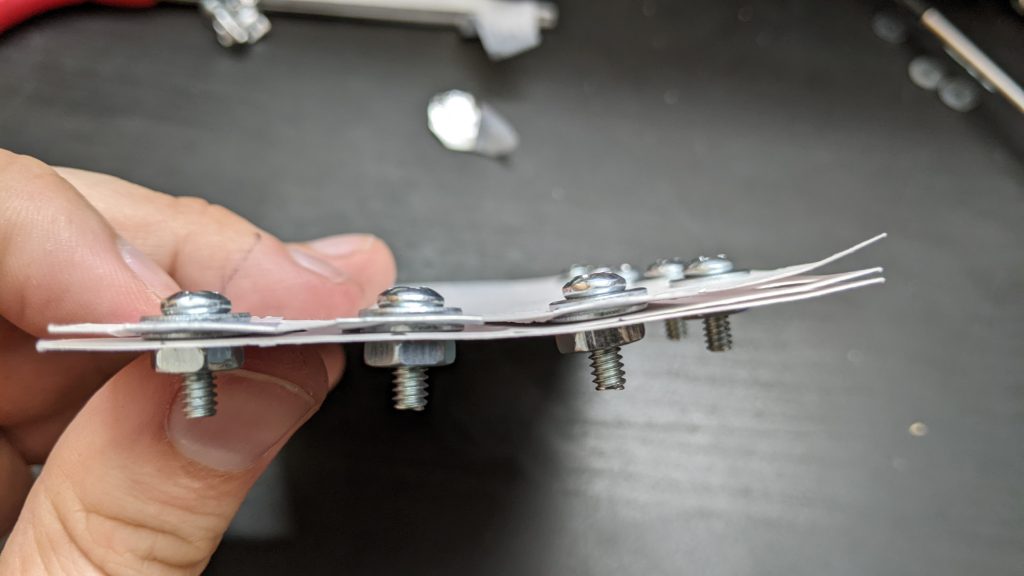][13]
+
+And here’s one using graphite from drawing hard with a #2 pencil.. Graphite, it turns out, works terribly, and I couldn’t read a signal halfway down the index card. Despite what people have told me, I’m not yet convinced you can make a conductive wire out of it.
+
+[][14]
+
+[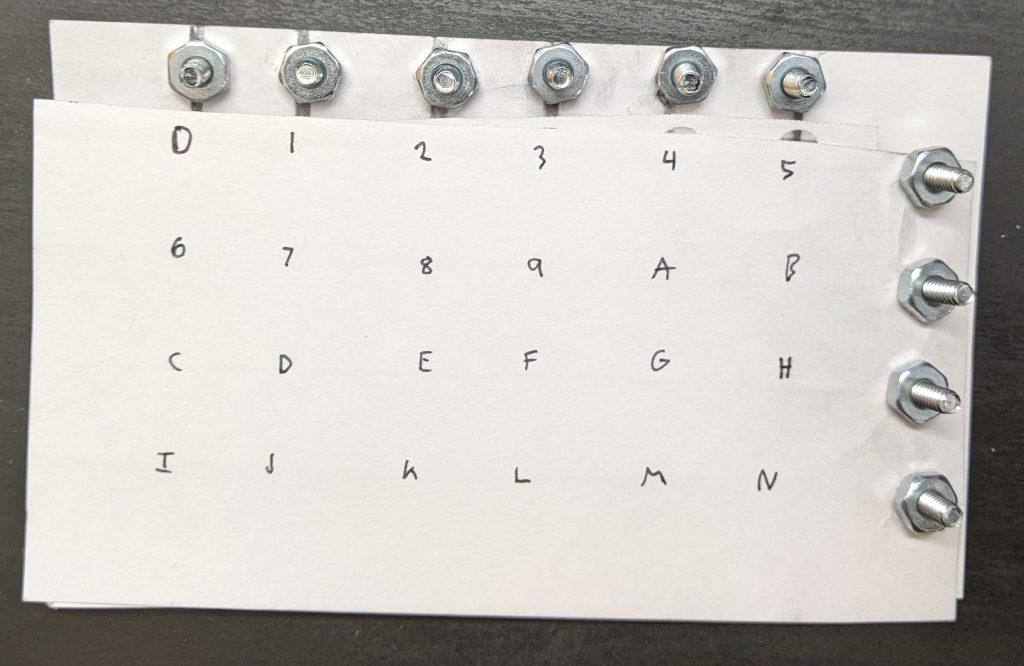][15]
+
+1. nortti says:
+
+ [June 9, 2023 at 2:43 pm][16]
+
+ “And better keyboards can detect multiple keys being pressed at once (N-key rollover), which I think they do by having a completely separate wire to each key.”
+
+ You can keep a matrix arrangement and have N-key rollover by putting a diode in series with every switch
+
+ [Reply][17]
+
+
+[1]: https://blog.za3k.com/wp-content/uploads/2023/06/commercial-scaled.jpg
+[2]: https://blog.za3k.com/wp-content/uploads/2023/06/copper_parts-scaled.jpg
+[3]: https://blog.za3k.com/wp-content/uploads/2023/06/copper_layers-scaled.jpg
+[4]: https://blog.za3k.com/wp-content/uploads/2023/06/copper_small.gif
+[5]: https://blog.za3k.com/wp-content/uploads/2023/06/address-scaled.jpg
+[6]: http://falstad.com/circuit/circuitjs.html?ctz=CQAgjCAMB0l3BWK0AckDMYwE4As3sA2SQgdgCYFsQFIaRd0aBTAWiwCgBncQ8bciEK4Q5XHToQALgCcArs24gi-QWFwixE8CFkKllPjkHpIm8VEt7FPMKSMDRY0Rcm75NhmAeDcwl9rSHkro6D4g6Cjmge76PKF8hhFREWaWQXFeiQh8fiKmIm7WSnbZic4F6bGeSUmVlUXBPCpJ6vlpjZneojlC7YU6xfFh4OQoySKlVUNZo+N54PbTTYtGY06TS501vWDrlVPbSip7422ry11r4-6Hg8EA7rxzytdQHE8n61On708-61a60gHx6bwSLxBTwhv1w3V+UOexleqj+KORP0ciMxglaWNBeJMI2RiJhjjh4URFLBERGSVJdN6tV6iOZRiW9NBUySLRZoN5RjKaP8Wj6qUKXI04vAUtF2NlFnOhwJzm5zjlKuiG2lpLS9TSGuhBosBy2oMimz4FoCaOtoutDVBCymC0NDBFFgWjqetyWHokHAASmL-P50IJtBYkNoYAgODIQyJbnt0vBEcnBL6+PLJimlWaE+dblKsBHwGmgzKk5MpeHLHQo-XkHGnuRVSm25b3gnO2Le6XU-BK72RRUyw26NH69AW9KB6bs-HpWG0gPJBXg5UV-lxwxJ03Y+aUvPjwWJmLrWvy0PNykwyk65H9zGZ06M+6uyCEwt-M6U+ubw-MUvV3RsX1ndg3nhYFQUg1F4XxJ44NaIUQQADxAVhxDoUIkEg0haXmFwQBkAB7B4AB0uC4ABjABDAA7KiAHNmAY5gZDoqRSJkDgACNwCQLARFwFBqFMah0JoEhwFCIRVRGcwQAAa2YABPLgHgASykGiAAsOAw2hBUnY9CCYJSAFsuJkLS0MMzDxAgMIRFYUgkDCAilIACjomipC0gA3ZgqIAG3IgAaKjSIABzYqiaNI0LQuYfyeIASgcvYCOocQCJTJTEtCuRLKYrgYrkZK5BiqiZGYLgtK4biZC4BysIwZJBHYchxJQJBJkELSysgcgRvQKipD0xqqOmrg+Mq0KuCmqQoq4OQuBCrg6KoyytJosjEoY2QkpS3iAFkgMqRgiWzURXwuh09QQG7LHIe7tQORwIToN64wevUDQoWlbt+jgLu3CIXp+97zgOFNvruuNvCYLD4SWVgwjOJYED2K16ADZjHO6UVUcSFBxgDJDqVG8ZSZtEFgwx48pSZkQTlEaToaQX7pwghCuoHElYOg2machDgpEc8ZyCB5CgbcXAZ0IbBSHUMAED6nBCDAdA2A1wcQAAE2YAAzOjKqkDhCeQ8nMO6BGvyl0RZZaeXr0RDHRptT2fvliW7dlSBaYHMW3Cw6ACEj7AxJ6tNBAQWAo+jgRCBxlAxDYagwDgI3TfN0LLetkPnHYDtXG7APNCDu2OWrgCPe5aufdEOvYNdrrw19iNYJltQWc7qsK9YUVzmHoHznrq3MLF7w6GH6u7hBSXh8VFmZ6lNwYHM0xVaoMAolIdB8EKaBU8gSOok88Q8CznPjbNi3YIH0fn7NDCx7ZgWZOwfrRhAWK2KsCKilNKMgqKBgACoABkZoMWCjIKQHFWpAA
+[7]: https://www.amazon.com/dp/B07JNJCNVT
+[8]: https://blog.za3k.com/wp-content/uploads/2023/06/aluminium_parts-scaled.jpg
+[9]: https://blog.za3k.com/wp-content/uploads/2023/06/aluminium_layers-scaled.jpg
+[10]: https://blog.za3k.com/wp-content/uploads/2023/06/aluminium_03-scaled.jpg
+[11]: https://blog.za3k.com/wp-content/uploads/2023/06/aluminium_01-scaled.jpg
+[12]: https://blog.za3k.com/wp-content/uploads/2023/06/aluminium_02-scaled.jpg
+[13]: https://blog.za3k.com/wp-content/uploads/2023/06/side_view-scaled.jpg
+[14]: https://blog.za3k.com/wp-content/uploads/2023/06/graphite_parts-scaled.jpg
+[15]: https://blog.za3k.com/wp-content/uploads/2023/06/graphite_done-scaled.jpg
+[16]: https://blog.za3k.com/diy-keyboards-and-how-keyboards-work/#comment-10102
+[17]: https://blog.za3k.com/diy-keyboards-and-how-keyboards-work/?replytocom=10102#respond
--- /dev/null
+---
+author: admin
+categories:
+- Non-Technical
+date: 2015-01-22 21:32:15-07:00
+markup: html
+source: wordpress
+tags:
+- domain names
+- offers
+title: Domain names for sale
+updated: 2015-04-29 00:43:52-07:00
+wordpress_id: 109
+wordpress_slug: domain-names-for-sale
+---
+For sale: [hotw.ink][1], [dripbrew.coffee][2], [brewed.coffee][3], [forget.io][4]
+
+Contact me (make a comment or email) with offers.
+
+[1]: http://hotw.ink/
+[2]: http://dripbrew.coffee/
+[3]: http://brewed.coffee/
+[4]: http://forget.io
--- /dev/null
+---
+author: admin
+categories:
+- Non-Technical
+date: 2023-07-17 13:58:49-07:00
+markup: html
+source: wordpress
+tags:
+- art
+- video games
+title: Dungeon Master II Spell Runes
+updated: 2023-07-17 13:58:50-07:00
+wordpress_id: 1107
+wordpress_slug: dungeon-master-ii-spell-runes
+---
+I’m a fan of the game [Dungeon Master II][1] (1993). In fact, I’m planning to get a tattoo of the rune system. So I looked around for a reference image. Here’s one from the game manual:
+
+[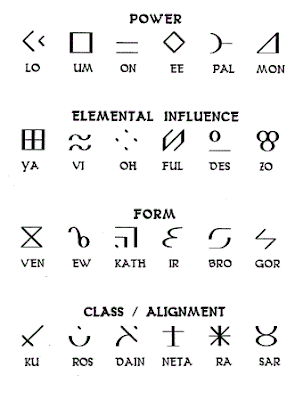][2]
+
+This looked like a nice one, because it shows the game graphics:
+
+[][3]
+
+But there’s one problem–an entire row of runes is missing. Here’s a corrected one I made.
+
+[][4]
+
+[][5]
+
+[1]: https://en.wikipedia.org/wiki/Dungeon_Master_II:_The_Legend_of_Skullkeep
+[2]: https://blog.za3k.com/wp-content/uploads/2023/07/glyphs-detailed.gif
+[3]: https://blog.za3k.com/wp-content/uploads/2023/07/dm2runes.png
+[4]: https://blog.za3k.com/wp-content/uploads/2023/07/dm2runes-2.png
+[5]: https://blog.za3k.com/wp-content/uploads/2023/07/just_runes.png
--- /dev/null
+---
+author: admin
+categories:
+- Non-Technical
+- Technical
+date: 2022-10-12 15:45:27-07:00
+markup: html
+source: wordpress
+tags:
+- eink
+- electronics
+- physical
+- prototype
+title: "e-ink \u201Claptop\u201D"
+updated: 2022-10-13 10:30:55-07:00
+wordpress_id: 801
+wordpress_slug: e-ink-laptop
+---
+I’ve been prototyping an e-ink laptop.
+
+[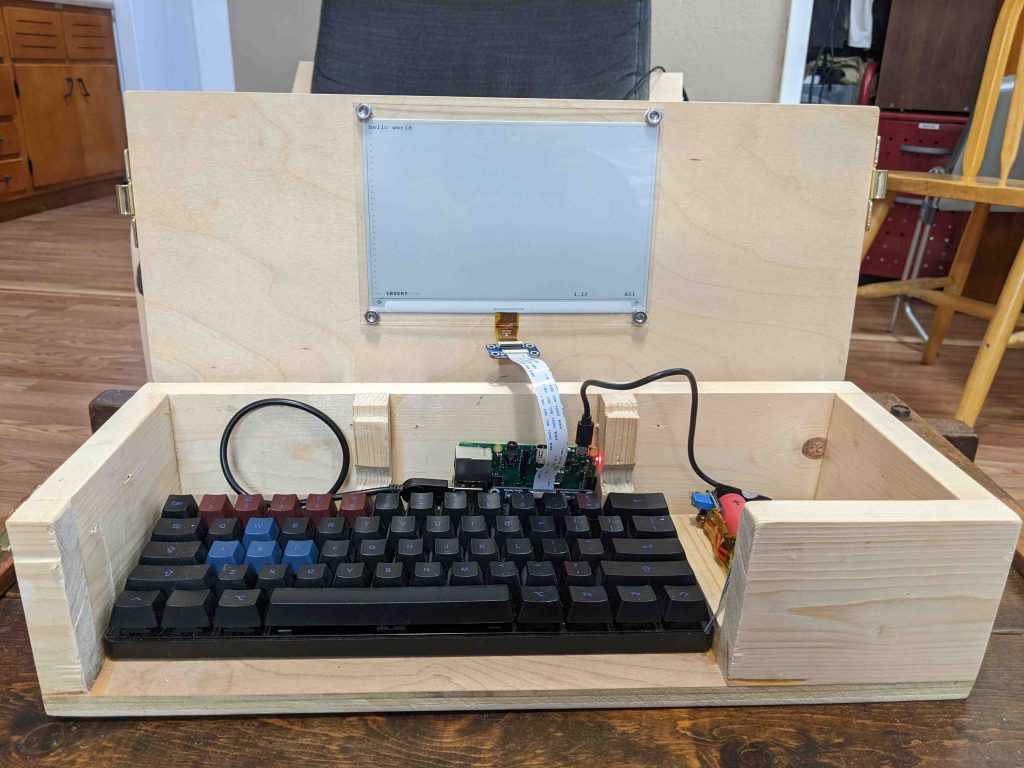][1]
+
+[][2]
+
+Closed “laptop”
+
+I’m not the first, there have been many other such devices before. I came up with the idea independently, but the specifics are heavily inspired by the [Ultimate Writer][3] by NinjaTrappeur in 2018. Similar to him, my use case is typing without distractions, and reading books. E-ink displays are quite slow to update, so I don’t think it can serve as a general purpose computer. Here’s a video of it in action. It operates at one frame per second.
+
+The electronics are not fully done. They need better secured, and I’m going to redo the cabling and power back.
+
+[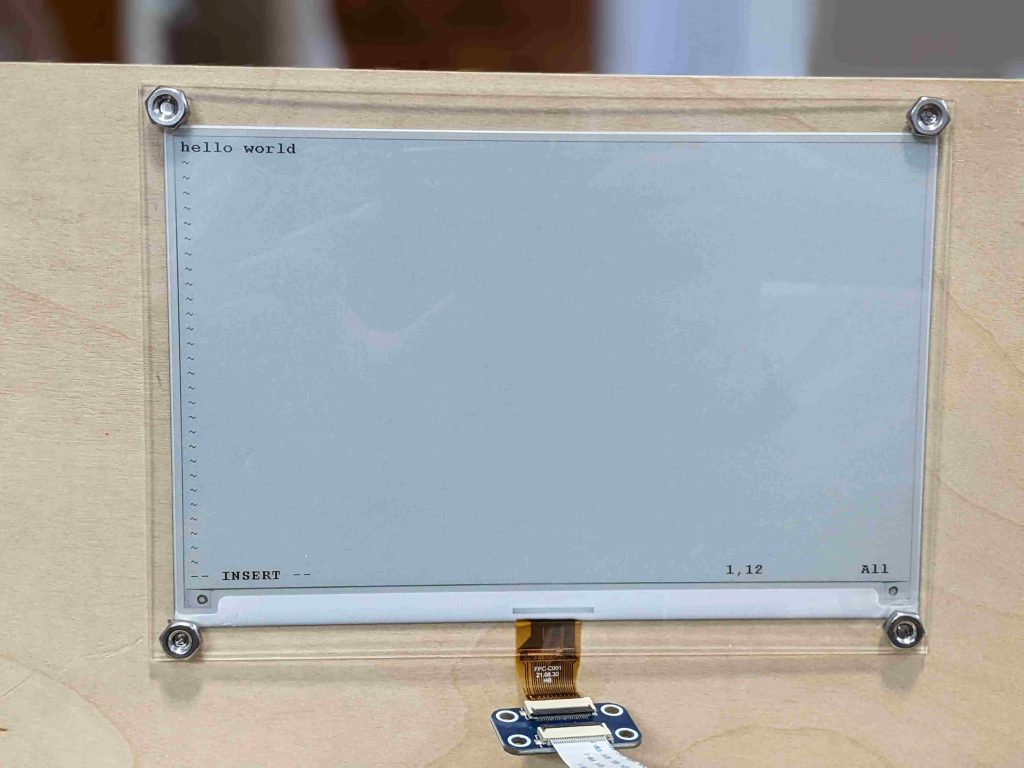][4]
+
+I broke a screen over-tightening a nut. That said, I like this look pretty well! If the lid was thicker, I know how to avoid screws on the other side, too.
+
+[][5]
+
+Early screen progress. I got *something* to display, but not what I wanted.
+
+[][6]
+
+I found a really nice, cheap mechanical keyboard on ebay. The main downside is that it’s heavy–730g. It also consumes heavy amounts of power, even when not in use. I have a nearly identical keyboard that doesn’t, which I’ll use for v2.
+
+[][7]
+
+I made my own lithium-ion battery pack. It works well, but it doesn’t quite fit so I’m going to redo it with one less cell. It also needs an on/off switch and a right angle USB cable.
+
+[][8]
+
+The prototype is powered by a Raspberry Pi 3. The final version will use a microcontroller to save power. The Pi Zero can also be swapped in with no changes, and uses a third of the power. But it’s noticeably slower and takes 30 seconds to boot. For prototyping I’m using the Pi 3 for now.
+
+I’m not the best woodworker, but I’m slowly learning. Here are pictures of case and lid action.
+
+[][9]
+
+Hinged lid. The screen is on the bottom of the lid.
+
+[][10]
+
+A wooden stop on each side
+
+[][11]
+
+Wooden stop with lid open. It hits the bottom, bringing the lid/screen to a rest at vertical.
+
+[][12]
+
+Latches on the side
+
+[][13]
+
+Don’t put hinges sideways into plywood. But if you do, drill big pilot holes. Out of six screw, one cracked a little.
+
+On the software end, shout outs to:
+
+- the creator of the [ultimate-writer][14] software, NinjaTrappeur, who has been encouraging (and explained the right way to rewrite the stack, if you wanted to today).
+- Ben Krasnow, who made a [video][15] about how to hack partial refresh on an e-ink display.
+
+There’s a few things I’d like to polish still–even as a prototype this isn’t fully done.
+
+- The raspberry pi and battery pack are currently sitting loose. They need secured, especially since they can fall out the open front.
+- The software has some major problems. It doesn’t support Control-C, etc in linux, a must, and it doesn’t update the screen at boot until you press a key, which would be nice to fix.
+- There’s no power switch. Right now you have to unplug it manually.
+- I’d like to add a carrying handle.
+- I’d like to tuck away the electronics behind a panel. They’re ugly.
+- The wood looks rough in a few places. I want to hide some splintered wood, screw holes, etc.
+- The USB cables have too much stress on them. I need to make a little more room in the wood, and use a right-angled connector in one place.
+
+There’s also no default software, but that’s a feature. A prototype is for figuring out how I want the interface to work, and what I want it to do.
+
+Parts list
+
+- [7.5 inch e-ink screen][16] from Waveshare (not particularly good) – $60
+- Raspberry Pi 3 (Pi Zero, etc also work with no changes) – $35 (but unavailable)
+- microsd card – $7
+- Plywood and boards, wood glue – $15
+- [Plexiglass][17] (to cover screen) – $10
+- Bolts, washers, and nuts to secure it. – $5
+- Circular [window latch][18] x2 – $8 (or use $10 smaller [version][19])
+- Hinge x2 – $2
+- Total: $142
+
+Power budget (at 5V):
+
+- Keyboard: 500mW. Other USB keyboards use zero to within my measurement abilities.
+- Screen: 0-250mW when updating. Hard to measure.
+- Pi 3: 2000mW. I have the wifi chip enabled (the default) but I’m not actively connected to wifi.
+- Pi Zero W: 650mW
+
+A real-life test showed 5-6 hour battery life. Theory says (13Wh/battery \* 4 batteries / 2.7 watts)=20 hours battery life. I’m investigating the discrepancy. In theory, swapping for a Pi Zero W and a better keyboard would give 72-hour battery life.
+
+[1]: https://blog.za3k.com/wp-content/uploads/2022/10/front_view_open-scaled.jpg
+[2]: https://blog.za3k.com/wp-content/uploads/2022/10/front_view-scaled.jpg
+[3]: https://alternativebit.fr/posts/ultimate-writer/
+[4]: https://blog.za3k.com/wp-content/uploads/2022/10/screen_closeup-scaled.jpg
+[5]: https://blog.za3k.com/wp-content/uploads/2022/10/early_garbage-crop-scaled.jpg
+[6]: https://blog.za3k.com/wp-content/uploads/2022/10/keyboard_closeup-scaled.jpg
+[7]: https://blog.za3k.com/wp-content/uploads/2022/10/battery_back_closeup-scaled.jpg
+[8]: https://blog.za3k.com/wp-content/uploads/2022/10/pi_closeup-scaled.jpg
+[9]: https://blog.za3k.com/wp-content/uploads/2022/10/added_back_stops-scaled.jpg
+[10]: https://blog.za3k.com/wp-content/uploads/2022/10/back_stop-scaled.jpg
+[11]: https://blog.za3k.com/wp-content/uploads/2022/10/back_stop_action-scaled.jpg
+[12]: https://blog.za3k.com/wp-content/uploads/2022/10/hinge-scaled.jpg
+[13]: https://blog.za3k.com/wp-content/uploads/2022/10/hinge_crack-scaled.jpg
+[14]: https://github.com/NinjaTrappeur/ultimate-writer
+[15]: https://www.youtube.com/watch?v=MsbiO8EAsGw&ab_channel=AppliedScience
+[16]: https://www.waveshare.com/7.5inch-e-paper-hat.htm
+[17]: https://www.amazon.com/gp/product/B088LXM1P1
+[18]: https://www.amazon.com/dp/B000CSGD1U
+[19]: https://www.amazon.com/dp/B09ZTLLC6K
--- /dev/null
+---
+author: admin
+categories:
+- Non-Technical
+date: 2023-08-28 10:43:52-07:00
+markup: html
+source: wordpress
+tags:
+- godot
+- video games
+title: Easel Toy
+updated: 2023-08-28 10:45:03-07:00
+wordpress_id: 1130
+wordpress_slug: easel-toy
+---
+My friend Callen taught me some Godot, and we made an [Easel Toy][1]. You combine colors to make other colors. Nothing fancy.
+
+[][2]
+
+[1]: https://za3k.com/archive/easel/Cards_on_Slots.html
+[2]: https://za3k.com/archive/easel/Cards_on_Slots.html
--- /dev/null
+---
+author: admin
+categories:
+- Technical
+date: 2021-06-11 17:50:31-07:00
+markup: html
+source: wordpress
+tags:
+- debian
+- linux
+- system administration
+title: 'Encrypted root on debian part 2: unattended boot'
+updated: 2021-06-11 18:12:38-07:00
+wordpress_id: 630
+wordpress_slug: encrypted-root-on-debian-part-2-unattended-boot
+---
+I want my debian boot to work as follows:
+
+1. If it’s in my house, it can boot without my being there. To make that happen, I’ll put the root disk key on a USB stick, which I keep in the computer.
+2. If it’s not in my house, it needs a password to boot. This is the normal boot process.
+
+As in part 1, this guide is **debian-specific**. To learn more about the Linux boot process, see [part 1.][1]
+
+First, we need to prepare the USB stick. Use ‘dmesg’ and/or ‘lsblk’ to make a note of the USB stick’s path (/dev/sdae for me). I chose to write to a filesystem rather than a raw block device.
+
+ sudo mkfs.ext4 /dev/sdae # Make a filesystem directly on the device. No partition table.
+ sudo blkid /dev/sdae # Make a note of the filesystem UUID for later
+
+Next, we’ll generate a key.
+
+ sudo mount /dev/sdae /mnt
+ sudo dd if=/dev/urandom of=/mnt/root-disk.key bs=1000 count=8
+
+Add the key to your root so it can actually decrypt things. You’ll be prompted for your password:
+
+ sudo cryptsetup luksAddKey ROOT_DISK_DEVICE /mnt/root-disk.key
+
+Make a script at /usr/local/sbin/unlockusbkey.sh
+
+ #!/bin/sh
+ USB_DEVICE=/dev/disk/by-uuid/a4b190b8-39d0-43cd-b3c9-7f13d807da48 # copy from blkid's output UUID=XXXX
+
+ if [ -b $USB_DEVICE ]; then
+ # if device exists then output the keyfile from the usb key
+ mkdir -p /usb
+ mount $USB_DEVICE -t ext4 -o ro /usb
+ cat /usb/root-disk.key
+ umount /usb
+ rmdir /usb
+ echo "Loaded decryption key from USB key." >&2
+ else
+ echo "FAILED to get USB key file ..." >&2
+ /lib/cryptsetup/askpass "Enter passphrase"
+ fi
+
+Mark the script as executable, and optionally test it.
+
+ chmod +x /usr/local/sbin/unlockusbkey.sh
+ sudo /usr/local/sbin/unlockusbkey.sh | cmp /mnt/root-disk.key
+
+Edit /etc/crypttab to add the script.
+
+ root PARTLABEL=root_cipher none luks,keyscript=/usr/local/sbin/unlockusbkey.sh
+
+Finally, re-generate your initramfs. I recommend either having a live USB or keeping a backup initramfs.
+
+ sudo update-initramfs -u
+
+\[1\] This post is loosely based on a chain of tutorials based on each other, including [this][2]
+\[2\] However, those collectively looked both out of date and like they were written without true understanding, and I wanted to clean up the mess. More definitive information was sourced from the actual [cryptsetup][3] documentation.
+
+[1]: https://blog.za3k.com/migrating-an-existing-debian-installation-to-encrypted-root/
+[2]: https://www.oxygenimpaired.com/ubuntu-with-grub2-luks-encrypted-lvm-root-hidden-usb-keyfile
+[3]: https://cryptsetup-team.pages.debian.net/cryptsetup/README.initramfs.html
--- /dev/null
+---
+author: admin
+categories:
+- Non-Technical
+date: 2014-10-19 12:19:32-07:00
+markup: html
+source: wordpress
+tags: []
+title: Etherpad
+updated: 2014-10-30 02:15:47-07:00
+wordpress_id: 24
+wordpress_slug: etherpad
+---
+I host an [etherpad][1], which I just made public. You can make your own notes and edit them.
+
+[1]: https://etherpad.za3k.com
--- /dev/null
+---
+author: admin
+categories:
+- Technical
+date: 2024-06-18 16:57:08-07:00
+markup: html
+source: wordpress
+tags:
+- linux
+title: Even more URI handlers in Linux
+updated: 2024-06-18 17:01:53-07:00
+wordpress_id: 1403
+wordpress_slug: even-more-uri-handlers-in-linux
+---
+Sometimes Linux wants to open files. I mostly use the command line, so I wrote some helper programs to open things in terminals.
+
+- `open-text-file` opens your default text editor in a terminal. I set it as my program to open all text files.
+- `open-directory` opens a terminal with that working directory. I set it as my program to open all directories.
+
+They’re both available in [short-programs][1]. Both default to xterm.
+
+[1]: https://github.com/za3k/short-programs?tab=readme-ov-file#open-directorytext-file
--- /dev/null
+---
+author: admin
+categories:
+- Technical
+date: 2020-06-04 18:30:31-07:00
+markup: html
+source: wordpress
+tags:
+- fabric
+- linux
+- open source
+title: fabric1 AUR package
+updated: 2021-06-05 15:38:23-07:00
+wordpress_id: 542
+wordpress_slug: fabric1-aur-package
+---
+Fabric is a system administration tool used to run commands on remote machines over SSH. You program it using python. In 2018, Fabric 2 came out. In a lot of ways it’s better, but it’s incompatible, and removes some features I really need. I talked to the Fabric dev (bitprophet) and he seemed on board with keeping a Fabric 1 package around (and maybe renaming the current package to Fabric 2).
+
+Here’s an arch package: [https://aur.archlinux.org/packages/fabric1/][1]
+
+Currently Fabric 1 runs only on Python2. But there was a project to port it to Python 3 (confusingly named fabric3), which is currently attempting to merge into mainline fabric. Once that’s done, I’m hoping to see a ‘fabric1’ and ‘fabric2’ package in all the main distros.
+
+[1]: https://aur.archlinux.org/packages/fabric1/
--- /dev/null
+---
+author: admin
+categories:
+- Non-Technical
+date: 2023-04-27 14:50:28-07:00
+markup: html
+source: wordpress
+tags:
+- first aid
+title: First Aid Kit
+updated: 2023-05-02 14:28:51-07:00
+wordpress_id: 1016
+wordpress_slug: first-aid-kit
+---
+[][1]
+
+[][2]
+
+[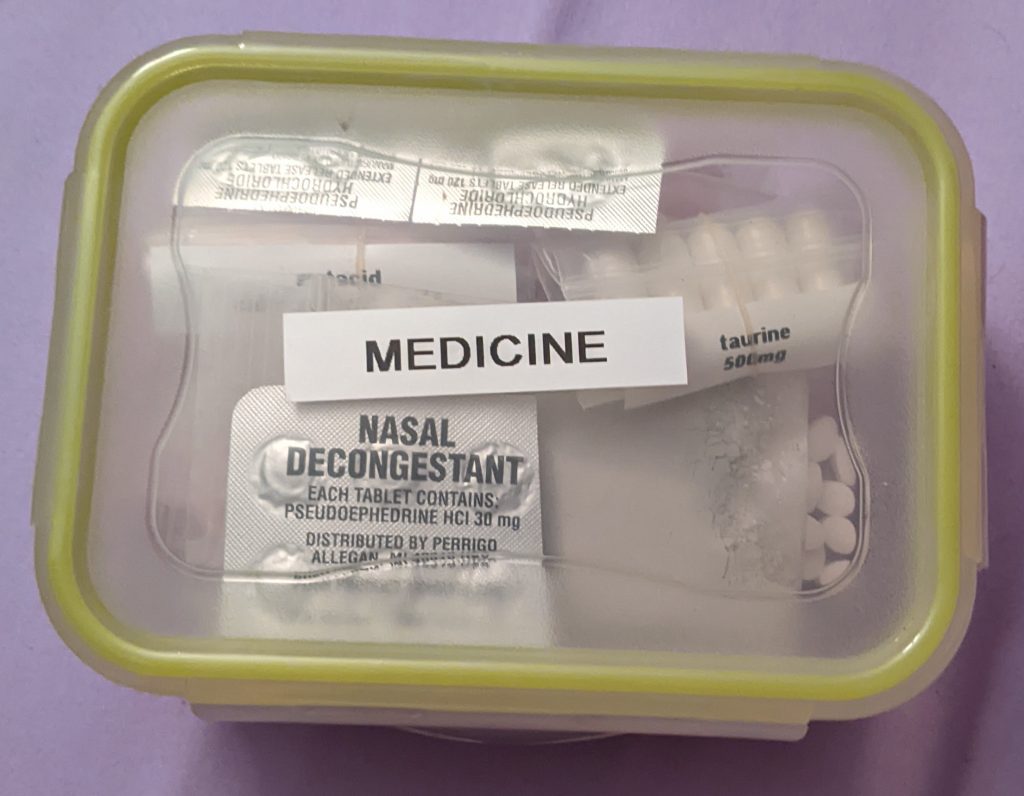][3]
+
+ Contents:
+
+ First-aid kit contents, 1x large red bag
+ Left pocket, survival:
+ Compass, Small Magnetic
+ String
+ Magnesium rod (under compartment) - Use with knife if lighters run out
+ Misc fasteners and bags (in bag)
+ Water purification kit. Good for about 3 person-years.
+ Work gloves
+
+ Right pocket, convenience:
+ Baby Powder - Prevents chafing. Also consider moleskin.
+ Earplugs
+ Floss
+ Face mask - For smoke or disease.
+ Glasses, spare, for Zachary
+ Lighter
+ Nail clippers
+ Petroleum Jelly - Chapped lips, protect wounds, help light tinder.
+ Razor
+ Sleeping mask
+ Toothbrush
+ Toothpaste
+
+ Center compartment:
+ (right) Band-aids/plasters, various sizes - Use to cover small cuts
+ (right) Gauze and medicine directions
+ (bottom pocket) Grill lighter
+ (back) covid-19 test
+
+ Thermometer, mouth
+ Tweezers
+
+ Alocane-brand Lidocaine burn relief gel
+ Triple Antibiotic Ointment (may not work) - contains bacitracin,
+ neomycin, polymyxin. Prefer washing using sanitation bag.
+ Hydrocorozone cream - treats itch and rash
+
+ Cotton swabs (in bag) - Clean wound
+ Gauze (in moleskin) - Wrap to stop bleeding, or use to clean a wound
+ Gauze (loose)
+ Moleskin - Patch blisters or prevent them from forming
+ Liquid Skin - Superglue. Disinfect small cuts, then brush on to close.
+ Q-tips - Clean wound
+
+ Sanitation bag (see below)
+ Medicine box (see back)
+ Vitamins box (see back)
+
+ Sanitation bag (in center compartment):
+ Water - Clean wounds. Slightly soapy. Refill and add campsuds and
+ povodone iodine to replenish.
+ Campsuds - Concentrated soap.
+ Povidone iodine - Use with water to create a sterile cleaning fluid.
+ Doesn't work to sanitize water (need 15min+80 drops/gal)
+ -------------------------
+ Medicine box (in center compartment):
+ Acetaminophen, 500mg, x20 - Longer white pill labeled 5500.
+ Non-NSAID pain medication. Does not reduce fever, only reduces pain
+ Use for people on certain medications or for headache.
+ Caffine, 200mg, x10 - Medium ycircular yellow pill labeled 44 226.
+ Take half with taurine to stay awake. Caffine impairs judgement
+ Calcium carbonate, 0.5g, x5 - Pastel colored large circular pills.
+ Antacid. Use for heartburn.
+ Ibuprofen, 200mg, x30 - Small circular red pill labeled I-2.
+ NSAID anti-inflammatory. Use to reduce fever or inflammation.
+ Low fevers fight diseases, don't remove them.
+ Loratadine, 10mg, x30 - Small oval white pill labeled L612.
+ Used to minor allergic reactions.
+ Melatonin, 3mg, x10 - Small unlabeled white pill.
+ Natural sleep aid. Take 1 to sleep somewhere noisy. Groggy after.
+ Peptobismol, x16 - Larger pink circular pill in plastic labeled RH 046.
+ Use for diarrhea or stomach upset. Recommended dose is 2.
+ Pseudoephedrine HCl, 120mg extended release, x2. One per day.
+ Pseudoephedrine Hcl, 30mg - One every 2-4 hours as needed.
+ Use for stuffy nose. Stimulant.
+ Taurine, 500mg, x5 - Medium white gel capsules. See caffine.
+
+ Razor blade, x1
+ Activated charcoal - Black powder.
+ In case of poisoning, immediately induce vomiting.
+ Then eat activated charcoal.
+ Bentonite clay - Grey powder. Do not use.
+
+ Vitamins box (in center compartment):
+ Mulivitamin, x20 - Large green pill labeled 1.
+ Take one every other day only if vitamin deficient.
+ Contains enough: Vit A, Vit C, Vit D, Vit E, Vit K, B1, B2,
+ Magnesium, Zinc, Selenium, Copper, Manganese, Chromium
+ Bayer One a Day Men's Pro Edge
+ Vit D, 5000 IU, x25 - Small yellow gel beads.
+ Take one every 2-3 days if sick or missing sunlight.
+ Zinc, 50mg, x20 - Medium white unlabeled circular pill.
+ Take half a pill per day to resist getting COVID-19 or for diarrhea
+ Folate, 400mcg, x20 - Small-medium white gel capsule.
+ Take one every other day if missing vegetables in diet.
+ Vitamin C, powder
+ Take small amounts if missing fruit from diet to prevent scurvy.
+
+ For diarrhea, oral rehydration solution. If not available, use water.
+ 0.5tsp salt 6tsp sugar
+ 0.25tsp potassium salt 1L/quart water
+ Potassium chloride, powder - ORS
+ Iodized table salt, powder - ORS or dehydration.
+
+ Atorvastatin, 40mg, x50 - Medium white oblong pill labeled ATV40.
+ Prescription: Take one pill daily to reduce cholesterol.
+
+[1]: https://blog.za3k.com/wp-content/uploads/2023/04/PXL_20221014_050139562-crop-scaled.jpg
+[2]: https://blog.za3k.com/wp-content/uploads/2023/04/PXL_20221014_050159341-crop-scaled.jpg
+[3]: https://blog.za3k.com/wp-content/uploads/2023/04/PXL_20221014_050204922.MP-crop.jpg
--- /dev/null
+---
+author: admin
+categories:
+- Technical
+date: 2024-01-01 11:55:32-07:00
+markup: html
+source: wordpress
+tags:
+- archiving
+- research
+- slow
+- usb
+title: "Flash media longevity testing \u2013 4 years later"
+updated: 2024-01-01 11:55:32-07:00
+wordpress_id: 1271
+wordpress_slug: flash-media-longevity-testing-4-years-later
+---
+- [Year 0][1] – I filled 10 32-GB Kingston flash drives with random data.
+- [Year 1][2] – Tested drive 1, zero bit rot. Re-wrote drive 1 with the same data.
+- [Year 2][3] – Tested drive 2, zero bit rot. Re-tested drive 1, zero bit rot. Re-wrote drives 1-2 with the same data.
+- [Year 3][4] – Tested drive 3, zero bit rot. Re-tested drives 1-2, zero bit rot. Re-wrote drives 1-3 with the same data.
+- [Year 4][5] – Tested drive 4, zero bit rot. Re-tested drives 1-3, zero bit rot. Re-wrote drives 1-4 with the same data.
+
+Will report back in **2 more years** when I test the fifth. Since flash drives are likely to last more than 10 years, the plan has never been “test one new one each year”.
+
+The years where I’ll first touch a new drive (assuming no errors) are: **1, 2, 3, 4,** 6, 8, 11, 15, 20, 27
+
+The full test plan:
+
+ YEAR 1: read+write 1 [1s]
+ YEAR 2: read+write 1, 2 [1s]
+ YEAR 3: read+write 1, 2, 3 [1s]
+ YEAR 4: read+write 1, 2, 3, 4 [2s] (every 2nd year)
+ year 5: read+write 1, 2, 3,
+ YEAR 6: read+write 1, 2, 3, 4 5 [2s]
+ year 7: read+write 1, 2, 3,
+ YEAR 8: read+write 1, 2, 3, 4, 5, 6 [2s]
+ year 9: read+write 1, 2, 3,
+ year 10: read+write 1, 2, 3, 4, 5, 6
+ YEAR 11: read+write 1, 2, 3, 7 [4s]
+ year 12: read+write 1, 2, 3, 4, 5, 6
+ year 13: read+write 1, 2, 3
+ year 14: read+write 1, 2, 3, 4, 5, 6
+ YEAR 15: read+write 1, 2, 3, 7, 8 [4s]
+ year 16: read+write 1, 2, 3, 4, 5, 6
+ year 17: read+write 1, 2, 3
+ year 18: read+write 1, 2, 3, 4, 5, 6
+ year 19: read+write 1, 2, 3, 7, 8
+ YEAR 20: read+write 1, 2, 3, 4, 5, 6 9 [8s]
+ year 21: read+write 1, 2, 3
+ year 22: read+write 1, 2, 3, 4, 5, 6
+ read 23: read+write 1, 2, 3 7, 8
+ year 24: read+write 1, 2, 3, 4, 5, 6
+ year 25: read+write 1, 2, 3
+ year 26: read+write 1, 2, 3, 4, 5, 6
+ YEAR 27: read+write 1, 2, 3 7, 8, 10 [8s]
+ year 28: read+write 1, 2, 3, 4, 5, 6 9
+ year 29+: repeat years 21-28
+
+
+FAQ: [https://blog.za3k.com/usb-flash-longevity-testing-year-2/][6]
+
+[1]: https://www.reddit.com/r/DataHoarder/comments/e3nb2r/longterm_reliability_testing/
+[2]: https://www.reddit.com/r/DataHoarder/comments/lwgsdr/research_flash_media_longevity_testing_1_year/
+[3]: https://www.reddit.com/r/DataHoarder/comments/tb26cy/flash_media_longevity_testing_2_years_later/
+[4]: https://www.reddit.com/r/DataHoarder/comments/102razr/flash_media_longevity_testing_3_years_later/
+[5]: https://www.reddit.com/r/DataHoarder/comments/18w3bxw/flash_media_longevity_testing_4_years_later/
+[6]: https://blog.za3k.com/usb-flash-longevity-testing-year-2/
--- /dev/null
+---
+author: admin
+categories:
+- Non-Technical
+date: 2015-03-15 19:34:16-07:00
+markup: html
+source: wordpress
+tags:
+- games
+- reviews
+- video games
+- website update
+title: Games I Like
+updated: 2015-03-15 19:34:16-07:00
+wordpress_id: 142
+wordpress_slug: games-i-like
+---
+I wrote a list of video games which I’ve enjoyed especially [here][1].
+
+[1]: https://za3k.com/games.md
--- /dev/null
+---
+author: admin
+categories:
+- Uncategorized
+date: 2024-05-01 14:25:59-07:00
+markup: html
+source: wordpress
+tags: []
+title: Garden signs on wall tiles (pt 2)
+updated: 2024-05-01 14:28:24-07:00
+wordpress_id: 1332
+wordpress_slug: garden-signs-on-wall-tiles-pt-2
+---
+I tested with [one tile][1]. Now I made signs for my whole garden.
+
+To start, I covered each marble tile in painter’s tape.
+
+[][2]
+
+Then, I used double-stick tape to attach labels.
+
+[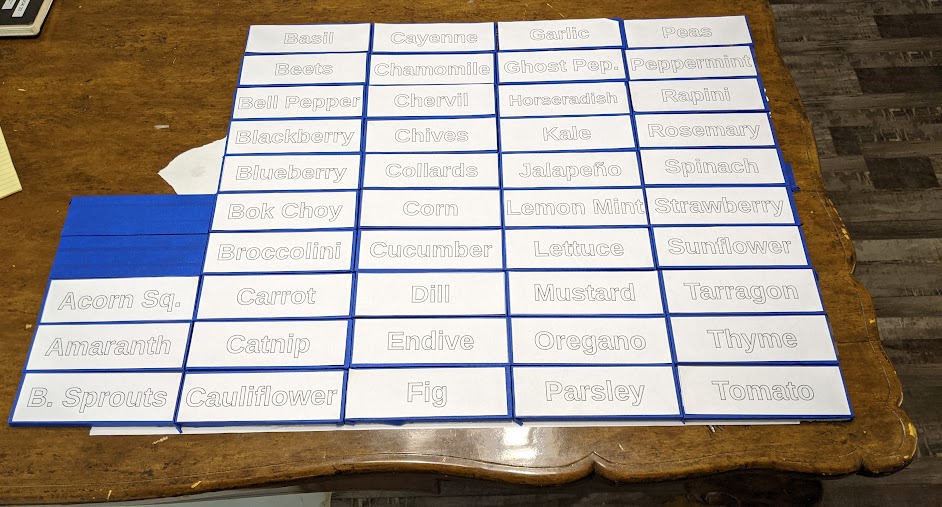][3]
+
+I cut out the words using an x-acto knife, and removed the paper and cut-out portion.
+
+[][4]
+
+I spray painted them. I chose a higher-contrast color because of my one-tile test.
+
+[][5]
+
+[][6]
+
+I peeled off the tape, and voilà:
+
+[][7]
+
+Lessons learned:
+
+- Doing a test tile was a good idea
+- It takes almost as much time to peel out the letters as cut it. I was thinking of using a laser cutter to speed things up, but it could at most halve the manual labor.
+- You should switch x-acto blades more often than you think.
+- I should have spent even more time on an easy-to-cut font. The “a”, “e”, and “r” are too hard in this font.
+
+[1]: https://blog.za3k.com/garden-signs-on-wall-tiles/
+[2]: https://blog.za3k.com/wp-content/uploads/2024/05/001_tape-scaled.jpg
+[3]: https://blog.za3k.com/wp-content/uploads/2024/05/002_labels.jpg
+[4]: https://blog.za3k.com/wp-content/uploads/2024/05/003_cut_out-scaled.jpg
+[5]: https://blog.za3k.com/wp-content/uploads/2024/05/basil-colors.jpg
+[6]: https://blog.za3k.com/wp-content/uploads/2024/05/004_spray_painted-scaled.jpg
+[7]: https://blog.za3k.com/wp-content/uploads/2024/05/005_tape_removed-scaled.jpg
--- /dev/null
+---
+author: admin
+categories:
+- Non-Technical
+date: 2024-04-24 09:21:20-07:00
+markup: html
+source: wordpress
+tags:
+- art
+- crafts
+- gardening
+title: Garden signs on wall tiles
+updated: 2024-04-24 09:26:20-07:00
+wordpress_id: 1317
+wordpress_slug: garden-signs-on-wall-tiles
+---
+I’m making labels for my garden sections by painting tiles.
+
+[][1]
+
+This is a blank “subway” style marble tile. It’s 140×45 mm (2×6 inch). One is about $1. Avoid “glazed” or “glossy” tiles, which are too smooth for the paint to stick well.
+
+[][2]
+
+First, we add a layer of tape. I used blue painter’s tape because it’s easy to see. I expect masking tape would work well too.
+
+[][3]
+
+Attach the sign you want to your tape. I used double-stick tape. It’s better than single-stick around the edges, but that also works in a pinch.
+
+[][4]
+
+Cut through the letters using an x-acto blade. I used a sans-serif font to make this step faster.
+
+[][5]
+
+Remove the paper, as well as the tape. You can use the x-acto blade to peel up the tape. Make sure not to lift up the “holes” in letters like ‘B’ or ‘a’.
+
+[][6]
+
+Paint the tile. I used pale/pastel blue acrylic [spray paint][7]. Make sure to either not spray the sides, or cover them in tape too.
+
+Then I let it sit for 15-20 minutes.
+
+[][8]
+
+Peel off the tape. I used gloves, and took out the holes using tweezers.
+
+Peeling the tape while the paint is slightly wet is easier than completely dry. When it’s dry, the acrylic clings to the tape and “stretches” rather than cleanly breaking.
+
+If you mess up along the way anywhere, acetone took the paint off great for me.
+
+Then I let the paint completely dry. Optionally, you can seal it with a [clear sealant][9] if you want extra waterproofing.
+
+[][10]
+
+I attach the tile to my raised beds using [z-brackets][11] sized to fit the tile thickness and a screwdriver. They look fine on the dirt too.
+
+Looks nice! Maybe I’ll switch to a higher-contract color paint for white?
+
+[1]: https://blog.za3k.com/wp-content/uploads/2024/04/001_blank.jpg
+[2]: https://blog.za3k.com/wp-content/uploads/2024/04/002_blue_tape.jpg
+[3]: https://blog.za3k.com/wp-content/uploads/2024/04/003_label-scaled.jpg
+[4]: https://blog.za3k.com/wp-content/uploads/2024/04/004_cut_xacto.jpg
+[5]: https://blog.za3k.com/wp-content/uploads/2024/04/005_tape_removed-scaled.jpg
+[6]: https://blog.za3k.com/wp-content/uploads/2024/04/006_spray_painted-scaled.jpg
+[7]: https://ironlak.com/
+[8]: https://blog.za3k.com/wp-content/uploads/2024/04/007_tape_removed-scaled.jpg
+[9]: https://www.amazon.com/Mod-Podge-1470-Acrylic-Sealer/dp/B003VYD9DM
+[10]: https://blog.za3k.com/wp-content/uploads/2024/04/008_z_bracket-1.jpg
+[11]: https://www.google.com/search?q=z-bracket&tbm=isch
--- /dev/null
+---
+author: admin
+categories:
+- Non-Technical
+date: 2024-01-04 09:43:44-07:00
+markup: html
+source: wordpress
+tags:
+- bad advice
+- cleaning
+title: Getting rid of mold
+updated: 2024-01-04 13:29:49-07:00
+wordpress_id: 1273
+wordpress_slug: getting-rid-of-mold
+---
+Take everything in this article with a cup of salt, I’m not even close to an expert.
+
+Recently I’ve been itchy, so I’m treating a couple areas of my house for mold and mildew–the walls of my basement, and a new couch I got. I’ve been researching mold treatments. Some of them are clearly absolute nonsense*.*
+
+> *never trust any cleaning procedure that involves mixing baking soda and vinegar*
+>
+> – za3k’s 42nd law
+
+The sensical mold-killing strategies I’ve found boil down to “Remove moisture, so the mold doesn’t come back”, plus one of the following. **I do not know which of these are effective.** I also can’t guarantee the specific procedures I tried work.
+
+**Sunlight / UV lamp (UV light)**: I didn’t get good data about whether this works, but it makes some sense. The recommendation I got was 1-3 hours.
+*My attempt:* None. I’d need a UV lamp, since I can’t easily get sunlight where I’m cleaning.
+
+**Bleach (oxidizer)**: Generally held to be pretty effective. Not good for fabrics.
+*My attempt:* I tried it on my basement (dilute to about 0.15%, then pour or spray, scrub afterwards).
+*My attempt:* I also added a little to laundry while I washed the couch cushions and my sheets.
+
+**Vinegar (acid)**: I would suspect vinegar is not very effective (several people claim mold can tolerate low pH better than high pH, and [Drew Frye][1] who does a lot of actual testing on boats claims that vinegar acts as food for the mold, helping it come back). OTOH I have anecdotal evidence that it works.
+*My attempt*: None.
+
+**Concrobium (a base)**: This is a mix of trisodium phosphate (pH 12), sodium carbonate or “washing soda” (pH 11) and sodium bicarbonate or “baking soda” (pH 9). I suspect it works really well, because there’s a good explanation as to why it should. Store-bought concrobium is also quite expensive, so I’d make your own. I suspect you don’t need all three ingredients, because I think they’re doing the same thing.
+*My attempt*: I sprayed spray-can concrobium on my couch, which covered maybe 1/6 of the couch with a $13 can. Plan to make some [homemade][2] to finish the job.
+Edit: Muurkha advises that you can make sodium carbonate by boiling sodium bicarbonate for about an hour.
+
+**Clove oil (anti-microbial)**: Most people who recommend it have a bit of an anti-science attitude, which means they tend to give… silly specific advice. But there’s [published][3] research that it works, I just don’t know the best way to apply it, how long it works, or how it works. It seems possible that clove oil is a bit more species-specific than the other methods.
+*My attempt*: None.
+
+Mechanisms, as I understand them:
+
+- Sunlight and bleach should destroy mold and mold spores, by denaturing things.
+- Vinegar and concrobium should prevent mold growth by making an environment mold can’t grow in (wrong pH)
+- I have no idea how clove oil might work, but both applying the oil and vapor work.
+
+I do not think high or low temperatures will work to kill molds generally, from my research.
+
+The hardest part of this research is that I *don’t* have a large, visible mold patch. I’m just itchy. So don’t expect a report back about whether this stuff worked, honestly.
+
+[1]: https://sail-delmarva.blogspot.com/
+[2]: https://sail-delmarva.blogspot.com/2016/12/mildew-treatment-for-pennies.html
+[3]: https://www.ncbi.nlm.nih.gov/pmc/articles/PMC3763181/
--- /dev/null
+---
+author: admin
+categories:
+- Technical
+date: 2017-07-02 20:41:58-07:00
+markup: html
+source: wordpress
+tags:
+- arch linux
+- arduino
+- hardware
+- linux
+- microcontroller
+- pro trinket
+- software
+title: Getting the Adafruit Pro Trinket 3.3V to work in Arch Linux
+updated: 2017-07-02 20:41:58-07:00
+wordpress_id: 410
+wordpress_slug: getting-the-adafruit-pro-trinket-3-3v-to-work-in-arch-linux
+---
+I’m on Linux, and here’s what I did to get the **Adafruit Pro Trinket** (3.3V version) to work. I think most of this should work for other Adafruit boards as well. I’m on **Arch Linux**, but other distros will be similar, just find the right paths for everything. Your version of udev may vary on older distros especially.
+
+1. Install the Arduino IDE. If you want to install the [adafruit version][1], be my guest. It should work out of the box, minus the udev rule below. I have multiple microprocessors I want to support, so this wasn’t an option for me.
+2. Copy the hardware profiles to your Arduino install. `pacman -Ql arduino` shows me that I should be installing to **/usr/share/aduino**. You can find the files you need at their [source][2] (copy the entire folder) or the same thing is packaged inside of the [IDE installs][3].
+
+ cp adafruit-git /usr/share/arduino/adafruit
+
+3. Re-configure “ATtiny85” to work with *avrdude*. On arch, `pacman -Ql arduino | grep "avrdude.conf` says I should edit **/usr/share/arduino/hardware/tools/avr/etc/avrdude.conf**. Paste [this revised “t85” section][4] into avrdude.conf ([credit][5] to the author)
+4. Install a [udev][6] rule so you can program the Trinket Pro as yourself (and not as root).
+
+ \# /etc/udev/rules.d/adafruit-usbtiny.rules
+ SUBSYSTEM=="usb", ATTR{product}=="USBtiny", ATTR{idProduct}=="0c9f", ATTRS{idVendor}=="1781", MODE="0660", GROUP="arduino"
+
+5. Add yourself as an *arduino* group user so you can program the device with `usermod -G arduino -a <username>`. [Reload the udev rules][7] and log in again to refresh the groups you’re in. Close and re-open the Arduino IDE if you have it open to refresh the hardware rules.
+6. You should be good to go! If you’re having trouble, start by making sure you can see the correct hardware, and that *avrdude* can recognize and program your device with simple test programs from the command link. The source links have some good specific suggestions.
+
+Sources:
+[http://www.bacspc.com/2015/07/28/arch-linux-and-trinket/][8]
+[http://andijcr.github.io/blog/2014/07/31/notes-on-trinket-on-ubuntu-14.04/][9]
+
+[1]: https://learn.adafruit.com/adafruit-arduino-ide-setup/linux-setup
+[2]: https://github.com/adafruit/Adafruit_Arduino_Boards
+[3]: https://learn.adafruit.com/adafruit-arduino-ide-setup/linux-setup
+[4]: https://gist.github.com/andijcr/f4a660fde4035fb0a3aa
+[5]: http://andijcr.github.io/blog/2014/07/31/notes-on-trinket-on-ubuntu-14.04/
+[6]: https://wiki.archlinux.org/index.php/udev
+[7]: https://wiki.archlinux.org/index.php/udev#Loading_new_rules
+[8]: http://www.bacspc.com/2015/07/28/arch-linux-and-trinket/
+[9]: http://andijcr.github.io/blog/2014/07/31/notes-on-trinket-on-ubuntu-14.04/
--- /dev/null
+---
+author: admin
+categories:
+- Technical
+date: 2017-10-05 23:57:50-07:00
+markup: html
+source: wordpress
+tags:
+- archiving
+- backup
+- compression
+- data science
+- deduplication
+- exploratory
+- git
+- github
+- linux
+title: "github.com archive \u2013 Background Research"
+updated: 2017-11-05 16:49:34-07:00
+wordpress_id: 443
+wordpress_slug: github-com-archive-background-research
+---
+My current project is to archive git repos, starting with all of github.com. As you might imagine, size is an issue, so in this post I do some investigation on how to better compress things. It’s currently Oct, 2017, for when you read this years later and your eyes bug out at how tiny the numbers are.
+
+Let’s look at the list of repositories and see what we can figure out.
+
+- Github has a very limited naming scheme. These are the valid characters for usernames and repositories: \[-.\_0-9a-zA-Z\].
+- Github has 68.8 million repositories
+- Their built-in fork detection is not very aggressive–they say they have 50% forks, and I’m guessing that’s too low. I’m unsure what github considers a fork (whether you have to click the “fork” button, or whether they look at git history). To be a little more aggressive, I’m looking at collections of repos with the same name instead.There are 21.3 million different respository names. 16.7 million repositories do not share a name with any other repository. Subtracting, that means there 4.6million repository names representing the other 52.1 million possibly-duplicated repositories.
+- Here are the most common repository names. It turns out Github is case-insensitive but I didn’t figure this out until later.
+ - hello-world (548039)
+ - test (421772)
+ - datasciencecoursera (191498)
+ - datasharing (185779)
+ - dotfiles (120020)
+ - ProgrammingAssignment2 (112149)
+ - Test (110278)
+ - Spoon-Knife (107525)
+ - blog (80794)
+ - bootstrap (74383)
+ - Hello-World (68179)
+ - learngit (59247)
+ - – (59136)
+- Here’s the breakdown of how many copies of things there are, assuming things named the same are copies:
+ - 1 copy (16663356, 24%)
+ - 2 copies (4506958, 6.5%)
+ - 3 copies (2351856, 3.4%)
+ - 4-9 copies (5794539, 8.4%)
+ - 10-99 copies (13389713, 19%)
+ - 100-999 copies (13342937, 19%)
+ - 1000-9999 copies (7922014, 12%)
+ - 10000-99999 copies (3084797, 4.5%)
+ - 1000000+ copies (1797060, 2.6%)
+
+That’s about everything I can get from the repo names. Next, I downloaded all repos named **dotfiles**. My goal is to pick a compression strategy for when I store repos. My strategy will include putting repos with the name name on the same disk, to improve deduplication. I figured ‘dotfiles’ was a usefully large dataset, and it would include interesting overlap–some combination of forks, duplicated files, similar, and dissimilar files. It’s not perfect–for example, it probably has a lot of small files and fewer authors than usual. So I may not get good estimates, but hopefully I’ll get decent compression approaches.
+
+Here’s some information about dotfiles:
+
+- 102217 repos. The reason this doesn’t match my repo list number is that some repos have been deleted or made private.
+- 243G disk size after cloning (233G apparent). That’s an average of 2.3M per repo–pretty small.
+- Of these, 1873 are empty repos taking up 60K each (110M total). That’s only 16K apparent size–lots of small or empty files. An empty repo is a good estimate for per-repo overhead. 60K overhead for every repo would be 6GB total.
+- There are 161870 ‘refs’ objects, or about 1.6 per repo. A ‘ref’ is a branch, basically. Unless a repo is empty, it must have at least one ref (I don’t know if github enforces that you must have a ref called ‘master’).
+- Git objects are how git stores everything.
+ - ‘Blob’ objects represent file content (just content). Rarely, blobs can store content other than files, like GPG signatures.
+ - ‘Tree’ objects represent directory listings. These are where filenames and permissions are stored.
+ - ‘Commit’ and ‘Tag’ objects are for git commits and tags. Makes sense. I think only annotated tags get stored in the object database.
+- Internally, git both stores diffs (for example, a 1 line file change is represented as close to 1 line of actual disk storage), and compresses the files and diffs. Below, I list a “virtual” size, representing the size of the uncompressed object, and a “disk” size representing the actual size as used by git.For more information on git internals, I recommend the excellent “[Pro Git][1]” (available for free online and as a book), and then if you want compression and bit-packing details the [fine internals documentation][2] has some information about objects, deltas, and packfile formats.
+- Git object counts and sizes:
+ - Blob
+ - 41031250 blobs (401 per repo)
+ - taking up 721202919141 virtual bytes = 721GB
+ - 239285368549 bytes on disk = 239GB (3.0:1 compression)
+ - Average size per object: 17576 bytes virtual, 5831 bytes on disk
+ - Average size per repo: 7056KB virtual, 2341KB on disk
+ - Tree
+ - 28467378 trees (278 per repo)
+ - taking up 16837190691 virtual bytes = 17GB
+ - 3335346365 bytes on disk = 3GB (5.0:1 compression)
+ - Average size per object: 591 bytes virtual, 117 bytes on disk
+ - Average size per repo: 160KB virtual, 33KB on disk
+ - Commit
+ - 14035853 commits (137 per repo)
+ - taking up 4135686748 virtual bytes = 4GB
+ - 2846759517 bytes on disk = 3GB (1.5:1 compression)
+ - Average size per object: 295 bytes virtual, 203 bytes on disk
+ - Average size per repo: 40KB virtual, 28KB on disk
+ - Tag
+ - 5428 tags (0.05 per repo)
+ - taking up 1232092 virtual bytes = ~0GB
+ - 1004941 bytes on disk = ~0GB (1.2:1 compression)
+ - Average size: 227 bytes virtual, 185 bytes on disk
+ - Average size per repo: 12 bytes virtual, 10 bytes on disk
+ - Ref: ~2 refs, above
+ - Combined
+ - 83539909 objects (817 per repo)
+ - taking up 742177028672 virtual bytes = 742GB
+ - 245468479372 bytes on disk = 245GB
+ - Average size: 8884 bytes virtual, 2938 bytes on disk
+ - Usage
+ - Blob, 49% of objects, 97% of virtual space, 97% of disk space
+ - Tree, 34% of objects, 2.2% of virtual space, 1.3% of disk space
+ - Commit, 17% of objects, 0.5% of virtual space, 1.2% of disk space
+ - Tags: 0% ish
+
+Even though these numbers may not be representative, let’s use them to get some ballpark figures. If each repo had 600 objects, and there are 68.6 million repos on github, we would expect there to be 56 billion objects on github. At an average of 8,884 bytes per object, that’s 498TB of git objects (164TB on disk). At 40 bytes per hash, it would also also 2.2TB of hashes alone. Also interesting is that files represent 97% of storage–git is doing a good job of being low-overhead. If we pushed things, we could probably fit non-files on a single disk.
+
+Dotfiles are small, so this might be a small estimate. For better data, we’d want to randomly sample repos. Unfortunately, to figure out how deduplication works, we’d want to pull in some more repos. It turns out picking 1000 random repo names gets you 5% of github–so not really feasible.
+
+164TB, huh? Let’s see if there’s some object duplication. Just the unique objects now:
+
+- Blob
+ - 10930075 blobs (106 per repo, 3.8:1 deduplication)
+ - taking up 359101708549 virtual bytes = 359GB (2.0:1 dedup)
+ - 121217926520 bytes on disk = 121GB (3.0:1 compression, 2.0:1 dedup)
+ - Average size per object: 32854 bytes virtual, 11090 bytes on disk
+ - Average size per repo: 3513KB virtual, 1186KB on disk
+- Tree
+ - 10286833 trees (101 per repo, 2.8:1 deduplication)
+ - taking up 6888606565 virtual bytes = 7GB (2.4:1 dedup)
+ - 1147147637 bytes on disk = 1GB (6.0:1 compression, 2.9:1 dedup)
+ - Average size per object: 670 bytes virtual, 112 bytes on disk
+ - Average size per repo: 67KB virtual, 11KB on disk
+- Commit
+ - 4605485 commits (45 per repo, 3.0:1 deduplication)
+ - taking up 1298375305 virtual bytes = 1.3GB (3.2:1 dedup)
+ - 875615668 bytes on disk = 0.9GB (3.3:1 dedup)
+ - Average size per object: 282 bytes virtual, 190 bytes on disk
+ - Average size per repo: 13KB virtual, 9KB on disk
+- Tag
+ - 2296 tags (0.02 per repo, 2.7:1 dedup)
+ - taking up 582993 virtual bytes = ~0GB (2.1:1 dedup)
+ - 482201 bytes on disk = ~0GB (1.2:1 compression, 2.1:1 dedup)
+ - Average size per object: 254 virtual, 210 bytes on disk
+ - Average size per repo: 6 bytes virtual, 5 bytes on disk
+- Combined
+ - 25824689 objects (252 per repo, 3.2:1 dedup)
+ - taking up 367289273412 virtual bytes = 367GB (2.0:1 dedup)
+ - 123241172026 bytes of disk = 123GB (3.0:1 compression, 2.0:1 dedup)
+ - Average size per object: 14222 bytes virtual, 4772 bytes on disk
+ - Average size per repo: 3593KB, 1206KB on disk
+- Usage
+ - Blob, 42% of objects, 97.8% virtual space, 98.4% disk space
+ - Tree, 40% of objects, 1.9% virtual space, 1.0% disk space
+ - Commit, 18% of objects, 0.4% virtual space, 0.3% disk space
+ - Tags: 0% ish
+
+All right, that’s 2:1 disk savings over the existing compression from git. Not bad. In our imaginary world where dotfiles are representative, that’s 82TB of data on github (1.2TB non-file objects and 0.7TB hashes)
+
+Let’s try a few compression strategies and see how they fare:
+
+- 243GB (233GB apparent). Native git compression only
+- 243GB. Same, with ‘git repack -adk’
+- 237GB. As a ‘.tar’
+- 230GB. As a ‘.tar.gz’
+- 219GB. As a’.tar.xz’ We’re only going to do one round with ‘xz -9’ compression, because it took 3 days to compress on my machine.
+- 124GB. Using shallow checkouts. A shallow checkout is when you only grab the current revision, not the entire git history. This is the only compression we try that loses data.
+- 125GB. Same, with ‘git repack -adk’)
+
+Throwing out everything but the objects allows other fun options, but there aren’t any standard tools and I’m out of time. Maybe next time. Ta for now.
+
+[1]: https://git-scm.com/book/en/v2/
+[2]: https://github.com/git/git/tree/master/Documentation/technical
--- /dev/null
+---
+author: admin
+categories:
+- Non-Technical
+date: 2023-05-08 17:41:01-07:00
+markup: html
+source: wordpress
+tags: []
+title: Good Time Estimation
+updated: 2023-05-08 17:45:58-07:00
+wordpress_id: 1024
+wordpress_slug: good-time-estimation
+---
+As a programmer, one task I have to do often is estimate how a long a task will take. But as a programmer, most tasks I do have never been done before, and will never be done again, so estimating how long they will take is a little tricky. Here are some tips I’ve learned over the years.
+
+## Always use clock time.
+
+Yes, there are interruptions. You need your coffee. You didn’t get around to it that day. You want to know those things in your estimate, too. Just use the time on the clock for when a task starts and ends.
+
+This is especially important if you’re self-employed.
+
+## Write down how long you think a task will take. Afterwords, write down how long it took.
+
+This simple step is the most important one. This gives you a clear idea of exactly what a task is and when it’s done. It also starts automatically training your brain.
+
+You’ll start seeing patterns. You consistently underestimate how long everything will take. Conversations take longer than they feel. Exercise takes less time than it feels like. Fixing problems is highly variable. Doing something from scratch is easier to predict.
+
+## Play a game. Predict things as well as possible.
+
+Don’t change how you do them. You win if you guess accurately.
+
+## Use as few units as possible.
+
+Don’t use minutes, hours, days, weeks, and months. Personally, I try to use minutes and hours for everything. Of course, when I report to my boss, I convert to days, but in my own notes I estimate things in *one unit*.
+
+## Learn your multiplication factor.
+
+How long will it take you to do a project? Well, last time you had a similarly-sized project, you thought it would take 2 hours, and it actually took 14 hours. Your multiplication factor is about 7x. So this time if it feels like a 3 hour task, plan for 21 hours.
+
+Assume there’s only one multiplication factor for one kind of work (one kind of work like your entire job, not one type of task). You can have different ones for different time scales, though (minutes vs hours vs days vs weeks).
+
+You can measure other peoples’ multiplication factor to figure out when they’ll actually be done with tasks, but I suggest doing it quietly and not mentioning it.
+
+Credit: Folk, but credit to [Joel on Software][1] for the idea of estimating it for each team member
+
+## To estimate a long task, break it up into pieces, and add up the pieces.
+
+Do this if your task takes 2 days or more. Because of the multiplication factor, carefully budget time for added tasks, things you forgot, problems, etc. Or you can skip it. Just consistently pick one.
+
+Credit: [Joel on Software][2], including FogBugz which did this as a statistical method displayed with [Gantt Charts][3].
+
+## Train your credible intervals.
+
+Some tasks are more variable. Saying “something will take 1 hour” is vague. Saying “something will almost certainly take between 30 minutes and 4 hours” is more precise. How big should that range be? That’s called a credible interval.
+
+Train your credible intervals. I trained mine using bug fixing, something which happens several times a day, is hard to predict, and you have little control over (you can’t “call it done” early). Customer calls could be another great candidate.
+
+I trained on bugfixes using 50%, 90%, and 99% intervals. There are specific mathematical scoring rules, but basically if something is in your 50% interval more than half the time, narrow it; if your interval is correct less than half the time, widen it.
+
+Credit: Eliezer Yudkowsky (personal website, no longer up)
+
+[1]: https://www.joelonsoftware.com/2007/10/26/evidence-based-scheduling/
+[2]: https://www.joelonsoftware.com/2007/10/26/evidence-based-scheduling/
+[3]: https://en.wikipedia.org/wiki/Gantt_chart
--- /dev/null
+---
+author: admin
+categories:
+- Non-Technical
+date: 2023-11-01 07:29:28-07:00
+markup: html
+source: wordpress
+tags:
+- hack-a-day
+title: Hack-A-Day 2023
+updated: 2023-11-01 07:29:28-07:00
+wordpress_id: 1136
+wordpress_slug: hack-a-day-2023-2
+---
+> HACK (noun)
+>
+> 1. a rough cut, blow, or stroke. (the work was accomplished one hack at a time)
+> 2. a quick job that produces what is needed, but not well (this code is a hack, but it works!)
+
+Hack-A-Day is challenge to make complete one new project, from scratch, every day in November 2023.
+
+Last year (2022), I set myself the challenge to make a software project every day, and met it. I had a ton of fun, and make a lot of [cool video games and projects][1] I can show off. This year I’m inviting the rest of the world to join me!
+
+I’m a programmer, so I’m doing a new computer programming project every day. But you can do any kind of project, whatever you pick is great.
+
+[READ MORE][2]
+
+I encourage you to join. I would guess this takes 2-4 hours a day (similar to NaNoWriMo). But if you don’t have that kind of time, please do still join for as many days as you can! And if you want to collaborate with me, set aside a free day and message me by email. My calendar is at [zachary.youcanbook.me][3]. Feel free to grab any day starting the 4th!
+
+[1]: https://za3k.com/hackaday
+[2]: https://za3k.com/hack-a-day-rules
+[3]: https://zachary.youcanbook.me/
--- /dev/null
+---
+author: admin
+categories:
+- Non-Technical
+date: 2023-12-06 17:44:40-07:00
+markup: html
+source: wordpress
+tags:
+- hack-a-day
+title: Hack-A-Day 2023 is done
+updated: 2023-12-06 17:44:41-07:00
+wordpress_id: 1238
+wordpress_slug: hack-a-day-2023-is-done
+---
+Hack-A-Day 2023 is complete. I did 20 projects in 30 days. Pretty good considering I got a new job and moved!
+
+The overview of the month is [here][1] and highly recommended.
+
+[][2]
+
+I plan to do a little more followup this year than last. Today’s last-minute fixes:
+
+- [Perquackey][3] (01) works on phones, tablets, and with the mouse. There’s an easter egg that displays any words you missed at the end.
+- [Typewriter][4] (10) saves progress, and lets you type more than 1 page of content.
+- [Screensaver][5] (12) works on more screen sizes, including phones.
+- [Synth][6] (14) looks better on a phone-sized display.
+- [Stuff.md][7] (23) has an example from the database
+- [Timelapse][8] (24) has a partial video
+- [Speed Reading][9] (29) works better on a phone. It also saves your progress.
+- [Music of the Spheres][10] (30) works on a phone. It’s also louder.
+
+[1]: https://za3k.com/hackaday
+[2]: https://za3k.com/hackaday
+[3]: https://blog.za3k.com/hack-a-day-day-01-perquackey/
+[4]: https://blog.za3k.com/hack-a-day-day-10-typewriter/
+[5]: https://blog.za3k.com/hack-a-day-day-12-screensavers/
+[6]: https://blog.za3k.com/hack-a-day-day-14-bytebeat-synth/
+[7]: https://blog.za3k.com/hack-a-day-day-23-packing/
+[8]: https://blog.za3k.com/hack-a-day-day-23-packing/
+[9]: https://blog.za3k.com/hack-a-day-day-29-speed-reading/
+[10]: https://blog.za3k.com/hack-a-day-day-30-music-of-the-celestial-spheres/
--- /dev/null
+---
+author: admin
+categories:
+- Non-Technical
+- Technical
+date: 2023-07-08 09:28:53-07:00
+markup: html
+source: wordpress
+tags:
+- event
+- hack-a-day
+- social
+title: Hack-A-Day 2023
+updated: 2023-07-08 09:33:04-07:00
+wordpress_id: 1090
+wordpress_slug: hack-a-day-2023
+---
+> HACK (noun)
+>
+> 1. a rough cut, blow, or stroke. (the work was accomplished one hack at a time)
+> 2. a quick job that produces what is needed, but not well (this code is a hack, but it works!)
+
+Hack-A-Day is challenge to make complete one new project, from scratch, every day in November 2023.
+
+Last year (2022), I set myself the challenge to make a software project every day, and met it. I had a ton of fun, and make a lot of [cool video games and projects][1] I can show off. This year I’m inviting the rest of the world to join me!
+
+I’m a programmer, so I’m doing a new computer programming project every day. But you can do any kind of project, whatever you pick is great.
+
+[READ MORE][2]
+
+I will post again nearer to November! Just giving blog readers an advance heads-up.
+
+[1]: https://za3k.com/hackaday
+[2]: https://za3k.com/hack-a-day-rules
--- /dev/null
+---
+author: admin
+categories:
+- Non-Technical
+- Technical
+date: 2023-11-01 16:30:57-07:00
+markup: html
+source: wordpress
+tags:
+- games
+- hack-a-day
+title: 'Hack-A-Day: Day 01, Perquackey'
+updated: 2023-11-30 20:13:03-07:00
+wordpress_id: 1138
+wordpress_slug: hack-a-day-day-01-perquackey
+---
+Today I chose to write a web version of a word game my family has loved for a long time, but which is sadly out of print.
+
+It is meant to be played multi-player, but you’re welcome to try it out single-player online. Have fun!
+
+[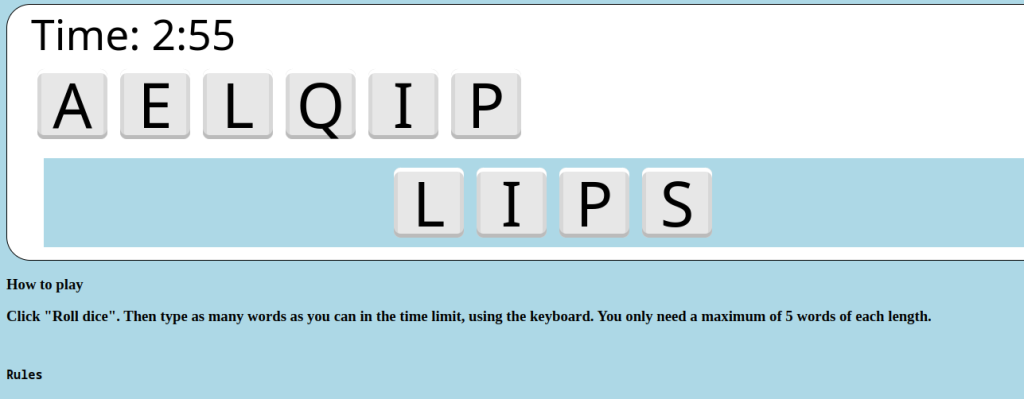][1]
+
+Source code [here][2]
+
+[1]: https://za3k.github.io/ha3k-01-perquackey/
+[2]: https://github.com/za3k/ha3k-01-perquackey
--- /dev/null
+---
+author: admin
+categories:
+- Non-Technical
+date: 2023-11-04 15:58:18-07:00
+markup: html
+source: wordpress
+tags:
+- furniture
+- hack-a-day
+- physical
+- woodworking
+title: 'Hack-A-Day, Day 04: Lashed Table'
+updated: 2023-11-04 15:59:51-07:00
+wordpress_id: 1147
+wordpress_slug: hack-a-day-day-04-lashed-table
+---
+Lashed furniture is made using sticks and rope or twine. Today’s project was to make one out of bamboo and brown paracord. The frame is shown–imagine boards or many pieces of bamboo forming a top.
+
+[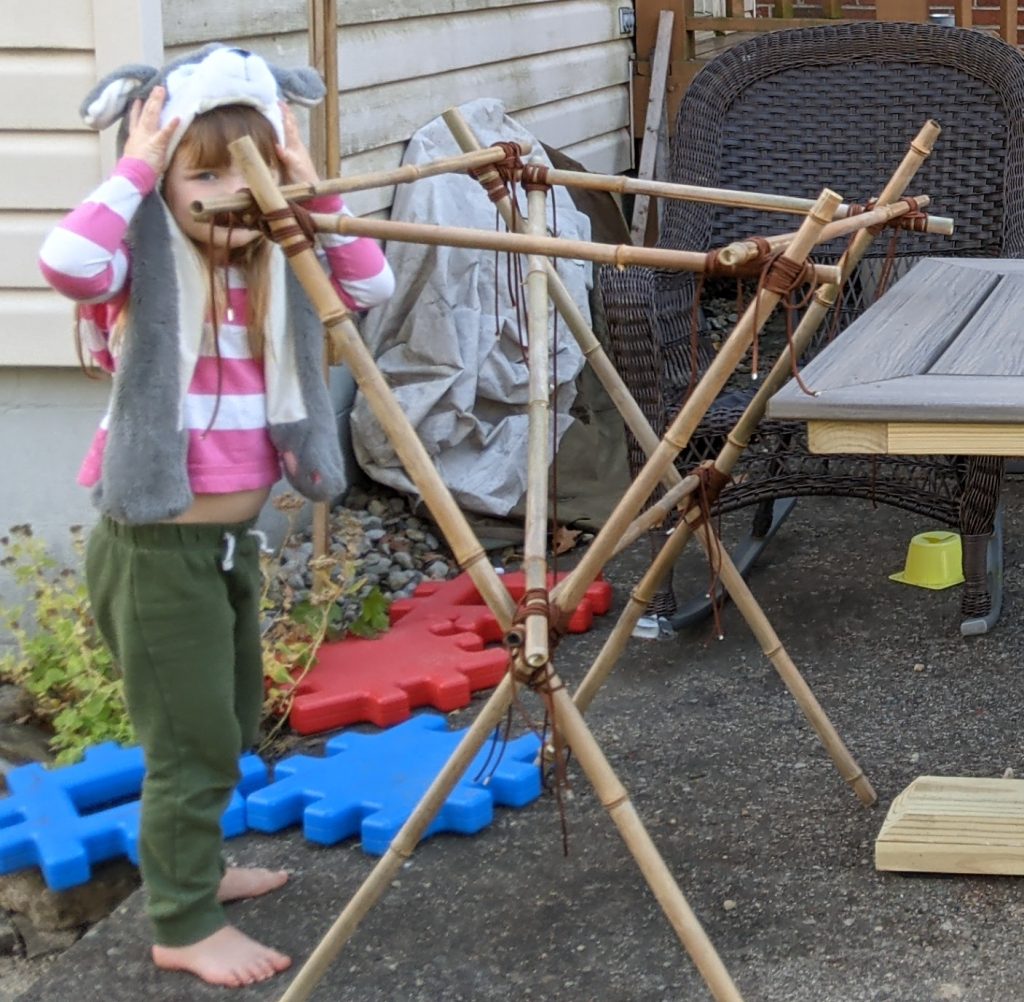][1]
+
+Hello to the young lady who decided to pose and join in the photo!
+
+We found this little $5 tool to be incredibly good for cutting bamboo. It’s designed for almost the same thing, cutting metal pipes.
+
+[][2]
+
+It wasn’t bad for a first try. That said, we decided the top wasn’t flat enough to give a good finish, so the whole thing is going to be burned at the next bonfire.
+
+1. Carin says:
+
+ [November 6, 2023 at 8:44 am][3]
+
+ Cool!
+
+ [Reply][4]
+
+
+[1]: https://blog.za3k.com/wp-content/uploads/2023/11/table.jpg
+[2]: https://blog.za3k.com/wp-content/uploads/2023/11/pipe-cutter.webp
+[3]: https://blog.za3k.com/hack-a-day-day-04-lashed-table/#comment-10633
+[4]: https://blog.za3k.com/hack-a-day-day-04-lashed-table/?replytocom=10633#respond
--- /dev/null
+---
+author: admin
+categories:
+- Non-Technical
+- Technical
+date: 2023-11-07 21:42:27-07:00
+markup: html
+source: wordpress
+tags:
+- games
+- hack-a-day
+- video games
+title: 'Hack-A-Day, Day 07: Doodlemoji Alchemy'
+updated: 2023-11-11 11:38:50-07:00
+wordpress_id: 1164
+wordpress_slug: hack-a-day-day-06-doodlemoji-alchemy
+---
+I made a small game called Doodlemoji Alchemy, together with my friend Jennifer, as part of [Hack-A-Day][1].
+
+You can play it [here][2].
+
+[][3]
+
+You combine elements to make something new. Sometimes you get an old element:
+
+[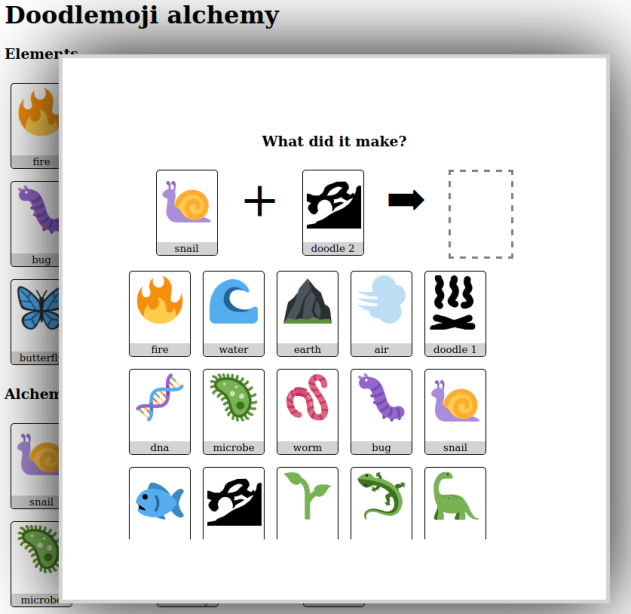][4]
+
+Sometimes you discover a new one!
+
+[][5]
+
+[1]: https://za3k.com/hackaday
+[2]: https://za3k.github.io/ha3k-07-doodle-alchemy/
+[3]: https://za3k.github.io/ha3k-07-doodle-alchemy/
+[4]: https://za3k.github.io/ha3k-07-doodle-alchemy/
+[5]: https://za3k.github.io/ha3k-07-doodle-alchemy/
--- /dev/null
+---
+author: admin
+categories:
+- Technical
+date: 2023-11-07 07:33:14-07:00
+markup: html
+source: wordpress
+tags:
+- graphics
+- hack-a-day
+- raytracing
+title: 'Hack-A-Day, Day 06: Raytracing Redux (realtime video)'
+updated: 2023-11-11 11:39:03-07:00
+wordpress_id: 1152
+wordpress_slug: hack-a-day-day-06
+---
+Today’s update is a short one. I ported my raytracer from [day 02][1], to the Nvidia GPU: [ha3k-06-raytracer][2]
+
+The visuals are pretty much the same. Incidentally I discovered the striations on the ground disappear if we increase the floating point precision.
+
+[][3]
+
+[][4]
+
+Render on the GPU is 30x faster (0.05 fps -> 3 fps). That’s still not very fast.
+
+I didn’t get video working yesterday, or anything else visually new. I will call this one a failure overall, because I have nothing interesting to show off. I learned stuff and made progress though, so it’s not so bad.
+
+Here’s a working video!
+
+[1]: https://blog.za3k.com/hack-a-day-day-2-raytracing/
+[2]: https://github.com/za3k/ha3k-06-raytracer
+[3]: https://blog.za3k.com/wp-content/uploads/2023/11/v15b.png
+[4]: https://blog.za3k.com/wp-content/uploads/2023/11/v16.png
--- /dev/null
+---
+author: admin
+categories:
+- Non-Technical
+date: 2023-11-08 15:40:14-07:00
+markup: html
+source: wordpress
+tags:
+- art
+- hack-a-day
+- silly
+- writing
+title: 'Hack-A-Day, Day 08: Receipt Zine'
+updated: 2023-11-08 15:40:14-07:00
+wordpress_id: 1169
+wordpress_slug: hack-a-day-day-08-receipt-zine
+---
+I’ve wanted to make a receipt-printer zine for a while. Here’s the next best thing, a digital verson.
+
+Click the image for a silly little zine.
+
+[][1]
+
+[1]: https://za3k.github.io/ha3k-08-receipt/
--- /dev/null
+---
+author: admin
+categories:
+- Non-Technical
+date: 2023-11-10 19:24:36-07:00
+markup: html
+source: wordpress
+tags:
+- hack-a-day
+- throwaway
+title: 'Hack-A-Day, Day 10: Typewriter'
+updated: 2023-11-11 11:39:10-07:00
+wordpress_id: 1173
+wordpress_slug: hack-a-day-day-10-typewriter
+---
+Try it out [here][1]. Code is on [github][2].
+
+[][3]
+
+[1]: https://za3k.github.io/ha3k-10-typewriter/
+[2]: https://github.com/za3k/ha3k-10-typewriter
+[3]: https://za3k.github.io/ha3k-10-typewriter/
--- /dev/null
+---
+author: admin
+categories:
+- Non-Technical
+- Technical
+date: 2023-11-11 23:23:47-07:00
+markup: html
+source: wordpress
+tags:
+- graphics
+- hack-a-day
+- raytracing
+- video
+title: 'Hack-A-Day, Day 11: Raytraced Rain'
+updated: 2023-11-11 23:23:47-07:00
+wordpress_id: 1184
+wordpress_slug: hack-a-day-day-11-raytraced-rain
+---
+A simple screensaver made in my raytracer. Code is [on github][1].
+
+[1]: https://github.com/za3k/ha3k-11-raytracer-rain
--- /dev/null
+---
+author: admin
+categories:
+- Non-Technical
+date: 2023-11-12 11:15:25-07:00
+markup: html
+source: wordpress
+tags:
+- hack-a-day
+- throwaway
+title: 'Hack-A-Day, Day 12: Screensavers'
+updated: 2023-11-12 11:15:26-07:00
+wordpress_id: 1186
+wordpress_slug: hack-a-day-day-12-screensavers
+---
+A “silly screensaver”. Demo is [here][1]. Source code is [on github][2].
+
+[][3]
+
+[1]: https://za3k.github.io/ha3k-12-screensaver/
+[2]: https://github.com/za3k/ha3k-12-screensaver
+[3]: https://za3k.github.io/ha3k-12-screensaver/
--- /dev/null
+---
+author: admin
+categories:
+- Non-Technical
+date: 2023-11-13 21:45:06-07:00
+markup: html
+source: wordpress
+tags:
+- hack-a-day
+- throwaway
+- unfinished
+title: 'Hack-A-Day, Day 13: Blueprint Maker'
+updated: 2023-11-13 21:45:07-07:00
+wordpress_id: 1189
+wordpress_slug: hack-a-day-day-13-blueprint-maker
+---
+Hack-A-Day is a challenge to try and finish 30 projects in 30 days in November.
+
+Today I tried to write a tool to make a floorplan. You can try it [here][1]. As usual the source code is [on github][2].
+
+[][3]
+
+This was an ambitious project for one day, and I didn’t finish everything I wanted. My original goal was to support
+
+- drawing and erasing rectangles (done)
+- adding, editing, deleting, and moving text labels (not done)
+- adding, deleting, and moving icons (mostly not done)
+- autosave (done)
+- undo support (done)
+- zoom and pan (not done)
+- sharing finished projects (stretch goal, not done)
+
+What I did do was pleasantly high-quality, and I made pretty good progress.
+
+[1]: https://za3k.github.io/ha3k-13-blueprint/
+[2]: https://github.com/za3k/ha3k-13-blueprint
+[3]: https://za3k.github.io/ha3k-13-blueprint/
--- /dev/null
+---
+author: admin
+categories:
+- Non-Technical
+- Technical
+date: 2023-11-14 15:18:54-07:00
+markup: html
+source: wordpress
+tags:
+- hack-a-day
+- music
+- throwaway
+title: 'Hack-A-Day, Day 14: Bytebeat Synth'
+updated: 2023-11-14 15:18:55-07:00
+wordpress_id: 1193
+wordpress_slug: hack-a-day-day-14-bytebeat-synth
+---
+My friend Kragen and I wrote a little bytebeat synth tool. You can mess around and have fun. Demo [here][1], code is [on github][2].
+
+[][3]
+
+[1]: https://za3k.github.io/ha3k-14-synth/
+[2]: https://github.com/za3k/ha3k-14-synth
+[3]: https://za3k.github.io/ha3k-14-synth/
--- /dev/null
+---
+author: admin
+categories:
+- Non-Technical
+date: 2023-11-18 09:33:42-07:00
+markup: html
+source: wordpress
+tags:
+- game design
+- games
+- hack-a-day
+- roleplaying
+- throwaway
+title: 'Hack-A-Day, Day 17: Tower of Choices'
+updated: 2023-11-18 09:33:42-07:00
+wordpress_id: 1197
+wordpress_slug: hack-a-day-day-17-tower-of-choices
+---
+Today’s hack-a-day project was a pencil-and-paper RPG. Based on feedback from people reading the rules, it’s *notably bad* and I don’t recommend it. Rules [here][1].
+
+[1]: https://za3k.com/games/tower_of_choices
--- /dev/null
+---
+author: admin
+categories:
+- Technical
+date: 2023-11-20 08:50:26-07:00
+markup: html
+source: wordpress
+tags:
+- general ai
+- hack-a-day
+title: 'Hack-A-Day, Day 18: A.I. Grab-bag'
+updated: 2023-11-20 10:10:28-07:00
+wordpress_id: 1199
+wordpress_slug: hack-a-day-day-18-a-i-grab-bag
+---
+Today I got a variety of modern A.I. tools to work in [a python library][1]. This one is mostly install instructions, but it was useful for me, at least.
+
+I took a day off after.
+
+My conclusions were:
+
+- Speech synthesis runs at 400x realtime on CPU.
+- Speech recognition runs at 0.4x realtime on CPU, 60x realtime on GPU.
+- Generating chat at 0.05x – 0.5x realtime (3-30 wpm) on GPU.
+
+I didn’t get image generation working on my allotted time.
+
+[1]: https://github.com/za3k/ha3k-18-ai-grabbag
--- /dev/null
+---
+author: admin
+categories:
+- Technical
+date: 2023-11-02 21:38:58-07:00
+markup: html
+source: wordpress
+tags:
+- graphics
+- hack-a-day
+- raytracing
+title: 'Hack-A-Day, Day 02: Raytracing'
+updated: 2023-11-11 11:39:34-07:00
+wordpress_id: 1141
+wordpress_slug: hack-a-day-day-2-raytracing
+---
+Today I wrote a simple raytracer. A raytracer is a very simple way to draw excellent graphics. For each pixel, it follows an imaginary “line” out from the viewer through that pixel into the computer world. Then it colors the pixel based on what the line hits. Unfortunately, it also takes a lot of computing power.
+
+Mine is based on the explanation (and code) from “[Ray Tracing in One Weekend][1]“, and the code from “[My Very First Raytracer][2]“.
+
+[][3]
+
+Matte spheres in different shades of grey. The blue in the spheres is reflected from the sky.
+
+The motivation for this project was to learn how to make things run faster on a graphics card. I quickly realized (before I wrote a line of code) that I’d need the basic raytracer to be its own project. Having it run faster will have to be a job for another day!
+
+[][4]
+
+A final demo scene, showing off reflectivity and metal surfaces.
+Note the pincushion distortion of the overall render, and striations on the ground.
+
+[1]: https://raytracing.github.io/books/RayTracingInOneWeekend.html
+[2]: http://canonical.org/~kragen/sw/aspmisc/my-very-first-raytracer.html
+[3]: https://github.com/za3k/ha3k-02
+[4]: https://github.com/za3k/ha3k-02
--- /dev/null
+---
+author: admin
+categories:
+- Non-Technical
+- Technical
+date: 2023-11-20 20:57:20-07:00
+markup: html
+source: wordpress
+tags:
+- art
+- clone
+- game
+- hack-a-day
+- pixel art
+- video game
+title: 'Hack-A-Day, Day 20: Hillsfar Lockpicking Spritesheet'
+updated: 2023-12-31 16:24:44-07:00
+wordpress_id: 1203
+wordpress_slug: hack-a-day-day-20-hillsfar-lockpicking-spritesheet
+---
+For today’s hack-a-day, I meant to clone the [Hillsfar][1] lockpicking minigame. Instead, I spent all day just extracting the sprites. But I had a nice chill time, so it was great.
+
+Edit: See the [updated post][2] for the finished game.
+
+Here’s the original minigame:
+
+[][3]
+
+Here’s my spritesheet:
+
+[][4]
+
+I made it by splitting up screenshots:
+
+[][5]
+
+[1]: https://en.wikipedia.org/wiki/Hillsfar
+[2]: https://blog.za3k.com/hillsfar-lockpicking-20-complete/
+[3]: https://blog.za3k.com/wp-content/uploads/2023/11/2023-11-20-223209_640x400_scrot.png
+[4]: https://blog.za3k.com/wp-content/uploads/2023/11/out.png
+[5]: https://blog.za3k.com/wp-content/uploads/2023/11/hillsfar-lockpick-parts.png
--- /dev/null
+---
+author: admin
+categories:
+- Technical
+date: 2023-11-22 21:15:14-07:00
+markup: html
+source: wordpress
+tags:
+- circuits
+- electronics
+- hack-a-day
+- pcb
+title: 'Hack-a-Day, Day 22: Homemade PCBs'
+updated: 2023-11-22 21:45:57-07:00
+wordpress_id: 1208
+wordpress_slug: hack-a-day-day-22-homemade-pcbs
+---
+Today I learned how to make PCBs. I didn’t invent anything here, this is all pretty well known by the PCB-making community, but it’s not well-known to *me*. So I taught myself a bit!
+
+The first part was the design an electronic circuit. I decided I was short on time, so I grabbed an [existing schematic][1].
+
+[][2]
+
+Next, I downloaded KiCAD, and recreated the circuit there. I found [this video tutorial][3] very helpful to learn kicad.
+
+[][4]
+
+Next, I made the actual PCB layout.
+
+[][5]
+
+To my surprise, after a little jiggling I got it down to a one-layer design.
+
+[][6]
+
+That means home-printing would be much easier. No having to line up the two sides carefully.
+
+[][7]
+
+I printed out the image on paper (backwards) on my toner printer, and taped it to the copper-clad PCBs.
+
+[][8]
+
+First, I tried laminating it. Almost no ink transferred, and the paper came off easily. Then I tried ironing it, but the paper stick to the iron and not to the PCB. The tape melted on the iron. For both, I dunked them in water after, which is supposed to help loosen the paper.
+
+[][9]
+
+[][10]
+
+[][11]
+
+Next, I tried the standard advice–sand the PCBs (I used 320 grit) and use glossy paper. This time, both pieces of paper stuck very well. I was wary about the iron coming off again, so I just left it on place on the highest heat–this worked fine for adhesion, but I had to iron out wrinkles at the end. The laminated piece had lose edges, while the ironed piece was on there totally flat.
+
+I tried peeling off the laminated paper–oops! It peeled back and most of the ink stayed on the paper. I think if I took it off more carefully, it would have worked.
+
+[][12]
+
+I picked at the ironed paper a bit, but it didn’t budge. I let it sit in dish soap for a while so the paper would fall apart. The first hour didn’t do anything.
+
+[][13]
+
+Meanwhile, I made an order at PCBWay. It’s still under review.
+
+Edit: after some advice from a friend, I peeled off this paper more aggressively, and scrubbed it off. The ink was fine. It doesn’t look great, but I think this is mostly the wrinkles during transfer. It’s a little blurry, I’ll have to do a third attempt before I try etching.
+
+[][14]
+
+[1]: https://www.circuits-diy.com/simple-continuity-tester-circuit-using-555-timer-ic/
+[2]: https://blog.za3k.com/wp-content/uploads/2023/11/continuity_tester.png
+[3]: https://www.youtube.com/watch?v=zK3rDhJqMu0&ab_channel=WindsorSchmidt
+[4]: https://blog.za3k.com/wp-content/uploads/2023/11/kicad_schematic.png
+[5]: https://blog.za3k.com/wp-content/uploads/2023/11/kicad-pcb.png
+[6]: https://blog.za3k.com/wp-content/uploads/2023/11/kicad-pcb2.png
+[7]: https://blog.za3k.com/wp-content/uploads/2023/11/printable.png
+[8]: https://blog.za3k.com/wp-content/uploads/2023/11/PXL_20231123_024251429-crop.jpg
+[9]: https://blog.za3k.com/wp-content/uploads/2023/11/image.png
+[10]: https://blog.za3k.com/wp-content/uploads/2023/11/image-2.png
+[11]: https://blog.za3k.com/wp-content/uploads/2023/11/image-4.png
+[12]: https://blog.za3k.com/wp-content/uploads/2023/11/image-5.png
+[13]: https://blog.za3k.com/wp-content/uploads/2023/11/PXL_20231123_041248880-crop.jpg
+[14]: https://blog.za3k.com/wp-content/uploads/2023/11/PXL_20231123_044211359-crop.jpg
--- /dev/null
+---
+author: admin
+categories:
+- Non-Technical
+date: 2023-11-23 17:29:27-07:00
+markup: html
+source: wordpress
+tags:
+- hack-a-day
+- moving
+title: 'Hack-A-Day, Day 23: Packing'
+updated: 2023-12-06 17:46:08-07:00
+wordpress_id: 1227
+wordpress_slug: hack-a-day-day-23-packing
+---
+I’m moving, so I have to pack. I thought I’d make it fun with two projects.
+
+First, I entered everything I was packing into a text file, **stuff.md**. That way, I can find stuff later. I have two friends who have done something like this, so I’m curious how it will go for me. Here is a sample:
+
+> Box 01 - banker
+> ======
+> - USB Receipt Printer - in trapezoid box
+> - Thinkpad 460 Charger (x2) - cardboard box (x2)
+> - Cardboard box "eink"
+> - eink communications converter for 7.5" eink display
+> - Piece of fiberglass sized for 7.5" eink display
+> - 1.54" eink display 152z152px never used, with notes on yellow paper
+> - Airtec electric duster (AC) - cardboard box
+> - Tiny UPS for Raspberry Pi - cardboard box
+> - Wireless receipt printer - cardboard box
+> - Playstation Eye (x2) - cardboard box
+> - Mini-router (2 eth, 1 usb), unconfigured - in cardboard box
+> - Pipe-sealing tape for vacuum - loose
+> - Multimeter, Kaiweets brand - in cloth case
+> - $1 in pennies, and penny sleeves - plastic bag
+> - Engraving pen - loose metal case
+> - LED Light bulbs (one white, one red) - cardboard box
+>
+> Box 02 - banker
+> ======
+> - HDD Copier - cardboard box
+> - HDD Dock (x2) - cardboard box (x2)
+> - Butane soldering iron - metal box
+> - Doxie Go adapters - loose plastic bag
+> - "Faces" M5Stack development. Stacking keyboard and screen, etc. - plastic case
+> + Magnetic metal parts tray
+> + Neodynium magnets, two disc sizes - Loose box
+> + Receipt paper roll - loose
+>
+> Box 03 - banker
+> ======
+> - empty
+>
+
+Second, I took a time lapse video of packing. I wish I had time-lapsed moving in at my current place, but I just wasn’t set up for it. Sadly, my camera battery died after 90 minutes, so I only have a very short video. Next time I’ll plug in a power cable. Here is a [short example video][1].
+
+Both are much too personal for me to post on the web in full.
+
+[1]: https://www.youtube.com/watch?v=hEYZWD2gQsQ
--- /dev/null
+---
+author: admin
+categories:
+- Non-Technical
+- Technical
+date: 2023-11-28 20:52:11-07:00
+markup: html
+source: wordpress
+tags:
+- hack-a-day
+- silly
+- video
+title: 'Hack-A-Day, Day 28: 90s Sitcom'
+updated: 2023-11-28 20:52:12-07:00
+wordpress_id: 1230
+wordpress_slug: hack-a-day-day-28-90s-sitcom
+---
+Two friends and I wrote the intro to “Pint-Sized”, a 90s sitcom that never existed.
+
+We used DALL-E and stable diffusion for images, [Photopea][1] to add captions, and Google’s [AI Test Kitchen][2] for the backing music. Cheers were added with audacity. The video was edited together with ffmpeg.
+
+Credits: za3k, stetson blake, jeremy mcintyre
+
+[1]: https://www.photopea.com/
+[2]: https://aitestkitchen.withgoogle.com/experiments/music-lm
--- /dev/null
+---
+author: admin
+categories:
+- Non-Technical
+date: 2023-11-30 18:21:34-07:00
+markup: html
+source: wordpress
+tags:
+- hack-a-day
+title: 'Hack-A-Day, Day 29: Speed Reading'
+updated: 2023-11-30 18:21:35-07:00
+wordpress_id: 1232
+wordpress_slug: hack-a-day-day-29-speed-reading
+---
+Yesterday’s project was [Speed Reading][1]. Experience what it’s like to read *Don Quixote* faster than you’re comfortable with. Source is [on github][2] as usual.
+
+[1]: https://za3k.github.io/ha3k-29-speedread/
+[2]: https://github.com/za3k/ha3k-29-speedread
--- /dev/null
+---
+author: admin
+categories:
+- Non-Technical
+date: 2023-11-30 18:25:52-07:00
+markup: html
+source: wordpress
+tags:
+- hack-a-day
+- music
+title: 'Hack-A-Day, Day 30: Music of the (Celestial) Spheres'
+updated: 2023-11-30 18:25:53-07:00
+wordpress_id: 1234
+wordpress_slug: hack-a-day-day-30-music-of-the-celestial-spheres
+---
+Hack-a-Day is a challenge to complete ~30 fun new projects in 30 days. In my case, I aimed for 20, because I knew I was getting a job and moving. I just barely made it with this last entry, a collaboration with nsh.
+
+Music of the Spheres lets you hear songs on different tonal scales. Listen to the warped melodies. Watch the pretty planets orbit. Surely their sizes and orbits are significant and connected to the tonal scales? Go mad with afterimages of… okay, well it’s kinda fun, anyway. Demo is [here][1], code is [on github][2].
+
+[][3]
+
+[1]: https://za3k.github.io/ha3k-30-musicofspheres/
+[2]: https://github.com/za3k/ha3k-30-musicofspheres
+[3]: https://za3k.github.io/ha3k-30-musicofspheres/
--- /dev/null
+---
+author: admin
+categories:
+- Non-Technical
+- Technical
+date: 2022-11-22 09:15:34-07:00
+markup: html
+source: wordpress
+tags:
+- art
+- hack-a-day
+- music
+- november
+- throwaway
+- video game
+- visualizer
+title: 'Hack-A-Day: Hack-A-Battle'
+updated: 2022-11-22 09:24:22-07:00
+wordpress_id: 922
+wordpress_slug: hack-a-day-hack-a-battle
+---
+It’s november, and I’ve decided this month that I’m going to do 30 projects in 30 days. It’s an all-month hack-a-thon!
+
+Yesterday’s project was [Hack-A-Battle][1] ([demo][2], [source][3]). It’s two dueling music visualizers (sound warning!). Red vs blue. As each hits the other with bullets, they lose heath. As a band takes damage, it gets dimmer and quieter. Eventually one band will win out and be the only one playing.
+
+[][4]
+
+I thought this was a cool idea, but I’m not really happy with the implementation
+
+- It’s a little laggy, especially when explosions happen.
+- It’s probably a little too fast of a battle.
+- I wanted to the things coming out to actually be linked to a music visualizer, which I almost had time to do.
+- It would have been better if the “bands” took turns playing instead of both going at once, for the poor listener.
+- It requires a fairly big display, and beefy computer/phone. It doesn’t work well on a small screen at all.
+- I wasn’t super pleased with the code. It was so-so
+- I wanted you to be able to upload your own songs and duel a friend
+
+[1]: https://tilde.za3k.com/hackaday/battle/
+[2]: https://tilde.za3k.com/hackaday/battle/
+[3]: https://github.com/za3k/day21_battle
+[4]: https://tilde.za3k.com/hackaday/battle/
--- /dev/null
+---
+author: admin
+categories:
+- Non-Technical
+- Technical
+date: 2022-11-03 17:52:52-07:00
+markup: html
+source: wordpress
+tags:
+- blog
+- hack-a-day
+- november
+- throwaway
+title: 'Hack-A-Day: Hack-A-Blog'
+updated: 2022-11-13 23:19:02-07:00
+wordpress_id: 832
+wordpress_slug: hack-a-day-hack-a-blog
+---
+It’s november, and I’ve decided this month that I’m going to do 30 projects in 30 days. It’s an all-month hack-a-thon!
+
+Today’s project is the [Hack-A-Blog][1]. ([demo][2], [source][3]).
+
+[][4]
+
+Check out the link above to try out the live demo. I’m proud of getting this one done in time. I think the next days will be easier, as I figured some things out already.
+
+[1]: https://tilde.za3k.com/hackaday/blog/
+[2]: https://tilde.za3k.com/hackaday/blog/
+[3]: https://github.com/za3k/day03_blog
+[4]: https://tilde.za3k.com/hackaday/blog/
--- /dev/null
+---
+author: admin
+categories:
+- Technical
+date: 2022-12-05 21:15:50-07:00
+markup: html
+source: wordpress
+tags:
+- bugs
+- december
+- hack-a-day
+- throwaway
+title: 'Hack-A-Day: Hack-A-Bug'
+updated: 2022-12-05 21:15:50-07:00
+wordpress_id: 958
+wordpress_slug: hack-a-day-hack-a-bug
+---
+I’m continuing Hack-A-Day, I think. Today’s project is [Hack-A-Bug][1] ([demo][2], [source][3]). It’s a bug reporter I can add with one line to any of my projects.
+
+[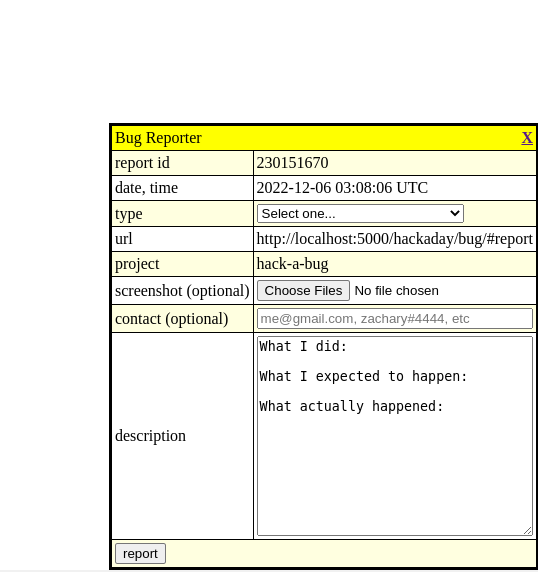][4]
+
+[1]: https://tilde.za3k.com/hackaday/bug/
+[2]: https://tilde.za3k.com/hackaday/bug/
+[3]: https://github.com/za3k/day31_bug
+[4]: https://tilde.za3k.com/hackaday/bug/
--- /dev/null
+---
+author: admin
+categories:
+- Non-Technical
+- Technical
+date: 2022-11-04 17:18:00-07:00
+markup: html
+source: wordpress
+tags:
+- chat
+- hack-a-day
+- november
+- throwaway
+title: 'Hack-A-Day: Hack-A-Chat'
+updated: 2022-11-13 23:18:50-07:00
+wordpress_id: 835
+wordpress_slug: hack-a-day-hack-a-chat
+---
+It’s november, and I’ve decided this month that I’m going to do 30 projects in 30 days. It’s an all-month hack-a-thon!
+
+Today’s project is [Hack-A-Chat][1]. ([demo][2], [source][3]). It’s a free web chat for anyone that goes to the website.
+
+[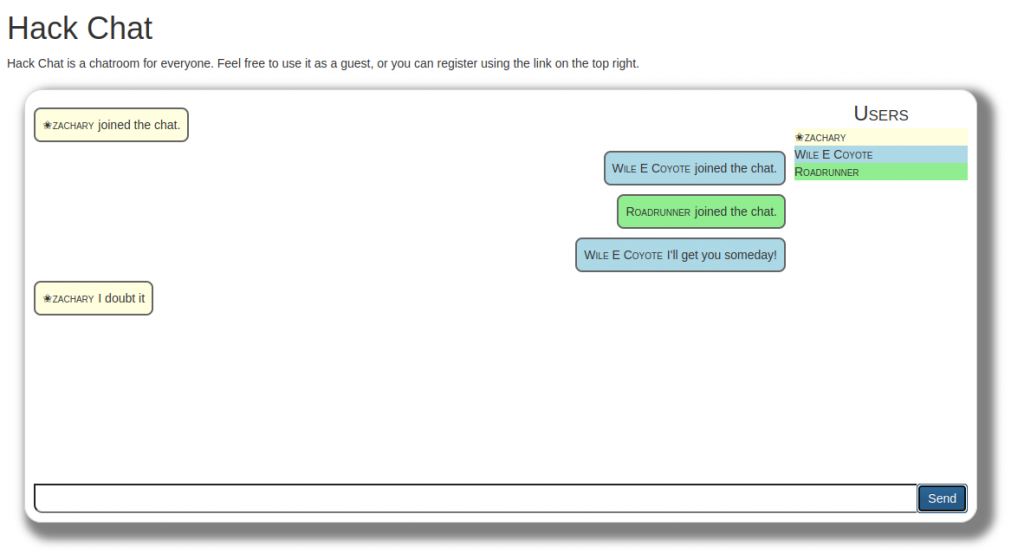][4]
+
+Check out the link above to try out the live demo.
+
+So far, not much easier. Another 8-hour day. I was hoping to do something with WebRTC today, but I didn’t get to it.
+
+[1]: https://tilde.za3k.com/hackaday/chat/
+[2]: https://tilde.za3k.com/hackaday/chat/
+[3]: https://github.com/za3k/day04_chat
+[4]: https://tilde.za3k.com/hackaday/chat/
--- /dev/null
+---
+author: admin
+categories:
+- Non-Technical
+- Technical
+date: 2022-11-25 21:08:03-07:00
+markup: html
+source: wordpress
+tags:
+- hack-a-day
+- november
+- throwaway
+- time
+title: 'Hack-A-Day: Hack-A-Clock'
+updated: 2022-11-25 21:08:03-07:00
+wordpress_id: 934
+wordpress_slug: hack-a-day-hack-a-clock
+---
+Thursday’s project was [Hack-A-Clock][1] ([demo][2], [source][3]). It is a decimal time clock, displaying the time in revolutionary french time (minus their weird calendar).
+
+[][4]
+
+[https://tilde.za3k.com/hackaday/clock/][5]
+
+This is another “phone it in” project but I think it would have been okay with more accompanying explanation and better styling.
+
+[1]: https://tilde.za3k.com/hackaday/clock/
+[2]: https://tilde.za3k.com/hackaday/clock/
+[3]: https://github.com/za3k/day24_clock
+[4]: https://blog.za3k.com/wp-content/uploads/2022/11/screenshot-21.png
+[5]: https://tilde.za3k.com/hackaday/clock/
--- /dev/null
+---
+author: admin
+categories:
+- Non-Technical
+- Technical
+date: 2022-11-18 18:25:42-07:00
+markup: html
+source: wordpress
+tags:
+- hack-a-day
+- image
+- november
+- throwaway
+- tools
+title: 'Hack-A-Day: Hack-A-Crop'
+updated: 2022-11-18 18:25:46-07:00
+wordpress_id: 910
+wordpress_slug: hack-a-day-hack-a-crop
+---
+It’s november, and I’ve decided this month that I’m going to do 30 projects in 30 days. It’s an all-month hack-a-thon!
+
+Today’s project is [Hack-A-Crop][1] ([demo][2], [source][3]). It crops an image to a fixed size.
+
+[][4]
+
+I got help from several people on the CSS, thanks to instantly sharing my work via [ngrok][5] from my laptop. Thanks people! Thanks ngrok!
+
+Today’s project was in anticipation of showing off what I did at the end of the month. I want a small thumbnail for each project.
+
+[1]: https://tilde.za3k.com/hackaday/crop/
+[2]: https://tilde.za3k.com/hackaday/crop/
+[3]: https://github.com/za3k/day18_crop
+[4]: https://tilde.za3k.com/hackaday/crop/
+[5]: https://ngrok.com/
--- /dev/null
+---
+author: admin
+categories:
+- Non-Technical
+- Technical
+date: 2022-11-08 13:55:43-07:00
+markup: html
+source: wordpress
+tags:
+- dictionary
+- english
+- hack-a-day
+- november
+- throwaway
+- words
+title: 'Hack-A-Day: Hack-A-Dictionary'
+updated: 2022-11-13 23:17:08-07:00
+wordpress_id: 862
+wordpress_slug: hack-a-day-hack-a-dictionary
+---
+It’s november, and I’ve decided this month that I’m going to do 30 projects in 30 days. It’s an all-month hack-a-thon!
+
+Today’s project is [Hack-A-Dictionary][1] ([demo][2], [source][3]). It looks up words.
+
+[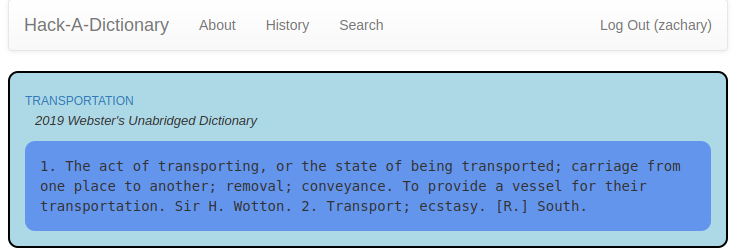][4]
+
+OK, I’ll be honest. I’m phoning this one in. I needed a break.
+
+[1]: https://tilde.za3k.com/hackaday/dictionary/
+[2]: https://tilde.za3k.com/hackaday/dictionary/
+[3]: https://github.com/za3k/day08_dictionary
+[4]: https://tilde.za3k.com/hackaday/dictionary/
--- /dev/null
+---
+author: admin
+categories:
+- Non-Technical
+- Technical
+date: 2022-11-27 21:03:15-07:00
+markup: html
+source: wordpress
+tags:
+- games
+- hack-a-day
+- linux
+- throwaway
+- video games
+title: 'Hack-A-Day: Hack-A-Farm'
+updated: 2022-11-27 21:03:16-07:00
+wordpress_id: 947
+wordpress_slug: hack-a-day-hack-a-farm
+---
+It’s november, and I’ve decided this month that I’m going to do 30 projects in 30 days. It’s an all-month hack-a-thon!
+
+Today’s project is [Hack-A-Farm][1] ([demo][2], [source][3]). It’s a simple tile-based RPG. You can walk around as a chicken, admire your house, and plant and harvest two types of crops.
+
+[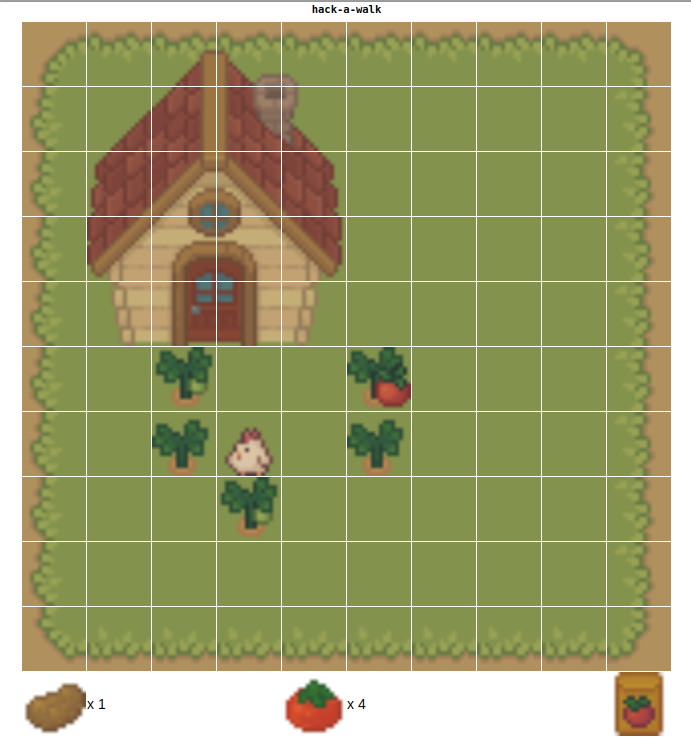][4]
+
+My main goal with this project was to work with spritesheets or animation before, which I had never done. Showing off the individual tiles is deliberate. Also, the game should respond well to smaller and larger screens, I hope.
+
+I had a good time with this one, and I’m happy with how much I got done in a day. I originally planned to do more fluid walking (it was called Hack-A-Walk), but it was more fun to add crops instead.
+
+I re-used some of the logic from Hack-A-Minigame and Hack-A-Snake. I’ve been finding d3 to be mildly useful, if a little annoying.
+
+[1]: https://tilde.za3k.com/hackaday/farm/
+[2]: https://tilde.za3k.com/hackaday/farm/
+[3]: https://github.com/za3k/day27_farm
+[4]: https://tilde.za3k.com/hackaday/farm/
--- /dev/null
+---
+author: admin
+categories:
+- Non-Technical
+- Technical
+date: 2022-11-19 21:04:04-07:00
+markup: html
+source: wordpress
+tags:
+- audio
+- hack-a-day
+- november
+- social
+- throwaway
+- video
+- webrtc
+title: 'Hack-A-Day: Hack-A-Hang'
+updated: 2022-11-19 21:13:00-07:00
+wordpress_id: 918
+wordpress_slug: hack-a-day-hack-a-hang
+---
+It’s november, and I’ve decided this month that I’m going to do 30 projects in 30 days. It’s an all-month hack-a-thon!
+
+Today’s project is [Hack-A-Hang][1] ([demo][2], [source][3]). It’s a place to hang out. It has text chat, video, and audio.
+
+**Hack-A-Hang is NOT WORKING.**
+
+Unfortunately while everything works great on my machine, there’s a bad problem in production, and I ran out of time on this one. I’ll try to get it fixed before the end of the month if it’s easy.
+
+[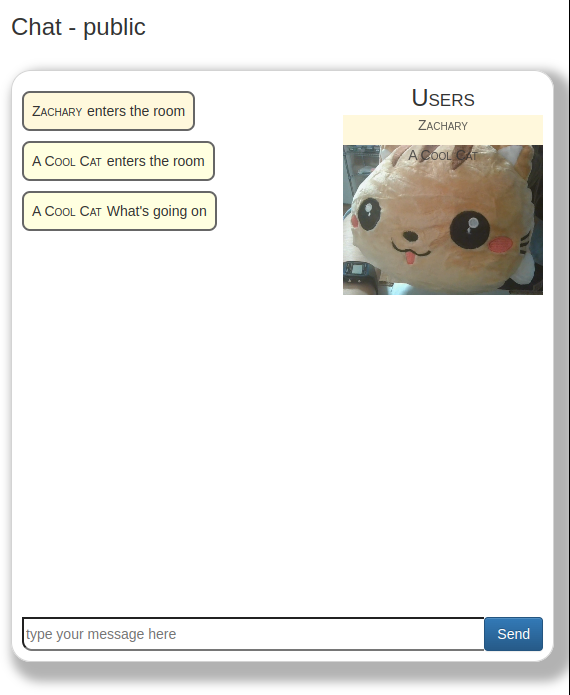][4]
+
+Hoo boy, this was one of the technically hardest ones so far. WebRTC is no joke. And not hard in a way where you have to think, hard in a way where the debugging tools are terrible. (Drag and drop was another tough one)
+
+[1]: https://tilde.za3k.com/hackaday/hang/
+[2]: https://tilde.za3k.com/hackaday/hang/
+[3]: https://github.com/za3k/day19_hang
+[4]: https://tilde.za3k.com/hackaday/hang/
--- /dev/null
+---
+author: admin
+categories:
+- Non-Technical
+- Technical
+date: 2022-11-22 19:37:06-07:00
+markup: html
+source: wordpress
+tags:
+- game
+- hack-a-day
+- november
+- throwaway
+- video games
+title: 'Hack-A-Day: Hack-A-Hell'
+updated: 2022-11-22 19:41:37-07:00
+wordpress_id: 927
+wordpress_slug: hack-a-day-hack-a-hell
+---
+It’s november, and I’ve decided this month that I’m going to do 30 projects in 30 days. It’s an all-month hack-a-thon!
+
+Today’s project is [Hack-A-Hell][1] ([demo][2], [source][3]). It’s a bullet hell game combined with a music visualizer.
+
+[][4]
+
+I’m happy with this one, although it took way too long given yesterday’s project! I keep thinking I’ll be able to modify or re-use things quickly, and it’s not true.
+
+P.S. Taking the next day or two off for thanksgiving
+
+[1]: https://tilde.za3k.com/hackaday/hell/
+[2]: https://tilde.za3k.com/hackaday/hell/
+[3]: https://github.com/za3k/day22_hell
+[4]: https://tilde.za3k.com/hackaday/hell/
--- /dev/null
+---
+author: admin
+categories:
+- Non-Technical
+- Technical
+date: 2022-11-05 18:10:35-07:00
+markup: html
+source: wordpress
+tags:
+- hack-a-day
+- homepage
+- november
+- throwaway
+title: 'Hack-A-Day: Hack-A-Homepage'
+updated: 2022-11-13 23:18:03-07:00
+wordpress_id: 851
+wordpress_slug: hack-a-day-hack-a-homepage
+---
+It’s november, and I’ve decided this month that I’m going to do 30 projects in 30 days. It’s an all-month hack-a-thon!
+
+Today’s (catch-up) project is [Hack-A-Homepage][1] ([demo][2], [source][3]). You can enter various information about yourself, such as links to your social media, and make your own little homepage.
+
+[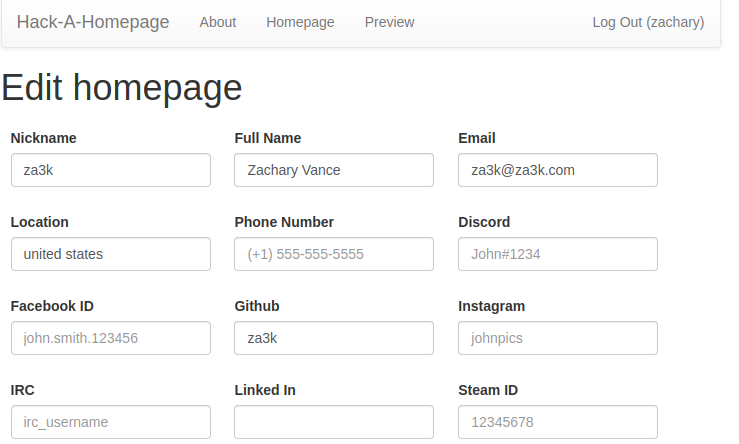][4]
+
+[][5]
+
+This one took about another hour. I think it’s okay, but today was definitely a “do the numbers” game to catch up. Tomorrow I want to do something more fun and new.
+
+[1]: https://tilde.za3k.com/hackaday/homepage/v/zachary
+[2]: https://tilde.za3k.com/hackaday/homepage/v/zachary
+[3]: https://github.com/za3k/day01_homepage
+[4]: https://tilde.za3k.com/hackaday/homepage/v/zachary
+[5]: https://blog.za3k.com/wp-content/uploads/2022/11/screenshot-4.png
--- /dev/null
+---
+author: admin
+categories:
+- Non-Technical
+- Technical
+date: 2022-11-13 22:27:14-07:00
+markup: html
+source: wordpress
+tags:
+- games
+- go
+- hack-a-day
+- november
+- throwaway
+- video games
+title: 'Hack-A-Day: Hack-A-Line'
+updated: 2022-11-13 23:15:35-07:00
+wordpress_id: 879
+wordpress_slug: hack-a-day-hack-a-line
+---
+It’s november, and I’ve decided this month that I’m going to do 30 projects in 30 days. It’s an all-month hack-a-thon!
+
+Today’s project is [Hack-A-Line][1] ([demo][2], [source][3]). Hack-A-Line is a 5-in-a-row game for two players. You play online against each other by sharing a link.
+
+[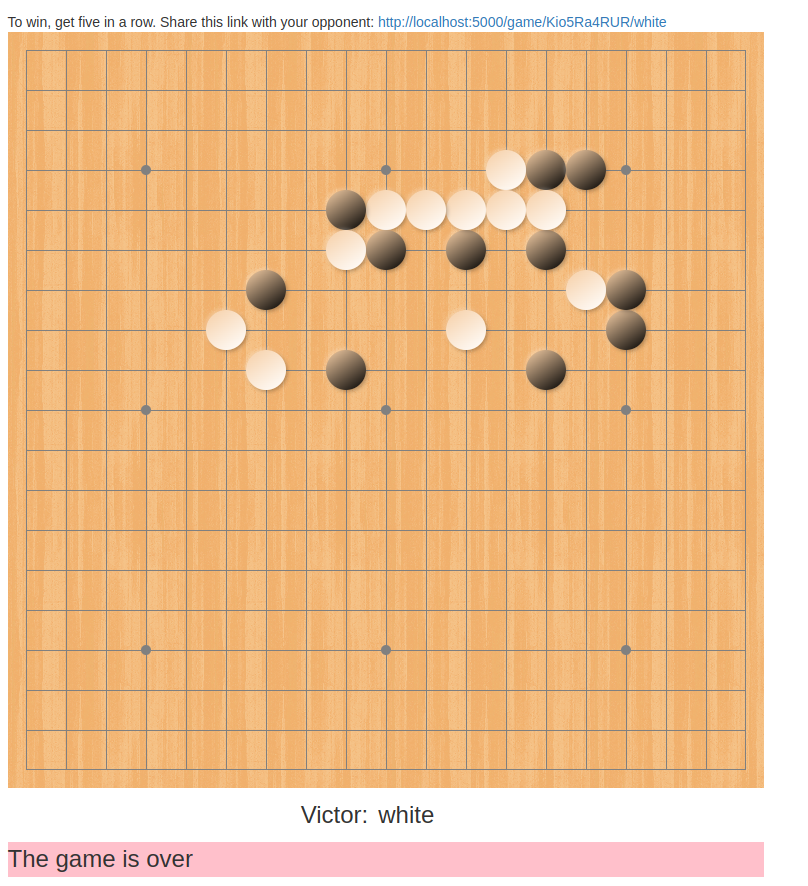][4]
+
+I’m okay with this one, except that there’s one really bad display bug that kind of ruins it. I’m starting to develop a list of projects where I might want to go back and fix something after this month.
+
+I skipped yesterday because I needed a break.
+
+[1]: https://tilde.za3k.com/hackaday/line/
+[2]: https://tilde.za3k.com/hackaday/line/
+[3]: https://github.com/za3k/day13_line
+[4]: https://tilde.za3k.com/hackaday/line/
--- /dev/null
+---
+author: admin
+categories:
+- Non-Technical
+- Technical
+date: 2022-11-25 21:05:38-07:00
+markup: html
+source: wordpress
+tags:
+- hack-a-day
+- november
+- throwaway
+title: 'Hack-A-Day: Hack-A-Link 2'
+updated: 2022-11-25 21:05:38-07:00
+wordpress_id: 931
+wordpress_slug: hack-a-day-hack-a-link-2
+---
+It’s november, and I’ve decided this month that I’m going to do 30 projects in 30 days. It’s an all-month hack-a-thon!
+
+Wednesday’s project was [Hack-A-Link 2][1] ([demo][2], [source][3]). It’s an open link directory.
+
+[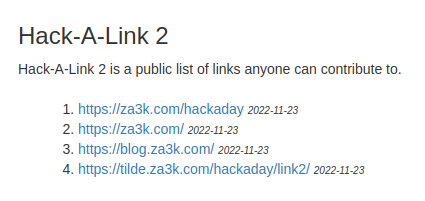][4]
+
+This was very much a “phone it in” project. I do think it could have been better if I had added descriptions, too.
+
+[1]: https://tilde.za3k.com/hackaday/link/
+[2]: https://tilde.za3k.com/hackaday/link/
+[3]: https://github.com/za3k/day02_link
+[4]: https://tilde.za3k.com/hackaday/link/
--- /dev/null
+---
+author: admin
+categories:
+- Non-Technical
+- Technical
+date: 2022-11-05 16:41:54-07:00
+markup: html
+source: wordpress
+tags:
+- hack-a-day
+- link shortener
+- november
+- throwaway
+title: 'Hack-A-Day: Hack-A-Link'
+updated: 2022-11-13 23:18:19-07:00
+wordpress_id: 849
+wordpress_slug: hack-a-day-hack-a-link
+---
+It’s november, and I’ve decided this month that I’m going to do 30 projects in 30 days. It’s an all-month hack-a-thon!
+
+Today’s (catch-up) project is [Hack-A-Link][1] ([demo][2], [source][3]). You can enter a long link, and it will be shortened.
+
+[][4]
+
+This one was also pretty easy. About an hour.
+
+[1]: https://tilde.za3k.com/hackaday/link
+[2]: https://tilde.za3k.com/hackaday/link
+[3]: https://github.com/za3k/day02_link
+[4]: https://tilde.za3k.com/hackaday/link
--- /dev/null
+---
+author: admin
+categories:
+- Technical
+date: 2022-11-10 22:16:17-07:00
+markup: html
+source: wordpress
+tags:
+- compiler
+- emulator
+- hack-a-day
+- nerdery
+- november
+- throwaway
+- vm
+title: 'Hack-A-Day: Hack-A-Machine'
+updated: 2022-11-13 23:16:34-07:00
+wordpress_id: 871
+wordpress_slug: hack-a-day-hack-a-machine
+---
+It’s november, and I’ve decided this month that I’m going to do 30 projects in 30 days. It’s an all-month hack-a-thon!
+
+Today’s project is [Hack-A-Machine][1] ([demo][2], [source][3]). It’s a whimsical VM you can play around with.
+
+I liked this one, but it really didn’t fit into a day too well.
+
+[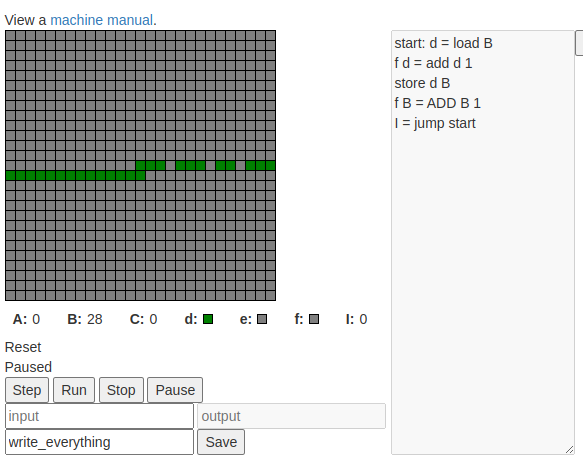][4]
+
+Features include:
+
+- Edit, save, and share programs!
+- Visual debugger with step, run, pause, and stop!
+- One example program!
+- Weird arithmetic!
+- Negative-364 based addressing!
+- “Touchscreen” display!
+- “Ticker tape” input and output!
+- 21 never before seen instructions!
+- Optional registration!
+
+Sadly not in the “one day” category are
+
+- good compiler errors
+- line numbering
+- line highlighting when stepping through code
+- syntax highlighting
+- the entire machine 100% working (I tested a little!)
+- fixing all the bugs (there’s a particularly nasty one where you have to save before you run)
+
+[1]: https://tilde.za3k.com/hackaday/machine/
+[2]: https://tilde.za3k.com/hackaday/machine/
+[3]: https://github.com/za3k/day10_machine
+[4]: https://tilde.za3k.com/hackaday/machine/
--- /dev/null
+---
+author: admin
+categories:
+- Non-Technical
+- Technical
+date: 2022-11-09 14:01:51-07:00
+markup: html
+source: wordpress
+tags:
+- art
+- hack-a-day
+- math
+- throwaway
+title: 'Hack-A-Day: Hack-A-Mandelbrot'
+updated: 2022-11-13 23:16:54-07:00
+wordpress_id: 867
+wordpress_slug: hack-a-day-hack-a-mandelbrot
+---
+It’s november, and I’ve decided this month that I’m going to do 30 projects in 30 days. It’s an all-month hack-a-thon!
+
+Today’s project is [Hack-A-Mandelbrot][1] ([demo][2], [source][3]). Interactively explore the fractal world of the Mandelbrot set.
+
+[][4]
+
+[1]: https://tilde.za3k.com/hackaday/mandelbrot/
+[2]: https://tilde.za3k.com/hackaday/mandelbrot/
+[3]: https://github.com/za3k/day09_mandelbrot
+[4]: https://tilde.za3k.com/hackaday/mandelbrot/
--- /dev/null
+---
+author: admin
+categories:
+- Non-Technical
+- Technical
+date: 2022-11-26 15:11:46-07:00
+markup: html
+source: wordpress
+tags:
+- game
+- hack-a-day
+- meta
+- november
+- throwaway
+- video game
+title: 'Hack-A-Day: Hack-A-Minigame'
+updated: 2022-11-26 15:11:46-07:00
+wordpress_id: 940
+wordpress_slug: hack-a-day-hack-a-minigame
+---
+It’s november, and I’ve decided this month that I’m going to do 30 projects in 30 days. It’s an all-month hack-a-thon!
+
+Today’s project is [Hack-A-Minigame][1] ([demo][2], [source][3]). It’s the classic Snake, but the twist is you can only save and load the game. Rather than controlling the snake, it moves at random under AI control. You have to repeatedly save and load to make progress.
+
+[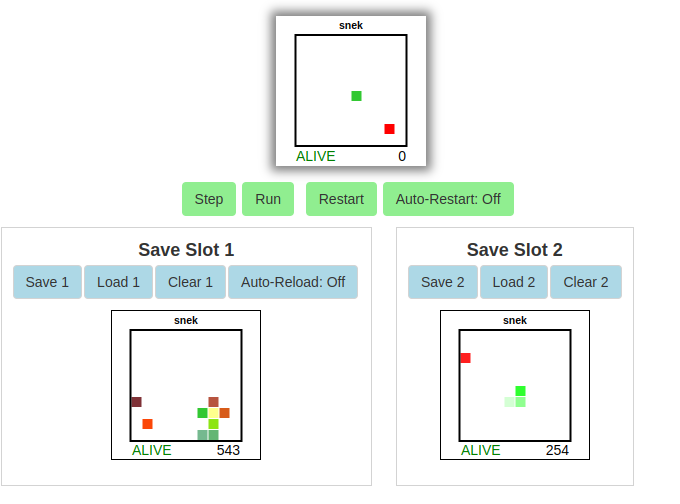][4]
+
+Credit to Jeff Lait’s “[Save Scummer][5]” 7-day roguelike for inspiration. Although actually, this whole minigame is mostly for a future project!
+
+[1]: https://tilde.za3k.com/hackaday/mini/
+[2]: https://tilde.za3k.com/hackaday/mini/
+[3]: https://github.com/za3k/day26_mini
+[4]: https://tilde.za3k.com/hackaday/mini/
+[5]: http://www.zincland.com/7drl/savescummer/
--- /dev/null
+---
+author: admin
+categories:
+- Non-Technical
+- Technical
+date: 2022-11-05 15:42:40-07:00
+markup: html
+source: wordpress
+tags:
+- hack-a-day
+- november
+- pastebin
+- throwaway
+title: 'Hack-A-Day: Hack-A-Paste'
+updated: 2022-11-13 23:18:35-07:00
+wordpress_id: 842
+wordpress_slug: hack-a-day-hack-a-paste
+---
+It’s november, and I’ve decided this month that I’m going to do 30 projects in 30 days. It’s an all-month hack-a-thon!
+
+Today’s project is [Hack-A-Paste][1] ([demo][2], [source][3]). You can upload text and share it with others.
+
+[][4]
+
+Today’s project was an easy one, because I was busy. Took an hour or two.
+
+[1]: https://tilde.za3k.com/hackaday/paste
+[2]: https://tilde.za3k.com/hackaday/paste
+[3]: https://github.com/za3k/day05_paste
+[4]: https://tilde.za3k.com/hackaday/paste
--- /dev/null
+---
+author: admin
+categories:
+- Non-Technical
+- Technical
+date: 2022-11-27 14:57:02-07:00
+markup: html
+source: wordpress
+tags:
+- games
+- hack-a-day
+- november
+- throwaway
+- video game
+title: 'Hack-A-Day: Hack-A-Snake'
+updated: 2022-11-27 14:57:03-07:00
+wordpress_id: 944
+wordpress_slug: hack-a-day-hack-a-snake
+---
+It’s november, and I’ve decided this month that I’m going to do 30 projects in 30 days. It’s an all-month hack-a-thon!
+
+Today’s project is [Hack-A-Snake][1] ([demo][2], [source][3]). Yesterday I wrote a [game where an AI plays snake][4]. Today I thought, hey, I should release that with keyboard controls so people can just play Snake.
+
+[][5]
+
+[1]: https://tilde.za3k.com/hackaday/snake/
+[2]: https://tilde.za3k.com/hackaday/snake/
+[3]: https://github.com/za3k/day12_snake
+[4]: https://blog.za3k.com/hack-a-day-hack-a-minigame/
+[5]: https://tilde.za3k.com/hackaday/snake/
--- /dev/null
+---
+author: admin
+categories:
+- Non-Technical
+- Technical
+date: 2022-11-16 14:28:25-07:00
+markup: html
+source: wordpress
+tags:
+- hack-a-day
+- music
+- november
+- throwaway
+title: 'Hack-A-Day: Hack-A-Song'
+updated: 2022-11-17 13:22:33-07:00
+wordpress_id: 904
+wordpress_slug: hack-a-day-hack-a-song
+---
+It’s november, and I’ve decided this month that I’m going to do 30 projects in 30 days. It’s an all-month hack-a-thon!
+
+Today’s project is [Hack-A-Song][1] ([demo][2], [source][3]). It plays greensleeves, and you can edit the music to play something else, too.
+
+[][4]
+
+[1]: https://tilde.za3k.com/hackaday/song/
+[2]: https://tilde.za3k.com/hackaday/song/
+[3]: https://github.com/za3k/day16_song
+[4]: https://tilde.za3k.com/hackaday/song/
--- /dev/null
+---
+author: admin
+categories:
+- Non-Technical
+- Technical
+date: 2022-11-15 18:45:21-07:00
+markup: html
+source: wordpress
+tags:
+- creative
+- hack-a-day
+- music
+- november
+- throwaway
+- toy
+title: 'Hack-A-Day: Hack-A-Sound'
+updated: 2022-11-15 18:47:17-07:00
+wordpress_id: 900
+wordpress_slug: hack-a-day-hack-a-sound
+---
+It’s november, and I’ve decided this month that I’m going to do 30 projects in 30 days. It’s an all-month hack-a-thon!
+
+Today’s project is [Hack-A-Sound][1] ([demo][2], [source][3]). It’s a small soundboard.
+
+You can:
+
+- Play 25 built-in samples
+- Record your own samples with your mic
+- Play samples directly, or record them on up to 4 tracks
+- Have tracks play one time only, or loop
+- Adjust the alignment of tracks
+- Use a keyboard or mouse
+- (Mobile not supported)
+
+[][4]
+
+Have fun. I think this was a pretty good toy.
+
+[1]: https://tilde.za3k.com/hackaday/sound/
+[2]: https://tilde.za3k.com/hackaday/sound/
+[3]: https://github.com/za3k/day15_sound
+[4]: https://tilde.za3k.com/hackaday/sound/
--- /dev/null
+---
+author: admin
+categories:
+- Non-Technical
+- Technical
+date: 2022-11-15 11:37:54-07:00
+markup: html
+source: wordpress
+tags:
+- hack-a-day
+- november
+- stats
+- throwaway
+title: 'Hack-A-Day: Hack-A-Stats'
+updated: 2022-11-15 11:38:39-07:00
+wordpress_id: 896
+wordpress_slug: hack-a-day-hack-a-stats
+---
+It’s november, and I’ve decided this month that I’m going to do 30 projects in 30 days. It’s an all-month hack-a-thon!
+
+Today’s project is [Hack-A-Stats][1] ([demo][2], [source][3]). It displays web traffic statistics about Hack-A-Day.
+
+[][4]
+
+The original point of the project was to show some nice graphs in d3, as an effort to teach myself d3. But halfway through I got unbearably bored by “show a bunch of stats” as a project, so no d3. Whoops! You win some you lose some.
+
+[1]: https://tilde.za3k.com/hackaday/stats/
+[2]: https://tilde.za3k.com/hackaday/stats/
+[3]: https://github.com/za3k/day14_stats
+[4]: https://tilde.za3k.com/hackaday/stats/
--- /dev/null
+---
+author: admin
+categories:
+- Non-Technical
+- Technical
+date: 2022-11-17 17:05:54-07:00
+markup: html
+source: wordpress
+tags:
+- hack-a-day
+- november
+- pets
+- relaxing
+- throwaway
+title: 'Hack-A-Day: Hack-A-Tank'
+updated: 2022-11-17 17:05:54-07:00
+wordpress_id: 907
+wordpress_slug: hack-a-day-hack-a-tank
+---
+It’s november, and I’ve decided this month that I’m going to do 30 projects in 30 days. It’s an all-month hack-a-thon!
+
+Today’s project is [Hack-A-Tank][1] ([demo][2], [source][3]). It’s a relaxing fishtank toy. Enjoy.
+
+[][4]
+
+[1]: https://tilde.za3k.com/hackaday/tank/
+[2]: https://tilde.za3k.com/hackaday/tank/
+[3]: https://github.com/za3k/day17_tank
+[4]: https://blog.za3k.com/wp-content/uploads/2022/11/screenshot-15.png
--- /dev/null
+---
+author: admin
+categories:
+- Non-Technical
+- Technical
+date: 2022-11-11 19:09:16-07:00
+markup: html
+source: wordpress
+tags:
+- art
+- hack-a-day
+- mathematics
+- november
+- throwaway
+- video game
+title: 'Hack-A-Day: Hack-A-Tile'
+updated: 2022-11-13 23:16:17-07:00
+wordpress_id: 874
+wordpress_slug: hack-a-day-hack-a-tile
+---
+It’s november, and I’ve decided this month that I’m going to do 30 projects in 30 days. It’s an all-month hack-a-thon!
+
+Today’s project is [Hack-A-Tile][1] ([demo][2], [source][3]). It’s a tile-matching game like dominos.
+
+[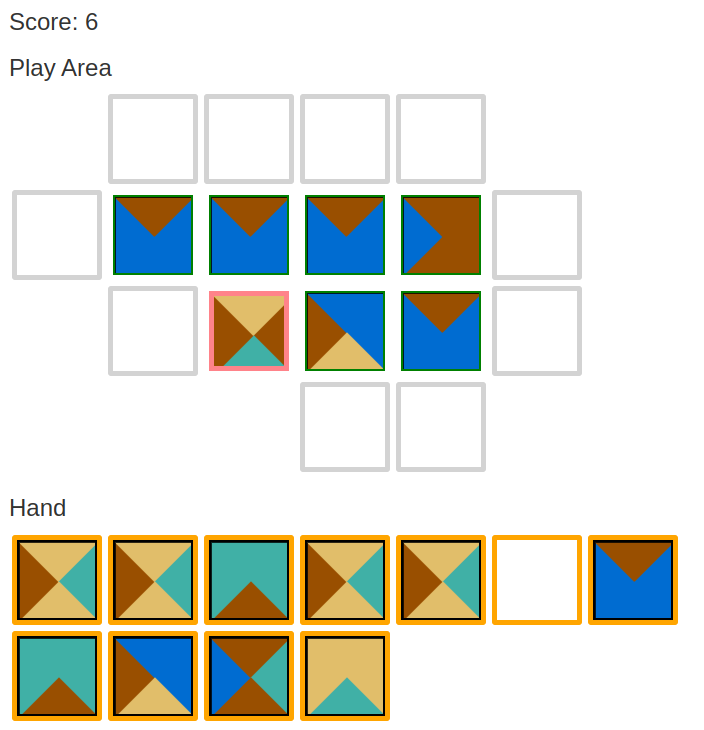][4]
+
+Hack-A-Tile is based on mathematical [Wang tiles][5]. It was very tempting to call it Hack-A-Wang.
+
+If I update it, I would
+
+- Zoom out as you go. I think that would look cool!
+- Animate shifting over. Right now adding tiles on the top or left is visually confusing.
+- Change the tiles. These are fun mathematically, but not ideal for a game
+- Either add a maximum size, or some constraint to stop you just making one long line.
+
+[1]: https://tilde.za3k.com/hackaday/tile/
+[2]: https://tilde.za3k.com/hackaday/tile/
+[3]: https://github.com/za3k/day11_tile
+[4]: https://tilde.za3k.com/hackaday/tile/
+[5]: https://en.wikipedia.org/wiki/Wang_tile
--- /dev/null
+---
+author: admin
+categories:
+- Non-Technical
+- Technical
+date: 2022-12-07 19:22:32-07:00
+markup: html
+source: wordpress
+tags:
+- hack-a-day
+- throwaway
+- tv
+- web scraping
+- wikipedia
+title: 'Hack-A-Day: Hack-A-TV-Guide'
+updated: 2022-12-07 19:22:33-07:00
+wordpress_id: 961
+wordpress_slug: hack-a-day-hack-a-tv-guide
+---
+It’s no longer november, but I’m still doing a project a day. It’s an all-month hack-a-thon!
+
+Yesterday’s project was [Hack-A-TV-Guide][1] ([demo][2], [source][3]). It’s a TV Guide generated from [Wikipedia][4]. I got the idea from having written [isrickandmortyout.com][5]. Why not do the same thing, but for every show?
+
+[][6]
+
+I’m going to call this one a flop. There’s a good version of this project, but I ran out of time. Basically all it does is display info about a show, which is not very useful.
+
+[1]: https://tilde.za3k.com/hackaday/tvguide/
+[2]: https://tilde.za3k.com/hackaday/tvguide/
+[3]: https://github.com/za3k/day33_tvguide
+[4]: https://en.wikipedia.org/wiki/Main_Page
+[5]: http://isrickandmortyout.com/
+[6]: https://tilde.za3k.com/hackaday/tvguide/
--- /dev/null
+---
+author: admin
+categories:
+- Non-Technical
+- Technical
+date: 2022-11-29 16:24:43-07:00
+markup: html
+source: wordpress
+tags:
+- art
+- games
+- hack-a-day
+- november
+- throwaway
+title: 'Hack-A-Day: Hack-An-Adventure'
+updated: 2022-11-29 16:25:15-07:00
+wordpress_id: 950
+wordpress_slug: hack-a-day-hack-an-adventure
+---
+It’s november, and I’ve decided this month that I’m going to do 30 projects in 30 days. It’s an all-month hack-a-thon!
+
+Today’s project is [Hack-An-Adventure][1] ([demo][2], [source][3]). It’s a coloring book. It’s designed to be relaxing.
+
+[][4]
+
+[1]: https://tilde.za3k.com/hackaday/adventure/
+[2]: https://tilde.za3k.com/hackaday/adventure/
+[3]: https://github.com/za3k/day29_adventure
+[4]: https://tilde.za3k.com/hackaday/adventure/
--- /dev/null
+---
+author: admin
+categories:
+- Non-Technical
+- Technical
+date: 2022-11-07 16:02:21-07:00
+markup: html
+source: wordpress
+tags:
+- hack-a-day
+- november
+- throwaway
+- unity3d
+- video games
+title: 'Hack-A-Day: Hack-An-Asteroid'
+updated: 2022-11-13 23:17:32-07:00
+wordpress_id: 859
+wordpress_slug: hack-a-day-hack-an-asteroid
+---
+It’s november, and I’ve decided this month that I’m going to do 30 projects in 30 days. It’s an all-month hack-a-thon!
+
+Today’s project is [Hack-An-Asteroid][1] ([demo][2], [source][3]). It’s an asteroids clone with four levels.
+
+I’m pretty happy with this as my first “visual” game. I made it in Unity3D.
+
+[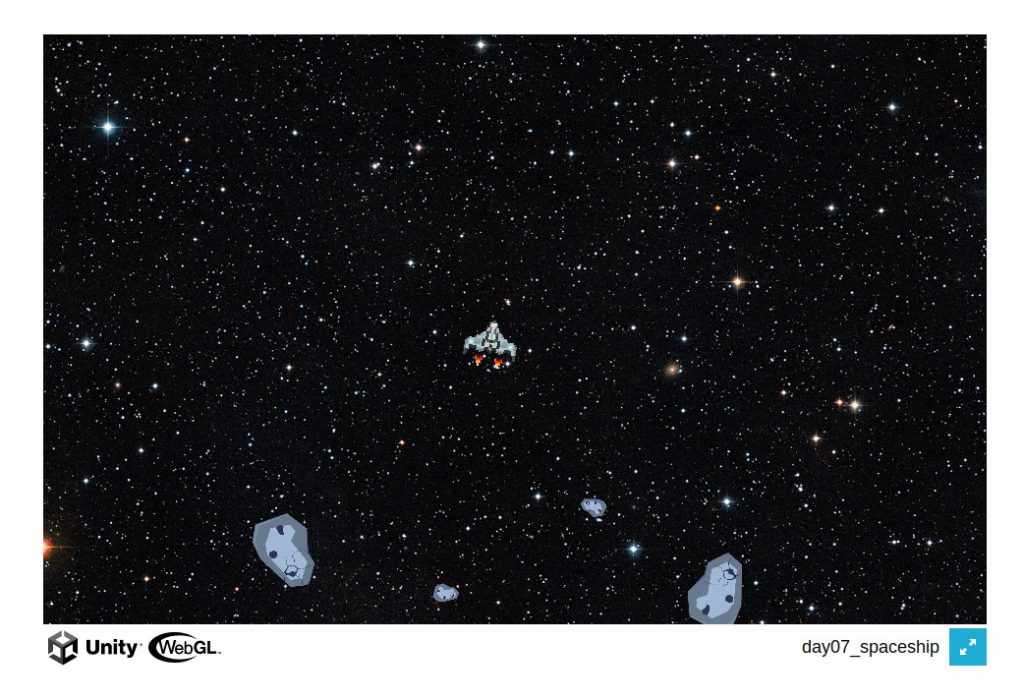][4]
+
+[1]: https://tilde.za3k.com/hackaday/asteroid/
+[2]: https://tilde.za3k.com/hackaday/asteroid/
+[3]: https://github.com/za3k/day07_asteroid
+[4]: https://tilde.za3k.com/hackaday/asteroid/
--- /dev/null
+---
+author: admin
+categories:
+- Technical
+date: 2022-11-25 21:10:50-07:00
+markup: html
+source: wordpress
+tags:
+- algorithms
+- hack-a-day
+- november
+- throwaway
+title: 'Hack-A-Day: Hack-An-Experiment'
+updated: 2022-11-25 21:10:51-07:00
+wordpress_id: 937
+wordpress_slug: hack-a-day-hack-an-experiment
+---
+It’s november, and I’ve decided this month that I’m going to do 30 projects in 30 days. It’s an all-month hack-a-thon!
+
+Today’s project was [Hack-An-Experiment][1] ([demo][2], [source][3]). It’s designed to present the basics of experimental algorithmics, while also getting me acquainted with d3.
+
+[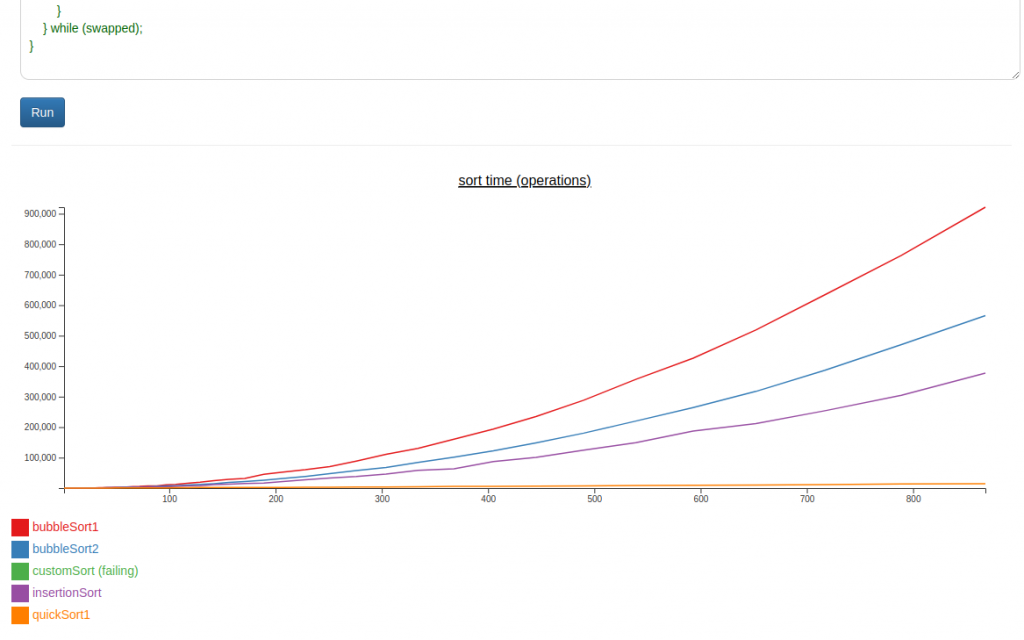][4]
+
+I have to say, I keep seeing d3 sold as a “graphing” library. And it’s definitely not. Maybe you could write one on top of it.
+
+[1]: https://tilde.za3k.com/hackaday/experiment/
+[2]: https://tilde.za3k.com/hackaday/experiment/
+[3]: https://github.com/za3k/day25_experiment
+[4]: https://tilde.za3k.com/hackaday/experiment/
--- /dev/null
+---
+author: admin
+categories:
+- Non-Technical
+- Technical
+date: 2022-11-06 21:35:27-07:00
+markup: html
+source: wordpress
+tags:
+- hack-a-day
+- november
+- throwaway
+- unity3d
+- video games
+title: 'Hack-A-Day: Hack-An-Icecube (failure)'
+updated: 2022-11-13 23:17:49-07:00
+wordpress_id: 856
+wordpress_slug: hack-a-day-hack-an-icecube-failure
+---
+It’s november, and I’ve decided this month that I’m going to do 30 projects in 30 days. It’s an all-month hack-a-thon!
+
+Today’s project is [Hack-An-Icecube][1] ([demo][2], [source][3]). It’s a failed attempt to make a game in Unity3D, the game engine/framework.
+
+This is my first failure, which I think is good! I was getting bored only attempting things I could definitely succeed at in one day. That said, running out of time is fun. Wrestling the IDE isn’t. This was mostly wrestling the IDE, setting configs, and installing software.
+
+I won’t continue this tomorrow, I’d rather do a new project each day (It’s called Hack-A-**DAY**)! But I might do another Unity3D project before the month is out.
+
+[][4]
+
+The ice cubes load and fall, and that’s it. No controls, no game. I ran out of time.
+
+This is an attempt to recreate [One Hour Jam Cannon][5] by juzek exactly. I ran out of time, but I made some progress getting Unity to work.
+
+[1]: https://tilde.za3k.com/hackaday/icecube/
+[2]: https://tilde.za3k.com/hackaday/icecube/
+[3]: https://github.com/za3k/day06_icecube
+[4]: https://tilde.za3k.com/hackaday/icecube/
+[5]: https://juzek.itch.io/one-hour-jam-cannon
--- /dev/null
+---
+author: admin
+categories:
+- Non-Technical
+- Technical
+date: 2022-11-30 16:44:44-07:00
+markup: html
+source: wordpress
+tags:
+- art
+- games
+- hack-a-day
+- november
+- throwaway
+title: 'Hack-A-Day: Hack-An-MMO'
+updated: 2022-11-30 16:44:44-07:00
+wordpress_id: 954
+wordpress_slug: hack-a-day-hack-an-mmo
+---
+It’s november, and I’ve decided this month that I’m going to do 30 projects in 30 days. It’s an all-month hack-a-thon!
+
+This is November 30th, so this will be the last project.
+
+Today’s project is [Hack-An-MMO][1] ([demo][2], [source][3]). It’s a small collaborative art RPG. You can draw people, places, and things to populate the tiny world. Have fun!
+
+[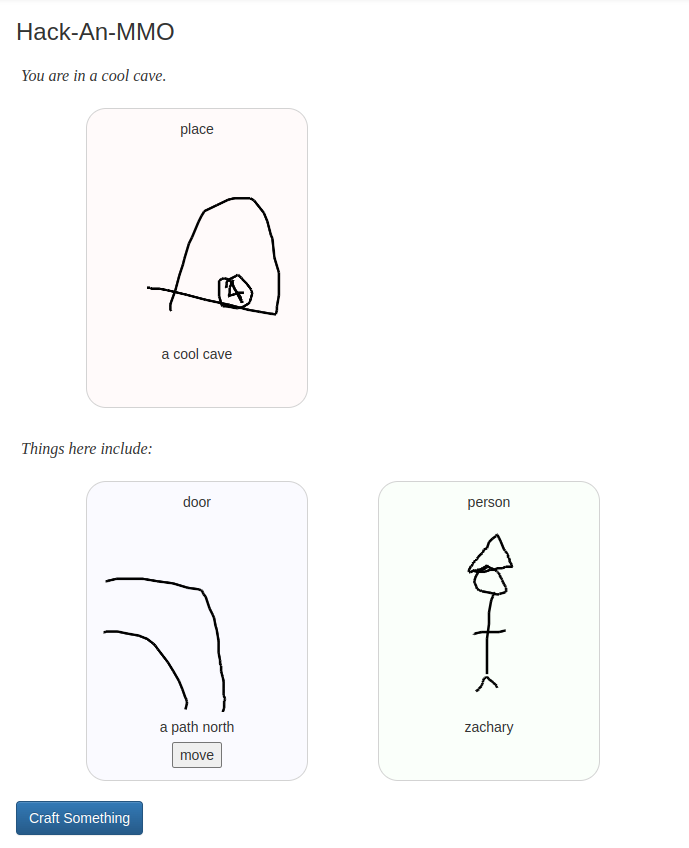][4]
+
+[1]: https://tilde.za3k.com/hackaday/mmo/
+[2]: https://tilde.za3k.com/hackaday/mmo/
+[3]: https://github.com/za3k/day30_mmo
+[4]: https://tilde.za3k.com/hackaday/mmo/
--- /dev/null
+---
+author: admin
+categories:
+- Non-Technical
+- Technical
+date: 2022-12-07 19:24:41-07:00
+markup: html
+source: wordpress
+tags:
+- hack-a-day
+- throwaway
+title: 'Hack-A-Day: Hack-An-Uptime'
+updated: 2022-12-07 19:25:06-07:00
+wordpress_id: 964
+wordpress_slug: hack-a-day-hack-an-uptime
+---
+It’s no longer november, but I’m still doing a project a day. It’s an all-month hack-a-thon!
+
+Today’s project is [Hack-An-Uptime][1] ([demo][2], [source][3]). It’s a simple experiment where you press a button every day.
+
+[][4]
+
+This was a very simple project. I’m curious what will happen with it.
+
+[1]: https://tilde.za3k.com/hackaday/uptime/
+[2]: https://tilde.za3k.com/hackaday/uptime/
+[3]: https://github.com/za3k/day34_uptime
+[4]: https://tilde.za3k.com/hackaday/uptime/
--- /dev/null
+---
+author: admin
+categories:
+- Non-Technical
+date: 2022-11-18 21:08:59-07:00
+markup: html
+source: wordpress
+tags:
+- hack-a-day
+- website
+title: Hack-A-Day website
+updated: 2022-11-18 21:11:11-07:00
+wordpress_id: 915
+wordpress_slug: hack-a-day-website
+---
+Hack-A-Day has its own website now: [https://za3k.com/hackaday][1]
+
+Yes, this is why I wrote [Hack-A-Crop][2].
+
+[1]: https://za3k.com/hackaday
+[2]: https://blog.za3k.com/hack-a-day-hack-a-crop/
--- /dev/null
+---
+author: admin
+categories:
+- Non-Technical
+date: 2014-07-19 06:43:42-07:00
+markup: html
+source: wordpress
+tags: []
+title: New blog
+updated: 2023-07-23 14:31:07-07:00
+wordpress_id: 1
+wordpress_slug: hello-world
+---
+This is my new blog! The old content is [archived][1].
+
+[1]: https://za3k.com/archive/wordpress/
--- /dev/null
+---
+author: admin
+categories:
+- Non-Technical
+date: 2023-12-31 16:20:36-07:00
+markup: html
+source: wordpress
+tags:
+- games
+- hack-a-day
+- video game
+title: Hillsfar Lockpicking (20) Complete
+updated: 2023-12-31 16:25:22-07:00
+wordpress_id: 1263
+wordpress_slug: hillsfar-lockpicking-20-complete
+---
+The game can be played [here][1]. Source code is [on github][2].
+
+[][3]
+
+Info about the original 1989 Hillsfar game is linked from the demo! Enjoy.
+
+See also the [previous blog post][4] about the spritesheet.
+
+[1]: https://za3k.github.io/ha3k-20-lockpick/
+[2]: https://za3k.github.io/ha3k-20-lockpick/
+[3]: https://za3k.github.io/ha3k-20-lockpick/
+[4]: https://blog.za3k.com/hack-a-day-day-20-hillsfar-lockpicking-spritesheet/
--- /dev/null
+---
+author: admin
+categories:
+- Non-Technical
+date: 2022-07-02 23:01:41-07:00
+markup: html
+source: wordpress
+tags:
+- finances
+title: How to Retire For Infinity Years
+updated: 2022-07-02 23:03:37-07:00
+wordpress_id: 738
+wordpress_slug: how-to-retire-for-infinity-years
+---
+I retired at 31, and get asked about it sometimes. I wrote an article about how the math of retirement, which explains how I retired early (and some some extent, why). And of course, how and why you might want to as well.
+
+I want to edit my finances articles, so this one is on my website instead: [https://za3k.com/finance/retire\_forever][1]
+
+There will probably be some more finances articles to come soon.
+
+[1]: https://za3k.com/finance/retire_forever
--- /dev/null
+---
+author: admin
+categories:
+- Technical
+date: 2023-07-21 16:44:36-07:00
+markup: html
+source: wordpress
+tags:
+- cheatsheet
+- css
+- html
+- web
+title: HTML + CSS Cheatsheet
+updated: 2023-07-21 16:45:06-07:00
+wordpress_id: 1117
+wordpress_slug: html-css-cheatsheet
+---
+I made an [animated HTML + CSS cheatsheet][1]. This took me about three days. It is not really intended for beginners. It contains stuff I frequently forget myself.
+
+[][2]
+
+[1]: https://za3k.com/html-css-cheatsheet
+[2]: https://za3k.com/html-css-cheatsheet
--- /dev/null
+---
+author: admin
+categories:
+- Technical
+date: 2015-10-05 01:44:36-07:00
+markup: html
+source: wordpress
+tags:
+- command-line
+- install
+- linux
+- printer
+title: Installing Canon imageClass LBP-6000 on 64-bit Debian
+updated: 2015-10-17 19:27:12-07:00
+wordpress_id: 263
+wordpress_slug: installing-canon-imageclass-lbp-6000-on-64-bit-debian
+---
+(From [Stack Overflow][1])
+
+1. 64 bit requirements for pre-made binaries:
+
+ sudo dpkg --add-architecture i386
+ sudo apt-get update
+ sudo apt-get install libstdc++6:i386 libxml2:i386 zlib1g:i386 libpopt0:i386
+
+2. Install CUPS
+
+ sudo apt-get update
+ sudo apt-get install cups
+
+3. Download DriverGo to [http://support-au.canon.com.au/contents/AU/EN/0100459602.html][2] and download driver
+
+ 64e2d00f0c8764d4032687d29e88f06727d88825 Linux\_CAPT\_PrinterDriver\_V270\_uk\_EN.tar.gz
+
+4. Extract and enter extracted folder
+
+ tar xf Linux\_CAPT\_PrinterDriver\_V270\_uk\_EN.tar.gz
+ cd Linux\_CAPT\_PrinterDriver\_V270\_uk\_EN
+
+5. Install the custom drivers and ccpd
+
+ sudo dpkg -i 64-bit\_Driver/Debian/\*.deb
+
+6. Add the printer to CUPS and ccpd
+
+ sudo lpadmin -p CANON\_LBP6000 -m CNCUPSLBP6018CAPTS.ppd -v ccp://localhost:59687
+ sudo lpadmin -p CANON\_LBP6000 -E
+
+ sudo ccpdadmin -p CANON\_LBP6000 -o /dev/usb/lp0
+
+7. Set the default printer
+
+ sudo lpoptions -d CANON\_LBP6000
+
+8. Set ccpd to start on boot
+
+ sudo update-rc.d ccpd defaults
+
+
+[1]: http://askubuntu.com/questions/463289/cant-get-my-canon-lbp-printer-to-run-under-ubuntu-14-04/464334
+[2]: http://support-au.canon.com.au/contents/AU/EN/0100459602.html
--- /dev/null
+---
+author: admin
+categories:
+- Technical
+date: 2015-11-07 17:31:25-07:00
+markup: html
+source: wordpress
+tags:
+- debian
+- dovecot
+- email
+- linux
+- postfix
+- system administration
+title: Installing email with Postfix and Dovecot (with Postgres)
+updated: 2017-04-05 19:09:13-07:00
+wordpress_id: 358
+wordpress_slug: installing-email-with-postfix-and-dovecot
+---
+I’m posting my email setup here. The end result will:
+
+- Use Postfix for SMTP
+- Use Dovecot for IMAP and authentication
+- Store usernames, email forwards, and passwords in a Postgres SQL database
+- Only be accessible over encrypted channels
+- Pass all common spam checks
+- Support SMTP sending and IMAP email checking. I did not include POP3 because I don’t use it, but it should be easy to add
+- NOT add spam filtering or web mail (this article is long enough as it is, maybe in a follow-up)
+
+Note: My set up is pretty standard, except that rDNS for smtp.za3k.com resolves to za3k.com because I only have one IP. You may need to change your hostnames if you’re using mail.example.com or smtp.example.com.
+
+On to the install!
+
+1. Install debian packages
+
+ sudo apt-get install postfix # Postfix \\
+ dovecot-core dovecot-imapd dovecot-lmtpd # Dovecot \\
+ postgresql dovecot-pgsql postfix-pgsql # Postgres \\
+ opendkim opendkim-tools # DKIM
+
+2. Set up security. smtp.za3k.com cert is at /etc/certs/zak3.com.pem, the key is at /etc/ssl/private/smtp.za3k.com.key. dhparams for postfix are at /etc/postfix/dhparams.pem. (If you need a certificate and don’t know how to get one, you can read [Setting up SSL certificates using StartSSL][1])
+3. Install Postfix
+
+ \# /etc/postfix/master.cf
+ smtp inet n - - - - smtpd
+ submission inet n - - - - smtpd
+ -o syslog\_name=postfix/submission
+ -o smtpd\_tls\_security\_level=encrypt
+ -o smtpd\_sasl\_auth\_enable=yes
+ -o smtpd\_reject\_unlisted\_recipient=no
+ -o milter\_macro\_daemon\_name=ORIGINATING
+
+ \# /etc/postfix/main.cf additions
+ # TLS parameters
+ smtpd\_tls\_cert\_file=/etc/ssl/certs/smtp.za3k.com.pem
+ smtpd\_tls\_key\_file=/etc/ssl/private/smtp.za3k.com.key
+ smtpd\_use\_tls=yes
+ smtpd\_tls\_mandatory\_protocols=!SSLv2,!SSLv3
+ smtp\_tls\_mandatory\_protocols=!SSLv2,!SSLv3
+ smtpd\_tls\_protocols=!SSLv2,!SSLv3
+ smtp\_tls\_protocols=!SSLv2,!SSLv3
+ smtpd\_tls\_exclude\_ciphers = aNULL, eNULL, EXPORT, DES, RC4, MD5, PSK, aECDH, EDH-DSS-DES-CBC3-SHA, EDH-RSA-DES-CDC3-SHA, KRB5-DE5, CBC3-SHA
+
+ # Relay and recipient settings
+ myhostname = za3k.com
+ myorigin = /etc/mailname
+ mydestination = za3k.com, smtp.za3k.com, localhost.com, localhost
+ relayhost =
+ mynetworks\_style = host
+ mailbox\_size\_limit = 0
+ inet\_interfaces = all
+ smtpd\_relay\_restrictions = permit\_mynetworks,
+ permit\_sasl\_authenticated,
+ reject\_unauth\_destination
+
+ alias\_maps = hash:/etc/aliases
+ local\_recipient\_maps = $alias\_maps
+ mailbox\_transport = lmtp:unix:private/dovecot-lmtp
+
+4. Install Dovecot
+
+ \# /etc/dovecot/dovecot.cf
+ mail\_privileged\_group = mail # Local mail
+ disable\_plaintext\_auth = no
+
+ protocols = imap
+
+ ssl=required
+ ssl\_cert = </etc/ssl/certs/imap.za3k.com.pem
+ ssl\_key = </etc/ssl/private/imap.za3k.com.key
+
+ # IMAP Folders
+ namespace {
+ inbox = yes
+ mailbox Trash {
+ auto = create
+ special\_use = \\Trash
+ }
+ mailbox Drafts {
+ auto = no
+ special\_use = \\Drafts
+ }
+ mailbox Sent {
+ auto = subscribe
+ special\_use = \\Sent
+ }
+ mailbox Spam {
+ auto = subscribe
+ special\_use = \\Junk
+ }
+ }
+
+ # Expunging / deleting mail should FAIL, use the lazy\_expunge plugin for this
+ namespace {
+ prefix = .EXPUNGED/
+ hidden = yes
+ list = no
+ location = maildir:~/expunged
+ }
+ mail\_plugins = $mail\_plugins lazy\_expunge
+ plugin {
+ lazy\_expunge = .EXPUNGED/
+ }
+
+ \# /etc/postfix/main.cf
+ # SASL authentication is done through Dovecot to let users relay mail
+ smtpd\_sasl\_type = dovecot
+ smtpd\_sasl\_path = private/auth
+
+5. Set up the database and virtual users. Commands
+
+ \# Create the user vmail for storing virtual mail
+ # vmail:x:5000:5000::/var/mail/vmail:/usr/bin/nologin
+ groupadd -g 5000 vmail
+ mkdir /var/mail/vmail
+ useradd -M -d /var/mail/vmail --shell=/usr/bin/nologin -u 5000 -g vmail vmail
+ chown vmail:vmail /var/mail/vmail
+ chmod 700 /var/mail/vmail
+
+ psql -U postgres
+ ; Set up the users
+ CREATE USER 'postfix' PASSWORD 'XXX';
+ CREATE USER 'dovecot' PASSWORD 'XXX';
+
+ ; Create the database
+ CREATE DATABASE email;
+ \\connect email
+
+ ; Set up the schema
+
+ CREATE TABLE aliases (
+ alias text NOT NULL,
+ email text NOT NULL
+ );
+
+ CREATE TABLE users (
+ username text NOT NULL,
+ domain text NOT NULL,
+ created timestamp with time zone DEFAULT now(),
+ password text NOT NULL
+ );
+
+ REVOKE ALL ON TABLE aliases FROM PUBLIC;
+ GRANT ALL ON TABLE aliases TO postfix;
+ GRANT ALL ON TABLE aliases TO dovecot;
+
+ REVOKE ALL ON TABLE users FROM PUBLIC;
+ GRANT ALL ON TABLE users TO dovecot;
+ GRANT ALL ON TABLE users TO postfix;
+
+ \# /etc/dovecot/dovecot.conf
+ # Since we're giving each virtual user their own directory under /var/mail/vmail, just use that directly and not a subdirectory
+ mail\_location = maildir:~/
+
+ # /etc/dovecot/dovecot-sql.conf defines the DB queries used for authorization
+ passdb {
+ driver = sql
+ args = /etc/dovecot/dovecot-sql.conf
+ }
+ userdb {
+ driver = prefetch
+ }
+ userdb {
+ driver = sql
+ args = /etc/dovecot/dovecot-sql.conf
+ }
+
+ \# /etc/postfix/main.cf
+ pgsql:/etc/postfix/pgsql-virtual-aliases.cf
+ local\_recipient\_maps = pgsql:/etc/postfix/pgsql-virtual-mailbox.cf
+
+ \# /etc/postfix/pgsql-virtual-aliases.cf
+ # hosts = localhost
+ user = postfix
+ password = XXXXXX
+ dbname = email
+
+ query = SELECT email FROM aliases WHERE alias='%s'
+
+ \# /etc/postfix/pgsql-virtual-mailbox.cf
+ # hosts = localhost
+ user = postfix
+ password = XXXXXX
+ dbname = email
+
+ query = SELECT concat(username,'@',domain,'/') as email FROM users WHERE username='%s'
+
+ \# /etc/dovecot/dovecot-sql.conf
+ driver = pgsql
+ connect = host=localhost dbname=email user=dovecot password=XXXXXX
+ default\_pass\_scheme = SHA512
+ password\_query = SELECT \\
+ CONCAT(username,'@',domain) as user, \\
+ password, \\
+ 'vmail' AS userdb\_uid, \\
+ 'vmail' AS userdb\_gid, \\
+ '/var/mail/vmail/%u' as userdb\_home \\
+ FROM users \\
+ WHERE concat(username,'@',domain) = '%u';
+
+ user\_query = SELECT username, \\
+ CONCAT('maildir:/var/mail/vmail/',username,'@',domain) as mail, \\
+ '/var/mail/vmail/%u' as home, \\
+ 'vmail' as uid, \\
+ 'vmail' as gid \\
+ FROM users \\
+ WHERE concat(username,'@',domain) = '%u';
+
+6. Set up users. Example user creation:
+
+ \# Generate a password
+ $ doveadm pw -s sha512 -r 100
+ Enter new password: ...
+ Retype new password: ...
+ {SHA512}.............................................................==
+
+ psql -U dovecot -d email
+ ; Create a user za3k@za3k.com
+ mail=# INSERT INTO users (
+ username,
+ domain,
+ password
+ ) VALUES (
+ 'za3k',
+ 'za3k.com'
+ '{SHA512}.............................................................==',
+ );
+
+7. Set up aliases/redirects. Example redirect creation:
+
+ psql -U dovecot -d email
+ ; Redirect mail from foo@example.com to bar@example.net
+ mail=# INSERT INTO users ( email, alias ) VALUES (
+ 'bar@example.net',
+ 'foo@example.com'
+ );
+
+8. Test setup locally by hand. Try using [TELNET][2]. Test remote setup using STARTSSL. This is similar to the previous step, but to start the connection use:
+
+ openssl s\_client -connect smtp.za3k.com:587 -starttls smtp
+
+ Make sure to test email to addresses at your domain or that you’ve set up (final destination), and emails you’re trying to send somewhere else (relay email)
+
+ A small [digression][3]: port 25 is used for unencrypted email and support STARTTLS, 587 is used for STARTTLS only, and 465 (obsolete) is used for TLS. My ISP, Comcast, blocks access to port 25 on outgoing traffic.
+
+9. Make sure you’re not running an open relay at [http://mxtoolbox.com/diagnostic.aspx][4]
+10. Set your DNS so that the [MX][5] record points at your new mailserver. You’ll probably want a [store and forward][6] backup mail server (mine is provided by my registrar). Email should arrive at your mail server from now on. This is the absolute minimum setup. Everything from here on is to help the community combat spam (and you not to get blacklisted).
+11. Set up [DKIM][7] (DomainKeys Identified Mail). DKIM signs outgoing mail to show that it’s from your server, which helps you not get flagged as spam.
+ None of these files or folders exist to begin with in debian.
+
+ \# Add to /etc/opendkim.conf
+ KeyTable /etc/opendkim/KeyTable
+ SigningTable /etc/opendkim/SigningTable
+ ExternalIgnoreList /etc/opendkim/TrustedHosts
+ InternalHosts /etc/opendkim/TrustedHosts
+ LogWhy yes
+
+ \# /etc/opendkim/TrustedHosts
+ 127.0.0.1
+ \[::1\]
+ localhost
+ za3k.com
+ smtp.za3k.com
+
+ mkdir -p /etc/opendkim/keys/za3k.com
+ cd /etc/opendkim/keys/za3k.com
+ opendkim-genkey -s default -d za3k.com
+ chown opendkim:opendkim default.private
+
+ \# /etc/opendkim/KeyTable
+ default.\_domainkey.za3k.com za3k.com:default:/etc/opendkim/keys/za3k.com/default.private
+
+ \# /etc/opendkim/SigningTable
+ za3k.com default.\_domainkey.za3k.com
+
+ Display the DNS public key to set in a [TXT][8] record with:
+
+ \# sudo cat /etc/opendkim/keys/za3k.com/default.txt
+ default.\_domainkey IN TXT ( "v=DKIM1; k=rsa; "
+ "p=MIGfMA0GCSqGSIb3DQEBAQUAA4GNADCBiQKBgQCggdv3OtQMek/fnu+hRrHYZTUcpUFcSGL/+Sbq+GffR98RCgabx/jjPJo3HmqsB8czaXf7yjO2UiSN/a8Ae6/yu23d7hyTPUDacatEM+2Xc4/zG+eAlAMQOLRJeo3z53sNiq0SmJET6R6yH4HCv9VkuS0TQczkvME5hApft+ZedwIDAQAB" ) ; ----- DKIM
+
+ # My registrar doesn't support this syntax so it ends up looking like:
+ $ dig txt default.\_domainkey.za3k.com txt
+ default.\_domainkey.za3k.com. 10800 IN TXT "v=DKIM1\\; k=rsa\\; p=MIGfMA0GCSqGSIb3DQEBAQUAA4GNADCBiQKBgQCggdv3OtQMek/fnu+hRrHYZTUcpUFcSGL/+Sbq+GffR98RCgabx/jjPJo3HmqsB8czaXf7yjO2UiSN/a8Ae6/yu23d7hyTPUDacatEM+2Xc4/zG+eAlAMQOLRJeo3z53sNiq0SmJET6R6yH4HCv9VkuS0TQczkvME5hApft+ZedwIDAQAB"
+
+ \# Uncomment in /etc/default/opendkim
+ SOCKET="inet:12345@localhost" # listen on loopback on port 12345
+
+ \# /etc/postfix/main.cf
+ # DKIM
+ milter\_default\_action = accept
+ milter\_protocol = 6
+ smtpd\_milters = inet:localhost:12345
+ non\_smtpd\_milters = inet:localhost:12345
+
+12. Set up [SPF][9] (Sender Policy Framework). SPF explains to other services which IPs can send email on your behalf. You can set up whatever policy you like. A guide to the syntax is at: [http://www.openspf.org/SPF\_Record\_Syntax][10]. Mine is
+
+ @ 10800 IN TXT "v=spf1 +a:za3k.com +mx:za3k.com ~all"
+
+ You should also be verifying this on your end as part of combating spam, but as far as outgoing mail all you need to do is add a TXT record to your DNS record.
+
+13. Set your [rDNS][11] (reverse DNS) if it’s not already. This should point at the same hostname reported by Postfix during SMTP. This will be handled by whoever assigns your IP address (in my case, my hosting provider).
+14. Test your spam reputability using [https://www.mail-tester.com][12] or [https://www.port25.com/support/authentication-center/email-verification][13]. You can monitor if you’re on any blacklists at [http://mxtoolbox.com/blacklists.aspx][14].
+15. Set up [DMARC][15]. DMARC declares your policy around DKIM being mandatory. You can set up whatever policy you like. Mine is
+
+ \_dmarc 10800 IN TXT "v=DMARC1;p=reject;aspf=s;adkim=s;pct=100;rua=mailto:postmaster@za3k.com"
+
+
+My sources writing this:
+
+- [https://wiki.archlinux.org/index.php/Postfix][16] and [http://www.postfix.org/postconf.5.html][17] on Postfix
+- [https://wiki.archlinux.org/index.php/Dovecot][18] on Dovecot
+- [https://help.ubuntu.com/community/PostfixVirtualMailBoxClamSmtpHowto][19] on SASL auth integration between Dovecot and Postfix
+- [https://www.digitalocean.com/community/tutorials/how-to-set-up-a-postfix-email-server-with-dovecot-dynamic-maildirs-and-lmtp][20] and [https://www.digitalocean.com/community/tutorials/how-to-configure-a-mail-server-using-postfix-dovecot-mysql-and-spamassassin][21] on SQL integration in Dovecot
+- [https://scaron.info/blog/debian-mail-spf-dkim.html][22] for setting up SPF, DKIM, and rDNS
+
+Takeaways
+
+- You can set up store-and-forward mail servers, so if your mail server goes down, you don’t lose all the email for that period. It’s generally a free thing.
+- Postfix’s configuration files were badly designed and crufty, so you might pick a different SMTP server.
+- Email was REALLY not designed to do authentication, which is why proving you’re not a spammer is so difficult. This would all be trivial with decent crypto baked in (or really, almost any backwards-incompatible change)
+- The option to specify a SQL query as a configuration file option is wonderful. Thanks, Dovecot.
+- Overall, although it was a lot of work, I do feel like it was worth it to run my own email server.
+
+1. Pingback: [Mail filtering with Dovecot - Optimal Prime][23]
+
+2. eduardz says:
+
+ [November 23, 2016 at 12:18 am][24]
+
+ Hello,
+
+ Can you implement quota support from postgressql?
+
+ [Reply][25]
+
+ - admin says:
+
+ [April 5, 2017 at 7:05 pm][26]
+
+ Not sure if this is “will you do” or “is it possible”. I will not do anything to set up quota–I have one user (me) so it doesn’t make sense. I encourage you to link if you do.
+
+ [Reply][27]
+
+3. Tudor says:
+
+ [February 23, 2017 at 2:45 am][28]
+
+ In the “useradd -d -M -d /var/mail/vmail –shell=/usr/bin/nologin -u 5000 -g vmail vmail“ I think the first “-d“ shouldn’t be there
+
+ Thanks for the post
+
+ [Reply][29]
+
+ - admin says:
+
+ [April 5, 2017 at 7:06 pm][30]
+
+ Thanks for the corrections, glad you found it useful.
+
+ [Reply][31]
+
+4. Tudor says:
+
+ [February 23, 2017 at 2:54 am][32]
+
+ Also, for Postgresql the correct commands to create users are:
+ CREATE USER postfix PASSWORD ‘XXX’;
+ CREATE USER dovecot PASSWORD ‘XXX’;
+
+ [Reply][33]
+
+5. Tudor says:
+
+ [February 23, 2017 at 3:22 am][34]
+
+ Also, there shouldn’t be any comma after the VALUES (
+ ‘za3k’,
+ ‘za3k.com’,
+ ‘{SHA512}…………………………………………………….==’ part
+
+ [Reply][35]
+
+6. S says:
+
+ [May 12, 2018 at 9:36 am][36]
+
+ A little sloppy – you should have simply shown the entire contents of each file one by one, with descriptions in comments or whatever, instead of breaking them up into snippets – and there are a few errors and omissions (I can’t recall which ones now)
+ However, using this guide and some googling, I was able to get a mailserver working – which is more than I can say for any other guide; so, thanks.
+
+ [Reply][37]
+
+7. Korilius says:
+
+ [July 17, 2021 at 3:56 pm][38]
+
+ A guide that could have been great but tripped at the finish line. A lot of errors in SQL and elsewhere along with step reorganization.
+
+ [Reply][39]
+
+ - admin says:
+
+ [July 17, 2021 at 4:52 pm][40]
+
+ If you have any specific errors you can mention, I’d be happy to fix stuff.
+
+ But yeah, that’s the problem with writing a guide after you do something instead of during/before.
+
+ [Reply][41]
+
+
+[1]: https://blog.za3k.com/setting-up-ssl-certificates-using-startssl/ "Setting up SSL certificates using StartSSL"
+[2]: https://www.port25.com/how-to-check-an-smtp-connection-with-a-manual-telnet-session-2/
+[3]: https://www.fastmail.com/help/technical/ssltlsstarttls.html
+[4]: http://mxtoolbox.com/diagnostic.aspx
+[5]: https://en.wikipedia.org/wiki/MX_record
+[6]: https://en.wikipedia.org/wiki/Store_and_forward
+[7]: https://en.wikipedia.org/wiki/DomainKeys_Identified_Mail
+[8]: https://en.wikipedia.org/wiki/TXT_Record
+[9]: https://en.wikipedia.org/wiki/Sender_Policy_Framework
+[10]: http://www.openspf.org/SPF_Record_Syntax
+[11]: https://en.wikipedia.org/wiki/Reverse_DNS_lookup
+[12]: https://www.mail-tester.com/
+[13]: https://www.port25.com/support/authentication-center/email-verification/
+[14]: http://mxtoolbox.com/blacklists.aspx
+[15]: https://dmarc.org/overview/
+[16]: https://wiki.archlinux.org/index.php/Postfix
+[17]: http://www.postfix.org/postconf.5.html
+[18]: https://wiki.archlinux.org/index.php/Dovecot%20
+[19]: https://help.ubuntu.com/community/PostfixVirtualMailBoxClamSmtpHowto
+[20]: https://www.digitalocean.com/community/tutorials/how-to-configure-a-mail-server-using-postfix-dovecot-mysql-and-spamassassin
+[21]: https://www.digitalocean.com/community/tutorials/how-to-configure-a-mail-server-using-postfix-dovecot-mysql-and-spamassassin
+[22]: https://scaron.info/blog/debian-mail-spf-dkim.html
+[23]: https://blog.za3k.com/mail-filtering-with-dovecot/
+[24]: https://blog.za3k.com/installing-email-with-postfix-and-dovecot/#comment-2842
+[25]: https://blog.za3k.com/installing-email-with-postfix-and-dovecot/?replytocom=2842#respond
+[26]: https://blog.za3k.com/installing-email-with-postfix-and-dovecot/#comment-2873
+[27]: https://blog.za3k.com/installing-email-with-postfix-and-dovecot/?replytocom=2873#respond
+[28]: https://blog.za3k.com/installing-email-with-postfix-and-dovecot/#comment-2852
+[29]: https://blog.za3k.com/installing-email-with-postfix-and-dovecot/?replytocom=2852#respond
+[30]: https://blog.za3k.com/installing-email-with-postfix-and-dovecot/#comment-2874
+[31]: https://blog.za3k.com/installing-email-with-postfix-and-dovecot/?replytocom=2874#respond
+[32]: https://blog.za3k.com/installing-email-with-postfix-and-dovecot/#comment-2853
+[33]: https://blog.za3k.com/installing-email-with-postfix-and-dovecot/?replytocom=2853#respond
+[34]: https://blog.za3k.com/installing-email-with-postfix-and-dovecot/#comment-2854
+[35]: https://blog.za3k.com/installing-email-with-postfix-and-dovecot/?replytocom=2854#respond
+[36]: https://blog.za3k.com/installing-email-with-postfix-and-dovecot/#comment-3135
+[37]: https://blog.za3k.com/installing-email-with-postfix-and-dovecot/?replytocom=3135#respond
+[38]: https://blog.za3k.com/installing-email-with-postfix-and-dovecot/#comment-4730
+[39]: https://blog.za3k.com/installing-email-with-postfix-and-dovecot/?replytocom=4730#respond
+[40]: https://blog.za3k.com/installing-email-with-postfix-and-dovecot/#comment-4731
+[41]: https://blog.za3k.com/installing-email-with-postfix-and-dovecot/?replytocom=4731#respond
--- /dev/null
+---
+author: admin
+categories:
+- Technical
+date: 2023-06-07 16:42:28-07:00
+markup: html
+source: wordpress
+tags:
+- computers
+- hardware
+- microcontroller
+- zorchpad
+title: Introducing the Zorchpad (+ display demo)
+updated: 2023-06-07 17:00:00-07:00
+wordpress_id: 1043
+wordpress_slug: introducing-the-zorchpad-display-demo
+---
+A friend of mine, [Kragen Javier Sitaker][1] has been designing something he calls the zorzpad (see link below). I can never remember the name, so as a joke my version became the “zorch pad”. We live on opposite sides of the globe, but we’ve picked up the same or similar hardware, and have been having fun developing the hardware and software together.
+
+The basic idea of the Zorchpad is to have one computer, indefinitely. It should keep working until you die. That means no battery that runs out, and no parts that go bad (and of course, no requirements to “phone home” for the latest update via wifi!). This is not your standard computer, and we’ve been trying a lot of experimental things. One of the main requirements is that everything be very low-power. He picked out the excellent [apollo3][2] processor, which theoretically runs at around 1mW. In general, the zorchpad is made of closed-source hardware.
+
+Since I’ve realized this will be a long project, I’m going to post it piece-by-piece as I make progress. Below is a demo of the display.
+
+The graphics demo shows, in order:
+
+- a title screen
+- a flashing screen (to show graphics-mode framerate)
+- a demo of font rendering. we’re using the fixed-width font [tamsyn][3].
+- a [munching squares][4] animation
+- a demo of how fast “text-mode” updates would be
+
+We’re using a [memory-in-pixel LCD][5]. The only manufacturer is Sharp LCD. You have have seen these before in things like the Pebble watch–they’ve very low-power except when you’re updating. This particular screen is quite tiny–240x400px display (which is fine with me), but only 1.39×2.31 inches (35x59mm). The only bigger screen available in this technology is 67x89mm, a bit lower resolution, and out of stock. As soon as it’s in stock I plan to switch to it.
+
+According to the datasheet, the screen consumes 0.05-0.25mW without an update, and perhaps 0.175-0.35mW updating once per second. We haven’t yet measured the real power consumption for any of the components.
+
+The most obvious alternative is e-ink. E-ink has a muuuch slower refresh rate (maybe 1Hz if you hack it), and uses no power when not updating. Unfortunately it uses orders of magnitude more power for an update. Also, you can get much larger e-ink screens. The final zorchpad might have one, both or something else entirely! We’re in an experimentation phase.
+
+Datasheets, a bill of materials, and all source code can be found in my [zorchpad][6] repo. Also check out Kragen’s [zorzpad][7] repo.
+
+1. JenniferRM says:
+
+ [April 20, 2024 at 9:52 am][8]
+
+ Very cool idea. I was imagining form factors, and was thinking briefly about somehow having a sort of laptop arrangement where an e-ink screen is visible through glass when it is closed and in some kind of “protective storage mode”, and then visible directly from “the proper side of the e-ink screen” after it opens up. This is probably impossible using default hardware options, but searching around to confirm this lead to some interesting links and unusual design demos.
+
+ Here’s ~12 year old thread from someone who wants a computer to use in an off grid cabin.
+ [https://forums.tomshardware.com/threads/ultra-low-power-pc-to-run-off-solar-power.1375469/][9]
+
+ Here is a 2023 video about the revived product “GVUIDO” (pronounced Guido) optimized for musicians where part of the UI involves covering a light sensor.
+ [https://www.youtube.com/watch?v=wTIf9wjm0y8][10]
+
+ One thing that struck me is that a lot of people might want a Xorchpad to stick INSIDE a larger system (out in nature? as part of a science package?) that might install a rugged solar panel and battery. Then a small USB-C cord might provide a Xorchpad inside the unit with power, and want some intelligence to come out of the same cord, in exchange?
+
+ I’m not sure if a USB-C is consistent with the vision, however. Maybe the “minimum power” for that is far above the “maximim power” that would not blow the Sourcepad’s circuits?
+
+ [Reply][11]
+
+ - admin says:
+
+ [April 20, 2024 at 10:24 am][12]
+
+ Try using numbers, instead of words! It works better for comparing power usage.
+
+ The “low-power computer” someone wants from 12 years ago should be 3W. The Zorchpad is designed to run at 0.001W.
+
+ I’m not sure what GVUIDO has to do with anything, was there a reason you linked that?
+
+ The Zorchpad could easily be powered by any standard cable, yes. But if you need a larger system to power it, you’re missing the point.
+
+ “Blowing circuits” is not a correct intuition for designing low-power electronics. Go learn about Ohm’s Law!
+
+ [Reply][13]
+
+
+[1]: http://canonical.org/~kragen/
+[2]: https://www.sparkfun.com/categories/tags/apollo3
+[3]: http://www.fial.com/~scott/tamsyn-font/
+[4]: https://en.wikipedia.org/wiki/Munching_square
+[5]: https://www.sharpsde.com/products/displays/model/ls027b7dh01/#productview
+[6]: https://github.com/za3k/zorchpad
+[7]: http://canonical.org/~kragen/sw/zorzpad/
+[8]: https://blog.za3k.com/introducing-the-zorchpad-display-demo/#comment-11338
+[9]: https://forums.tomshardware.com/threads/ultra-low-power-pc-to-run-off-solar-power.1375469/
+[10]: https://www.youtube.com/watch?v=wTIf9wjm0y8
+[11]: https://blog.za3k.com/introducing-the-zorchpad-display-demo/?replytocom=11338#respond
+[12]: https://blog.za3k.com/introducing-the-zorchpad-display-demo/#comment-11339
+[13]: https://blog.za3k.com/introducing-the-zorchpad-display-demo/?replytocom=11339#respond
--- /dev/null
+---
+author: admin
+categories:
+- Non-Technical
+date: 2015-06-28 02:22:27-07:00
+markup: html
+source: wordpress
+tags:
+- computercraft
+- irc
+- minecraft
+- website
+- website update
+title: IRC
+updated: 2015-06-28 02:24:09-07:00
+wordpress_id: 225
+wordpress_slug: irc
+---
+[][1]I added an IRC server to my growing list of services. You can access it at:
+
+- irc.za3k.com
+- Port 6667
+
+Or via the [webchat][2], which I recommend.
+
+I’ve also recently updated my [home page][3] to look much prettier, in imitation of a [Computer Craft cheatsheet][4] I’ve been working on.
+
+1. Pingback: [Year in Review | Optimal Prime][5]
+
+
+[1]: https://blog.za3k.com/wp-content/uploads/2015/06/2015-06-28-021223_683x381.jpg
+[2]: https://irc.za3k.com/?channels=forum
+[3]: https://za3k.com/
+[4]: https://za3k.com/computercraft_reference.html
+[5]: https://blog.za3k.com/year-in-review/
--- /dev/null
+---
+author: admin
+categories:
+- Non-Technical
+date: 2024-04-01 06:21:20-07:00
+markup: html
+source: wordpress
+tags:
+- irc
+- ircpuzzles
+- puzzles
+title: ircpuzzles! 2024
+updated: 2024-04-01 06:21:20-07:00
+wordpress_id: 1304
+wordpress_slug: ircpuzzles-2024
+---
+I’m one of the designers for the yearly April Fools Puzzle Contest on IRC.
+
+Please feel free to join at [https://blog.ircpuzzles.org/][1]. The idea is that you solve puzzles in a chatroom, and get the password to the next chatroom, and so on. If you’re not familiar with IRC, don’t worry–a link is provided to connect in your browser, too.
+
+It’s a lot of fun, and I hope you enjoy!
+
+P.S. The contest should be up for a while, so don’t worry about being late to the party!
+
+[1]: https://blog.ircpuzzles.org/
--- /dev/null
+---
+author: admin
+categories:
+- Non-Technical
+date: 2021-05-31 20:20:37-07:00
+markup: html
+source: wordpress
+tags:
+- isitoutyet
+- rick and morty
+- websites
+title: Is Rick and Morty Out? (Season 5)
+updated: 2021-06-05 15:41:58-07:00
+wordpress_id: 591
+wordpress_slug: is-rick-and-morty-out-season-5
+---
+I made a site for your constant refresh needs: [http://isrickandmortyout.com/][1]
+
+[1]: http://isrickandmortyout.com/
--- /dev/null
+---
+author: admin
+categories:
+- Non-Technical
+date: 2022-08-11 23:11:09-07:00
+markup: html
+source: wordpress
+tags:
+- isitoutyet
+- rick and morty
+- website
+title: Is Rick and Morty Out? (Season 6)
+updated: 2022-08-11 23:11:09-07:00
+wordpress_id: 778
+wordpress_slug: is-rick-and-morty-out-season-6
+---
+I made a site for your constant refresh needs: [http://isrickandmortyout.com/][1]
+
+[1]: http://isrickandmortyout.com/
--- /dev/null
+---
+author: admin
+categories:
+- Non-Technical
+date: 2019-12-17 18:19:15-07:00
+markup: html
+source: wordpress
+tags:
+- bash history
+- browser history
+- daily log
+- forever
+- journal
+- lifelogging
+- log
+- schedule
+- self
+- self-improvement
+- sleep log
+- timelog
+- watch
+title: Life-logging in 2019
+updated: 2019-12-17 19:07:12-07:00
+wordpress_id: 468
+wordpress_slug: life-logging-in-2019
+---
+I’ve been keeping a time log since somewhere around 2011. A time log is a journal with a complete record of everything I do. I’ve become very consistent about it, so this seemed like a good time to write up my current habits for anyone interested.
+
+This is going to be a mixture of information about life-logging, how I organize things, and my current schedule, because they’re not really separate things.
+
+There’s an interesting story about how I systematically broke everyone one of my habits, and it took me 17 years to get in a daily routine after that, but that’s a story for another time.
+
+If you’re curious, I’d guess it takes me 2 hours a week spread out to do my life-logging, 1 hour to type it up, and 1-2 hours to do my weekly review. In my mind the original life-logging doesn’t cost me anything because it’s so automatic, it’s zero-energy, and it has some psychic benefits. By psychic benefits I’m talking about the same kind of thing you get from GTD–you’re not constantly thinking about or trying to remember things that are already written down in a trusted system. Typing it up and review are not free.
+
+## Time log (2011-)
+
+I keep a written (pen and paper) time log which I normally just call my “log book”. Each entry has the current time and what I’m doing. I typically record an entry either when I start an activity, finish one, or notice I’ve switched activities. I’m on volume 9.
+
+Today’s page starts like this (italics are censorship or words added for clarity):
+
+Date: 2019-12-17, Tue
+
+12:02pm
+
+Woke up on my own slightly before alarm. Dream about \[…\]. (7h12m *sleep*)
+
+\[100ml *yellow* rockstar recovery. *(33mg caffein, 400mg taurine–from front material)*\]
+
+Morning data log *(see below)*
+
+Brushed teeth
+
+12:55pm
+
+Cancelled torrent verification–I already know this will fail
+
+Responded to *gnu coreutils* ‘date’ thread
+
+*health stuff*
+
+2:02pm
+
+Trying qutebrowser. Feels very productive.
+
+2:04pm
+
+\[Coke Zero Vanilla*, 1 can*\]
+
+I’m not fastidious about what the time represents. The questions I most often ask are “when did this happen roughly” and “do I have any big portions of my day I’m not time-logging”. I’m less concerned with exactly how long I spent doing each particular activity.
+
+There are some things I try to consistently write down every single time, including:
+
+- Exactly when I woke up, especially if I don’t use the computer first thing (see “Sleep Log” below)
+- Any dream if I remember it
+- Any food or drink I consume, with enough information that I could generate nutritional facts if I wanted. I omit food amounts if it’s a pain to measure. 1 package of ramen: yes, 125g chicken curry: no. I put food and drinks in hard brackets: `[]`
+- Watching a movie, TV show, youtube, or reading a book. I used to underline these, now I’m trying putting them between underscores: `_`. I’m switching to write these in a computer-understandable way but it’s a work in progress.
+- Anything health-related, including symptoms, drugs I took, and bathroom visits. Drugs are a type of food `[]`, the rest is freeform.
+- Travel from point A to B
+- Phone calls. I don’t always manage this one. While you’re picking up the phone is a really garbage time to try and write something.
+- Any time I change timezones
+- Any time I work on a project for more than a couple minutes
+- “Where did that time go”: one of the goals here is to have no huge gaps. If I spent time browsing the web or researching, some vague notes on what about. If I talk to someone in person, noting who and possibly what topics we talked about (talking in person often feels like minutes in my head but hours on the clock).
+
+Here are things I don’t write down:
+
+- Information that I’ve put elsewhere. See below for specifics on what else I have! This one isn’t hard and fast, but I’m a believer in things being in “exactly one place” as much as possible–I do make some exceptions since I’m working with paper
+- General-purpose notetaking, thoughts about what’s going on, TODO lists, etc. This is just a boring ol’ record of time. I do sometimes jot down TO-DOs when out of the house since this is the only paper I carry on me, but at the rate of 1-3 a week. I also may write down where I’m at in a really long-running computer project, just to make sure I can find it later.
+- Anything a human shouldn’t have to write or read. For example, I could write down the youtube URL or the UPC code of everything I buy… but nobody has time for that, and I’d only write it down wrong.
+
+At the front of the book I have a table with guides to abbreviations, ingredients in things I have often (ex. caffein amounts or recipes). In the back is my bookkeeping section (see below).
+
+I am currently using the Leuchtturm1917 gridded notebook, with date labels at the top of the page. I’ve been experimenting with felt micron pens–I’m looking for something that can write easily, but won’t smear when I close the book. I’ve used Moleskins in the past–I stopped using them because 2 of 5 split at the spine for me. Leuctturm seems a bit better but more expensive–time will tell.
+
+One a week, I type up my time log up to the last page. I’m working on my backlog slowly. This lets me search more easily. I have plans to someday cross-reference better in a computer system (for example, include nutritional info, link to youtube videos, etc).
+
+## Bookkeeping (2019-)
+
+Fun fact: b-oo-kk-ee-ping is the only word in the English language with three consecutive double letters. Bookkeeping is keeping a record of what you earn and spend, or what you buy and sell.
+
+For the most part, I pay for everything using a credit or debit card, which I’ve been doing since 16 so that I have a financial record for my own benefit. Most banks offer an easy export. I get paper copies, then once I download the PDFs from my bank, throw out the originals (I’ve checked one or two match the PDFs by hand). I use [mint.com][1] for the purpose of having a CSV export from my bak statements. I used to put this export [online][2] (currently broken, check back soon).
+
+Starting a few months ago, I started keeping a weekly record by hand. Every time I spend money, I’ll put a `$` symbol in my time log,
+
+> 2:21am Amazon $
+
+and add a bookkeeping entry (real thing is prettier).
+
+> 2019-12-15, Sun
+> \[ \] Amazon -29.21 -236.07
+> Choline citrate, 500g
+
+The entry includes:
+
+- The date (2019-12-15)
+- Where I spent the money (Amazon)
+- How much money (29.21)
+- How much total I’ve spent this week (236.07)
+- What I bought (Choline citrate, 500g). If it was more than one thing, how much each item cost. I’ll try and write price-per-pound if I’m buying bulk food or meat. If I’m buying more than one of something, I’ll write how many I bought and how much each is. I’d like to consistently write down how much of something I got (ex. 16oz of cheese) but I don’t at all yet.
+- If it’s something that needs to be delivered, I’ll write a checkbox. Then when it arrives, I’ll check the box and write down the date it arrived to the right. This way I can easily scan and see if something never got delivered.
+
+Since I use the same book for my time log and my bookkeeping, bookkeeping goes from right to left, two pages per week. At the end of the book, I keep
+
+- a running record of any debts I owe
+- any undelivered packages from the previous log book
+
+During my weekly review process, I copy this information to my (digital) weekly review and add it up by category to check against my budget. I used to check it against my bank statements, but it takes *forever* and it’s easier to just be really good about writing down everything to start with. Checking totals and category totals is pretty time consuming the way I do it, I’ll probably automate it soon.
+
+**Budget**
+
+My current categories are:
+
+- taxes, bills, rent: Predictable expenses, no need to check these on a regular basis. I separate out medical bills in my summary, which are not regular.
+- travel, hard drives, moving: Big but one-off expenses. Currently I don’t have a way to budget these.
+- charity: I aim for 10% of my income after taxes (a tithe)
+- other: The main budget category, I try to keep this at $1000/month ($240/week). I actually break it down into categories like “food”, “groceries”, and “luxuries” so I know what happened, as well as pulling out any single big expenses.
+
+## Weekly Schedule (2019-)
+
+My current schedule is weekly:
+
+- Monday: Do meal planning for the week, and grocery shopping for the week if needed.
+- Tuesday: Cook food for the week.
+- Thursday: Batch day.
+ Do all the small chores (<1 hour) on one day. I aim for around 2-4 hours of chores, but I’m fine skipping a batch day if I don’t really have anything. I almost always clean my room and do laundry at minimum. I also have a running list of small tasks: call the doctor, clean the fridge, fix SSL certs.
+- Friday: Review day.
+ I’ll do a weekly review, and a monthly one if it’s the last weekly review of the month. Then I’ll type up the timelog up to that point in time. For my weekly review, which I do on my computer, I write down
+
+ - How much sleep I got on average
+ - What I did each day of the week (summary of that day’s time log). Typically once I cut out really boring things (brush your teeth), food, movies, etc there’s not all that much left.
+ - Accomplishments. Anything I got done this week. Also, any big milestones reached (finished X) even if the last step wasn’t that impressive.
+ - Reflection/things learned: Did anything major happen? Did I learn any new facts? This is my time to look at the big picture and thing about how my life is going lately and where I’d like it to go. Also, if anything especially good/bad happened, I try to think about why and how to make things go well next time.
+
+ - Finances. I copy down my expenses for the week and total them by category.
+- Saturday: Nothing planned.
+- Sunday: Nothing planned.
+
+I haven’t done batch cooking in a while, but I’m also trying to run out my food supplies because I’m about to move, so we’ll see if it sticks around.
+
+## Daily Log (2019-)
+
+Every morning, I record:
+
+- The date and time I’m recording
+- How much sleep I got (but not when I went to sleep or woke up)
+- What day it is in my schedule
+- The temperature of the room
+- My body temperature (am I running a fever?)
+- How much exercise I got yesterday, in minutes (and what type)
+- My weight
+
+I don’t think it matters that much how you do these measurements, but it’s important to be consistent (for example, weight with clothes on/off?)
+
+If I have a specific habit I’m trying to pick up (say, brushing my teeth twice a day or meditating) I might record that for a while too each day. I used to record a mission for the day, but I dropped the habit.
+
+## Automatic Logs
+
+I put all my computer logs in a single combined format, and sync them to a single location, starting in 2019. The format is basically `<date> [<log name>:<computer name>] <Log entry>`. I don’t have a great process to view logs yet.
+
+### Sleep Log (2019-) / Keystoke Activity Log (2013-)
+
+I log which hours I was asleep. I live alone and tend to fall asleep first thing after closing my laptop in bed, or at least with a video playing in the background, which makes this relatively easy. I keep a computer log of whether I’m using my keyboard (I almost never do anything with just the mouse) for each minute using a [custom-built keylogger][3] (it records activity but not passwords).
+
+Then I run it through a custom script (included in link) which says which broad periods I was active. The biggest inactive period in a day is when I was asleep.
+
+> ~ $ sleep?
+> Report period: 2019-12-17 00:00:00 – 2019-12-17 16:21:06 (16:21:06s)
+> Inactive: 2019-12-17 04:50:18 – 2019-12-17 12:02:58 ( 7:12:40s)
+
+I was asleep from 4:50am to 12:02pm. I make sure to write down when I wake up into my time log in case I don’t use the computer first thing. This has been much better at guessing when I fell asleep than anything else I’ve tried.
+
+If you don’t fall asleep at a computer, I have some ideas around using a motion sensor (cheap webcams can see in the dark)
+
+### Chromium History Log (2013-)
+
+I use Chromium as my only web browser. I export the [history][4] and [bookmarks][5] every time I do a backup, and put it all in a standard log format (basically time + URL). Currently I only record each history entry once.
+
+For futureproofing, I archive every webpage I go to on an irregular basis (about once a year). Archiving pages doesn’t work super well but it’s better than nothing.
+
+### Video/TV Log (2019-)
+
+I watch my movies using [noice][6], either directly on my television, or streamed from my media server to my laptop. When I start watching something, it automatically gets logged (including what the movie is, the path, how long it is etc). Same for when I stop, so I know if I quit early.
+
+Youtube is included in my chromium history (see above). Sadly I’m not sure I can get ‘how much of this video did I watch’ from my format–only that I visited the video.
+
+For futureproofing, I automatically archive every youtube video I watch.
+
+### Bash History (2011-)
+
+This one is pretty simple. My Linux shell history (everything I run from the command line, which is basically everything I do outside a browser) is saved, [forever][7]. This one goes back to 2011 for my laptops.
+
+## Scanning (2014-)
+
+I scan all documents I write, mail I get, etc. and generally throw out the originals. I organize everything by hand, and keep everything as image files.
+
+I use a flat folder structure, which is to say I have a “scans” folder and then a bunch of folders in it like “taxes – 2019”. No nesting. This was my main takeaway from [GTD for Hackers][8] and I use flat folders for most digital organization.
+
+I use the [Doxie Go][9] feed-through scanner (doesn’t need a computer, writes directly to SD which I love). I recently got a [Canon Lide 400][10] flatbed scanner (works on linux) which I use to scan bound books like my time log.
+
+## Who else does this stuff?
+
+As far as I know I came up with this stuff independently. I’ve read plenty of time-management resources (which tend to be good) and experimental journaling resources (which tend to be… scarce?).
+
+- [Lion Kimbro][11]: “Make a complete map of every thought you think”. General journaling. [Inteview][12].
+- [Fenn Lipowitz][13] (my roommate): Time log, with an emphasis on being completely machine-readable. Being machine-readable means click for pretty graphs. I took inspiration from how machine-parsable this was recently, but I want to keep my freehand sections too.
+- [Bryan Bishop][14] (acquaintance): meetlog, a system for recording conversations and topics of conversation. Overall I didn’t find this useful because I don’t know hundreds of people. The format is so-so, largely because the author can type very fast, including real-time transcripts. I got the inspiration to write topics of conversation while talking from this. I do something similar if I spend a long time thinking or researching, too.
+- [Bullet Journaling][15]: I dunno, if you’re super lost and don’t know how to write a journal/TODO list, some guy figured it out for you! It’s just the basics that you’d figure out on your own, but it may save time. The site is better than the book. I independently invented most of their notation for TODO lists, I don’t find it too useful for a journal. Other peoples’ bullet journal pages are also useful, not just the original author’s.
+
+[1]: https://www.mint.com/
+[2]: https://za3k.com/money.html
+[3]: https://github.com/za3k/keystroked
+[4]: https://github.com/za3k/rip-chrome-history
+[5]: https://github.com/za3k/export-chrome-bookmarks
+[6]: https://github.com/za3k/noice
+[7]: https://debian-administration.org/article/543/Bash_eternal_history
+[8]: https://gtdfh.branchable.com/
+[9]: https://www.getdoxie.com/product/doxie-go-original/
+[10]: https://www.amazon.com/gp/product/B07G5YBS1W
+[11]: https://users.speakeasy.net/~lion/nb/
+[12]: https://gilest.org/lion-kimbro.html
+[13]: http://www.fennetic.net/sleep/
+[14]: https://quantifiedself.com/blog/bryan-bishop-on-meetlog/
+[15]: https://bulletjournal.com/pages/learn
--- /dev/null
+---
+author: admin
+categories:
+- Technical
+date: 2015-10-11 11:39:05-07:00
+markup: html
+source: wordpress
+tags:
+- linux
+- printer
+- system administration
+title: Linux Print Server
+updated: 2015-10-17 19:19:19-07:00
+wordpress_id: 293
+wordpress_slug: linux-print-server
+---
+So have you ever used a web printer and it was great?
+
+…
+
+Yeah, me neither. It’s probably possible on windows, but try to add more than one OS to the network and it’s horrible. And actually printing is a major pain in Linux anyway. Theoretically ‘lp’ and the like have no problem with remote printers, but I wanted something I understood. So today I’m going to post my setup I use instead.
+
+I have a computer physically connected to the printer. Let’s call it ‘printserver’. On that server there is a folder, /printme, which is constantly monitored by inode. Any file added to that directory is printed.
+
+Suppose I downloaded cutecats.pdf and I want to print it. Then I run:
+
+scp cutecats.pdf printserver:/printme
+
+And voila, the cute cats get printed.
+
+---
+
+Here’s the setup for the server:
+
+1. Get the printer to work. This is the hard step.
+2. Make a directory /printme. Add any missing users, add a new group called ‘print’ and add everyone who needs to print to that, etc.
+3. Set up /printme to be a tmpfs with the sticky bit set. (So we don’t fill up the hard drive)
+
+ /etc/fstab
+ tmpfs /printme tmpfs rw,nodev,nosuid,noexec,uid=nobody,gid=print,mode=1770,size=1G 0 0
+
+4. Install incron and add this to the incrontab (of user ‘print’ or ‘sudo’):
+
+ \# incrontab -l
+ /printme IN\_CLOSE\_WRITE,IN\_MOVED\_TO lp $@/$#
+
+ Note that this will preserve files after they’re printed, because my server is low-volume enough I don’t need to care.
--- /dev/null
+---
+author: admin
+categories:
+- Technical
+date: 2015-11-10 04:21:16-07:00
+markup: html
+source: wordpress
+tags:
+- debian
+- dovecot
+- linux
+- sieve
+- spamassassin
+- system administration
+title: Mail filtering with Dovecot
+updated: 2015-11-29 22:33:56-07:00
+wordpress_id: 370
+wordpress_slug: mail-filtering-with-dovecot
+---
+This expands on my previous post about [how to set up an email server][1].
+
+We’re going to set up a few spam filters in Dovecot under Debian. We’re going to use Sieve, which lets the user set up whichever filters they want. However, we’re going to run a couple pre-baked spam filters regardless of what the user sets up.
+
+1. Install Sieve.
+
+ sudo apt-get install dovecot-sieve dovecot-managesieved
+
+2. Add Sieve to Dovecot
+
+ \# /etc/dovecot/dovecot.conf
+ # Sieve and ManageSieve
+ protocols = $protocols sieve
+ protocol lmtp {
+ mail\_plugins = $mail\_plugins sieve
+ }
+ service managesieve-login {
+ inet\_listener sieve {
+ port = 4190
+ }
+ }
+ protocol sieve {
+ managesieve\_logout\_format = bytes ( in=%i : out=%o )
+ }
+ plugin {
+ # Settings for the Sieve and ManageSieve plugin
+ sieve = file:~/sieve;active=~/.dovecot.sieve
+ sieve\_before = /etc/dovecot/sieve.d/
+ sieve\_dir = ~/sieve # For old version of ManageSieve
+ #sieve\_extensions = +vnd.dovecot.filter
+ #sieve\_plugins = sieve\_extprograms
+ }
+
+3. Install and update SpamAssassin, a heuristic perl script for spam filtering.
+
+ sudo apt-get install spamasssassin
+ sudo sa-update
+
+ \# /etc/default/spamassassin
+ ENABLED=1
+ #CRON=1 # Update automatically
+
+ \# /etc/spamassassin/local.cf
+ report\_safe 0 # Don't modify headers
+
+ sudo service spamassassin start
+
+4. There’s a lot of custom configuration and training you should do to get SpamAssassin to accurately categorize what you consider spam. I’m including a minimal amount here. The following will train SpamAssassin system-wide based on what users sort into spam folders.
+
+ #!/bin/sh
+ # /etc/cron.daily/spamassassin-train
+ all\_folders() {
+ find /var/mail/vmail -type d -regextype posix-extended -regex '.\*/cur|new$'
+ }
+
+ all\_folders | grep "Spam" | sa-learn --spam -f - >/dev/null 2>/dev/null
+ all\_folders | grep -v "Spam" | sa-learn --ham -f - >/dev/null 2>/dev/null
+
+5. Make Postfix run SpamAssassin as a filter, so that it can add headers as mail comes in.
+
+ \# /etc/postfix/master.cf
+ smtp inet n - - - - smtpd
+ -o content\_filter=spamassassin
+ # ...
+ spamassassin unix - n n - - pipe user=debian-spamd argv=/usr/bin/spamc -f -e /usr/sbin/sendmail -oi -f ${sender} ${recipient}
+
+ sudo service postfix restart
+
+6. Add SpamAssassin to Sieve. Dovecot (via Sieve) will now move messages with spam headers from SpamAssassin to your spam folder. Make sure you have a “Spam” folder and that it’s set to autosubscribe.
+
+ \# /etc/dovecot/sieve.d/spam-assassin.sieve
+ require \["fileinto"\];
+ # Move spam to spam folder
+ if header :contains "X-Spam-Flag" "YES" {
+ fileinto "Spam";
+ # Stop here - if there are other rules, ignore them for spam messages
+ stop;
+ }
+
+ cd /etc/dovecot/sieve.d
+ sudo sievec spam-assassin.sieve
+
+7. Restart Dovecot
+
+ sudo service dovecot restart
+
+8. Test spam. The [GTUBE][2] is designed to definitely get rejected. Set the content of your email to this:
+
+ XJS\*C4JDBQADN1.NSBN3\*2IDNEN\*GTUBE-STANDARD-ANTI-UBE-TEST-EMAIL\*C.34X
+
+9. You should also be able to create user-defined filters in Sieve, via the ManageSieve protocol. I tested this using a Sieve thunderbird extension. You’re on your own here.
+
+[1]: https://blog.za3k.com/installing-email-with-postfix-and-dovecot/ "Installing email with Postfix and Dovecot (with Postgres)"
+[2]: https://spamassassin.apache.org/gtube/
--- /dev/null
+---
+author: admin
+categories:
+- Technical
+date: 2021-06-06 17:23:06-07:00
+markup: html
+source: wordpress
+tags:
+- hardware
+- linux
+- randomness
+title: Making a hardware random number generator
+updated: 2021-06-06 17:28:29-07:00
+wordpress_id: 598
+wordpress_slug: making-a-hardware-random-number-generator
+---
+If you want a really good source of random numbers, you should get a hardware generator. But there’s not a lot of great options out there, and most people looking into this get (understandably) paranoid about backdoors. But, there’s a nice trick: if you combine multiple random sources together with [xor][1], it doesn’t matter if one is backdoored, as long as they aren’t all backdoored. There are some exceptions–if the backdoor is actively looking at the output, it can still break your system. But as long as you’re just generating some random pads, instead of making a kernel entropy pool, you’re fine with this trick.
+
+So! We just need a bunch of sources of randomness. Here’s the options I’ve tried:
+
+- /dev/urandom (40,000KB/s) – this is nearly a pseudo-random number generator, so it’s not that good. But it’s good to throw in just in case. \[[Learn][2] about /dev/random vs /dev/urandom if you haven’t. Then [unlearn][3] it again.\]
+- [random-stream][4] (1,000 KB/s), an implementation of the merenne twister pseudo-random-number generator. A worse version of /dev/urandom, use that unless you don’t trust the Linux kernel for some reason.
+- [infnoise][5] (20-23 KB/s), a USB hardware random number generator. Optionally whitens using [keccak][6]. Mine is unfortunately broken (probably?) and outputs “USB read error” after a while
+- [OneRNG][7] (55 KiB/s), a USB hardware random number generator. I use a [custom script][8] which outputs raw data instead of the provided scripts (although they look totally innocuous, do recommend
+- /dev/hwrng (123 KB/s), which accesses the hardware random number generator built into the raspberry pi. this device is provided by the [raspbian][9] package [rng-tools][10]. I learned about this option [here][11]
+- [rdrand-gen][12] (5,800 KB/s), a command-line tool to output random numbers from the Intel hardware generator instruction, [RDRAND][13].
+
+At the end, you can use my [xor][14] program to combine the streams/files. Make sure to use limit the output size if using files–by default it does not stop outputting data until EVERY file ends. The speed of the combined stream is at most going to be the slowest component (plus a little slowdown to xor everything). Here’s my final command line:
+
+ #!/bin/bash
+ # Fill up the folder with 1 GB one-time pads. Requires 'rng-tools' and a raspberry pi. Run as sudo to access /dev/hwrng.
+ while true; do
+ sh onerng.sh | dd bs=1K count=1000000 of=tmp-onerng.pad 2>/dev/null
+ infnoise --raw | dd bs=1K count=1000000 of=tmp-infnoise.pad 2>/dev/null
+ xor tmp-onerng.pad tmp-infnoise.pad /dev/urandom /dev/hwrng | dd bs=1K count=1000000 of=/home/pi/pads/1GB-`\date +%Y-%m-%d-%H%M%S`.pad 2>/dev/null;
+ done
+
+Great, now you have a good one-time-pad and can join [ok-mixnet][15] 🙂
+
+P.S. If you *really* know what you’re doing and like shooting yourself in the foot, you could try combining and whitening entropy sources with a randomness sponge like keccak instead.
+
+1. jiacheng hao says:
+
+ [March 3, 2024 at 9:04 pm][16]
+
+ Hello, I think you are truely right about the TRNG. I am a researcher who specializes in designing TRNG. And now I have a TRNG chip with PCB support USB2.0. And the speed can be up to 30Mbps. It can pass NIST 800-22 and 800-90B. Are you interested in that? Looking forward to your reply!!
+
+ [Reply][17]
+
+2. admin says:
+
+ [March 3, 2024 at 11:36 pm][18]
+
+ Interested in what way?
+
+ Is your TRNG open-source?
+
+ Where do you research?
+
+ [Reply][19]
+
+
+[1]: https://github.com/za3k/short-programs#xor
+[2]: https://stackoverflow.com/questions/23712581/differences-between-random-and-urandom
+[3]: https://www.2uo.de/myths-about-urandom/
+[4]: https://github.com/za3k/short-programs#prng
+[5]: https://github.com/waywardgeek/infnoise
+[6]: https://en.wikipedia.org/wiki/SHA-3
+[7]: https://onerng.info/
+[8]: https://gist.github.com/za3k/64faa4aa0a9ecb338a8af8b0569fccb6
+[9]: https://packages.debian.org/buster/rng-tools-debian
+[10]: https://github.com/nhorman/rng-tools
+[11]: https://scruss.com/blog/2013/06/07/well-that-was-unexpected-the-raspberry-pis-hardware-random-number-generator/
+[12]: https://github.com/jtulak/RdRand
+[13]: https://en.wikipedia.org/wiki/RDRAND
+[14]: https://github.com/za3k/short-programs#xor
+[15]: https://za3k.com/ok-mixnet.md
+[16]: https://blog.za3k.com/making-a-hardware-random-number-generator/#comment-11135
+[17]: https://blog.za3k.com/making-a-hardware-random-number-generator/?replytocom=11135#respond
+[18]: https://blog.za3k.com/making-a-hardware-random-number-generator/#comment-11136
+[19]: https://blog.za3k.com/making-a-hardware-random-number-generator/?replytocom=11136#respond
--- /dev/null
+---
+author: admin
+categories:
+- Non-Technical
+date: 2014-10-15 03:00:26-07:00
+markup: html
+source: wordpress
+tags:
+- cybernetics
+- finance
+title: Making my finances public
+updated: 2014-10-30 10:24:42-07:00
+wordpress_id: 18
+wordpress_slug: making-my-finances-public
+---
+I decided to post all of my purchases/income. This isn’t something I was totally comfortable with, but I couldn’t think of good reasons not to, and my default position is to release information. I think this is especially interesting since it’s not something I’ve seen made available before. Link: [http://za3k.com/money.html][1]
+
+I think the analysis may be useful to other hackers, as people tend to be insane and cost-insensitive around money. I think having another persons’s finances to look at for comparison is something I’ve wanted for various reasons at various times, and it’s not commonly available. My selfish motivations are to get other people to tell me how I should be saving lots of money, and to feel like my financial decisions are under scrutiny (which is good and bad).
+
+1. anon says:
+
+ [February 7, 2019 at 6:19 am][2]
+
+ is offline
+
+ [Reply][3]
+
+ - admin says:
+
+ [December 17, 2019 at 7:41 pm][4]
+
+ Yeah, my export broke a while back. This should be fixed indefinitely, but covers 2011-2016 only now.
+
+ [Reply][5]
+
+
+[1]: http://za3k.com/money.html
+[2]: https://blog.za3k.com/making-my-finances-public/#comment-3253
+[3]: https://blog.za3k.com/making-my-finances-public/?replytocom=3253#respond
+[4]: https://blog.za3k.com/making-my-finances-public/#comment-3882
+[5]: https://blog.za3k.com/making-my-finances-public/?replytocom=3882#respond
--- /dev/null
+---
+author: admin
+categories:
+- Non-Technical
+date: 2024-04-16 20:07:58-07:00
+markup: html
+source: wordpress
+tags:
+- art
+- crafts
+title: Making signs on wall tiles
+updated: 2024-04-19 10:21:21-07:00
+wordpress_id: 1307
+wordpress_slug: making-signs-on-wall-tiles
+---
+I recently made an art project as a birthday gift for a young friend of mine.
+
+[][1]
+
+I hadn’t seen the exact technique I invented to make stencils posted anywhere, so I figured I’d share it. I don’t think this is a good method, but maybe it will inspire someone to do something better.
+
+I started with a blank tile. On top, I put down a layer of painter’s tape (basically masking tape, but a little less stretchy).
+
+[][2]
+
+I printed and taped a piece of paper on top (made using [this online tool][3] with the font [BreeSerif][4]):
+
+[][5]
+
+I used an x-acto knife to cut through both the top paper and paper, then removed the paper. Then I peeled the letters out of the painter’s tape.
+
+[][6]
+
+I painted the letters with acrylic, let them dry, and removed the tape. In retrospect, it probably would have been easier to remove the tape wet, because acrylic paint is a little stretchy and I went over the lines.
+
+The letters happily lifted *right* off the glazed tile, which hadn’t been sanded or anything. I added a heavy coat of modge-podge spray sealant, which kept everything in place after drying.
+
+Finally, I used a masonry bit to drill screw holes in the tile, so it could be attached to a door.
+
+[][7]
+
+She seemed to like it :). But now she wants to make one too. I’ll have to see if I can invent an easier way.
+
+[1]: https://blog.za3k.com/wp-content/uploads/2024/04/rachel_tile-scaled.jpg
+[2]: https://blog.za3k.com/wp-content/uploads/2024/04/blue_stencil-crop.jpg
+[3]: https://online.rapidresizer.com/make-name-patterns.php
+[4]: https://fonts.google.com/specimen/Bree+Serif
+[5]: https://blog.za3k.com/wp-content/uploads/2024/04/image.png
+[6]: https://blog.za3k.com/wp-content/uploads/2024/04/blue_stencil-crop-1.jpg
+[7]: https://blog.za3k.com/wp-content/uploads/2024/04/rachel_with_tile.jpeg
--- /dev/null
+---
+author: admin
+categories:
+- Technical
+date: 2015-03-13 11:15:07-07:00
+markup: html
+source: wordpress
+tags:
+- git
+- markdown
+- system administration
+- website
+title: Roll-your-own git push-to-deploy, and markdown support
+updated: 2015-03-13 13:15:05-07:00
+wordpress_id: 136
+wordpress_slug: markdown-support
+---
+Today I added support for development of za3k.com using git:
+
+\# !/bin/sh
+# /git/bare-repos/za3k.com/hooks/post-update
+cd ~za3k/public\_html
+env -i git pull
+echo "Deployed za3k.com"
+
+and markdown support, via a [cgi markdown wrapper][1] someone wrote for apache (yes, I’m still using Apache).
+
+Edit: I ended up wanting support for tables in markdown, so I used [Ruby][2]‘s [redcarpet][3] markdown gem (the same thing [Github][4] uses, supports [this style of tables][5] as well as code blocks).
+
+CGI support via [http://blog.tonns.org/2013/10/enabling-markdown-on-your-apache.html][6]
+
+[1]: https://github.com/alue/markdown-handler/blob/master/README.md
+[2]: https://www.ruby-lang.org/
+[3]: https://github.com/vmg/redcarpet
+[4]: https://github.com/
+[5]: http://www.tablesgenerator.com/markdown_tables
+[6]: http://blog.tonns.org/2013/10/enabling-markdown-on-your-apache.html
--- /dev/null
+---
+author: admin
+categories:
+- Non-Technical
+date: 2023-07-12 16:36:15-07:00
+markup: html
+source: wordpress
+tags:
+- dungeons and dragons
+- rpgs
+title: Meeple Initiative Tracker
+updated: 2023-07-12 16:37:58-07:00
+wordpress_id: 1094
+wordpress_slug: meeple-initiative-tracker
+---
+I play D&D. There are a thousand initiative trackers out there. Here’s one I invented recently.
+
+First, each player picks a Meeple to be their character’s mini.
+
+[][1]
+
+Four PCs on a wagon move over swampy terrain.
+
+Quick, roll initiative! The players all roll, and so do the enemies. We grab a second meeple for each player, as well as second token for each enemy. This becomes the initiative tracker.
+
+[][2]
+
+This is the initiative order. It’s currently the red meeple hero’s turn. Next up will be the blue meeple hero, then the black cube enemy, and so on.
+
+[1]: https://blog.za3k.com/wp-content/uploads/2023/07/board-crop.jpg
+[2]: https://blog.za3k.com/wp-content/uploads/2023/07/initiative-crop-1.jpg
--- /dev/null
+---
+author: admin
+categories:
+- Technical
+date: 2021-06-11 13:28:52-07:00
+markup: html
+source: wordpress
+tags:
+- debian
+- linux
+- system administration
+title: Migrating an existing debian installation to encrypted root
+updated: 2021-06-11 18:06:48-07:00
+wordpress_id: 606
+wordpress_slug: migrating-an-existing-debian-installation-to-encrypted-root
+---
+In this article, I migrate an existing debian 10 buster release, from an unencrypted root drive, to an encrypted root. I used a second hard drive because it’s safer–this is NOT an in-place migration guide. We will be encrypting / (root) only, not /boot. My computer uses UEFI. This guide **is specific to debian**–I happen to know these steps would be different on Arch Linux, for example. They probably work great on a different debian version, and might even work on something debian-based like Ubuntu.
+
+In [part 2][1], I add an optional extra where root decrypts using a special USB stick rather than a keyboard passphrase, for unattended boot.
+
+Apologies if I forget any steps–I wrote this after I did the migration, and not during, so it’s not copy-paste.
+
+Q: Why aren’t we encrypting /boot too?
+
+1. Encrypting /boot doesn’t add much security. Anyone can guess what’s on my /boot–it’s the same as on everyone debian distro. And encrypting /boot doesn’t prevent tampering–someone can easily replace my encrypted partition by an unencrypted one without my noticing. Something like [Secure Boot][2] would resist tampering, but still doesn’t require an encrypted /boot.
+2. I pull a special trick in [part 2][3]. Grub2’s has new built-in encryption support, which is what would allow encrypting /boot. But grub2 can’t handle keyfiles or keyscripts as of writing, which I use.
+
+**How boot works**
+
+For anyone that doesn’t know, here’s how a typical boot process works:
+
+1. Your computer has built-in firmware, which on my computer meets a standard called UEFI. On older computers this is called BIOS. The firmware is built-in, closed-source, and often specific to your computer. You can replace it with something open-source if you wish.
+2. The firmware has some settings for what order to boot hard disks, CD drives, and USB sticks in. The firmware tries each option in turn, failing and using the next if needed.
+3. At the beginning of each hard disk is a *partition table*, a VERY short info section containing information about what partitions are on the disk, and where they are. There are two partition table types: MBR (older) and GPT (newer). UEFI can only read GPT partition tables. The first thing the firmware does for each boot disk is read the partition table, to figure out which partitions are there.
+4. For UEFI, the firmware looks for an “EFI” partition on the boot disk–a special partition which contains bootloader executables. EFI always has a FAT filesystem on it. The firmware runs an EFI executable from the partition–which one is configured in the UEFI settings. In my setup there’s only one executable–the grub2 bootloader–so it runs that without special configuration.
+5. Grub2 starts. The first thing Grub2 does is… read the partition table(s) again. It finds the /boot partition, which contains grub.cfg, and reads grub.cfg. (There is a file in the efi partition right next to the executable, which tells grub where and how to find /boot/grub.cfg. This second file is confusingly also called grub.cfg, so let’s forget it exists, we don’t care about it).
+6. Grub2 invokes the Linux Kernel specified in grub.cfg, with the options specified in grub.cfg, including the an option to use a particular initramfs. Both the Linux kernel and the initramfs are also in /boot.
+7. Now the kernel starts, using the initramfs. initramfs is a tiny, compressed, read-only filesystem only used in the bootloading process. The initramfs’s only job is to find the real root filesystem and open it. grub2 is pretty smart/big, which means initramfs may not have anything left to do on your system before you added encryption. **If you’re doing decryption, it happens here.** This is also how Linux handles weird filesystems (ZFS, btrfs, squashfs), some network filesystems, or hardware the bootloader doesn’t know about. At the end of the process, we now have switched over to the REAL root filesystem.
+8. The kernel starts. We are now big boys who can take care of ourselves, and the bootloading process is over. The kernel always runs /bin/init from the filesystem, which on my system is a symlink to systemd. This does all the usual startup stuff (start any SSH server, print a bunch of messages to the console, show a graphical login, etc).
+
+**Setting up the encrypted disk**
+
+First off, I used TWO hard drives–this is not an in-place migration, and that way nothing is broken if you mess up. One disk was in my root, and stayed there the whole time. The other I connected via USB.
+
+Here’s the output of `gdisk -l` on my original disk:
+
+ Number Start (sector) End (sector) Size Code Name
+ 1 2048 1050623 512.0 MiB EF00 # EFI, mounted at /boot/efi
+ 2 1050624 354803711 168.7 GiB 8300 # ext4, mounted at /
+ 3 354803712 488396799 63.7 GiB 8200 # swap
+
+Here will be the final output of `gdisk -l` on the new disk:
+
+ Number Start (sector) End (sector) Size Code Name
+ 1 2048 526335 256.0 MiB EF00 efi # EFI, mounted at /boot/efi
+ 2 1050624 135268351 64.0 GiB 8200 swap # swap
+ 3 135268352 937703054 382.6 GiB 8300 root_cipher # ext4-on-LUKS. ext4 mounted at /
+ 4 526336 1050623 256.0 MiB 8300 boot # ext4, mounted at /boot
+
+1. Stop anything else running. We’re going to do a “live” copy from the running system, so at least stop doing anything else. Also most of the commands in this guide need root (`sudo`).
+2. Format the new disk. I used `gdisk` and you must select a gpt partition table. Basically I just made everything match the original. The one change I need is to add a /boot partition, so grub2 will be able to do the second stage. I also added partition labels with the `c` gdisk command to all partitions: boot, root\_cipher, efi, and swap. I decided I’d like to be able to migrate to a larger disk later without updating a bunch of GUIDs, and filesystem or partition labels are a good method.
+3. Add encryption. I like filesystem-on-LUKS, but most other debian guides use filesystem-in-LVM-on-LUKS. You’ll enter your new disk password twice–once to make an encrypted partition, once to open the partition.
+ `cryptsetup luksFormat /dev/disk/by-partlabel/root_cipher`
+ `cryptsetup open /dev/disk-by-partlabel/root_cipher root`
+4. Make the filesystems. For my setup:
+ `mkfs.ext4 /dev/disk/by-partlabel/root`
+ `mkfs.ext4 /dev/disk/by-partlabel/boot`
+ `mkfs.vfat /dev/disk/by-partlabel/efi`
+5. Mount all the new filesystems at `/mnt`. Make sure everything (cryptsetup included) uses EXACTLY the same mount paths (ex /dev/disk/by-partlabel/boot instead of /dev/sda1) as your final system will, because debian will examine your mounts to generate boot config files.
+ `mount /dev/disk/by-partlabel/root /mnt`
+ `mkdir /mnt/boot && mount /dev/disk/by-partlabel/boot /mnt/boo`t
+ `mkdir /mnt/boot/efi && mount /dev/disk/by-partlabel/efi /mnt/boot/efi`
+ `mkdir /mnt/dev && mount --bind /dev /mnt/dev # for chroot`
+ `mkdir /mnt/sys && mount --bind /sys /mnt/sys`
+ `mkdir /mnt/proc && mount --bind /dev /mnt/proc`
+6. Copy everything over. I used `rsync -axAX`, but you can also use `cp -ax`. To learn what all these options are, read the man page. Make sure to keep the trailing slashes in the folder paths for rsync.
+ `rsync -xavHAX / /mnt/ --no-i-r --info=progress2`
+ `rsync -xavHAX /boot/ /mnt/boot/`
+ `rsync -xavHAX /boot/efi/ /mnt/boot/efi/`
+7. Chroot in. You will now be “in” the new system using your existing kernel.
+ `chroot /mnt`
+8. Edit /etc/crypttab. Add:
+ `root PARTLABEL=root_cipher none luks`
+9. Edit /etc/fstab. Mine looks like this:
+ `/dev/mapper/root / ext4 errors=remount-ro 0 1 PARTLABEL=boot /boot ext4 defaults,nofail 0 1 PARTLABEL=efi /boot/efi vfat umask=0077,nofail PARTLABEL=swap none swap sw,nofail 0 0 tmpfs /tmp tmpfs mode=1777,nosuid,nodev 0 0`
+10. Edit /etc/default/grub. On debian you don’t need to edit `GRUB_CMDLINE_LINUX`.
+ `GRUB_DISABLE_LINUX_UUID=true GRUB_ENABLE_LINUX_PARTLABEL=true`
+11. Run `grub-install`. This will install the bootloader to efi. I forget the options to run it with… sorry!
+12. Run `update-grub` (with no options). This will update /boot/grub.cfg so it knows how to find your new drive. You can verify the file by hand if you know how.
+13. Run `update-initramfs` (with no options). This will update the initramfs so it can decrypt your root drive.
+14. If there were any warnings or errors printed in the last three steps, something is wrong. Figure out what–it won’t boot otherwise. Especially make sure your /etc/fstab and /etc/crypttab *exactly* match what you’ve already used to mount filesystems.
+15. Exit the chroot. Make sure any changes are synced to disk (you can unmount everything under /mnt in reverse order to make sure if you want)
+16. Shut down your computer. Remove your root disk and boot from the new one. It should work now, asking for your password during boot.
+17. Once you boot successfully and verify everything mounted, you can remove the `nofail` from /etc/fstab if you want.
+18. (In my case, I also set up the swap partition after successful boot.) Edit: Oh, also don’t use unencrypted swap with encrypted root. That was dumb.
+
+[1]: https://blog.za3k.com/encrypted-root-on-debian-part-2-unattended-boot/
+[2]: https://www.rodsbooks.com/efi-bootloaders/secureboot.html
+[3]: https://blog.za3k.com/encrypted-root-on-debian-part-2-unattended-boot/
--- /dev/null
+---
+author: admin
+categories:
+- Technical
+date: 2020-05-20 15:56:18-07:00
+markup: html
+source: wordpress
+tags:
+- linux
+- mon
+- status.za3k.com
+- system administration
+title: mon(8)
+updated: 2020-05-20 15:56:19-07:00
+wordpress_id: 539
+wordpress_slug: mon8
+---
+I had previously hand-rolled a status monitor, [status.za3k.com][1], which I am in the process of replacing ([new version][2]). I am replacing it with a linux monitoring daemon, [mon][3], which I recommend. It is targeted at working system administrators. ‘mon’ adds many features over my own system, but still has a very bare-bones feeling.
+
+The old service, ‘[simple-status][4]‘ worked as follows:
+
+- You visited the URL. Then, the status page would (live) kick of about 30 parallel jobs, to check the status of 30 services
+- The list of services is one-per-file in a the services.d directory.
+- For each service, it ran a short script, with no command line arguments.
+- All output is displayed in a simple html table, with the name of the service, the status (with color coding), and a short output line.
+- The script could return with a success (0) or non-success status code. If it returned success, that status line would display in green for success. If it failed, the line would be highlighted red for failure.
+- Scripts can be anything, but I wrote several utility functions to be called from scripts. For example, “[ping?][5]” checks whether a host is pingable.
+- Each script was wrapped in [timeout][6]. If the script took too long to run, it would be highlighted yellow.
+- The reason all scripts ran every time, is to prevent a failure mode where the information could ever be stale without me noticing.
+
+Mon works as follows
+
+- The list of 30 services is defined in /etc/mon/con.cf.
+- For each service, it runs a single-line command (monitor) with arguments. The hostname(s) are added to the command line automatically.
+- All output can be displayed in a simple html table, with the name of the service, the status (with color coding), the time of last and next run, and a short output line. Or, I use ‘[monshow][7]‘, which is similar but in a text format.
+- Monitors can be anything, but several useful ones are provided in /usr/lib/mon/mon.d (on debian). For example the monitor “ping” checks whether a host is pingable.
+- The script could return with a success (0) or non-success status code. If it returned success, the status line would display in green for success (on the web interface), or red for failure.
+- All scripts run periodically. A script have many states, not just “success” or “failure”. For example “untested” (not yet run) or “dependency failing” (I assume, not yet seen).
+
+As you can see, the two have a very similar approach to the component scripts, which is natural in the Linux world. Here is a comparison.
+
+- ‘simple-status’ does exactly one thing. ‘mon’ has many features, but does the minimum possible to provide each.
+- ‘simple-status’ is stateless. ‘mon’ has state.
+- ‘simple-status’ runs on demand. ‘mon’ is a daemon which runs monitors periodically.
+- Input is different. ‘simple-status’ is one script which takes a timeout. ‘mon’ listens for trap signals and talks to clients who want to know its state.
+- both can show an HTML status page that looks about the same, with some CGI parameters accepted.
+- ‘mon’ can also show a text status page.
+- both run monitors which return success based on status code, and provide extra information as standard output. ‘mon’ scripts are expected to be able to run on a list of hosts, rather than just one.
+- ‘mon’ has a config file. ‘simple-status’ has no options.
+- ‘simple-status’ is simple (27 lines). ‘mon’ has longer code (4922 lines)
+- ‘simple-status’ is written in bash, and does not expose this. ‘mon’ is written in perl, all the monitors are written in perl, and it allows inline perl in the config file
+- ‘simple-status’ limits the execution time of monitors. ‘mon’ does not.
+- ‘mon’ allows alerting, which call an arbitrary program to deliver the alert (email is common)
+- ‘mon’ supports traps, which are active alerts
+- ‘mon’ supports watchdog/heartbeat style alerts, where if a trap is not regularly received, it marks a service as failed.
+- ‘mon’ supports dependencies
+- ‘mon’ allows defining a service for several hosts at once
+
+Overall I think that ‘mon’ is much more complex, but only to add features, and it doesn’t have a lot of features I wouldn’t use. It still is pretty simple with a simple interface. I recommend it as both good, and overall better than my system.
+
+My only complaint is that it’s basically impossible to Google, which is why I’m writing a recommendation for it here.
+
+[1]: http://status.za3k.com/
+[2]: https://germinate.za3k.com/pub/status/mon.txt
+[3]: https://mirrors.edge.kernel.org/pub/software/admin/mon/html/man/mon.html
+[4]: https://github.com/za3k/za3k.com/blob/master/cgi-bin/status-simple
+[5]: https://github.com/za3k/za3k.com/blob/master/cgi-bin/ping%3F
+[6]: https://www.gnu.org/software/coreutils/manual/html_node/timeout-invocation.html#timeout-invocation
+[7]: https://mirrors.edge.kernel.org/pub/software/admin/mon/html/man/monshow.html
--- /dev/null
+---
+author: admin
+categories:
+- Non-Technical
+date: 2014-12-01 12:19:47-07:00
+markup: html
+source: wordpress
+tags:
+- finance
+- hacks
+title: Money orders
+updated: 2014-12-02 13:51:00-07:00
+wordpress_id: 84
+wordpress_slug: money-orders
+---
+[][1]
+
+A postal money order
+
+Allow me to introduce you all to the postal money order. For $1.50, you can get the equivalent of a cashier’s check from the post office. It can only be cashed by whoever you make it out to, and it’s basically accepted as cash by every corporation. You can also just give someone a blank one, although that’s riskier to carry around for the obvious reasons.
+
+I was tired of checks bouncing. I can’t be bothered to make sure my account remains such-and-such, which means it happens sometimes, especially times like now when I’m poor. So I asked my landlord if I could pay by money order–he’d never heard of them before, but seemed okay with it when I explained (he’s a really good guy!).
+
+I went down to the bank and got out $2750, and headed to the post office. I asked for 9 money orders, each for $303. The postal worker really only made a couple funny faces about me being weird, although my friend said she was pretty loud about my walking out with that much cash-equivalent, it went pretty well. And I immediately endorsed all the money orders so now they can lie around the hose safely.
+
+Also, they come with attachable receipts (shown in the picture) in case you lose the check and need a replacement, so that’s nice.
+
+[1]: https://blog.za3k.com/wp-content/uploads/2014/12/Figure6.jpg
--- /dev/null
+---
+author: admin
+categories:
+- Non-Technical
+- Technical
+date: 2015-01-22 21:12:08-07:00
+markup: html
+source: wordpress
+tags:
+- email
+- funny
+- mailinator
+- websites
+title: moreorcs.com
+updated: 2015-01-22 21:17:18-07:00
+wordpress_id: 104
+wordpress_slug: moreorcs-com
+---
+[][1]
+
+My newest site: [http://moreorcs.com/][2]
+
+The site generates orc-themed emails for you, which you can get emailed at (completely insecurely, it’s just a web address at [mailinator][3] to see the content). Please check out mailinator’s site, it’s a really neat project.
+
+Some samples:
+
+- the last small poop orc ([thelastsmallpooporc@moreorcs.com][4])
+- poop gross green blood thirsty orc
+- 49 cross-eyed slightly intimidating poop dumb orcs
+- the last slightly intimidating orc
+- quite a lot of slightly intimidating small orcs
+- 73 slightly intimidating small pretty orcs
+- smelly orc
+- a few orcs
+- lots and lots and lots and lots and lots and lots of orcs
+
+[1]: http://moreorcs.com
+[2]: http://moreorcs.com/
+[3]: https://mailinator.com
+[4]: mailto:thelastsmallpooporc@moreorcs.com
--- /dev/null
+---
+author: admin
+categories:
+- Non-Technical
+date: 2015-04-30 03:28:05-07:00
+markup: html
+source: wordpress
+tags:
+- game
+- game design
+- rpg
+title: Multi-universe RPG toy
+updated: 2015-04-30 03:28:05-07:00
+wordpress_id: 210
+wordpress_slug: multi-universe-rpg-toy
+---
+[https://www.rpgsolo.com/][1] has a table for resolving yes/no questions, in turn taken from [FU RPG][2]. Roll a die:
+
+- Yes, and…
+- Yes…
+- Yes, but…
+- No, but…
+- No…
+- No, and…
+
+[][3]
+
+Their example:
+
+> I listen at the door. Do I hear anything? (I determine the odds are 50/50 so I click the “50/50” button in the Get Answer section and I get back the following.)
+>
+> Yes, and…
+>
+> (Now it’s up to me to determine what that means. Since it says “and” that means I got some kind of bonus. So I am going to interpret that to mean that from the sounds I am hearing I have received some extra information. So I type or say to myself),
+>
+> I hear one person in the room. (Now I ask my next question.) Is the door locked?
+>
+> No, but…
+>
+> (The answer is no but it’s not a total loss. I interpret what that means then type the following),
+>
+> The door seems weak enough that I can probably kick it open.
+
+So we’ve gotten a base system for telling stories. We then added the following:
+
+1. Whenever you roll a result, roll TWICE. In one universe, you get one result. In the other universe, you get another result. (With accompanying description). If you have more than three universes lying around, discard down to three. All actions/questions are for a particular universe declared by the players.
+2. (addendum) Actually, roll two dice: only split the universe if the second die comes up “1” or “2”. Otherwise, answer the question normally. This speeds things up a bit.
+
+It was pretty fun in practice. I recommend using a text file over paper, since you’re going to do a lot of copy-paste. We had more fun with no GM than with a GM. No firm result yet on sandbox-worldbuilding vs players in scenarios; both seemed all right.
+
+[1]: https://www.rpgsolo.com/
+[2]: http://perilplanet.com/fu/
+[3]: https://blog.za3k.com/wp-content/uploads/2015/04/cube.jpg
--- /dev/null
+---
+author: admin
+categories:
+- Non-Technical
+date: 2023-07-13 18:06:29-07:00
+markup: html
+source: wordpress
+tags:
+- todo
+title: My TODO list
+updated: 2023-07-13 18:06:29-07:00
+wordpress_id: 1100
+wordpress_slug: my-todo-list
+---
+I’ve had a couple people ask how my TODO list works, so here’s what I’ve been doing for the last few years. I have four lists in total: a calendar, a yearly list, a daily list, and a master list.
+
+**A calendar.**
+
+The calendar has anything that needs to be done on a specific day. Birthday reminders, doctor’s appointments, and weekly activities like board game night or trash day. You’ve seen calendars. This is nothing interesting.
+
+[][1]
+
+[][2]
+
+**A yearly goals list**
+
+A yearly list of my goals for the year. I typically have 5-15 goals, and finish half of them.
+
+This is mostly for motivation and focus. I don’t look at it much, and often only write it a third of the way into the year.
+
+You can ignore this one.
+
+**Daily TODO list**
+
+A daily TODO list, written on paper. I throw it out at the end of each day, without copying anything off it. (I actually scan it, but I never look at the scans). This one I find very helpful.
+
+[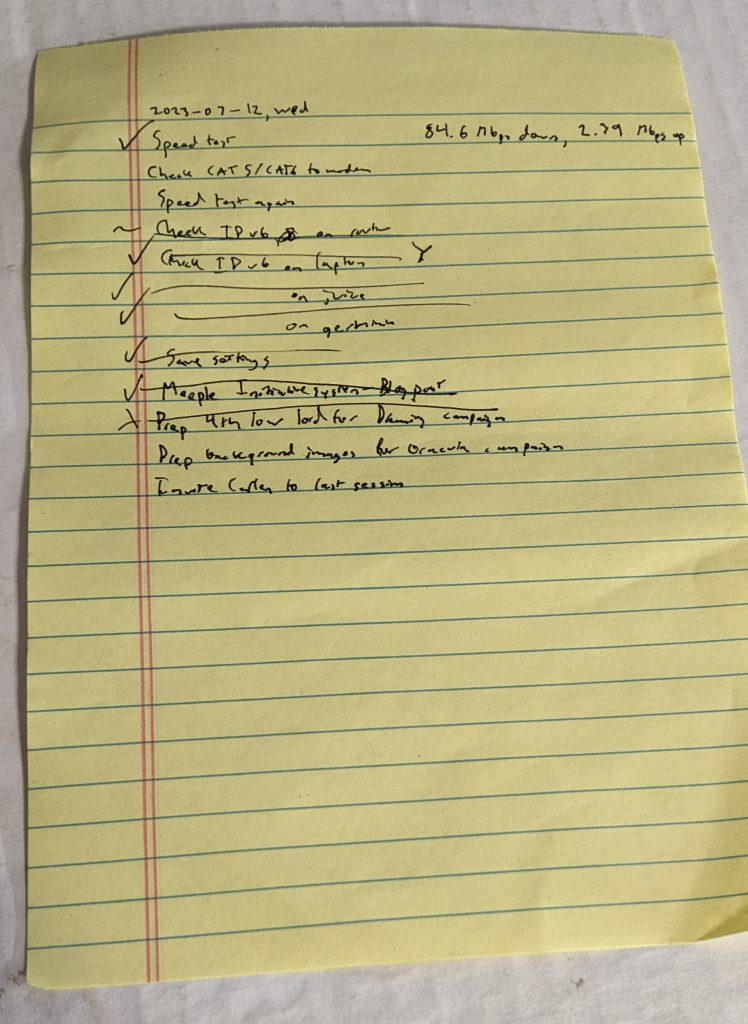][3]
+
+**Master TODO list**
+
+A “master” TODO list, consisting of everything I want to get done long term. I store this as a text file.
+
+[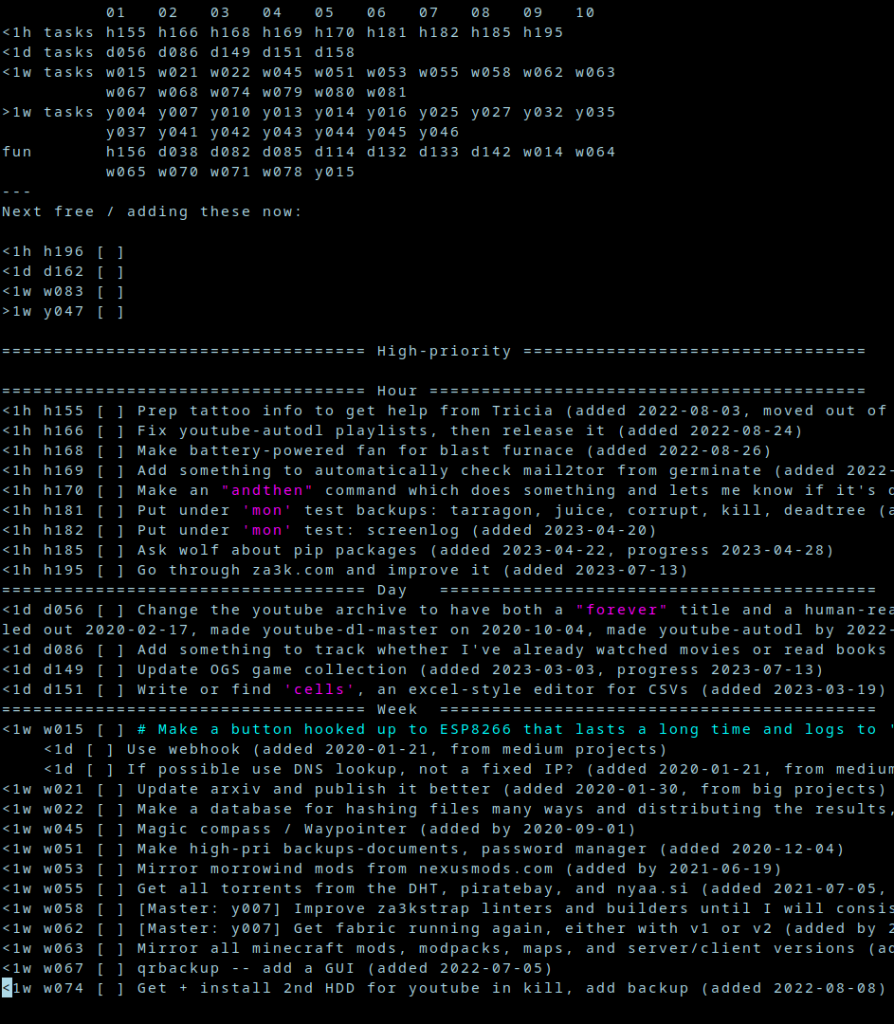][4]
+
+Each task is a one-line description.
+
+I sort tasks into four categories:
+
+- Tasks that will take under an hour
+- Tasks that will take under a day (but more than an hour)
+- Tasks that will take less than a week
+- Tasks that will take more than a week
+
+At the very top is just a list of all my task numbers, so I can see how many I have in each category, and skip down to them.
+
+Tasks are marked as
+
+- `[ ]` Unfinished
+- `[x]`Finished (think ✅)
+- `[X]`Cancelled (think ❌, decided not to do it)
+- `[/]` Partially done (for very big tasks)
+- `[>]`Transferred to another system (doesn’t happen in the master TODO system, but sometimes I do this from my journal or a daily TODO list to indicate I wrote it down in the master TODO system)
+
+In addition, I have a few special categories:
+
+- Urgent tasks. Sometimes I’ll have things that really need to get done soon (but not “today”, or they’d go on the daily list). Taxes often fit in here.
+- “Stuck” tasks. If I have no idea how to proceed with a task, it goes in a special category.
+- “Done” tasks. These are waiting to be archived (which is why everything you see is un-done)
+- “For fun” tasks. I try to keep a tasks which are just for fun in their own little section. Things like “learn to make ice cream”!
+
+I try to minimize subtasks, in general. If I have a big task (clean the house), I’ll try to list it as “clean the bedroom”, etc as seperate tasks. If I have to, I’ll have a big task that references separate small tasks, but it’s the exception, and usually in the “more than a week” category.
+
+And that’s about all I have to say.
+
+[1]: https://blog.za3k.com/wp-content/uploads/2023/07/weekly-crop.jpg
+[2]: https://blog.za3k.com/wp-content/uploads/2023/07/cal-crop.jpg
+[3]: https://blog.za3k.com/wp-content/uploads/2023/07/todo-daily-crop.jpg
+[4]: https://blog.za3k.com/wp-content/uploads/2023/07/todo-crop.png
--- /dev/null
+---
+author: admin
+categories:
+- Non-Technical
+date: 2019-08-08 13:14:24-07:00
+markup: html
+source: wordpress
+tags:
+- blog
+- meta
+- obsolete
+title: New experimental blog
+updated: 2020-05-17 12:55:48-07:00
+wordpress_id: 460
+wordpress_slug: new-experimental-blog
+---
+I’m experimenting with using Jekyll in place of wordpress. If you want you can check out \[dead link\] which containly my weekly review process.
+
+If and when I do migrate, all the posts here will be magically migrated and the URLs will stay the same so links don’t break.
+
+Edit: I discontinued this experiment. It’s too hard to migrate the old stuff and keep it looking good, and I’d rather keep everything in one system.
--- /dev/null
+---
+author: admin
+categories:
+- Non-Technical
+date: 2021-10-22 13:15:25-07:00
+markup: html
+source: wordpress
+tags:
+- data collections
+- games
+- go
+title: 'OGS2021: 27 million go games'
+updated: 2021-10-22 14:41:32-07:00
+wordpress_id: 715
+wordpress_slug: ogs2021-27-million-go-games
+---
+I downloaded all 27 million Go games from online-go.com, aka OGS, with permission. They are available [on Internet Archive][1] or [here][2] as SGF files or JSON. You can use them for whatever you like.
+
+[1]: https://archive.org/details/ogs2021
+[2]: https://za3k.com/ogs/
--- /dev/null
+---
+author: admin
+categories:
+- Technical
+date: 2021-05-26 13:02:35-07:00
+markup: html
+source: wordpress
+tags:
+- crypto
+- design
+- information theory
+title: OK-Mixnet
+updated: 2021-05-26 13:02:36-07:00
+wordpress_id: 579
+wordpress_slug: ok-mixnet
+---
+I made a new cryptosystem called OK-Mixnet. It has “perfect” security, as opposed to the usual pretty-good security. (Of course, it’s not magic–if your computer is hacked, the cryptosystem isn’t gonna protect your data). Despite the name, it’s not really a mixnet per se, it just similarly defends against SIGINT.
+
+A writeup is here: [https://za3k.com/ok-mixnet.md][1]
+
+The alpha codebase is here: [https://github.com/za3k/ok-mixnet][2]
+
+Let me know if you’d like to join the open alpha. Email me your username and IP (you’ll need to forward a port).
+
+[1]: https://za3k.com/ok-mixnet.md
+[2]: https://github.com/za3k/ok-mixnet
--- /dev/null
+---
+author: admin
+categories:
+- Non-Technical
+date: 2023-02-03 13:37:16-07:00
+markup: html
+source: wordpress
+tags:
+- pakistan
+- urdu
+- website
+- wikipedia
+title: Old Wikipedia (urdu)
+updated: 2023-02-03 13:37:16-07:00
+wordpress_id: 994
+wordpress_slug: old-wikipedia-urdu
+---
+Pakistan has blocked access to Wikipedia. Old Wikipedia is now available [in urdu][1], and has the same content.
+
+We are working on more clearly communicating the Old Wikipedia is not Wikipedia in Urdu like we do in English–translation help would be welcome!
+
+[https://ur.oldwikipedia.org][2]
+
+پاکستان نے ویکیپیڈیا کی رسائی روک دی ہے۔ پرانا ویکیپیڈیا اب بزبان اردو میں دستیاب ہے، اور اس میں پہلے جیسی مواد ہے۔
+
+ہم انگریزی میں جیسے، ہم پرانے ویکیپیڈیا کو ویکیپیڈیا کے بطور بزبان اردو مذکور نہیں کہنے کی سعی کر رہے ہیں- ترجمہ کی مدد خوشبو دائی جائے گی!
+
+[1]: https://ur.oldwikipedia.org/
+[2]: https://ur.oldwikipedia.org/
--- /dev/null
+---
+author: admin
+categories:
+- Non-Technical
+- Technical
+date: 2023-02-02 12:47:14-07:00
+markup: html
+source: wordpress
+tags:
+- website
+- wikipedia
+title: Old Wikipedia
+updated: 2023-02-02 12:47:39-07:00
+wordpress_id: 985
+wordpress_slug: old-wikipedia
+---
+Prefer the old layout of Wikipedia? A couple friends and I made [oldwikipedia.org][1]
+
+[][2]
+
+Hope you enjoy.
+
+[1]: https://oldwikipedia.org/
+[2]: https://blog.za3k.com/wp-content/uploads/2023/02/2023-02-02-144514_1920x1080_scrot-crop.png
--- /dev/null
+---
+author: admin
+categories:
+- Non-Technical
+date: 2021-02-07 03:30:04-07:00
+markup: html
+source: wordpress
+tags:
+- game design
+- games
+title: One-page RPGs
+updated: 2021-02-09 18:46:33-07:00
+wordpress_id: 558
+wordpress_slug: one-page-rpgs
+---
+I’ve written a few simple storytelling games or RPGs lately. They’re all under two pages of rules, and currently they’re all untested (first test is Monday!).
+
+- [Ultimate Archwizards vs the Dark Lord][1] Game for 3-6 players including one GM. Guessing 2-4 hours. Imagine the final episode of a fight anime–everyone is mega-level powered. Relatively goofy. Suitable for beginner players, would work with a beginner GM too. Designed with zero prep in mind.
+- [No, this cannot be! I AM INVINCIBLE!][2] Game for 2-8 players, no GM. More fun with 4+. Guessing 30 minutes. Heroes want to kill Villains, Villains also want to be killed. Villains therefore send wave after slightly harder wave of enemies at the Heroes to level them up. Designed to be comfortable for complete beginners, while letting expert storytellers play in the same group. About half storytelling, half stats. Some gameplay is probably similar to Munchkin, but I haven’t really played Munchkin. There’s a little prep at the start for Villains (5 minutes), almost none for Heroes. The only one of the three that needs playtesting to balance.
+- [Ninjas Ninjas Ninjas!][3] Game for 3 players exactly, no GM. Not for beginners. Guessing 5-30 minutes once you learn the rules (up to you). Frantically fast storytelling, challenges are 30-60 seconds each. There are several roles including the main “narrator”, which players swap often. The main goal is to show how cool your ninja team is, but you do also complete your mission. Can be played with nothing, not even paper. Could be expanded to work with 4 or 5 players, but would need more work.
+
+Will post my two spy games in a bit once I type them up!
+
+[1]: https://za3k.com/archive/ultimate_archwizard.md
+[2]: https://za3k.com/archive/invincible.md
+[3]: https://za3k.com/archive/ninjas.md
--- /dev/null
+---
+author: admin
+categories:
+- Technical
+date: 2022-07-10 09:28:46-07:00
+markup: html
+source: wordpress
+tags:
+- backup
+- linux
+title: One Screenshot Per Minute
+updated: 2022-07-10 09:37:53-07:00
+wordpress_id: 748
+wordpress_slug: one-screenshot-per-minute
+---
+One of my archiving and backup contingencies is taking one screenshot per minute. You can also use this to get a good idea of how you spend your day, by turning it into a movie. Although with a tiling window manager like I use, it’s a headache to watch.
+
+I send the screenshots over to another machine for storage, so they’re not cluttering my laptop. It uses up 10-20GB per year.
+
+I’ll go over my exact setup below in case anyone is interested in doing the same:
+
+**/bin/screenlog**
+
+GPG\_KEY=Zachary
+TEMPLATE=/var/screenlog/%Y-%m-%d/%Y-%m-%d.%H:%M:%S.jpg
+export DISPLAY=:0
+export XAUTHORITY=/tmp/XAuthority
+
+IMG=$(\\date +$TEMPLATE)
+mkdir -p $(dirname "$IMG")
+scrot "$IMG"
+gpg --encrypt -r "$GPG\_KEY" "$IMG"
+shred -zu "$IMG"
+
+The script
+
+- Prints everything to stderr if you run it manually
+- Makes a per-day directory. We store everything in /var/screenlog/2022-07-10/ for the day
+- Takes a screenshot. By default, crontab doesn’t have X Windows (graphics) access. To allow it, the XAuthority file which allows access needs to be somewhere my crontab can reliably access. I picked `/tmp/XAuthority`. It doesn’t need any unusual permissions, but the default location has some random characters in it.
+- [GPG][1]\-encrypts the screenshot with a public key and deletes the original. This is extra protection in case my backups somehow get shared, so I don’t literally leak all my habits, passwords, etc. I just use my standard key so I don’t lose it. It’s [public-key crypto][2], so put the public key on your laptop. Put the private key on neither, one, or both, depending on which you want to be able to read the photos.
+
+**/etc/cron.d/screenlog**
+
+\* \* \* \* \* zachary /bin/screenlog
+20 \* \* \* \* zachary rsync --remove-source-files -r /var/screenlog/ backup-machine:/data/screenlog/laptop
+30 \* \* \* \* zachary rmdir /var/screenlog/\*
+
+That’s
+
+- Take a screenshot once every minute. Change the first \* to \*/5 for every 5 minutes, and so on.
+- Copy over the gpg-encrypted screenshots hourly, deleting the local copy
+- Also hourly, delete empty per-day folders after the contents are copied, so they don’t clutter things
+
+**~/.profile**
+
+export XAUTHORITY=/tmp/XAuthority
+
+I mentioned /bin/screenlog needs to know where XAuthority is. In Arch Linux this is all I need to do.
+
+[1]: https://www.gnupg.org/
+[2]: https://en.wikipedia.org/wiki/Public-key_cryptography
--- /dev/null
+---
+author: admin
+categories:
+- Non-Technical
+date: 2015-11-29 22:31:39-07:00
+markup: html
+source: wordpress
+tags:
+- news
+- nntp
+- USENET
+title: Open NNTP server
+updated: 2015-11-29 22:33:34-07:00
+wordpress_id: 381
+wordpress_slug: open-nntp-server
+---
+I’m opening the NNTP server at nttp.za3k.com (TLS or unencrypted) to the public. These are the newsgroups currently on it. It is virtually zero-traffic (no users, but also users post little).
+
+If you don’t have a news reader, Thunderbird can do the job, or take a look at the list [here][1].
+
+art.agency.applied
+art.autonomy
+art.programming
+news.announce.newusers
+news.discuss
+research.fai
+research.fai.decisiontheory
+research.math
+research.philosophy
+research.strategy
+research.xrisk
+talk.math
+talk.news
+talk.other
+talk.personal
+talk.philosophy
+talk.programming
+talk.psychology
+talk.reading
+talk.reading.collaborative
+talk.science
+talk.writing
+talk.writing.collaborative
+test.posts
+
+[1]: https://en.wikipedia.org/wiki/List_of_Usenet_newsreaders
--- /dev/null
+---
+author: admin
+categories:
+- Non-Technical
+date: 2023-02-02 14:41:06-07:00
+markup: html
+source: wordpress
+tags:
+- art
+- painting
+title: Painting
+updated: 2023-02-02 14:41:07-07:00
+wordpress_id: 988
+wordpress_slug: painting
+---
+[][1]
+
+Waves, Z Vance 2023
+
+[][2]
+
+Bouquet, Z Vance 2023
+
+[][3]
+
+Worm Statue, Z Vance 2023
+
+[][4]
+
+Model
+
+[1]: https://blog.za3k.com/wp-content/uploads/2023/02/waves.jpg
+[2]: https://blog.za3k.com/wp-content/uploads/2023/02/small.jpg
+[3]: https://blog.za3k.com/wp-content/uploads/2023/02/art1-crop.jpg
+[4]: https://blog.za3k.com/wp-content/uploads/2023/02/statue1-crop.jpg
--- /dev/null
+---
+author: admin
+categories:
+- Non-Technical
+date: 2014-12-07 23:30:24-07:00
+markup: html
+source: wordpress
+tags:
+- music
+- pandora
+title: Pandora songs
+updated: 2014-12-07 23:32:05-07:00
+wordpress_id: 93
+wordpress_slug: pandora-songs
+---
+I copied the list of [songs I favorited][1] from [Pandora][2].
+
+[1]: http://za3k.com/pandora.txt
+[2]: https://www.pandora.com
--- /dev/null
+---
+author: admin
+categories:
+- Non-Technical
+- Technical
+date: 2015-04-24 16:58:38-07:00
+markup: html
+source: wordpress
+tags:
+- armchair
+- backup
+- barcodes
+- information theory
+- qr codes
+title: Paper archival
+updated: 2015-04-24 17:04:06-07:00
+wordpress_id: 187
+wordpress_slug: paper-archival
+---
+Previous work:
+
+- [Optar][1] (OPTical ARchive), a 2-D barcode format ([github][2])
+- [Paperback][3]
+
+I wanted (for fun) to see if I could get data stored in paper formats. I’d read the previous work, and people put a lot of thought into density, but not a lot of thought into ease of retreival. First off, [acid-free][4] paper lasts 500 years or so, which is plenty long enough compared to any environmental stresses (moisture, etc) I expect on any paper I have.
+
+Optar gets a density of 200kB / A4 page. By default, it requires a 600dpi printer, and a 600+dpi scanner. It has 3-of-12 bit redundancy using [Golay][5] codes, and spaces out the bits in an okay fashion.
+
+Paperback gets a (theoretical) density of 500kB / A4 page. It needs a 600dpi printer, and a ~900dpi scanner. It has configurable redundancy using [Reed-Solomon][6] codes. It looks completely unusable in practice (alignment issues, aside from being Windows-only).
+
+Okay, so I think these are all stupid, because you need some custom software to decode them, which in any case where you’re decoding data stored on paper you probably don’t have that. I want to use standard barcodes, even if they’re going to be lower density. Let’s look at our options. I’m going to skip linear barcodes (low-density) and color barcodes (printing in color is expensive). Since we need space between symbols, we want to pick the biggest versions of each code we can. For one, whitespace around codes is going to dominate actual code density for layout efficiency, and larger symbols are usually more dense. For another thing, we want to scan as few symbols as possible if we’re doing them one at a time.
+
+[Aztec][7] From 15×15 to 151×151 square pixels. 1914 bytes maximum. Configurable Reed-Solomon error correction.
+
+Density: 11.9 pixels per byte
+
+[Data Matrix][8] From 10×10 to 144×144 square pixels. 1555 bytes maximum. Large, non-configurable error correction.
+
+Density: 13.3 pixels per byte
+
+[QR Code][9] From 21×21 to 177×177 square pixels. 2,953 bytes maximum. Somewhat configurable Reed-Solomon error correction.
+
+Density: 10.6 pixels per byte
+
+[PDF417][10] 17 height by 90-583 width. 1100 bytes maximum. Configurable Reed-Solomon error correction. PDF417 is a stacked linear barcode, and can be scanned by much simpler scanners instead of cameras. It also has built in cross-symbol linking (MacroPDF417), meaning you can scan a sequence of codes before getting output–handy for getting software to automatically link all the codes on a page.
+
+Density: 9.01 pixels per byte
+
+QR codes and PDF417 look like our contenders. PDF417 turns out to not scan well (at all, but especially at large symbol sizes), so despite some nice features let’s pick QR codes. Back when I worked on a [digital library][11] I made a component to generate QR codes on the fly, and I know how to scan them on my phone and webcam already from that, so it would be pretty easy to use them.
+
+What density can we get on a sheet of A4 paper (8.25 in × 11.00 in, or 7.75in x 10.50in with half-inch margins)? I trust optar’s estimate (600 dpi = 200 pixels per inch) for printed/scanned pages since they seemed to test things. A max-size QR code is 144×144 pixels, or 0.72 x 0.72 inches at maximum density. We can fit 10 x 14 = 140 QR codes with maximum density on the page, less if we want decent spacing. That’s 140 QR codes x (2,953 bytes per QR code) = 413420 bytes = 413K per page before error correction.
+
+That’s totally comparable to the other approaches above, and you can read the results with off-the-shelf software. Bam.
+
+[1]: http://ronja.twibright.com/optar
+[2]: https://github.com/colindean/optar
+[3]: http://ollydbg.de/Paperbak/index.html
+[4]: http://en.wikipedia.org/wiki/Acid-free_paper
+[5]: http://en.wikipedia.org/wiki/Binary_Golay_code
+[6]: http://en.wikipedia.org/wiki/Reed%E2%80%93Solomon_error_correction
+[7]: http://en.wikipedia.org/wiki/Aztec_Code
+[8]: http://en.wikipedia.org/wiki/Data_Matrix
+[9]: http://en.wikipedia.org/wiki/QR_code
+[10]: http://en.wikipedia.org/wiki/PDF417
+[11]: https://blog.za3k.com/the-double-lives-of-books/ "The Double Lives of Books"
--- /dev/null
+---
+author: admin
+categories:
+- Non-Technical
+date: 2015-10-22 17:02:41-07:00
+markup: html
+source: wordpress
+tags:
+- art
+- piskell
+- pixel art
+- typography
+title: Pixel Alphabet
+updated: 2015-10-22 17:07:34-07:00
+wordpress_id: 334
+wordpress_slug: pixel-alphabet
+---
+[][1]A small font I designed. I’m pretty proud of it.
+
+[1]: https://blog.za3k.com/wp-content/uploads/2015/10/Alphabetx16.png
--- /dev/null
+---
+author: admin
+categories:
+- Non-Technical
+date: 2015-02-17 11:53:54-07:00
+markup: html
+source: wordpress
+tags:
+- pixel art
+title: 'Pixel Art: A Cool Cat'
+updated: 2015-02-17 11:53:54-07:00
+wordpress_id: 112
+wordpress_slug: pixel-art-a-cool-cat
+---
+[][1]
+
+[1]: https://blog.za3k.com/wp-content/uploads/2015/02/Screen-Shot-2015-02-03-at-9.16.08-PM.png
--- /dev/null
+---
+author: admin
+categories:
+- Non-Technical
+- Technical
+date: 2024-05-11 11:49:13-07:00
+markup: html
+source: wordpress
+tags:
+- programming
+- time management
+title: pompompom
+updated: 2024-05-11 11:49:13-07:00
+wordpress_id: 1347
+wordpress_slug: pompompom
+---
+I hacked up a little to-do app in an hour. The emphasis is on focus.
+
+[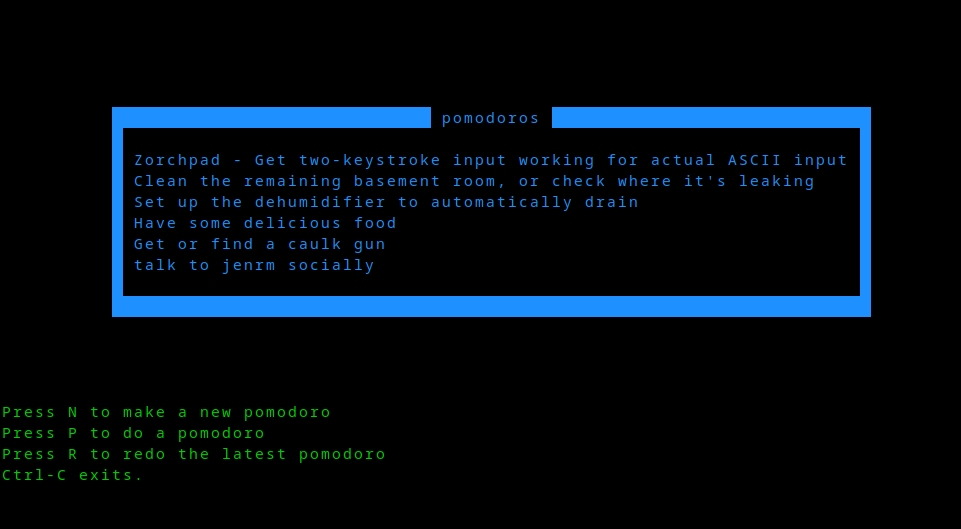][1]
+
+[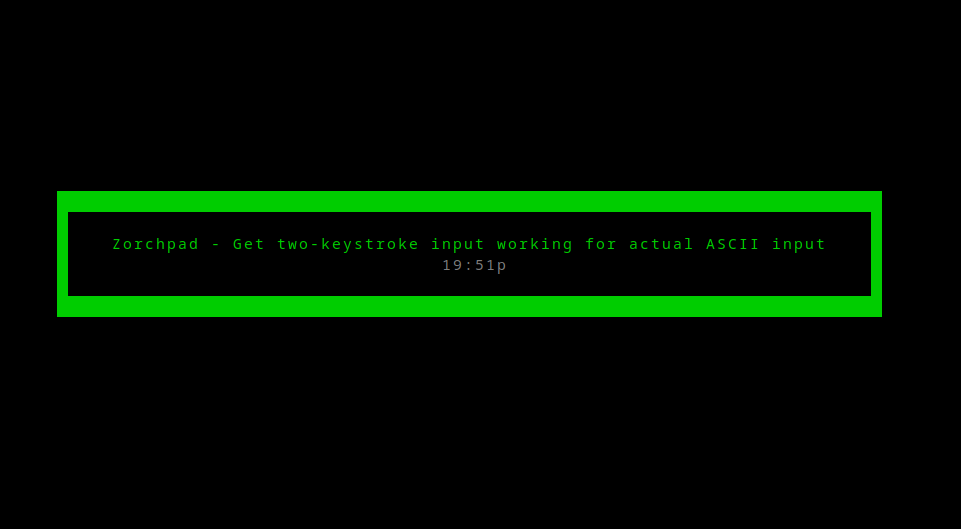][2]
+
+It’s linux only. You can find it in my [short-programs][3] repo on github.
+
+[1]: https://github.com/za3k/short-programs#pompompom
+[2]: https://github.com/za3k/short-programs#pompompom
+[3]: https://github.com/za3k/short-programs#pompompom
--- /dev/null
+---
+author: admin
+categories:
+- Technical
+date: 2020-05-12 14:00:28-07:00
+markup: html
+source: wordpress
+tags:
+- immutable
+- linux
+- postmortem
+- storage
+title: 'Postmortem: bs-store'
+updated: 2020-05-17 12:52:32-07:00
+wordpress_id: 523
+wordpress_slug: postmortem-bs-store
+---
+Between 2020-03-14 and 2020-12-03 I ran an experimental computer storage setup. I movied or copied 90% of my files into a content-addressable storage system. I’m doing a writeup of why I did it, how I did it, and why I stopped. My hope is that it will be useful to anyone considering using a similar system.
+
+The assumption behind this setup, is that 99% of my files never change, so it’s fine to store only one, static copy of them. (Think movies, photos… they’re most of your computer space, and you’re never going to modify them). There are files you change, I just didn’t put them into this system. If you run a database, this ain’t for you.
+
+Because I have quite a lot of files and 42 drives (7 in my computer, ~35 in a huge media server chassis), there is a problem of how to organize files across drives. To explain why it’s a problem, let’s look at the two default approaches:
+
+- **One Block Device / RAID 0**. Use some form of system that unifies block devices, such as RAID0 or a ZFS’s striped vdevs. Writing files is very easy, you see a single 3000GB drive.
+ - Many forms of RAID0 use striping. Striping splits each file across all available drives. 42 drives could spin up to read one file (wasteful).
+ - You need all the drives mounted to read anything–I have ~40 drives, and I’d like a solution that works if I move and can’t keep my giant media server running. Also, it’s just more reassuring that nothing can fail if you can read each drive individually.
+- **JBOD / Just a Bunch of Disks**. Label each drive with a category (ex. ‘movies’), and mount them individually.
+ - It’s hard to aim for 100% (or even >80%) drive use. Say you have 4x 1000GB drives, and you have 800GB movies, 800GB home video footage, 100GB photographs, and 300GB datasets. How do you arrange that? One drive per dataset is pretty wasteful, as everything fits on 3. But, with three drives, you’ll need to split at least one dataset across drives. Say you put together 800GB home video and 100GB photographs. If you get 200GB more photographs, do you split a 300 GB collection across drives, or move the entire thing to another drive? It’s a lot of manual management and shifting things around for little reason.
+
+Neither approach adds any redundancy, and 42 drives is a bit too many to deal with for most things. Step 1 is to split the 42 drives into 7 ZFS vdevs, each with 2-drive redundancy. That way, if a drive fails or there is a small data corruption (likely), everything will keep working. So now we only have to think about accessing 7 drives (but keep in mind, many physical drives will spin up for each disk access).
+
+The ideal solution:
+
+- Will not involve a lot of manual management
+- Will fill up each drive in turn to 100%, rather than all drives at an equal %.
+- Will deduplicate identical content (this is a “nice to have”)
+- Will only involve accessing one drive to access one file
+- Will allow me to get and remove drives, ideally across heterogenous systems.
+
+I decided a content-addressable system was ideal for me. That is, you’d look up each file by its hash. I don’t like having an extra step to access files, so files would be accessed by symlink–no frontend program. Also, it was important to me that I be able to transparently swap out the set of drives backing this. I wanted to make the content-addressable system basically a set of 7 content-addressable systems, and somehow wrap those all into one big content-addressable system with the same interface. Here’s what I settled on:
+
+- (My drives are mounted as /zpool/bs0, /zpool/bs1, … /zpool/bs6)
+- Files will be stored in each pool in turn by hash. So my movie ‘cat.mpg’ with sha hash ‘8323f58d8b92e6fdf190c56594ed767df90f1b6d’ gets stored in /zpool/bs0/83/23/f58d8b9 \[shortened for readability\]
+- Initially, we just copy files into the content-addressable system, we don’t delete the original. I’m cautious, and I wanted to make everything worked before getting rid of the originals.
+- To access a file, I used read-only unionfs-fuse for this. This checks each of /zpool/bs{0..6}/<hash> in turn. So in the final version, /data/movies/cat.mpg would be a symlink to ‘/bs-union/83/23/f58d8b9’
+- We store some extra metadata on the original file (if not replaced by a symlink) and the storied copy–what collection it’s part of, when it was added, how big it is, what it’s hash is, etc. I chose to use xattrs.
+
+The plan here is that it would be really easy to swap out one backing blockstore of 30GB, for two of 20GB–just copy the files to the new drives and add it to the unionfs.
+
+Here’s what went well:
+
+- No problems during development–only copying files meant it was easy and safe to debug prototypes.
+- Everything was trivial to access (except see note about mounting disks below)
+- It was easy to add things to the system
+- Holding off on deleting the original content until I was 100% out of room on my room disks, meant it was easy to migrate off of, rather risk-free
+- Running the entire thing on top of zfs ZRAID2 was the right decision, I had no worries about failing drives or data corruption, despite a lot of hardware issues developing at one point.
+- My assumption that files would never change was correct. I made the unionfs filesystem read-only as a guard against error, but it was never a problem.
+- Migrating off the system went smoothly
+
+Here are the implementation problems I found
+
+- I wrote the entire thing as bash scripts operating directly on files, which was OK for access and putting stuff in the store, but just awful for trying to get an overview of data or migrating things. I definitely should have used a database. I maybe should have used a programming language.
+- Because there was no database, there wasn’t really any kind of regular check for orphans (content in the blobstore with no symlinks to it), and other similar checks.
+- unionfs-fuse suuucks. Every union filesystem I’ve tried sucks. Its read bandwidth is much lower than the component devices (unclear, probably), it doesn’t cache where to look things up, and it has zero xattrs support (can’t read xattrs from the underlying filesystem).
+- gotcha: zfs xattrs waste a lot of space by default, you need to reconfigure the default.
+
+But the biggest problem was disk access patterns:
+
+- I thought I could cool 42 drives spinning, or at least a good portion of them. This was WRONG by far, and I am not sure how possible it is in a home setup. To give you an idea how bad this was, I had to write a monitor to shut off my computer if the drives went above 60C, and I was developing fevers in my bedroom (where the server is) from overheating. Not healthy.
+- unionfs has to check each backing drive. So we see 42 drives spin up. I have ideas on fixing this, but it doesn’t deal with the other problems
+- To fix this, you could use double-indirection.
+ - Rather than pointing a symlink at a unionfs: /data/cat.mpg -> /bs-union/83/23/f58d8b9 (which accesses /zpool/bs0/83/23/f58d8b9)
+ - Point a symlink at another symlink that points directly to the data: /data/cat.mpg -> /bs-indirect/83/23/f58d8b9 -> /zpool/bs0/83/23/f58d8b9
+- The idea is that backing stores are kinda “whatever, just shove it somewhere”. But, actually it would be good to have a collection in one place–not only to make it easy to copy, but to spin up only one drive when you go through everything in a collection. It might even be a good idea to have a separate drive for more frequently-accessed content. This wasn’t a huge deal for me since migrating existing content meant it coincidentally ended up pretty localized.
+- Because I couldn’t spin up all 42 drives, I had to keep a lot of the array unmounted, and mount the drives I needed into the unionfs manually.
+
+So although I could have tried to fix things with double-indirection, I decided there were some other disadvantages to symlinks: estimating sizes, making offsite backups foolproof. I decided to migrate off the system entirely. The migration went well, although it required running all the drives at once, so some hardware errors popped up. I’m currently on a semi-JBOD system (still on top of the same 7 ZRAID2 devices).
+
+Hopefully this is useful to someone planning a similar system someday. If you learned something useful, or there are existing systems I should have used, feel free to leave a comment.
--- /dev/null
+---
+author: admin
+categories:
+- Non-Technical
+date: 2024-01-19 14:30:16-07:00
+markup: html
+source: wordpress
+tags:
+- organization
+title: Printable TODO List
+updated: 2024-01-19 14:30:16-07:00
+wordpress_id: 1282
+wordpress_slug: printable-todo-list
+---
+I made a minimal, printable [TODO list][1]. Enjoy!
+
+[][2]
+
+Just print it
+
+[][3]
+
+or get fancy and laminate
+
+[1]: https://za3k.com/archive/todo.pdf
+[2]: https://za3k.com/archive/todo.pdf
+[3]: https://za3k.com/archive/todo.pdf
--- /dev/null
+---
+author: admin
+categories:
+- Technical
+date: 2020-04-18 16:47:39-07:00
+markup: html
+source: wordpress
+tags:
+- linux
+- printer
+- raspberry pi
+title: Printing on the Brother HL-2270DW printer using a Raspberry Pi
+updated: 2020-12-12 13:29:42-07:00
+wordpress_id: 517
+wordpress_slug: printing-on-the-brother-hl-2270dw-printer-using-a-raspberry-pi
+---
+Although the below directions work on Raspberry Pi, they should also work on any other system. The brother-provided driver does not run on arm processors\[1\] like the raspberry pi, so we will instead use the open-source [brlaser][1]\[2\].
+
+Edit: This setup should also work on the following Brother monochrome printers, just substitute the name where needed:
+
+- brlaser 4, just install from package manager: DCP-1510, DCP-1600 series, DCP-7030, DCP-7040, DCP-7055, DCP-7055W, DCP-7060D, DCP-7065DN, DCP-7080, DCP-L2500D series, HL-1110 series, HL-1200 series, HL-L2300D series, HL-L2320D series, HL-L2340D series, HL-L2360D series, HL-L2375DW series, HL-L2390DW, MFC-1910W, MFC-7240, MFC-7360N, MFC-7365DN, MFC-7420, MFC-7460DN, MFC-7840W, MFC-L2710DW series
+- brlaser 6, follow full steps below: DCP-L2520D series, DCP-L2520DW series, DCP-L2540DW series (unclear, may only need 4), HL-2030 series, HL-2140 series, HL-2220 series, HL-2270DW series, HL-5030 series
+
+Also, all these steps are command-line based, and you can do the whole setup headless (no monitor or keyboard) using SSH.
+
+1. Get the latest raspbian image up and running on your pi, with working networking. At the time of writing the latest version is 10 (buster)–once 11+ is released this will be much easier. I have written a [convenience tool][2]\[3\] for this step, but you can also find any number of standard guides. Log into your raspberry pi to run the following steps
+2. (Option 1, not recommended) Upgrade to Debian 11 bullseye (current testing release). This is because we need brlaser 6, not brlaser 4 from debian 10 buster (current stable release). Then, install the print system and driver\[2\]:
+ `sudo apt-get update && sudo apt-get install lpr cups ghostscript printer-driver-brlaser`
+3. (Option 2, recommended) Install ‘brlaser’ from source.
+ 1. Install print system and build tools
+ `sudo apt-get update && sudo apt-get install lpr cups ghostscript git cmake libcups2-dev libcupsimage2-dev`
+ 2. Download the source
+ `wget https://github.com/pdewacht/brlaser/archive/v6.tar.gz && tar xf v6.tar.gz`
+ 3. Build the source and install
+ `cd brlaser-6 && cmake . && make` && `sudo make install`
+4. Plug in the printer, verify that it shows up using `sudo lsusb` or `sudo dmesg`. (author’s shameful note: if you’re not looking, I find it surprisingly easy to plug USB B into the ethernet jack)
+5. Install the printer.
+ 1. Run `sudo lpinfo -v | grep usb` to get the device name of your printer. It will be something like `usb://Brother/HL-2270DW%20series?serial=D4N207646`
+ If you’re following this in the hopes that it will work on another printer, run `sudo lpinfo -m | grep HL-2270DW` to get the PPD file for your printer.
+ 2. Install and enable the printer
+ `sudo lpadmin -p HL-2270DW -E -v usb://Brother/HL-2270DW%20series?serial=D4N207646 -m drv:///brlaser.drv/br2270dw.ppd`
+ Note, `-p HL-2270DW` is just the name I’m using for the printer, feel free to name the printer whatever you like.
+ 3. Enable the printer (did not work for me)
+ `sudo lpadmin -p HL-2270DW -E`
+ 4. (Optional) Set the printer as the default destination
+ `sudo lpoptions -d HL-2270DW`
+ 5. (Optional) Set any default options you want for the printer
+ `sudo lpoptions -p HL-2270DW -o media=letter`
+6. Test the printer (I’m in the USA so we use ‘letter’ size paper, you can substitute whichever paper you have such as ‘a4’).
+ 1. `echo "Hello World" | PRINTER=HL-2270DW lp -o media=letter` (Make sure anything prints)
+ 2. `cat <test document> | PRINTER=HL-2270DW lp -o media=letter` (Print an actual test page to test alignment, etc)
+ 3. `cat <test document> | PRINTER=HL-2270DW lp -o media=letter -o sides=two-sided-short-edge` (Make sure duplex works if you plan to use that)
+7. (Optional) Set up an [scp print server][3], so any file you copy to a `/printme` directory gets printed. For the 2270DW, I also have a `/printme.duplex` directory.
+
+Links
+\[1\] brother driver [does not work][4] on arm (also verified myself)
+\[2\] [brlaser][5], the open-source Brother printer driver
+\[3\] [rpi-setup][6], my convenience command-line script for headless raspberry pi setup
+\[4\] [stack overflow answer][7] on how to install one package from testing in debian
+
+1. Joel says:
+
+ [August 2, 2020 at 12:52 pm][8]
+
+ There appears to be a typo in step 5A. The page currently reads “lpinfo -m” but I believe should be “lpinfo -v”. Per the man page, the m flag lists drivers and the v flag lists devices.
+
+ The USB device can be found in the -v output for step 5A but the driver can be found in the -m output for step 5B.
+
+ [Reply][9]
+
+2. Scott says:
+
+ [October 19, 2020 at 5:10 pm][10]
+
+ Thank you so very much for this. Worked like a charm.
+
+ Any tips on how to print over the network?
+
+ [Reply][11]
+
+3. rathesun01 says:
+
+ [December 8, 2020 at 6:44 pm][12]
+
+ Awesome post. Joel is supposedly correct. It should have been “lpinfo -v” in the step 5A.
+
+ [Reply][13]
+
+4. admin says:
+
+ [December 12, 2020 at 1:31 pm][14]
+
+ Corrected ‘lpinfo -v’, thanks.
+ No clue how to print over the network, sorry. That’s actually why I set up a raspberry pi to connect to the printer instead–it’s my wifi interface.
+
+ [Reply][15]
+
+5. steve says:
+
+ [December 30, 2020 at 9:05 am][16]
+
+ I have the Brother HL-2270DW, and I had to install from source to get it to work. I’m not using USB, but port forwarding across via NAT to another internal network.
+
+ I just used the cups admin pages to complete setting things up. Before using this package, I picked some other closely related printer. It was printing the page, sucking it back in, then finally printing. Not terrible, but I was annoyed. Now it’s perfect!
+
+ For printing over the network, I used the socket::9100 setting. No idea the command line knobs or dials, just did it through the cups web page.
+
+ Another reason for me to do this is now my little rasperry pi zero w shows my printer as an AirPrint printer, so now I can print from my iDevices. Brother has their own app for this printer, but I was annoyed having to install a special app for this. My HL2270DW was made without AirPrint. It’s a fine little machine and don’t want to throw it out.
+
+ [Reply][17]
+
+ - Jaye Horn says:
+
+ [February 18, 2021 at 3:19 pm][18]
+
+ How did you install from source? and how did you do the port forwarding across via NAT to another internal network? I’m new to this so any help would be very much appreciated.
+
+ Thank you.
+
+ [Reply][19]
+
+6. Job says:
+
+ [January 20, 2021 at 8:09 pm][20]
+
+ Would this work for brother hl-l2395dw scanner?
+
+ [Reply][21]
+
+7. Adam Trask says:
+
+ [October 22, 2021 at 5:00 am][22]
+
+ Thanks so much for posting this. This helped get my HL-L2300D working properly.
+
+ [Reply][23]
+
+8. Danial Foster says:
+
+ [December 24, 2021 at 1:39 am][24]
+
+ \>>> (author’s shameful note: if you’re not looking, I find it
+ \>>>surprisingly easy to plug USB B into the ethernet jack)
+
+ I smiled when I saw this because you are clearly a ding dong; that sounds like a rookie mistake.
+
+ I couldn’t get your instructions to work, so I tried troubleshooting through Google. Couldn’t figure it out. sudo lpinfo -v | grep usb wasn’t showing jack.
+
+ It was because I had my USB B plugged into the ethernet jack of my BR-2270DW.
+
+ Everything works now. Thank you so much.
+
+ [Reply][25]
+
+9. J Bot says:
+
+ [January 3, 2023 at 4:03 pm][26]
+
+ Any steps to do this with a wifi connected HL-2270DW? Thanks!
+
+ [Reply][27]
+
+
+[1]: https://github.com/pdewacht/brlaser
+[2]: https://github.com/za3k/rpi-setup
+[3]: https://blog.za3k.com/linux-print-server/
+[4]: https://www.raspberrypi.org/forums/viewtopic.php?t=15526
+[5]: https://github.com/pdewacht/brlaser
+[6]: https://github.com/za3k/rpi-setup
+[7]: https://serverfault.com/questions/22414/how-can-i-run-debian-stable-but-install-some-packages-from-testing
+[8]: https://blog.za3k.com/printing-on-the-brother-hl-2270dw-printer-using-a-raspberry-pi/#comment-4165
+[9]: https://blog.za3k.com/printing-on-the-brother-hl-2270dw-printer-using-a-raspberry-pi/?replytocom=4165#respond
+[10]: https://blog.za3k.com/printing-on-the-brother-hl-2270dw-printer-using-a-raspberry-pi/#comment-4213
+[11]: https://blog.za3k.com/printing-on-the-brother-hl-2270dw-printer-using-a-raspberry-pi/?replytocom=4213#respond
+[12]: https://blog.za3k.com/printing-on-the-brother-hl-2270dw-printer-using-a-raspberry-pi/#comment-4277
+[13]: https://blog.za3k.com/printing-on-the-brother-hl-2270dw-printer-using-a-raspberry-pi/?replytocom=4277#respond
+[14]: https://blog.za3k.com/printing-on-the-brother-hl-2270dw-printer-using-a-raspberry-pi/#comment-4279
+[15]: https://blog.za3k.com/printing-on-the-brother-hl-2270dw-printer-using-a-raspberry-pi/?replytocom=4279#respond
+[16]: https://blog.za3k.com/printing-on-the-brother-hl-2270dw-printer-using-a-raspberry-pi/#comment-4319
+[17]: https://blog.za3k.com/printing-on-the-brother-hl-2270dw-printer-using-a-raspberry-pi/?replytocom=4319#respond
+[18]: https://blog.za3k.com/printing-on-the-brother-hl-2270dw-printer-using-a-raspberry-pi/#comment-4380
+[19]: https://blog.za3k.com/printing-on-the-brother-hl-2270dw-printer-using-a-raspberry-pi/?replytocom=4380#respond
+[20]: https://blog.za3k.com/printing-on-the-brother-hl-2270dw-printer-using-a-raspberry-pi/#comment-4341
+[21]: https://blog.za3k.com/printing-on-the-brother-hl-2270dw-printer-using-a-raspberry-pi/?replytocom=4341#respond
+[22]: https://blog.za3k.com/printing-on-the-brother-hl-2270dw-printer-using-a-raspberry-pi/#comment-5178
+[23]: https://blog.za3k.com/printing-on-the-brother-hl-2270dw-printer-using-a-raspberry-pi/?replytocom=5178#respond
+[24]: https://blog.za3k.com/printing-on-the-brother-hl-2270dw-printer-using-a-raspberry-pi/#comment-5438
+[25]: https://blog.za3k.com/printing-on-the-brother-hl-2270dw-printer-using-a-raspberry-pi/?replytocom=5438#respond
+[26]: https://blog.za3k.com/printing-on-the-brother-hl-2270dw-printer-using-a-raspberry-pi/#comment-9429
+[27]: https://blog.za3k.com/printing-on-the-brother-hl-2270dw-printer-using-a-raspberry-pi/?replytocom=9429#respond
--- /dev/null
+---
+author: admin
+categories:
+- Non-Technical
+- Technical
+date: 2022-08-10 09:32:40-07:00
+markup: html
+source: wordpress
+tags:
+- linux
+- self-improvement
+- system administration
+title: problem-log.txt
+updated: 2022-08-10 09:38:02-07:00
+wordpress_id: 767
+wordpress_slug: problem-log-txt
+---
+One of the more useful things I did was to start logging all my technical problems. Whenever I hit a problem, I write an entry in problem-log.txt. Here’s an example
+
+ 2022-08-02
+ Q: Why isn't the printer working? [ SOLVED ]
+ A: sudo cupsenable HL-2270DW
+
+ // This isn't in the problem log, but the issue is that CUPS will silently disable the printer if it thinks there's an issue. This can happen if you pull a USB cord mid-print.
+
+I write the date, the question, and the answer. Later, when I have a tough or annoying problem, I try to grep problem-log.txt. I’ll add a note if I solve a problem using the log, too.
+
+This was an interesting project to look at 5 years later. I didn’t see benefits until 1-2 years later. It does not help me think through a problem. It’s hard to remember to do. But, over time it’s built up and become invaluable to me. I hit a tricky problem, and I can’t immediately find an answer on the web. I find out it’s in problem-log.txt. And, someone’s written it exactly with my hardware (and sometimes even my folder names) correctly in there. Cool!
+
+Here’s another example:
+
+ 2018-10-21
+ Q: How do I connect to the small yellow router?
+
+Not every problem gets solved. Oh well.
--- /dev/null
+---
+author: admin
+categories:
+- Technical
+date: 2022-03-22 09:28:49-07:00
+markup: html
+source: wordpress
+tags:
+- backup
+- github
+- qr codes
+- qr-backup
+- software
+title: qr-backup
+updated: 2022-03-22 09:29:32-07:00
+wordpress_id: 731
+wordpress_slug: qr-backup-2
+---
+qr-backup is a program to back up digital documents to physical paper. Restore is done with a webcam, video camera, or scanner. Someday smart phone cameras will work.
+
+I’ve been making some progress on [qr-backup][1] v1.1. So far I’ve added:
+
+- `--restore`, which does a one-step restore for you, instead of needing a bash one-line restore process
+- `--encrypt` provides password-based encryption
+- An automatic restore check that checks the generated PDF. This is mostly useful for me while maintaining qr-backup, but it also provides peace-of-mind to users.
+- `--instructions` to give more fine-tuned control over printing instructions. There’s a “plain english” explanation of how qr-backup works that you can attach to the backup.
+- `--note` for adding an arbitrary message to every sheet
+- Base-64 encoding is now per-QR code, each QR is self-contained.
+- Codes are labeled N01/50 instead of 01/50, to support more code types in the future.
+- Code cleanup of QR generation process.
+- Several bugfixes.
+
+v1.1 will be released when I make qr-backup feature complete:
+
+- Erasure coding, so you only need 70% of the QRs to do a restore.
+- Improve webcam restore slightly.
+
+v1.2 will focus on adding a GUI and support for Windows, Mac, and Android. Switching off zbar is a requirement to allow multi-platform support, and will likely improve storage density.
+
+[1]: https://github.com/za3k/qr-backup
--- /dev/null
+---
+author: admin
+categories:
+- Technical
+date: 2022-09-22 16:38:08-07:00
+markup: html
+source: wordpress
+tags:
+- announcements
+- qr-backup
+- release
+title: qr-backup v1.1
+updated: 2022-11-05 15:50:36-07:00
+wordpress_id: 792
+wordpress_slug: qr-backup-v1-1
+---
+[qr-backup][1] v1.1 is released. qr-backup is a **command-line Linux program**. You can use it to back up a file as a series of QR codes. You can restore the QR codes using a webcam or scanner, and get back the original file.
+
+[][2]
+
+The main features of qr-backup are ease-of-use and futureproofing (restore does not require qr-backup).
+
+Please report any bugs [on github][3]. Once this is stable, I will do the first pip/package manager release. To test the alpha, check out the [latest code][4] using git.
+
+See also [USAGE][5] and *extensive* [FAQ][6].
+
+New features in v1.1:
+
+- Feature complete. New features are unlikely to be added. Future efforts will focus on quality, GUIs, and porting.
+- restore using qr-backup. Previously, the only restore was a bash one-liner (which still works).
+ - `qr-backup --restore` restores using the webcam
+ - `qr-backup --restore IMAGE IMAGE IMAGE` restores from scanned images
+- After generating a PDF backup, qr-backup automatically does a digital test of the restore process
+- Erasure coding. Lose up to 30% of QRs and restore will still work, as long as you are using qr-backup to restore
+- Increased code density, which about cancels out the erasure coding.
+- Back up directories and files. qr-backup makes a .tar file for you
+- Option to use password protection (encryption)
+- Option to print multiple copies of every QR code
+- Option to randomize order of QR codes
+- Optionally print extra cover sheet instructions on how to restore. For long-term archivists.
+- Option to add custom notes and labels to each page
+- Improved support for using qr-backup in a pipe
+- Various bugfixes
+- See [CHANGELOG][7] for complete details
+
+P.S. As a special request, if anyone is on OS X, let me know if it works for you?
+
+[1]: https://github.com/za3k/qr-backup
+[2]: https://blog.za3k.com/wp-content/uploads/2022/09/image.png
+[3]: https://github.com/za3k/qr-backup/issues
+[4]: https://github.com/za3k/qr-backup
+[5]: https://github.com/za3k/qr-backup/blob/master/docs/USAGE.md
+[6]: https://github.com/za3k/qr-backup/blob/master/docs/FAQ.md
+[7]: https://github.com/za3k/qr-backup/blob/master/CHANGELOG
--- /dev/null
+---
+author: admin
+categories:
+- Technical
+date: 2021-05-31 19:41:26-07:00
+markup: html
+source: wordpress
+tags:
+- announcements
+- backup
+- papercrafts
+- qr
+title: qr-backup
+updated: 2021-06-05 15:39:22-07:00
+wordpress_id: 587
+wordpress_slug: qr-backup
+---
+I made a new project called [qr-backup][1]. It’s a command-line program to back up any file to physical paper, using a number of QR codes. You can then restore it, even WITHOUT the qr-backup program, using the provided instructions.
+
+[][2]
+
+I’m fairly satisfied with its current state (can actually back up my files, makes a PDF). There’s definitely some future features I’m looking forward to adding, though.
+
+1. [scruss][3] says:
+
+ [June 9, 2021 at 6:58 am][4]
+
+ nice! I’ve played with some similar ideas, using tar and QR Code output to a thermal printer. The used to be a thing (Twibright Optar, IIRC: it’s fallen off the web) that made full-page scannable codes that got an almost useful data density. But they weren’t QR Codes, so needed their own decoder.
+
+ [Reply][5]
+
+ - admin says:
+
+ [June 9, 2021 at 2:06 pm][6]
+
+ Actually, I link to it in the [FAQ][7], it’s still on the [web][8]. An even better version was “Paperback”, but it’s 9 years unmaintained–I’m looking into seeing if there is a maintained Linux port. Both do a lot of things right, even if they have a slightly different goal (high data density, over ease-of-use and foolproof restore).
+
+ [Reply][9]
+
+ - admin says:
+
+ [June 9, 2021 at 2:08 pm][10]
+
+ Also, feel free to recommend me a good, cheap thermal printer. I tried to do a “poloroid” thing (take a picture of yourself with webcam, immediately print to thermal) and found that mine was shit and the heat overexposed unrelated parts. QR codes seem like a reasonable application, although I’d be concerned about the longevity of thermal paper for backups (can easily fade in heat).
+
+ Edit: If I remember correctly, I wanted to make a thermal-paper typewriter for a zine?
+
+ [Reply][11]
+
+
+[1]: https://github.com/za3k/qr-backup
+[2]: https://blog.za3k.com/wp-content/uploads/2021/05/example.png
+[3]: https://scruss.com/blog/
+[4]: https://blog.za3k.com/qr-backup/#comment-4642
+[5]: https://blog.za3k.com/qr-backup/?replytocom=4642#respond
+[6]: https://blog.za3k.com/qr-backup/#comment-4644
+[7]: https://github.com/za3k/qr-backup/blob/master/docs/FAQ.md#what-other-paper-backup-projects-exist
+[8]: http://ronja.twibright.com/optar/
+[9]: https://blog.za3k.com/qr-backup/?replytocom=4644#respond
+[10]: https://blog.za3k.com/qr-backup/#comment-4645
+[11]: https://blog.za3k.com/qr-backup/?replytocom=4645#respond
--- /dev/null
+---
+author: admin
+categories:
+- Non-Technical
+- Technical
+date: 2021-08-07 17:59:35-07:00
+markup: html
+source: wordpress
+tags:
+- raspberry pi
+- research
+title: Raspberry Pi Comparison
+updated: 2021-08-07 18:00:05-07:00
+wordpress_id: 709
+wordpress_slug: raspberry-pi-comparison
+---
+I was looking into building a raspberry pi based supercomputer lately. [Here’s the background research][1] I did comparing pi models. Most of this information is sourced from raspberrypi.org. I was especially interested in which boot methods worked for which models, which is very scattered, as well as prices.
+
+[1]: https://za3k.com/archive/pi
--- /dev/null
+---
+author: admin
+categories:
+- Non-Technical
+- Technical
+date: 2024-05-20 21:09:34-07:00
+markup: html
+source: wordpress
+tags:
+- electronics
+- hardware
+- music
+title: Relay music
+updated: 2024-05-20 21:09:35-07:00
+wordpress_id: 1368
+wordpress_slug: relay-music
+---
+My friend Callen tried to help me run a DC motor to roll my curtains up and down. We didn’t make a ton of progress, but we had some fun making a little music.
--- /dev/null
+---
+author: admin
+categories:
+- Non-Technical
+- Technical
+date: 2024-06-25 13:33:31-07:00
+markup: html
+source: wordpress
+tags:
+- godot
+- programming
+- throwaway
+title: Repulsive Dots
+updated: 2024-06-25 13:33:32-07:00
+wordpress_id: 1407
+wordpress_slug: repulsive-dots
+---
+[][1]
+
+Lately I’ve been messing about in [Godot][2], a framework for making video games (similar to Unity).
+
+I wanted to make a 3D game. In my game, you live in a geodesic dome, and can’t go outside, because *mumble mumble mumble poisonous atmosphere?*.
+
+A geodesic dome, I learned, is related to the *icosahedron*, or d20 from RPGs.
+
+[][3]
+
+[][4]
+
+[][5]
+
+A simple dome is the top half of the icosahedron. As they get more complex, you divide each triangle into more and more smaller triangles.
+
+[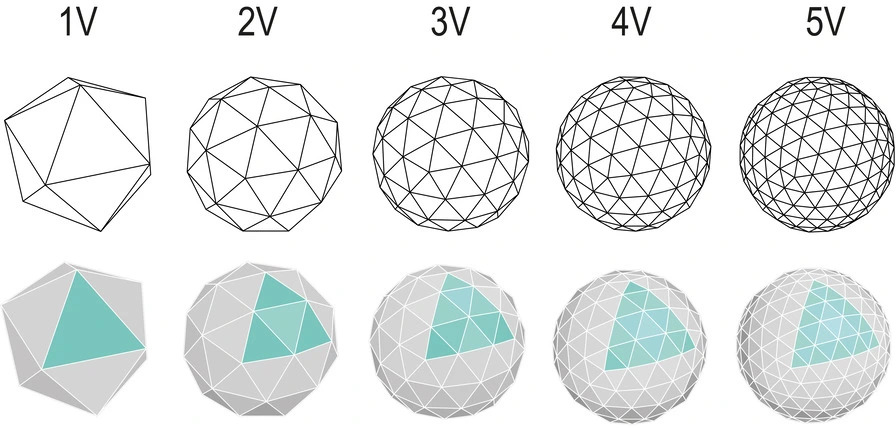][6]
+
+Icosahedron getting more and more detailed. Geodesic domes are the top half of each sphere.
+
+So to make a nice geodesic dome, we could find one (I failed), make one in Blender (too hard), or use some math to generate one in Godot. And to do that math, we need to know the list of 20 icosahedron faces. Which basically just needs the list of the 12 vertices!
+
+Now, obviously you could look up the vertices, but I thought of a more fun way. Let’s put 12 points on a sphere, make them all repel each other (think magnetically, I guess), and see where on the sphere they slide to. Maybe they will all be spaced out evenly in the right places. Well, here’s what it looks like:
+
+So… kinda? It was certainly entertaining.
+
+By the way, the correct coordinates for the vertices of an icosahedron inside a unit sphere are:
+
+- the top at (0, 1, 0)
+- the bottom at (0, -1, 0)
+- 10 equally spaced points around a circle. they alternate going up and down below the center line.
+ (**±**1/√5, sin(angle), cos(angle)) \[projected onto the sphere\]
+
+[1]: https://blog.za3k.com/wp-content/uploads/2024/06/geodesic_screenshot.jpg
+[2]: https://godotengine.org/
+[3]: https://blog.za3k.com/wp-content/uploads/2024/06/image.png
+[4]: https://blog.za3k.com/wp-content/uploads/2024/06/image-1.png
+[5]: https://blog.za3k.com/wp-content/uploads/2024/06/image-3.png
+[6]: https://blog.za3k.com/wp-content/uploads/2024/06/sphere-crop.jpg
--- /dev/null
+---
+author: admin
+categories:
+- Non-Technical
+date: 2015-10-27 19:10:59-07:00
+markup: html
+source: wordpress
+tags:
+- recipe
+title: Roasted Chickpeas
+updated: 2015-10-27 19:10:59-07:00
+wordpress_id: 341
+wordpress_slug: roasted-chickpeas
+---
+[][1]Here’s how you make roasted chickpeas (aka garbanzo beans):
+
+1. Set the oven to 400F.
+2. Drain and empty a can or so of chickpeas into a collander and wash them
+3. Dry the chickpeas (this is the hard step). I use paper towels, but I haven’t figured out a way to not use a billion of them.
+4. Put them in a short pan in the oven and cover them in olive oil. Toss them some with your hands to get them coated.
+5. Cook for 20-30 minutes, shaking the pan so everything turns every 10 minutes. I like them crispy so I do 30 minutes.
+6. Take them out and transfer them to a bowl. Add spices. I like salt, garlic powder, and pepper.
+
+[1]: https://blog.za3k.com/wp-content/uploads/2015/10/roasted.jpg
--- /dev/null
+---
+author: admin
+categories:
+- Technical
+date: 2014-10-04 02:10:39-07:00
+markup: html
+source: wordpress
+tags:
+- minecraft
+title: Running a forge server on headless linux
+updated: 2014-10-18 03:29:32-07:00
+wordpress_id: 13
+wordpress_slug: running-a-forge-server-on-headless-linux
+---
+I’ve had a lot of trouble getting Minecraft Forge to run headless. They have a friendly installer option that I just can’t use in my situation, but one of the devs seems actively hostile around providing help to headless servers, so I didn’t bother asking forge for help. I thought I’d write up what I had to do to get things working. As a warning, it requires some local work; you can’t do everything headless with these directions.
+
+I’m running Minecraft 1.6.4, with the latest version of forge for that, 9.11.1.965.
+
+1. Locally, download and start the minecraft client for the correct version at least once. Not sure if you’ll need to ‘play online’ or not. If you have the current installer, you need to make a new profile with the correct minecraft version and play that.
+2. Copy ~/.minecraft/libraries to the headless machine.
+3. Download forge (the installer version, not the universal) from [http://files.minecraftforge.net/][1]. The non-adly version is the little star for non-interactive use.
+4. Run
+
+ java -jar forge-1.6.4-9.11.1.965-installer.jar --installServer
+
+5. Delete the installer, you don’t need it any more.
+6. Install any mods you want to the ‘mods’ directory, edit server.properties, etc. Normal server setup.
+7. To execute the server, run the file indicated in the installer. In my case, I run
+
+ java -jar minecraftforge-universal-1.6.4-9.11.1.965-v164-pregradle.jar nogui
+
+
+Alternatively, you can install the entire server locally and copy it over.
+
+1. [Susan Tatun][2] says:
+
+ [July 10, 2015 at 11:31 pm][3]
+
+ An honest sharing about downloaing and installing Minecraft 1.6.4. I followed what you mentioned and did it sucessfully. Right now, I’m playing with my little son and guiding him what the terrific things are. Anyway, thanks a lot!
+
+ [Reply][4]
+
+2. Lynx says:
+
+ [August 18, 2015 at 1:44 am][5]
+
+ 4am installs of servers is hard, and trying to follow the Forge wiki which is inaccurate at best is hard.
+ You got me from dead brick to running box in ten minutes. Thank you.
+
+ [Reply][6]
+
+3. crumpuppet says:
+
+ [September 7, 2015 at 1:32 pm][7]
+
+ Thanks so much! I’ve been looking for these steps for a while, and finally found something that works. Would have been first prize if it could be used along with a GUI frontend like mcmyadmin, but oh well 🙂
+
+ [Reply][8]
+
+4. Dave says:
+
+ [November 9, 2015 at 11:14 am][9]
+
+ Same here. Searched all over found yours and running in moments. My kids have been hooked on mods and wanted a server. I have VMware and can spin up a linux box up in moments. This was so easy. Thanks.
+
+ [Reply][10]
+
+5. [Minecraft Lover][11] says:
+
+ [February 6, 2019 at 6:40 am][12]
+
+ Very useful information, Thank you
+
+ [Reply][13]
+
+6. Leon says:
+
+ [September 9, 2019 at 9:12 am][14]
+
+ Does anyone here have problems with installing the mods. Im donwloading them in the mods directory with the cmd “wget” and nothing works.Am i using the wrong command or what?
+
+ [Reply][15]
+
+7. [Rajan Chopra][16] says:
+
+ [March 7, 2020 at 3:45 pm][17]
+
+ Thanks for sharing Minecraft. Can you also share Roblox Apk?
+
+ [Reply][18]
+
+8. Neckbeard Hater says:
+
+ [January 4, 2021 at 10:22 pm][19]
+
+ “one of the devs seems actively hostile around providing help to …”
+
+ this is so typical of the linux community. really. And I am a developer with 20 years experience, I hate the Linux community.
+
+ [Reply][20]
+
+9. nat says:
+
+ [February 14, 2023 at 9:17 am][21]
+
+ lol this tutorial still works 9 years later thanks tho this helped so much!!
+
+ [Reply][22]
+
+
+[1]: http://files.minecraftforge.net/
+[2]: https://2dminecraft.wordpress.com/
+[3]: https://blog.za3k.com/running-a-forge-server-on-headless-linux/#comment-511
+[4]: https://blog.za3k.com/running-a-forge-server-on-headless-linux/?replytocom=511#respond
+[5]: https://blog.za3k.com/running-a-forge-server-on-headless-linux/#comment-1349
+[6]: https://blog.za3k.com/running-a-forge-server-on-headless-linux/?replytocom=1349#respond
+[7]: https://blog.za3k.com/running-a-forge-server-on-headless-linux/#comment-1689
+[8]: https://blog.za3k.com/running-a-forge-server-on-headless-linux/?replytocom=1689#respond
+[9]: https://blog.za3k.com/running-a-forge-server-on-headless-linux/#comment-2468
+[10]: https://blog.za3k.com/running-a-forge-server-on-headless-linux/?replytocom=2468#respond
+[11]: https://minecraftapkmod.info/download/
+[12]: https://blog.za3k.com/running-a-forge-server-on-headless-linux/#comment-3252
+[13]: https://blog.za3k.com/running-a-forge-server-on-headless-linux/?replytocom=3252#respond
+[14]: https://blog.za3k.com/running-a-forge-server-on-headless-linux/#comment-3788
+[15]: https://blog.za3k.com/running-a-forge-server-on-headless-linux/?replytocom=3788#respond
+[16]: https://apkstreet.com/roblox-mod-apk-unlimited-robux/
+[17]: https://blog.za3k.com/running-a-forge-server-on-headless-linux/#comment-3991
+[18]: https://blog.za3k.com/running-a-forge-server-on-headless-linux/?replytocom=3991#respond
+[19]: https://blog.za3k.com/running-a-forge-server-on-headless-linux/#comment-4324
+[20]: https://blog.za3k.com/running-a-forge-server-on-headless-linux/?replytocom=4324#respond
+[21]: https://blog.za3k.com/running-a-forge-server-on-headless-linux/#comment-9669
+[22]: https://blog.za3k.com/running-a-forge-server-on-headless-linux/?replytocom=9669#respond
--- /dev/null
+---
+author: admin
+categories:
+- Non-Technical
+- Technical
+date: 2022-07-20 21:43:15-07:00
+markup: html
+source: wordpress
+tags:
+- archiving
+- linux
+- physical
+- software
+title: Scan Organizer
+updated: 2022-07-27 08:22:53-07:00
+wordpress_id: 760
+wordpress_slug: scan-organizer
+---
+I scan each and every piece of paper that passes through my hands. All my old to-do lists, bills people send me in the mail, the manual for my microwave, everything. I have a lot of scans.
+
+**[scan-organizer][1]** is a tool I wrote to help me neatly organize and label everything, and make it searchable. It’s designed for going through a huge backlog by hand over the course of weeks, and then dumping a new set of raw scans in whenever afterwards. I have a specific processing pipeline discussed below. However if you have even a little programming skill, I’ve designed this to be modified to suit your own workflow.
+
+## [][2]Input and output
+
+The input is some raw scans. They could be handwritten notes, printed computer documents, photos, or whatever.
+
+[][3]
+
+The final product is that for each file like `ticket.jpg`, we end up with `ticket.txt`. This has metadata about the file (tags, category, notes) and a transcription of any text in the image, to make it searchable with `grep` & co.
+
+ ---
+ category: movie tickets
+ filename: seven psychopaths ticket.jpg
+ tags:
+ - cleaned
+ - categorized
+ - named
+ - hand_transcribe
+ - transcribed
+ - verified
+ ---
+ Rialto Cinemas Elmwood
+ SEVEN PSYCHOPAT
+ R
+ Sun Oct 28 1
+ 7:15 PM
+ Adult $10.50
+ 00504-3102812185308
+
+ Rialto Cinemas Gift Cards
+ Perfect For Movie Lovers!
+
+
+Here are some screenshots of the process. Apologizies if they’re a little big! I just took actual screenshots.
+
+At any point I can exit the program, and all progress is saved. I have 6000 photos in the backlog–this isn’t going to be a one-session thing for me! Also, everything has keyboard shortcuts, which I prefer.
+
+### [][4]Phase 1: Rotating and Cropping
+
+[][5]
+
+First, I clean up the images. Crop them, rotate them if they’re not facing the right way. I can rotate images with keyboard shortcuts, although there are also buttons at the bottom. Once I’m done, I press a button, and *scan-organizer* advanced to the next un-cleaned photo.
+
+### [][6]Phase 2: Sorting into folders
+
+[][7]
+
+Next, I sort things into folders, or “categories”. As I browse folders, I can preview what’s already in that folder.
+
+### [][8]Phase 3: Renaming Images
+
+[][9]
+
+Renaming images comes next. For convenience, I can browse existing images in the folder, to help name everything in a standard way.
+
+### [][10]Phase 4: Tagging images
+
+[][11]
+
+I tag my images with the type of text. They might be handwritten. Or they might be printed computer documents. You can imagine extending the process with other types of tagging for your use case.
+
+### [][12]Not yet done: OCR
+
+Printed documents are run through OCR. This isn’t actually done yet, but it will be easy to plug in. I will probably use [tesseract][13].
+
+### [][14]Phase 5: Transcribing by hand
+
+[][15]
+
+I write up all my handwritten documents. I have not found any useful handwriting recognition software. I just do it all by hand.
+
+The point of **scan-organizer** is to filter based on tags. So only images I’ve marked as needing hand transcription are shown in this phase.
+
+### [][16]Phase 6: Verification
+
+[][17] At the end of the whole process, I verify that each image looks good, and is correctly tagged and transcribed.
+
+[1]: https://github.com/za3k/scan-organizer
+[2]: https://github.com/za3k/scan-organizer#input-and-output
+[3]: https://github.com/za3k/scan-organizer/blob/master/screenshots/sample_image.jpg
+[4]: https://github.com/za3k/scan-organizer#phase-1-rotating-and-cropping
+[5]: https://github.com/za3k/scan-organizer/blob/master/screenshots/phase1.png
+[6]: https://github.com/za3k/scan-organizer#phase-2-sorting-into-folders
+[7]: https://github.com/za3k/scan-organizer/blob/master/screenshots/phase2.png
+[8]: https://github.com/za3k/scan-organizer#phase-3-renaming-images
+[9]: https://github.com/za3k/scan-organizer/blob/master/screenshots/phase3.png
+[10]: https://github.com/za3k/scan-organizer#phase-4-tagging-images
+[11]: https://github.com/za3k/scan-organizer/blob/master/screenshots/phase4.png
+[12]: https://github.com/za3k/scan-organizer#not-done-ocr
+[13]: https://github.com/tesseract-ocr/tesseract
+[14]: https://github.com/za3k/scan-organizer#phase-5-transcribing-by-hand
+[15]: https://github.com/za3k/scan-organizer/blob/master/screenshots/phase5.png
+[16]: https://github.com/za3k/scan-organizer#phase-6-verification
+[17]: https://github.com/za3k/scan-organizer/blob/master/screenshots/phase6.png
--- /dev/null
+---
+author: admin
+categories:
+- Technical
+date: 2023-06-24 09:20:14-07:00
+markup: html
+source: wordpress
+tags:
+- programming
+- software
+title: Scheme Interpreter
+updated: 2023-06-24 09:20:14-07:00
+wordpress_id: 1087
+wordpress_slug: scheme-interpreter
+---
+I wrote a [small scheme interpreter][1] in C.
+
+[1]: https://github.com/za3k/sscheme
--- /dev/null
+---
+author: admin
+categories:
+- Technical
+date: 2015-03-12 19:09:37-07:00
+markup: html
+source: wordpress
+tags:
+- command-line
+- ide
+- lightweight
+- linux
+- screen
+- tmux
+- unix
+title: Screen and Tmux IDEs
+updated: 2015-03-12 19:09:37-07:00
+wordpress_id: 98
+wordpress_slug: screen-and-tmux-ides
+---
+I don’t usually like IDEs. They’re hard to switch off of, they do too much. They don’t let me customize things, and I always have to use external tools anyway. I’d really rather do things with a bunch of small tools, the linux way. The problem is, if I close everything, I’ll have trouble getting started back up again. Saving state is one solution. Quick start-up is another. Basically, write a checklist for myself to make starting things up easy (open such-and-such files in the editor, start the server in debug mode, etc).
+
+But we’re programmers, so obviously we’re not going to use a literal checklist. Instead, we’re going to write a little script to auto-start things in a new screen session:
+
+#!/usr/bin/screen -c
+# game\_development.screen.conf
+# Run stand-alone or with screen -c game\_devel.screen.conf
+screen -t "Vim" 2 bash -c "vim -p \*.t"
+bind "r" screen -t "Game" 2 bash run.sh
+
+Or if you prefer tmux:
+
+\# game\_development.tmux.conf
+# Run with tmux -f game\_development.tmux.conf attach
+new-session -s game\_development
+new-window -n "Vim" "bash -c 'vim -p \*.t'"
+bind r new-window -n "Game" "bash run.sh"
+
+Note the main features being used: a shebang line hack for screen, to let this file be self-contained and executable. Opening files in vim in place of a text editor. Binding keys for unit tests, running the program, restarting the server, etc. Now, a similar approach is to add new key bindings to the text editor, but I feel like text editors should edit text, and I like being able to document all the additions with help menus (which screen and tmux both support).
+
+Note: [ratpoison][1] is similar to screen/tmux so you can do similar things in X.
+
+One thing I’d love is if this kind of file was easy to dump from the current state, especially for things like positioning windows, etc. A little assistance is available, but not too much. Ratpoison and tmux let you dump sizing information. Nothing outputs keybindings or a list of running programs with their windows.
+
+There **is** a program called [tmuxinator][2] to let you write the same config in nested [YAML][3] of sessions, panes, and windows, which might appeal to some users.
+
+Also, check out [dtach][4] if you don’t need panes and windows, and just want a detachable process.
+
+[1]: http://www.nongnu.org/ratpoison/
+[2]: https://github.com/tmuxinator/tmuxinator
+[3]: http://yaml.org/
+[4]: http://dtach.sourceforge.net/
--- /dev/null
+---
+author: admin
+categories:
+- Non-Technical
+date: 2023-06-07 09:38:53-07:00
+markup: html
+source: wordpress
+tags:
+- crafts
+- dungeons and dragons
+- feelies
+title: Scroll Props
+updated: 2023-06-07 09:38:53-07:00
+wordpress_id: 1040
+wordpress_slug: scroll-props
+---
+Infocom introduced (AFAIK) the concept of feelies:
+
+> \[…\] Imaginative props and extras tied to the game’s theme—provided [copy protection][1] against [copyright infringement][2].[\[45\]][3] Some games were unsolvable without the extra content provided with the boxed game. And because of the cleverness and uniqueness of the feelies, users rarely felt like they were an intrusion or inconvenience, as was the case with most of the other copy-protection schemes of the time.[\[49\]][4] Feelies also provided the player with a physical aspect to the gameplay of their text adventures, giving another dimension of strategy to what would other-wise just be a text parser.
+>
+> – Wikipedia (Infocom)
+
+I love to give out feelies for my D&D campaigns. Here are some lil handout props I made:
+
+[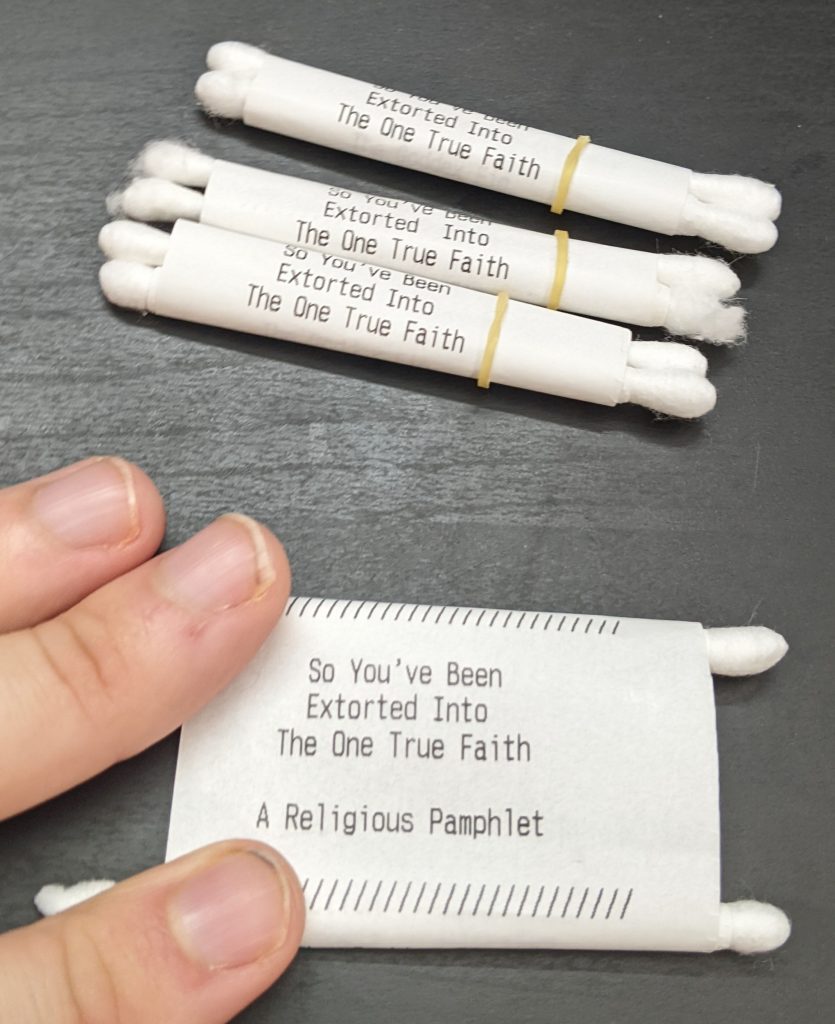][5]
+
+I used a receipt printer, q-tips, tape, and [orthodontic rubber bands][6].
+
+[1]: https://en.wikipedia.org/wiki/Copy_protection
+[2]: https://en.wikipedia.org/wiki/Copyright_infringement
+[3]: https://en.wikipedia.org/wiki/Infocom#cite_note-dyer19840506-45
+[4]: https://en.wikipedia.org/wiki/Infocom#cite_note-49
+[5]: https://blog.za3k.com/wp-content/uploads/2023/06/scroll-crop.jpg
+[6]: https://www.amazon.com/Orthodontic-Elastic-Rubberbands-Dreadlocks-Horse/dp/B00OSR1RBM
--- /dev/null
+---
+author: admin
+categories:
+- Technical
+date: 2014-10-29 04:41:31-07:00
+markup: html
+source: wordpress
+tags:
+- http
+- ssl
+- system administration
+- tls
+title: Setting up SSL certificates using StartSSL
+updated: 2016-02-10 18:48:39-07:00
+wordpress_id: 28
+wordpress_slug: setting-up-ssl-certificates-using-startssl
+---
+1. Generate an SSL/TLS key, which will be used to actually encrypt traffic.
+
+ DOMAIN=nntp.za3k.com
+ openssl genrsa -out ${DOMAIN}.key 4096
+ chmod 700 ${DOMAIN}.key
+
+2. Generate a Certificate Signing Request, which is sent to your authentication provider. The details here will have to match the details they have on file (for StartSSL, just the domain name).
+
+ \# -subj "/C=US/ST=/L=/O=/CN=${DOMAIN}" can be omitted to fill in custom identification details
+ # -sha512 is the hash of your key used for identification. This was the reasonable option in Oct 2014. It isn't supported by IE6
+ openssl req -new -key ${DOMAIN}.key -out ${DOMAIN}.csr -subj "/C=US/ST=/L=/O=/CN=${DOMAIN}" -sha512
+
+3. Submit your Certificate Signing Request to your authentication provider. Assuming the signing request details match whatever they know about you, they’ll return you a certificate. You should also make sure to grab any intermediate and root certificates here.
+
+ echo "Saved certificate" > ${DOMAIN}.crt
+ wget https://www.startssl.com/certs/sca.server1.crt https://www.startssl.com/certs/ca.crt # Intermediate and root certificate for StartSSL
+
+4. Combine the chain of trust (key, CSR, certificate, intermediate certificates(s), root certificate) into a single file with concatenation. Leaving out the key will give you a combined certificate of trust for the key, which you may need for other applications.
+
+ cat ${DOMAIN}.crt sca.server1.crt >${DOMAIN}.pem # Main cert
+ cat ${DOMAIN}.key ${DOMAIN}.crt sca.server1.crt ca.crt >${DOMAIN}.full.pem
+ chmod 700 ${DOMAIN}.full.pem
+
+
+See also: [https://github.com/Gordin/StartSSL\_API][1]
+
+1. Pingback: [Installing email with Postfix and Dovecot (with Postgres) - Optimal Prime][2]
+
+
+[1]: https://github.com/Gordin/StartSSL_API
+[2]: https://blog.za3k.com/installing-email-with-postfix-and-dovecot/
--- /dev/null
+---
+author: admin
+categories:
+- Non-Technical
+date: 2021-06-06 00:27:03-07:00
+markup: html
+source: wordpress
+tags:
+- za3k.com
+title: Software Section
+updated: 2021-06-06 00:28:01-07:00
+wordpress_id: 596
+wordpress_slug: software-section
+---
+I added a [software section][1] to my website. It lists all the software I’ve made over the years (well not all of it, but what I think is most useful to others).
+
+I updated the [archive][2] page as well, mostly to remove the software that was there. As usual, I try to make sure all links to my website are good forever.
+
+[1]: https://za3k.com/software.md
+[2]: https://za3k.com/archived.html
--- /dev/null
+---
+author: admin
+categories:
+- Technical
+date: 2015-08-04 20:12:09-07:00
+markup: html
+source: wordpress
+tags:
+- cgi
+- sql
+- sqlite
+- website
+title: SQL views
+updated: 2015-10-17 19:28:02-07:00
+wordpress_id: 243
+wordpress_slug: sql-views
+---
+I decided I wanted to show (restricted) data views on the web in table form. Specifically, ‘stylish.db’ is a database provided by a chrome plugin. Here’s an example script, [stylish.view][1], which displays the contents of that. It contains a comment saying which database it’s a query on, together with the query.
+
+\-- stylish.db
+SELECT style, code, GROUP\_CONCAT(section\_meta.value) as 'website(s)' FROM
+ (SELECT styles.name AS style,
+ sections.code AS code,sections.id AS sections\_id
+ FROM styles INNER JOIN sections ON sections.style\_id = styles.id)
+LEFT JOIN section\_meta
+ ON section\_meta.section\_id = sections\_id
+GROUP BY style;
+
+The cool part here is that none of this was specific to stylish. I can quickly throw together a .view file for any database and put it on the web.
+
+I add put any databases in cgi-bin/db, and add view.cgi to cgi-bin:
+
+#!/bin/bash
+# view.cgi
+echo "Content-type: text/html"
+echo
+
+QUERY\_FILE="${PATH\_TRANSLATED}"
+DB\_NAME=$(head -n1 "${QUERY\_FILE}" | sed -e 's/--\\s\*//')
+DB="/home/za3k/cgi-bin/db/${DB\_NAME}"
+
+echo "<html><head><title>Query on #{DB\_NAME}</title><link rel="stylesheet" type="text/css" href="db.css"></head><body><table id=\\"${DB\_NAME}\\">"
+sqlite3 "$DB" -html -header <"${QUERY\_FILE}"
+echo "</table></body></html>"
+
+I add this to apache’s \`.htaccess\`:
+
+Action view /cgi-bin/view.cgi
+AddHandler view .view
+
+[1]: https://za3k.com/stylish.view
--- /dev/null
+---
+author: admin
+categories:
+- Non-Technical
+date: 2015-04-28 23:04:50-07:00
+markup: html
+source: wordpress
+tags:
+- cooking
+- recipe
+- steak tartare
+title: Steak Tartare
+updated: 2015-10-03 18:17:30-07:00
+wordpress_id: 193
+wordpress_slug: steak-tartare-3
+---
+[][1]
+Recipe is mostly from [Tricia][2].
+
+Ingredients:
+
+- 8-10 oz fresh steak, with salt and pepper
+- 2 tsp capers and/or 2 Tbsp diced olives
+- 3 tsp brown mustard
+- 4 tsp olive oil
+- 2 eggs
+- 2 Tbsp finely diced, fresh red onions
+- Crushed red pepper to taste
+
+1. Remove all fat and tendons from the steak. Season it lightly with salt and pepper, and sear lightly on high heat to make it safe to eat. Slice the meat into very thin (2mm) strips, arrange in two piles. Coat the meat in olive oil. Push a small divot into each pile.
+2. Dice olives and onions. Add capers, mustard, and red pepper. Mix together and pour into meat piles equally, or surround the meat with it.
+3. Separate whites and yolks (carefully removing all the white since we’re using raw yolks). Pour one egg yolk into each divot.
+
+Read about raw beef and egg safety first to be well informed.
+
+1. [Tricia][3] says:
+
+ [May 21, 2015 at 8:14 pm][4]
+
+ So tasty! Enjoyed our month of obsessing over the recipe ^u^
+
+ [Reply][5]
+
+
+[1]: https://blog.za3k.com/wp-content/uploads/2015/04/steak-tartare.jpg
+[2]: http://triciaroxanne.wordpress.com
+[3]: http://sometimesicook.net
+[4]: https://blog.za3k.com/steak-tartare-3/#comment-255
+[5]: https://blog.za3k.com/steak-tartare-3/?replytocom=255#respond
--- /dev/null
+---
+author: admin
+categories:
+- Non-Technical
+date: 2019-08-08 13:13:00-07:00
+markup: html
+source: wordpress
+tags:
+- archiving
+- prices
+- storages
+title: Storage Prices 2019-07
+updated: 2020-05-17 12:56:14-07:00
+wordpress_id: 458
+wordpress_slug: storage-prices-2019-07
+---
+I did a survey of the cost of buying hard drives (of all sorts), CDs, DVDs, Blue-rays, and tape media (for tape drives).
+
+Here are the 2019-07 results: [https://za3k.com/archive/storage-2019-07.sc.txt][1]
+2018-10: [https://za3k.com/archive/storage-2018-10.sc.txt][2]
+2018-06: [https://za3k.com/archive/storage-2017-06.sc.txt][3]
+2018-01: [https://za3k.com/archive/storage-2017-01.sc.txt][4]
+
+[1]: https://za3k.com/archive/storage-2019-07.sc.txt
+[2]: https://za3k.com/archive/storage-2018-10.sc.txt
+[3]: https://za3k.com/archive/storage-2017-06.sc.txt
+[4]: https://za3k.com/archive/storage-2017-01.sc.txt
--- /dev/null
+---
+author: admin
+categories:
+- Uncategorized
+date: 2020-01-06 16:53:24-07:00
+markup: html
+source: wordpress
+tags:
+- archiving
+- prices
+- storage
+title: Storage Prices 2020-01
+updated: 2020-05-17 12:55:11-07:00
+wordpress_id: 494
+wordpress_slug: storage-prices-2020-01
+---
+I did a survey of the cost of buying hard drives (of all sorts), CDs, DVDs, Blue-rays, and tape media (for tape drives).
+
+Here are the **2020-01 results**: [https://za3k.com/archive/storage-2020-01.sc.txt][1]
+2019-07: [https://za3k.com/archive/storage-2019-07.sc.txt][2]
+2018-10: [https://za3k.com/archive/storage-2018-10.sc.txt][3]
+2018-06: [https://za3k.com/archive/storage-2017-06.sc.txt][4]
+2018-01: [https://za3k.com/archive/storage-2017-01.sc.txt][5]
+
+Changes this year
+
+- I excluded Seagate drives (except where they’re the only drives in class)
+- Amazon’s search got much worse, and they started having listings for refurbished drives
+- Corrected paper archival density, added photographic film
+- Added SSDs (both 2.5″ and M.2 formats)
+- Prices did not go up or down significantly in the last 6 months.
+
+Some conclusions that are useful to know
+
+- The cheapest option is tape media, but tape reader/writers for LTO 6, 7, and 8 are very expensive.
+- The second-cheapest option is to buy external hard drives, and then open the cases and take out the hard drives. This gives you reliable drives with no warrantee.
+- Blu-ray and DVD are more expensive than buying hard drives
+
+[1]: https://za3k.com/archive/storage-2020-01.sc.txt
+[2]: https://za3k.com/archive/storage-2019-07.sc.txt
+[3]: https://za3k.com/archive/storage-2018-10.sc.txt
+[4]: https://za3k.com/archive/storage-2017-06.sc.txt
+[5]: https://za3k.com/archive/storage-2017-01.sc.txt
--- /dev/null
+---
+author: admin
+categories:
+- Non-Technical
+date: 2022-07-11 15:45:40-07:00
+markup: html
+source: wordpress
+tags:
+- archiving
+- prices
+- storage
+title: Storage Prices 2022-07
+updated: 2022-07-11 15:51:33-07:00
+wordpress_id: 754
+wordpress_slug: storage-prices-2022-07
+---
+I did a survey of the cost of buying hard drives (of all sorts), microsd/sd, USB sticks, CDs, DVDs, Blu-rays, and tape media (for tape drives).
+
+Here are the **2022-07 results**: [https://za3k.com/archive/storage-2022-07.sc.txt][1]
+
+2020-01: [https://za3k.com/archive/storage-2020-01.sc.txt][2]
+2019-07: [https://za3k.com/archive/storage-2019-07.sc.txt][3]
+2018-10: [https://za3k.com/archive/storage-2018-10.sc.txt][4]
+2018-06: [https://za3k.com/archive/storage-2017-06.sc.txt][5]
+2018-01: [https://za3k.com/archive/storage-2017-01.sc.txt][6]
+
+Useful conclusions:
+
+- Used or refurbished items were excluded. Multi-packs (5 USB sticks) were excluded except for optical media. Seagate drives were excluded, because they are infamous for having a high failure rate and bad returns process.
+- Per TB, the cheapest options are:
+
+ - Tape media (LTO-8) at $4.74/TB, but I recommend against it. Tape drives are expensive ($3300 for LTO-8 new), giving a breakeven with HDDs at 350-400TB. Also, the world is down to only one tape drive manufacturer, so you could end up screwed in the future.
+ - 3.5″ internal spinning hard drives, at $13.75/TB. Currently the best option is 4TB drives.
+ - 3.5″ external spinning hard drives, at $17.00/TB. Currently the best is 18TB WD drives. If you want internal drives, you can buy external ones and open them up, although it voids your warranty.
+
+ - 2.5″ external spinning hard drives, at $24.50/TB. 4-5TB is best.
+
+ - Blu-ray disks, at $23.16: 25GB is cheapest, then 50GB ($32.38/TB), then 100GB ($54.72/TB).
+- Be very careful buying internal hard drives online, and try to use a first-party seller. There are a lot of fake sellers and sellers who don’t actually provide a warranty. This is new in the last few years.
+
+Changes since the last survey 2 years ago:
+
+- Amazon’s search got much worse again. More sponsored listings, still refurbished drives.
+- Sketchy third-party sellers are showing up on Amazon, and other vendors. At this point the problem is people not getting what they order, or getting it but without a promised warranty. I tried to filter out such Amazon sellers. I had trouble, even though I do the survey by hand. At this point it would be hard to safely buy an internal hard drive on Amazon.
+- **Spinning drives**: Prices have not significantly dropped or risen for spinning hard drives, since 2020.
+- **Spinning drives**: 18TB and 20TB 3.5″ hard drives became available
+- **SSDs**: 8TB is available (in both 2.5 inch and M.2 formats)
+- **SSDs**: Prices dropped by about half, per TB. The cheapest overall drives dropped about 30%.
+- **USB**: 2TB dropped back *off* the market, and appears unavailable.
+- **USB**: On the lower end, USB prices rose almost 2X. On the higher end, they dropped.
+- **MicroSD/SD**: Prices dropped
+- **MicroSD/SD**: A new player entered the cheap-end flash market, TEAMGROUP. Based on reading reviews, they make real drives, and sell them cheaper than they were available before. Complaints of buffer issues or problems with sustained write speeds are common.
+- **MicroSD/SD**: It’s no longer possible to buy slow microsd/sd cards, which is good. Basically everything is class 10 and above.
+- **MicroSD/SD**: Combine microsd and sd to show price comparison
+- **Optical**: Mostly optical prices did not change. 100GB Blu-Ray dropped by 60-70%. Archival Blu-Ray, too.
+- **Tape**: LTO-9 is available.
+- **Tape**: The cost of LTO-8 tape dropped 50%, which makes it the cheapest option.
+- **Tape:** This is not new, but there is still only one tape drive manufacturer (HP) since around the introduction of LTO-8.
+
+[1]: https://za3k.com/archive/storage-2022-07.sc.txt
+[2]: https://za3k.com/archive/storage-2020-01.sc.txt
+[3]: https://za3k.com/archive/storage-2019-07.sc.txt
+[4]: https://za3k.com/archive/storage-2018-10.sc.txt
+[5]: https://za3k.com/archive/storage-2017-06.sc.txt
+[6]: https://za3k.com/archive/storage-2017-01.sc.txt
--- /dev/null
+---
+author: admin
+categories:
+- Technical
+date: 2023-01-09 22:08:47-07:00
+markup: html
+source: wordpress
+tags:
+- archiving
+- research
+- storage
+title: Storage Prices 2023-01
+updated: 2023-01-09 22:10:19-07:00
+wordpress_id: 981
+wordpress_slug: storage-prices-2023-01
+---
+I did a survey of the cost of buying hard drives (of all sorts), microsd/sd, USB sticks, CDs, DVDs, Blu-rays, and tape media (for tape drives).
+
+I excluded used/refurbished options. Multi-packs (5 USB sticks) were excluded, except for optical media like CD-ROMs. Seagate drives were excluded because Seagate has a poor reputation.
+
+Here are the **2023-01 results**: [https://za3k.com/archive/storage-2023-01.sc.txt][1]
+
+2022-07: [https://za3k.com/archive/storage-2022-07.sc.txt][2]
+2020-01: [https://za3k.com/archive/storage-2020-01.sc.txt][3]
+2019-07: [https://za3k.com/archive/storage-2019-07.sc.txt][4]
+2018-10: [https://za3k.com/archive/storage-2018-10.sc.txt][5]
+2018-06: [https://za3k.com/archive/storage-2017-06.sc.txt][6]
+2018-01: [https://za3k.com/archive/storage-2017-01.sc.txt][7]
+
+Per TB, the options are (from cheapest to most expensive):
+
+- Tape media (LTO-8) at $4.52/TB, but I recommend against it. A tape drive is about $1,600 (twice that new). That’s a breakeven at 150-300TB. Also, the world is down to one tape drive manufacturer, so you may end up screwed in the future.
+- 3.5″ internal spinning hard drives, at $15.00/TB. Currently the best option is 8TB drives.
+- Optical media, at $16.71/TB. 25GB blu-ray disks are cheapest.
+- 3.5″ external hard drives, at $17.75/TB. Currently the best option is 18TB drives.
+- 2.5″ portable spinning hard drives, at $22.00/TB. Currently the best option is 5TB drives.
+
+- SSD drives, at $42-$46/TB. Best option is 1TB.
+- USB sticks, at $59/TB. Best option is 128GB sticks.
+- MicroSD cards, at $62/TB. Best option is 512GB cards.
+
+Changes since the last survey (4 months ago):
+
+- Amazon’s search improved. Less refurbished drives and sponsored listings.
+- **Spinning drives**: 22TB 3.5″ drives became available
+- **Spinning drives**: Prices for the previous cheapest option (4TB) rose, making 8TB the new cheap option.
+- **SSDs**: Prices dropped by about 30%.
+- **MicroSD/SD**: Prices dropped slightly.
+- **Optical**: The cheapest option (25GB blu-ray) dropped 30%.
+- **Optical**: I stopped gathering data on the cost of BR-RE
+- **Tape**: LTO-7 tape drives are now available used, halving the break-even point on tape.
+
+[1]: https://za3k.com/archive/storage-2023-01.sc.txt
+[2]: https://za3k.com/archive/storage-2022-07.sc.txt
+[3]: https://za3k.com/archive/storage-2020-01.sc.txt
+[4]: https://za3k.com/archive/storage-2019-07.sc.txt
+[5]: https://za3k.com/archive/storage-2018-10.sc.txt
+[6]: https://za3k.com/archive/storage-2017-06.sc.txt
+[7]: https://za3k.com/archive/storage-2017-01.sc.txt
--- /dev/null
+---
+author: admin
+categories:
+- Technical
+date: 2020-03-21 21:26:52-07:00
+markup: html
+source: wordpress
+tags:
+- alsa
+- ffmpeg
+- linux
+- streaming
+- twitch
+title: Streaming Linux->Twitch using ffmpeg and ALSA
+updated: 2020-05-17 12:53:43-07:00
+wordpress_id: 509
+wordpress_slug: streaming-linux-twitch-using-ffmpeg-and-alsa
+---
+I stopped using OBS a while ago for a couple reasons–the main one was that it didn’t support my video capture card, but I also had issues with it crashing or lagging behind with no clear indication of what it was doing. I ended up switching to `ffmpeg` for live streaming, because it’s very easy to tell when ffmpeg is lagging behind. OBS uses ffmpeg internally for video. I don’t especially recommend this setup, but I thought I’d document it in case someone can’t use a nice GUI setup like OBS or similar.
+
+I’m prefer less layers, so I’m still on ALSA. My setup is:
+
+- I have one computer, running linux. It runs what I’m streaming (typically minecraft), and captures everything, encodes everything, and sends it to twitch
+- Video is captured using [libxcb][1] (captures X11 desktop)
+- Audio is captured using [ALSA][2]. My mic is captured directly, while the rest of my desktop audio is sent to a loopback device which acts as a second mic.
+- Everything is encoded together into one video stream. The video is a [Flash video][3] container with [x264][4] video and [AAC][5] audio, because that’s what twitch wants. Hopefully we’ll all switch to [AV1][6] soon.
+- That stream is sent to [twitch][7] by ffmpeg
+- There is no way to pause the stream, do scenes, adjust audio, see audio levels, etc while the stream is going. I just have to adjust program volumes independently.
+
+Here’s my .asoundrc:
+
+ # sudo modprobe snd-aloop is required to set up hw:Loopback
+ pcm.!default {
+ type plug
+ slave.pcm {
+ type dmix
+ ipc_key 99
+ slave {
+ pcm "hw:Loopback,0"
+ rate 48000
+ channels 2
+ period_size 1024
+ }
+ }
+ }
+
+My ffmpeg build line:
+
+ ./configure --enable-libfdk-aac --enable-nonfree --enable-libxcb --enable-indev=alsa --enable-outdev=alsa --prefix=/usr/local --extra-version='za3k' --toolchain=hardened --libdir=/usr/lib/x86_64-linux-gnu --incdir=/usr/include/x86_64-linux-gnu --arch=amd64 --enable-gpl --disable-stripping --enable-avresample --disable-filter=resample --enable-avisynth --enable-libaom --enable-libass --enable-libfontconfig --enable-libfreetype --enable-libfribidi --enable-libmp3lame --enable-libopus --enable-libpulse --enable-libvorbis --enable-libvpx --enable-libx265 --enable-opengl --enable-libdrm --enable-libx264 --enable-shared --enable-librtmp && make -j 4 && sudo make install
+
+And most imporantly, my ffmpeg command:
+
+ ffmpeg
+ -video_size 1280x720 -framerate 30 -f x11grab -s 1280x720 -r 30 -i :0.0
+ -f alsa -ac 1 -ar 48000 -i hw:1,0
+ -f alsa -ac 2 -ar 48000 -i hw:Loopback,1
+ -filter_complex '[1:a][1:a]amerge=inputs=2[stereo1] ; [2:a][stereo1]amerge=inputs=2[a]' -ac 2
+ -map '[a]' -map 0:v
+ -f flv -ac 2 -ar 48000
+ -vcodec libx264 -g 60 -keyint_min 30 -b:v 3000k -minrate 3000k -maxrate 3000k -pix_fmt yuv420p -s 1280x720 -preset ultrafast -tune film
+ -c:a libfdk_aac -b:a 160k -strict normal -bufsize 3000k
+ rtmp://live-sjc.twitch.tv/app/${TWITCH_KEY}
+
+Let’s break that monster down a bit. `ffmpeg` structures its command line into input streams, transformations, and output streams.
+
+**ffmpeg input streams**
+
+`-video_size 1280x720 -framerate 30 -f x11grab -s 1280x720 -r 30 -i :0.0`:
+Grab 720p video (`-video_size 1280x720`) at 30fps (`-framerate 30`) using x11grab/libxcb (`-f x11grab`), and we also want to output that video at the same resolution and framerate (`-s 1280x720 -r 30`). We grab `:0.0` (`-i :0.0`)–that’s X language for first X server (you only have one, probably), first display/monitor. And, since we don’t say otherwise, we grab the whole thing, so the monitor better be 720p.
+
+`-f alsa -ac 1 -ar 48000 -i hw:1,0`:
+Using alsa (`-f alsa`), capture mono (`-ac 1`, 1 audio channel) at the standard PC sample rate (`-ar 48000`, audio rate=48000 Hz). The ALSA device is `hw:1,0` (`-i hw:1,0`), my microphone, which happens to be mono.
+
+`-f alsa -ac 2 -ar 48000 -i hw:Loopback,1`:
+Using alsa (`-f alsa`), capture stereo (`-ac 2`, 2 audio channels) at the standard PC sample rate (`-ar 48000`, audio rate=48000 Hz). The ALSA device is `hw:Loopback,1`. In the ALSA config file `.asoundrc` given above, you can see we send all computer audio to `hw:Loopback,0`. Something sent to play on `hw:Loopback,0` is made available to record as `hw:Loopback,1`, that’s just the convention for how snd-aloop devices work.
+
+**ffmpeg transforms**
+
+`-filter_complex '[1:a][1:a]amerge=inputs=2[stereo1] ; [2:a][stereo1]amerge=inputs=2[a]' -ac 2`:
+All right, this one was a bit of a doozy to figure out. In ffmpeg’s special filter notation, `1:a` means “stream #1, audio” (where stream #0 is the first one).
+
+First we take the mic input `[1:a][1:a]` and convert it from a mono channel to stereo, by just duplicating the sound to both ears (`amerge=inputs=2[stereo1]`). Then, we combine the stereo mic and the stereo computer audio (`[2:a][stereo1]`) into a single stereo stream using the default mixer (`amerge=inputs=2[a]`).
+
+`-map '[a]' -map 0:v` :
+By default, ffmpeg just keeps all the streams around, so we now have one mono, and two stereo streams, and it won’t default to picking the last one. So we manually tell it to keep that last audio stream we made (`-map '[a]'`), and the video stream from the first input (`-map 0:v`, the only video stream).
+
+**ffmpeg output streams**
+
+`-f flv -ac 2 -ar 48000`:
+We want the output format to be Flash video (`-f flv`) with stereo audio (`-ac 2`) at 48000Hz (`-ar 48000`). Why do we want that? Because we’re streaming to Twitch and that’s what Twitch says they want–that’s basically why everything in the output format.
+
+`-vcodec libx264 -g 60 -keyint_min 30 -b:v3000k -minrate 3000k -maxrate 3000k -pix_fmt yuv420p -s 1280x720 -preset ultrafast -tune film`:
+Ah, the magic. Now we do x264 encoding (`-vcodec libx264`), a modern wonder. A lot of the options here are just [what Twitch requests][8]. They want keyframes every 2 seconds (`-g 60 -keyint_min 30`, where 60=30\*2=FPS\*2, 30=FPS). They want a constant bitrate (`-b:v3000k -minrate 3000k -maxrate 3000k`) between 1K-6K/s at the time of writing–I picked 3K because it’s appropriate for 720p video, but you could go with 6K for 1080p. Here are [Twitch’s recommendations][9]. The pixel format is standard (`-pix_gmt yub720p`) and we still don’t want to change the resolution (`-s 1280x720`). Finally the options you might want to change. You want to set the preset as high as it will go with your computer keeping up–mine sucks (`-preset ultrafast`, where the options go ultrafast,superfast,veryfast,faster,fast,medium, with a [2-10X jump in CPU power needed][10] for each step). And I’m broadcasting minecraft, which in terms of encoders is close to film (`-tune film`)–lots of panning, relatively complicated stuff on screen. If you want to re-encode cartoons you want something else.
+
+`-c:a libfdk_aac -b:a 160k`:
+We use AAC (`-c:a libfdk_aac`). Note that libfdk is many times faster than the default implementation, but it’s not available by default in debian’s ffmpeg for ([dumb][11]) license reasons. We use 160k bitrate (`-b:a 160k` ) audio since I’ve found that’s good, and 96K-160K is Twitch’s allowable range. \`-strict normal\`
+
+`-strict normal`: Just an ffmpeg option. Not interesting.
+`-bufsize 3000k`: One second of buffer with CBR video
+
+`rtmp://live-sjc.twitch.tv/app/${TWITCH_KEY}`:
+The twitch streaming URL. Replace ${TWITCH\_KEY} with your actual key, of course.
+
+Sources:
+
+- jrayhawk on IRC (alsa)
+- ffmpeg wiki and docs (pretty good)
+- ALSA docs (not that good)
+- Twitch documentation, which is pretty good once you can find it
+- [mark hills][12] on how to set up snd-aloop
+
+1. Mario Enriquez says:
+
+ [January 22, 2021 at 7:31 pm][13]
+
+ Thanks for your post.
+
+ [Reply][14]
+
+
+[1]: https://xcb.freedesktop.org/
+[2]: https://en.wikipedia.org/wiki/Advanced_Linux_Sound_Architecture
+[3]: https://en.wikipedia.org/wiki/Flash_Video
+[4]: https://en.wikipedia.org/wiki/X264
+[5]: https://en.wikipedia.org/wiki/Advanced_Audio_Coding
+[6]: https://en.wikipedia.org/wiki/AV1
+[7]: https://www.twitch.tv/
+[8]: https://help.twitch.tv/s/article/broadcast-requirements?language=en_US
+[9]: https://stream.twitch.tv/encoding/
+[10]: https://trac.ffmpeg.org/wiki/Encode/H.264
+[11]: https://www.gnu.org/licenses/license-list.html#fdk
+[12]: http://www.pogo.org.uk/~mark/trx/streaming-desktop-audio.html
+[13]: https://blog.za3k.com/streaming-linux-twitch-using-ffmpeg-and-alsa/#comment-4344
+[14]: https://blog.za3k.com/streaming-linux-twitch-using-ffmpeg-and-alsa/?replytocom=4344#respond
--- /dev/null
+---
+author: admin
+categories:
+- Technical
+date: 2015-03-28 04:04:55-07:00
+markup: html
+source: wordpress
+tags:
+- chrome
+- chromium
+- css
+- google
+- web
+title: Stylish
+updated: 2015-03-28 04:04:55-07:00
+wordpress_id: 145
+wordpress_slug: stylish
+---
+Just a quick shout-out to Chrome extension [Stylish][1], which lets you add custom stylesheets to any web page. I’m using it with “display: none” and “visibility: hidden” exclusively, to hide annoying page elements.
+
+[1]: https://chrome.google.com/webstore/detail/stylish/fjnbnpbmkenffdnngjfgmeleoegfcffe?hl=en
--- /dev/null
+---
+author: admin
+categories:
+- Technical
+date: 2015-10-17 03:35:05-07:00
+markup: html
+source: wordpress
+tags:
+- debian
+- linux
+- talk
+title: Talk in Debian
+updated: 2015-10-17 03:35:05-07:00
+wordpress_id: 302
+wordpress_slug: talk-in-debian
+---
+1. Install packages talk, talkd, inetutils-inetd
+2. Make sure users have set ‘mesg y’
+3. ‘talk user@localhost’. Despite documentation, ‘talk user’ will not work.
--- /dev/null
+---
+author: admin
+categories:
+- Non-Technical
+date: 2015-07-17 23:15:39-07:00
+markup: html
+source: wordpress
+tags:
+- rationality
+- self-improvement
+- technique
+- workshop
+title: Rationality Techniques 1
+updated: 2015-10-17 19:26:35-07:00
+wordpress_id: 234
+wordpress_slug: terminal-goal-rationality-techniques
+---
+CFAR usually designs their techniques to help people Get Stuff Done. I have a failure mode of Getting The Wrong Stuff Done, so this time through their workshop, I focused on improving techniques to explicitly have steps around pursuing the correct terminal goals (which I’ll here call “terminal goal techniques”).
+
+Original technique: Goal-factor
+New terminal goal technique:
+
+1. Find an instrumental goal toward another instrumental goal.
+2. Embark on that goal provisionally, while also making a plan to acquire more information about whether it’s a good idea and better plans are available.
+3. Periodically re-evaluate to make sure it’s the best goal and you’re gathering information.
+
+Original Technique: [Murphy-jitsu
+][1]
+
+1. Come up with a plan to achieve your goal.
+2. Use pre-hindsight to ask “How did this go wrong?”.
+3. Fix that. Go to 2 until fixed.
+
+Revised terminal goal technique: Murphy-jitsu with terminal goal check
+
+1. Come up with a plan.
+2. Use pre-hindsight to ask “How was I disappointed when this went as planned?”
+3. Fix that. Go to 2 until fixed.
+4. Use pre-hindsight to ask “How did this go wrong?”.
+5. Fix that. Go to 2 until fixed.
+
+Another technique: Positive murphyjitsu (“Why didn’t this go even better?”)
+Another technique: Aversion murphyjitsu (“Imagine none of the positive listed factors happened. Why was it still possible?”) for cases when I can’t think about how to overcome a aversion directly.
+
+Instrumental failure TAP:
+
+- Notice executive planning fails -> Look for lack of motivation or motivation propagation
+- Notice motivation / motivation propogation fails -> Look to see if the goal you’re pursuing is what you want (or exactly what you want)
+
+Technique: Exactboxing
+
+1. Find a thing to do
+2. Set a 15-minute timer
+3. Do the thing
+4. If you finish early, keep doing the thing anyway. (For example, figure out how to do it better in the future or for the problem to never happen again.
+5. If you don’t finish in time, stop anyway. It’s done. If you don’t know how it’s done, that’s a failure mode–you should have at most one task which takes an unbounded amount of time in your life. (I find this makes my brain accept ‘line of retreat’)
+
+Technique: Do the Obvious Thing
+
+1. Ask a question, for example how to pursue a goal you want achieved (I recommend a Hamming Question)
+2. Figure out the most obvious solution.
+3. Acknowledge that it is the most obvious solution.
+4. Decide whether or not to do it.
+5. If you don’t want to, contradiction. Debug steps 1,2,3,4 and see where you went wrong until they’re in accord.
+
+Theory on how to avoid lost purposes (mostly from Eliezer): Use [Litany of Tarski][2] a lot until you get the magic effect where you don’t start rationalizing to begin with (and generally don’t flinch away from learning about things/mistakes). Then, develop an aversion to lost purposes. The naive failure mode is to avoid noticing lost purposes if you have an aversion. (The simpler technique is [Alien in a Body][3])
+
+1. JSevilla says:
+
+ [July 18, 2015 at 9:42 pm][4]
+
+ Cool stuff. I liked exactboxing and DTOT.
+ Murphy jitsu has potential.
+ The modified goal factor has a suspicious component of leaving things to future me that I don’t like a bit though.
+
+ [Reply][5]
+
+
+[1]: https://docs.google.com/document/d/1oEyvXQXdPDzu72Wv2j5bRfJbB7hV3zrjLMVR_T428oc/edit
+[2]: http://wiki.lesswrong.com/wiki/Litany_of_Tarski
+[3]: http://lesswrong.com/lw/5x8/teachable_rationality_skills/49d7
+[4]: https://blog.za3k.com/terminal-goal-rationality-techniques/#comment-631
+[5]: https://blog.za3k.com/terminal-goal-rationality-techniques/?replytocom=631#respond
--- /dev/null
+---
+author: admin
+categories:
+- Technical
+date: 2021-08-16 19:28:16-07:00
+markup: html
+source: wordpress
+tags:
+- iteration
+- programming
+- repl
+title: Testing scrapers faster
+updated: 2021-08-16 19:28:17-07:00
+wordpress_id: 712
+wordpress_slug: testing-scrapers-faster
+---
+Recently I wrote a scraper. First, I downloaded all the HTML files. Next, I wanted to parse the content. However, real world data is pretty messy. I would run the scraper, and it would get partway though the file and fail. Then I would improve it, and it would get further and fail. I’d improve it more, and it would finish the whole file, but fail on the fifth one. Then I’d re-run things, and it would fail on file #52, #1035, and #553,956.
+
+To make testing faster, I added a scaffold. Whenever my parser hit an error, it would print the filename (for me, the tester) and record the filename to an error log. Then, it would immediately exit. When I re-ran the parser, it would test all the files where it had hit a problem **first**. That way, I didn’t have to wait 20 minutes until it got to the failure case.
+
+ if __name__ == "__main__":
+ if os.path.exists("failures.log"):
+ # Quicker failures
+ with open("failures.log", "r") as f:
+ failures = set([x.strip() for x in f])
+ for path in tqdm.tqdm(failures, desc="re-checking known tricky files"):
+ try:
+ with open(path) as input:
+ parse_file(input)
+ except Exception:
+ print(path, "failed again (already failed once")
+ raise
+
+ paths = []
+ for root, dirs, files in os.walk("html"):
+ for file in sorted(files):
+ path = os.path.join(root, file)
+ paths.append(path)
+ paths.sort()
+
+ with open("output.json", "w") as out:
+ for path in tqdm.tqdm(paths, desc="parse files"): # tqdm is just a progress bar. you can also use 'for path in paths:
+ with open(input, "r") as input:
+ try:
+ result = parse_file(input)
+ except Exception:
+ print(path, "failed, adding to quick-fail test list")
+ with open("failures.log", "a") as fatal:
+ print(path, file=fatal)
+ raise
+ json.dump(result, out, sort_keys=True) # my desired output is one JSON dict per line
+ out.write("\n")
--- /dev/null
+---
+author: admin
+categories:
+- Non-Technical
+date: 2014-12-01 01:24:28-07:00
+markup: html
+source: wordpress
+tags:
+- hacks
+- nanowrimo
+- silly
+title: The Bible, translated to the new latin
+updated: 2014-12-01 09:09:56-07:00
+wordpress_id: 79
+wordpress_slug: the-bible-translated-to-the-new-latin
+---
+> [Abbot][1]: I will perform the opening prayer in the New Latin. Oh ordlay, ivethgay usway ouryay essingsblay. Amen-ay!
+>
+> Crowd: AMEN-AY!
+>
+> –[Robin Hood: Men In Tights][2]
+
+In honor of National Novel [Writing][3]/[Generating][4] Month and Christmas spirit, I translated the [King James Bible][5] into the “New Latin” (aka [Pig Latin][6]).
+
+> 1:1 Inway ethay eginningbay Odgay eatedcray ethay eavenhay andway ethay earthway.
+>
+> 1:2 Andway ethay earthway asway ithoutway ormfay, andway oidvay; andway arknessday asway uponway
+> ethay acefay ofway ethay eepday. Andway ethay Iritspay ofway Odgay ovedmay uponway ethay acefay ofway ethay
+> atersway.
+>
+> -[Ethay Iblebay][7]
+
+The full bible translation is [here][8]. Source code is [here][9].
+
+[1]: http://www.imdb.com/name/nm0887694/?ref_=tt_trv_qu
+[2]: http://www.imdb.com/title/tt0107977/quotes?item=qt0327154
+[3]: http://nanowrimo.za3k.com/
+[4]: https://github.com/dariusk/NaNoGenMo-2014/issues/148
+[5]: http://www.gutenberg.org/ebooks/10
+[6]: http://en.wikipedia.org/wiki/Pig_Latin
+[7]: http://za3k.com/new%20latin%20bible.txt
+[8]: http://za3k.com/new%20latin%20bible.txt
+[9]: https://github.com/vanceza/newlatinbible
--- /dev/null
+---
+author: admin
+categories:
+- Non-Technical
+- Technical
+date: 2014-11-21 19:20:29-07:00
+markup: html
+source: wordpress
+tags: []
+title: The Double Lives of Books
+updated: 2015-12-24 19:46:17-07:00
+wordpress_id: 46
+wordpress_slug: the-double-lives-of-books
+---
+Two forces pull at me: the desire to have few possessions and be able to travel flexibly, and the convenience of reading and referencing physical books. I discovered a third option: I have digital copies of all my books, so I can freely get rid of them at any time, or travel without inconvenience.
+
+So that’s where we start. Here’s where I went.
+
+I thought, if these books are just a local convenience for an online version, it’s more artistically satisfying to have some representation of that. So I printed up a card catalog of all my books, both the ones I have digital copies of and not:
+
+[][1]
+
+An example catalog card
+
+That’s what a card looks like. There’s information about the book up top, and a link in the form of a [QR code][2] in the middle. The link downloads a PDF version of that book. Obviously being a programmer, the cards all all automatically generated.
+
+[][3]
+
+Book with a card inside
+
+For the books where I have a physical copy, I put the card in the book, and it feels like I’m touching the digital copy. My friends can pirate their own personal version of the book (saving me the sadness of lost lent-out books I’m sure we’ve all felt at times). And I just thing it looks darn neat. Some physical books I don’t have a digital version of, since the world is not yet perfect. But at least I can identify them at a glance (and consider sending them off to a service like [http://1dollarscan.com/][4])
+
+[][5]
+
+Card catalog of digital books
+
+And then, I have a box full of all the books I \*don’t\* have a physical copy of, so I can browse through them, and organize them into reading lists or recommendations. It’s not nearly as cool as the ones in books, but it’s sort of nice to keep around.
+
+And if I ever decide to get rid of a book, I can just check to make sure there’s a card inside, and move the card into the box, reassured nothing is lost, giving away a physical artifact I no longer have the ability to support.
+
+I sadly won’t provide a link to the library since that stuff is mostly pirated.
+
+Interesting technical problems encountered during this project (you can stop reading now if you’re not technically inclined):
+
+- Making sure each card gets printed exactly once, in the face of printer failures and updating digital collections. This was hard and took up most of my time, but it’s also insanely boring so I’ll say no more.
+- Command-line QR code generation, especially without generating intermediate files. I used rqrcode\_png in ruby. I can now hotlink link qr.png?text=Hello%20World and see any text I want, it’s great.
+- Printing the cards. This is actually really difficult to automate–I generate the cards in HTML and it’s pretty difficult to print HTML, CSS, and included images. I ended up using the ‘[wkhtmltoimage][6]‘ project, which as far as I can tell, renders the image somewhere internally using [webkit][7] and screenshots it. There’s also a wkhtmltopdf available, which worked well but I couldn’t get to cooperate with index-card sized paper. Nothing else really seems to handle CSS, etc properly and as horrifying as the fundamental approach is, it’s both correct and well-executed. (They solved a number of problems with upstream patches to Qt for example, the sort of thing I love to hear)
+- The [zbarcam][8] software (for scanning QR codes among other digital codes) is just absolute quality work and I can’t say enough good things about it. Scanning cards back into the computer was one of the most pleasant parts of this whole project. It has an intuitive command UI using all the format options I want, and camera feedback to show it’s scanned QR codes (which it does very quickly).
+- [Future-proofed][9] links to pirated books–the sort of link that usually goes down. I opted to use a [SHA256 hash][10] (the mysterious numbers at the bottom which form a unique signature generated from the content of the book) and provide a small page on my website which gives you a download based on that. This is what the QR code links to. I was hoping there was some way to provide that without involving me, but I’m unaware of any service available. [Alice Monday][11] suggested just typing the SHA hash into Google, which sounded like the sort of clever idea which might work. It doesn’t.
+
+1. Pingback: [Paper archival | Optimal Prime][12]
+
+
+[1]: https://blog.za3k.com/wp-content/uploads/2014/11/sample_card.png
+[2]: http://en.wikipedia.org/wiki/QR_code "QR code"
+[3]: https://blog.za3k.com/wp-content/uploads/2014/11/book.jpg
+[4]: http://1dollarscan.com/
+[5]: https://blog.za3k.com/wp-content/uploads/2014/11/catalog.jpg
+[6]: http://wkhtmltopdf.org/ "wkhtmltoimage"
+[7]: http://en.wikipedia.org/wiki/WebKit "webkit"
+[8]: http://zbar.sourceforge.net/ "zbarcam"
+[9]: http://en.wikipedia.org/wiki/Future_proof "Future-proofed"
+[10]: http://en.wikipedia.org/wiki/SHA-2 "SHA256 hash"
+[11]: https://twitter.com/ali0mt "Alice Monday"
+[12]: https://blog.za3k.com/paper-archival/
--- /dev/null
+---
+author: admin
+categories:
+- Non-Technical
+date: 2017-04-07 18:01:02-07:00
+markup: html
+source: wordpress
+tags:
+- book review
+- organization
+title: The life-changing magic of tidying up
+updated: 2020-05-17 12:56:28-07:00
+wordpress_id: 406
+wordpress_slug: the-life-changing-magic-of-tidying-up
+---
+Summary of “the life-changing magic of tidying up”:
+
+Marie Kondo writes the “KonMari” method. The book ends up being as much about her mistakes in learning how to tidy as it is about how to tidy. The book conveys a certain positive energy that makes me want to recommend it, but the author also brings that energy in reaction to a kind of previous stress which accompanied tidying, which she does not seem to have completely dropped–if you are mysteriously anxious and feel you MUST discard everything after reading her book, this may be why.
+
+The primary point she makes is meant to cure it: **Decide what to keep and what to discard by physically touching each item, and asking if it brings you joy.**
+
+The rest of the method:
+
+- Positivity. Everything in your house loves and wants to help you. If it is time to send off some of the items on their next adventure, this is no reason to be sad or anxious. You had a great time meeting, and they and you were both happy.
+- Tidy all at once (at least by category, but preferably in a multi-day binge).
+- Physically gather the category in once place, touching everything and asking if it brings you joy.
+- Find out what you’ll keep and discard before putting things away or organizing.
+- Organizing: ??? \[I didn’t get any big takeaways here\].
+
+Marie Kondo’s best advice is realizations from her past mistakes–the sort of methods which seems reasonable to try, but end up being wrong for subtle reasons. They are:
+
+- Tidy by category, not place. Otherwise, you won’t realize everything you have.
+- “Storage” is storing things neatly, and lets you have more and more things. This is different than tidying, which is about bringing things in harmony, and having only things you love. Becoming better at “storage” can make you unhappy.
+
+She also has encountered her clients making mistakes. For each category of things (clothes, books, etc) there are many reasons clients may not want to throw something out. Most of the book is meant to illustrate why these things are useless, and why throwing them out is okay and will make you happier.
+
+The fun part is that many clients were more confident and more in touch with what they valued and who they wanted once they had only possessions they loved.
+
+Bolded text in the book
+
+- Start by discarding. Then organize your space, thoroughly, completely, in one go.
+- A dramatic reorganization of the home causes coorespondingly dramatic changes in lifestyle and perspective. It is life transforming.
+- when you put your house in order, you put your affairs and your past in order, too
+- They are surrounded only by the things they love
+- the magic of tidying
+- People cannot change their habits without first changing their way of thinking
+- If you tidy up in one shot, rather than little by little, you can dramatically change your mind-set.
+- If you use the right method and concentrate your efforts on eliminating clutter thoroughly and completely with a short span of time, you’ll see instant results that will empower you to keep your space in order ever after.
+- Tidying is just a tool, not a final destination. \[The true goal should be to establish the lifestyle you want most once your house has been put in order\]
+- A booby trap lies within the term “storage”.
+- Putting things away creates the illusion that the clutter problem has been solved.
+- Tidying up location by location is a fatal mistake.
+- Effective tidying involves only two essential actions: discarding and deciding where to store things. Of the two, discarding must come first.
+- Tidying is a special event. Don’t do it every day.
+- Your goal is clearly in sight. The moment you have put everything in its place, you have crossed the finish line.
+- Tidy in the right order.
+- Do not even think of putting your things away until you have finished the process of discarding.
+- Think in concrete terms so that you can vividly picture what it would be like to live in a clutter-free space.
+- However, the moment you start focusing on how to choose what to throw away, you have actually veered significantly off course.
+- We should be choosing what we want to keep, not what we want to get rid of.
+- take each item in one’s hand and ask: “Does this spark joy?” If it does, keep it. If not, dispose of it.
+- Keep only those things that speak to your heart. Then take the plunge and discard all the rest.
+ always think in terms of category, not place
+- People have trouble discarding things that they could still use (functional value), that contain helpful information (informational value), and that have sentimetnal value). When these things are hard to obtain or replace (rarity), they become even harder to part with.
+- The best sequence is this: clothes first, then books, papers, komono (miscellany), and lastly, mementos.
+- it’s extremely stressful for parents to see what their children discard
+- To quietly work away at disposing of your own excess is actually the best way of dealing with a family that doesn’t tidy. The urge to point out someone else’s failure to tidy is usually a sign that you are neglecting to take care of your own space.
+- To truly cherish the things that are important to you, you must first discard those that have outlived their purpose.
+- What things will bring you joy if you keep them a part of your life?
+- The most important points to remember are these: Make sure you gather every piece of clothing in the house and be sure to handle each one.
+- By neatly folding your clothes, you can solve almost every problem related to storage.
+- The key is to store things standing up rather than laid flat.
+- The goal is to fold each piece of clothing into a simple, smooth rectangle.
+- Every piece of clothing has its own “sweet spot” where it feels just right
+- Arrange your clothes so they rise to the right.
+- By category, coats would be on the far left, followed by dresses, jackets, pants, skirts, and blouses.
+- Never, ever tie up your stockings. Never, ever ball up your socks.
+- The trick is not to overcategorize. Divide your clothes roughly into “cotton-like” and “wool-like” materials when you put them in the drawer.
+- If you are planning to buy storage units in the near future, I recommend that you get a set of drawers instead.
+- The criterion is, of course, whether or not it gives you a thrill of pleasure when you touch it.
+- In the end, you are going to read very few of your books again.
+- The moment you first encounter a particular book is the right time to read it.
+- \[Papers\] I recommend you dispose of anything that does not fall into one of three categories: currently in use, needed for a limited period of time, or must be kept indefinitely.
+- \[Papers that need to be dealt with\] Make sure that you keep all such papers in one spot only. Never let them spread to other parts of the house.
+- \[On lecture/seminar papers\] It’s paradoxical, but I believe precisely because we hang on to such materials, we fail to put what we learn into practice.
+- Too many people live surrounded by things they don’t need “just because”.
+- Presents are not “things” but a means for conveying someone’s feelings.
+- Mysterious cords will always remain just that–a mystery.
+- Despite the fact that coins are perfectly good cash, they are treated with far less respect than paper money.
+- No matter how wonderful things used to be, we cannot live in the past. The joy and excitement we feel here and now are more important.
+- People never retrieve the boxes they send “home”. Once sent, they will never again be opened.
+- By handling each sentimental item and deciding what to discard, you process your past.
+- As you reduce your belongings through the process of tidying, you will come to a point where you suddenly know how much is just right for you.
+- The fact that you possess a surplus of things that you can’t bring yourself to discard doesn’t mean you are taking good care of them. In fact, it is quite the opposite.
+- Believe what your heart tells you when you ask, “Does this spark joy?”
+- The point in deciding specific places to keep things is to designate a spot for every thing.
+- Once you learn to choose your belongings properly, you will be left only with the amount that fits perfectly in the space you currently own.
+- pursue ultimate simplicity in storage
+- I have only two rules: store all items of the same type in the same place and don’t scatter storage space.
+- If you live with your family, first clearly define separate storage spaces for each family member.
+- Everyone needs a sanctuary
+- Clutter is caused by a failure to return things to where they belong. Therefore, storage should reduce the effort needed to put things away, not the effort needed to get them out.
+- If you are aiming for an uncluttered room, it is much more important to arrange your storage so that you can tell at a glance where everything is than to worry about the details of who does what, where, and when.
+- When you are choosing what to keep, ask your heart; when you are choosing where to store something, ask your house.
+- stacking is very hard on the things at the bottom
+- Rather than buying something to make do for now, wait until you have completed the entire process and then take your time looking for storage items that you really like.
+- The key is to put the same type of bags together.
+- One theme underlying my method of tidying is transforming the home into a sacred place, a power spot filled with pure energy.
+- Transform your closet into your own private space, one that gives you a thrill of pleasure.
+- Stockings take up 25 percent less room once they are out of the package and folded up.
+- By eliminating excess visual information that doesn’t inspire joy, you can make your space much more peaceful and comfortable.
+- \[homework assignment to clients\] appreciate their belongings \[by actually expressing appreciation to them\]
+- At their core, the things we really like do not change over time. Putting your house in order is a great way to discover what they are.
+- letting go is even more important than adding
+- The lives of those who tidy thoroughly and completely, in a single shot, are without exception dramatically altered.
+- one of the magical effects of tidying is confidence in your decision-making capacity
+- But when we really delve into the reasons for why we can’t let something go, there are only two: an attachment to the past or a fear for the future.
+- The question of what you want to own is actually the question of how you want to live your life.
+- The sum total of all the garbage so far would exceed twenty-eight thousand bags, and the number of items discarded must be over one million.
+- The fact that they do not need to search is actually an invaluable stress reliever..
+- Life becomes far easier once you know that things will still work out even if you are lacking something.
+- I believe that tidying is a celebration, a special send-off for those things that will be departing from the house, and therefore I dress accordingly.
+- In essence, tidying ought to be the act of restoring balance among people, their possessions, and the house they live in.
+- Make your parting a ceremony to launch them on a new journey.
+- It’s a very strange phenomenon, but when we reduce what we own and essentially “detox” our house, it has a detox effect on our bodies as well.
+- If you can say without a doubt, “I really life this!” no matter what anyone else says, and if you like yourself for having it, then ignore what other people think.
+- As for you, pour your time and passion into what brings you the most joy, your mission in life.
--- /dev/null
+---
+author: admin
+categories:
+- Non-Technical
+date: 2020-11-20 17:41:32-07:00
+markup: html
+source: wordpress
+tags:
+- timelog
+title: Time log transcribed
+updated: 2021-06-05 15:38:04-07:00
+wordpress_id: 545
+wordpress_slug: time-log-transcribed
+---
+I [write down everything I do.][1]
+
+I transcribed my journals by hand. That is, I typed them up myself, instead of trying to use handwriting recognition or outsourcing to Mechanical Turk.
+
+- I started on 2019-11-02, and finished today, 2020-11-20. That’s roughly one year.
+- The 15 journals transcribed go from 2011 to 2020, 10 years. The 2011-2015 period is sparser.
+- Of the 15 journals, 13 of them them I transcribed from the physical version. Two I had thrown out, because my old scanner was feed-through, and I had to destroy the spines to scan the books.
+- That’s 1779 pages total (small ones, these are pocket journals). It’s also 32,000 lines, and 164K words. The text is 1.1MB, the scanned PNG files are 12GB (12000 MB).
+- In general, it takes me 1 hour to transcribe the last week of notes. Going farther back is harder, partly because my handwriting gets more readable as time progresses (due at least as much to my choice of pen, as my neatness), and partly because I have a harder time guessing at poor handwriting without memory to fill it in, and partly because I didn’t use standard formats back then.
+- I do have exact numbers I could check, but a lower bound based on this rate is that was overall 90 hours of work. It probably didn’t take more than twice that.
+
+[1]: https://blog.za3k.com/life-logging-in-2019/
--- /dev/null
+---
+author: admin
+categories:
+- Non-Technical
+date: 2015-11-02 18:26:22-07:00
+markup: html
+source: wordpress
+tags:
+- rationality
+title: 'Time management: Optimizers, Satisficers, Minimizers'
+updated: 2015-11-02 18:26:22-07:00
+wordpress_id: 347
+wordpress_slug: time-management-optimizers-satisficers-minimizers
+---
+I want to talk about three different mindsets for time management and what constitutes “success”. In all three, I’ll talk about an example problem, let’s say “writing term papers” for a student who finds this difficult, and see how each might approach the goal. My goal is not to promote one of these as best, but rather to illustrate that all three exist. Each may be favored by one person or another, or by a single person depending on the situation. I hope that by describing them, I can help people understand one another’s motivations, so as to facilitate communication. The first mindset I will call **optimization**. The optimizer tries to spend their time gaining resources. For example, they might work to get money. They also attempt to increase the *rate* at which they can gain resources. Some optimizers even try to increase the rate at which they can e.g. network or learn skills. The intuition here is that most goods are somehow fungible, and that you should try to get as many fungible goods as possible. *Example of term papers:* An optimizer might try to learn to write term papers, or get faster and faster at writing papers. If they got good at writing term papers, they might try to write even more (for example, taking classes heavy on papers) to take advantage of these skills. Heuristics:
+
+- Get nowhere faster: Get where you’re going faster, even if you don’t have a specific goal in mind
+- Level up: It’s always good to learn things and develop skills
+- Experiment: Never be content with the status quo. (Choose explore/exploit explicitly and dovetail, for principled experimenters)
+- Accumulate multipliers / Seek good trade routes: Be able to buy all things with money, learning, whatever you have most of. Try to maximize the rate.
+- Get money: Anywhere you have a resource coming in, increase the income rate, or trade rate you’re getting it for.
+
+Failure modes:
+
+- Butterfly: Ends up unfocused and with no immediate or terminal goals.
+
+The second mindset I will call **satisficing**. The satisficer is goal-oriented, and tries to stay focus on the goal at all times. Traditional goal-based time management like GTD encourages satisficing. *Example of term papers:* Their specific goal might be “Get an A on all papers until I graduate”. If they can write well enough to get an A, they probably would not learn to write better. If they can’t get an A, their goal might be better served by learning to write to rubrics. The question of learning to write better vs spending more time editing on each paper would be decided by the amount of time each would take for the actual number of term papers the student expected to write for their immediate goal. Heuristics:
+
+- Get to the goal as quickly as possible
+- No lost purposes: One of the strengths of satisficing is to avoid “rabbit holes” which don’t contribute to any end goal
+- Munchkin: Think about what will actually contribute to the goal, as well as what won’t.
+
+Failure modes:
+
+- Tunnel vision / inflexibility: Not contributing to the immediate goal is not the same as being useless. Can lose sight of the big picture (supergoal or unrelated terminal goals) and ways to work toward that other than via the immediate goal.
+- EA Bot Syndrome / Don’t smell the flowers: Excessive goal focus can lose sight of human involvement, and end up giving the satisficer low life quality.
+
+The last mindset I will call **minimization**. The minimizer will try to minimize the amount of resources spent on a particular task or problem. They will especially try to avoid any indefinitely-big cost. *Example of term papers:* The student might try to spend the minimum amount of time possible on the paper to get an A. If they knew they were going to write several papers, they might study how to write papers faster, so as to spend less total time–even if they expected the time learning to write faster would be greater than the time to write the immediate papers (“but what if there are more papers someday”). The eventual state of the minimizer will probably be to have set things up to avoid term papers, or write them very quickly. Heuristics:
+
+- Automate / Offload for free: Spend only a finite amount of time on something
+- Eliminate recurring costs
+- Asymptotic improvement: Any finite number of mistakes is okay, as long as you end up optimal eventually
+- Deal with it permanently: If you’re not closing things and returning to them indefinitely, you’re spending infinite time and attention on it
+- Timebox: Only spend a finite amount of time on something, and then consider it resolved forever
+
+Failure modes:
+
+- Bad at goals: Minimization deals with recurring activities, but can fail to offer any positive motivation for one-time end goals
+- Negative mindset: Heavy focus on mistakes and resource use
+
+1. [Tricia][1] says:
+
+ [November 5, 2015 at 9:13 pm][2]
+
+ Very nice! I often find myself automatically optimizing – the easiest place to see this is in Animal Crossing where I’ll keep a large cash of items for when villagers might ask for one. The idea is to always be prepared (I blame girl scouts). I suppose the negative to this behavior is that it could lead to hording if left unchecked.
+
+ [Reply][3]
+
+
+[1]: http://sometimesicook.net
+[2]: https://blog.za3k.com/time-management-optimizers-satisficers-minimizers/#comment-2451
+[3]: https://blog.za3k.com/time-management-optimizers-satisficers-minimizers/?replytocom=2451#respond
--- /dev/null
+---
+author: admin
+categories:
+- Non-Technical
+date: 2022-09-23 15:05:15-07:00
+markup: html
+source: wordpress
+tags:
+- lifelogging
+- statistics
+- timelog
+title: Timelog Analysis
+updated: 2022-09-23 15:07:32-07:00
+wordpress_id: 796
+wordpress_slug: timelog-analysis
+---
+I [write down][1] everything I do. Yesterday, I wrote a quick-and-dirty analysis program to get some stats on common habits.
+
+The full results are here: [d][2][r][3][ive][4] [floss][5] [food][6] [read][7] [sleep][8] [teeth][9] [tv][10] [wake][11] [walk][12] [youtube][13]. Of course, what I write down doesn’t perfectly match what I do, so most of the absolute stats are vastly wrong. Comparative ones are still interesting.
+
+Here’s some results:
+
+- The data say I’m a night owl. I go to sleep 0.9 times a day on average. 2am-4am is most common. I wake up at 11am-12pm.
+- I brush my teeth 0.18 times a day, on average, but 0.36 times in 2021. Surely that’s not right!? I have flossed 25 times since 2018. I’m going be honest… that one probably is about right, yikes.
+- I watch 30% more youtube on Tuesday than Saturday, but only 4% more television. I watch most TV between 9pm and 1am. Youtube is pretty spread out. I watch tv 0.7 times a day, buy youtube 1.9 times a day.
+- I read 1.1 times a day, usually before midnight.
+- I eat 3.5 times a day on average. This includes 796 days where I didn’t record eating. Omitting those, I eat 6.5 times a day.
+
+I’ll leave you with this poor man’s graph of driving frequency over time. See the pandemic hit?
+
+ {'2018-01': 'x',
+ '2018-02': '',
+ '2018-03': 'x',
+ '2018-04': 'xxx',
+ '2018-05': '',
+ '2018-06': '',
+ '2018-07': 'x',
+ '2018-08': '',
+ '2018-09': '',
+ '2018-10': 'x',
+ '2018-11': 'xx',
+ '2018-12': 'xx',
+ '2019-01': 'x',
+ '2019-02': '',
+ '2019-03': 'xxxxxxx',
+ '2019-04': 'x',
+ '2019-05': '',
+ '2019-06': 'x',
+ '2019-07': 'x',
+ '2019-08': 'xx',
+ '2019-09': '',
+ '2019-10': 'xxxxx',
+ '2019-11': 'xxxxxxxxx',
+ '2019-12': 'xxxxxx',
+ '2020-01': 'xxxxxxxxx',
+ '2020-02': 'xxxxxxxxxxx',
+ '2020-03': 'xxxxxxx',
+ '2020-04': 'xxxxx',
+ '2020-05': 'xx',
+ '2020-06': '',
+ '2020-07': '',
+ '2020-08': '',
+ '2020-09': '',
+ '2020-10': 'x',
+ '2020-11': 'xxxxxx',
+ '2020-12': 'x',
+ '2021-01': 'xx',
+ '2021-02': 'xxx',
+ '2021-03': 'xxxxxxxxx',
+ '2021-04': '',
+ '2021-05': 'xxxxxxxx',
+ '2021-06': 'xxxxxxxxxxxxxxx',
+ '2021-07': 'xxxxxxxxxxxxxxxxx',
+ '2021-08': 'xxxxx',
+ '2021-09': 'xxxxxxx',
+ '2021-10': 'xxxx',
+ '2021-11': 'xxxxxx',
+ '2021-12': 'xxxxxxxx',
+ '2022-01': 'xxxxxxxxx',
+ '2022-02': 'xxxxxxxxxx',
+ '2022-03': 'xxxxxxxxxxxx',
+ '2022-04': 'xxxxxxxxxxxxxxxxxxxxxxx',
+ '2022-05': 'xxxxxxxxxxxxxxxxxxxxxxx',
+ '2022-06': 'xxxxxxxxxxxxxxxxx',
+ '2022-07': 'xxxxxxxxxxxxxxxxxxxxxxx',
+ '2022-08': 'xxxxxxxxxxxxxxxxxxxxxxx',
+ '2022-09': 'xxxxxxx'}
+
+[1]: https://blog.za3k.com/life-logging-in-2019/
+[2]: https://za3k.com/archive/timelog-analysis/drive.txt
+[3]: https://za3k.com/archive/timelog-analysis/drive.txt
+[4]: https://za3k.com/archive/timelog-analysis/drive.txt
+[5]: https://za3k.com/archive/timelog-analysis/floss.txt
+[6]: https://za3k.com/archive/timelog-analysis/food.txt
+[7]: https://za3k.com/archive/timelog-analysis/read.txt
+[8]: https://za3k.com/archive/timelog-analysis/sleep.txt
+[9]: https://za3k.com/archive/timelog-analysis/teeth.txt
+[10]: https://za3k.com/archive/timelog-analysis/tv.txt
+[11]: https://za3k.com/archive/timelog-analysis/wake.txt
+[12]: https://za3k.com/archive/timelog-analysis/walk.txt
+[13]: https://za3k.com/archive/timelog-analysis/youtube.txt
--- /dev/null
+---
+author: admin
+categories:
+- Non-Technical
+date: 2015-10-10 17:54:17-07:00
+markup: html
+source: wordpress
+tags:
+- art
+- cute
+- piskell
+- pixel art
+- spooky
+title: Tiny cute vampire bat
+updated: 2015-10-17 19:15:20-07:00
+wordpress_id: 279
+wordpress_slug: tiny-cute-vampire-bat
+---
+[][1]
+
+Made using [Piskell][2]
+
+1. [Tricia][3] says:
+
+ [October 14, 2015 at 10:03 am][4]
+
+ Hola! Just wanted to let you know I nominated you for the Versatile Blogger Award, for more info check out my post here: [http://sometimesicook.net/2015/10/14/the-versatile-blogger-award/][5] 😀
+
+ [Reply][6]
+
+
+[1]: https://blog.za3k.com/wp-content/uploads/2015/10/vampire-bat-x16.png
+[2]: http://www.piskelapp.com/
+[3]: http://sometimesicook.net
+[4]: https://blog.za3k.com/tiny-cute-vampire-bat/#comment-2426
+[5]: http://sometimesicook.net/2015/10/14/the-versatile-blogger-award/
+[6]: https://blog.za3k.com/tiny-cute-vampire-bat/?replytocom=2426#respond
--- /dev/null
+---
+author: admin
+categories:
+- Technical
+date: 2022-08-18 20:14:48-07:00
+markup: html
+source: wordpress
+tags:
+- archiving
+- linux
+- system administration
+title: tty audit logs
+updated: 2022-08-18 20:14:49-07:00
+wordpress_id: 789
+wordpress_slug: tty-audit-logs
+---
+I recently wrote a program that records all tty activity. That means bash sessions, ssh, raw tty access, screen and tmux sessions, the lot. I used [script][1]. The latest version of my software can be found [on github][2].
+
+Note that it’s been tested only with bash so far, and there’s no encryption built in.
+
+To just record all shell commands typed, use the standard eternal history tricks ([bash][3]).
+
+[1]: https://en.wikipedia.org/wiki/Script_(Unix)
+[2]: https://github.com/za3k/short-programs#record-shell
+[3]: https://github.com/za3k/dotfiles/blob/master/.bashrc
--- /dev/null
+---
+author: admin
+categories:
+- Technical
+date: 2021-07-10 21:36:51-07:00
+markup: html
+source: wordpress
+tags:
+- compression
+- formats
+- gzip
+- informative
+title: Understanding gzip
+updated: 2021-07-11 18:25:09-07:00
+wordpress_id: 668
+wordpress_slug: understanding-gzip-2
+---
+Let’s take a look at the gzip format. Why might you want to do this?
+
+1. Maybe you’re curious how gzip works
+2. Maybe you’re curious how DEFLATE works. DEFLATE is the “actual” compression method inside of gzip. It’s also used in zip, png, git, http, pdf… the list is pretty long.
+3. Maybe you would like to write a gzip/DEFLATE decompressor. (A compressor is more complicated–understanding the format alone isn’t enough)
+
+Let’s work a few examples and look at the format in close detail. For all these examples, I’m using GNU gzip 1.10-3 on an x86\_64 machine.
+
+I recommend checking out the linked resources below for a deeper conceptual overview if you want to learn more. That said, these are the only worked examples of gzip and/or DEFLATE of which I’m aware, so they’re a great companion to one another. In particular, you may want to learn what a prefix code is ahead of time.
+
+References:
+\[1\] [RFC 1951][1], DEFLATE standard, by Peter Deutsch
+\[2\] [RFC 1952][2], gzip standard, by Peter Deutsch
+\[3\] [infgen][3], by Mark Adler (one of the zlib/gzip/DEFLATE authors), a tool for dis-assembling and printing a gzip or DEFLATE stream. I found this useful in figuring out the endian-ness of bitfields, and somewhat in understanding the dynamic huffman decoding process. Documentation is [here][4].
+\[4\] [An explanation of the ‘deflate’ algorithm][5] by Antaeus Feldspar. A great conceptual overview of LZ77 and Huffman coding. **I recommend reading this *before* reading my DEFLATE explanation.**
+\[5\] [LZ77][6] compression, Wikipedia.
+\[6\] [Prefix-free codes][7] generally and [Huffman][8]‘s algorithm specifically
+\[7\] After writing this, I learned about [puff.c][9], a reference (simple) implementation of a DEFLATE decompressor by Mark Adler.
+
+## Gzip format: Basics and compressing a stream
+
+Let’s take a look at our first example. If you’re on Linux, feel free to run the examples I use as we go.
+
+ echo "hello hello hello hello" | gzip
+
+The bytes gzip outputs are below. You can use *xxd* or any other hex dump tool to view binary files. Notice that the original is 24 bytes, while the compressed version is 29 bytes–gzip is not really intended for data this short, so all of the examples in this article actually get bigger.
+
+Byte
+
+**0**
+
+**1**
+
+**2**
+
+**3**
+
+**4**
+
+**5**
+
+**6**
+
+**7**
+
+**8**
+
+**9**
+
+10
+
+11
+
+12
+
+13
+
+14
+
+15
+
+16
+
+17
+
+18
+
+19
+
+20
+
+**21**
+
+**22**
+
+**23**
+
+**24**
+
+**25**
+
+**26**
+
+**27**
+
+**28**
+
+Hex
+
+**1f**
+
+**8b**
+
+**08**
+
+**00**
+
+**00**
+
+**00**
+
+**00**
+
+**00**
+
+**00**
+
+**03**
+
+cb
+
+48
+
+cd
+
+c9
+
+c9
+
+57
+
+c8
+
+40
+
+27
+
+b9
+
+00
+
+**00**
+
+**88**
+
+**59**
+
+**0b**
+
+**18**
+
+**00**
+
+**00**
+
+**00**
+
+hello (1) – gzip contents
+
+The beginning and end in bold are the gzip header and footer. I learned the details of the format by reading [RFC 1952: gzip][10]
+
+- Byte 0+1 (1f8b): Two fixed bytes that indicate “this is a gzip file”. These file-type indicators are also called “magic bytes”.
+- Byte 2 (08): Indicates “the compression format is DEFLATE”. DEFLATE is the only format supported by gzip.
+- Byte 3 (00): Flags. 8 single-bit flags.
+ - Not set: TEXT (indicates this is ASCII text. hint to the decompressor only. i think gzip never sets this flag)
+ - Not set: HCRC (adds a 16-bit CRC to the header)
+ - Not set: EXTRA (adds an “extras” field to the header)
+ - Not set: NAME (adds a filename to the header–if you compress a file instead of stdin this will be set)
+ - Not set: COMMENT (adds a comment to the header)
+ - There are also three reserved bits which are not used.
+- Byte 4-7 (00000000): Mtime. These indicate when the compressed file was last modified, as a unix timestamp. gzip doesn’t set an associated time when compressing stdin. Technically the standard says it should use the current time, but this makes the output the same every time you run gzip, so it’s better than the original standard.
+- Byte 8 (00): Extra flags. 8 more single-bit flags, this time specific to the DEFLATE format. None are set so let’s skip it. All they can indicate is “minimum compression level” and “max compression level”.
+- Byte 9 (03): OS. OS “03” is Unix.
+- Byte 10-20: Compressed (DEFLATE) contents. We’ll take a detailed look at DEFLATE below.
+- Byte 21-24 (0088590b): CRC32 of the uncompressed data, “hello hello hello hello\\n”. I assume this is correct. It’s worth noting, there are multiple things called “CRC32”.
+- Byte 25-28 (18000000): Size of the uncompressed data. This is little-endian byte order, 0x00000018 = 16\*1+1\*8 = 24. The uncompressed text is 24 bytes, so this is correct.
+
+Byte
+
+10
+
+11
+
+12
+
+13
+
+14
+
+15
+
+16
+
+17
+
+18
+
+19
+
+20
+
+Hex
+
+cb
+
+48
+
+cd
+
+c9
+
+c9
+
+57
+
+c8
+
+40
+
+27
+
+b9
+
+00
+
+Binary
+
+11001011
+
+01001000
+
+11001101
+
+11001001
+
+11001001
+
+01010111
+
+11001000
+
+01000000
+
+00100111
+
+10111001
+
+00000000
+
+R. Bin.
+
+11010011
+
+00010010
+
+10110011
+
+10010011
+
+10010011
+
+11101010
+
+00010011
+
+00000010
+
+11100100
+
+10011101
+
+00000000
+
+hello (1) – DEFLATE contents
+
+## DEFLATE format: Basics and fixed huffman coding
+
+DEFLATE is the actual compression format used inside gzip. The format is detailed in [RFC 1951: DEFLATE][11]. DEFLATE is a dense format which uses bits instead of bytes, so we need to take a look at the binary, not the hex, and things will not be byte-aligned. The endian-ness is a little confusing in gzip, so we’ll usually be looking at the “reversed binary” row.
+
+- As a hint, whenever we read bits, we use the “reverse” binary order. For Huffman codes, we keep the bit order in reverse. For fixed-length fields like integers, we reverse again into “normal” binary order. I’ll call out the order for each field.
+- Byte 10: **1** 1010011. Is it the last block? Yes.
+ - 1: Last block. The last block flag here means that after this block ends, the DEFLATE stream is over
+- Byte 10: 1 **10** 10011\. Fixed huffman coding. We reverse the bits (because it’s always 2 bits, and we reverse any fixed number of bits) to get 01.
+
+ - 00: Not compressed
+
+ - **01: Fixed huffman coding.**
+ - 10: Dynamic huffman coding.
+ - 11: Not allowed (error)
+- So we’re using “fixed” huffman coding. That means there’s a static, fixed encoding scheme being used, defined by the DEFLATE standard. The scheme is given by the tables below. Note that Length/Distance codes are special–after you read one, you may read some extra bits according to the length/distance lookup tables.
+
+Binary
+
+Bits
+
+Extra bits
+
+Type
+
+Code
+
+00110000-10111111
+
+8
+
+0
+
+Literal byte
+
+0-143
+
+110010000-111111111
+
+9
+
+0
+
+Literal byte
+
+144-255
+
+0000000
+
+7
+
+0
+
+End of block
+
+256
+
+0000001-0010111
+
+7
+
+varies
+
+Length
+
+257-279
+
+11000000-11000111
+
+8
+
+varies
+
+Length
+
+280-285
+
+Literal/End of Block/Length Huffman codes
+
+Binary Code
+
+Bits
+
+Extra bits
+
+Type
+
+Value
+
+00000-111111
+
+5
+
+varies
+
+Distance
+
+0-31
+
+Distance Huffman codes
+
+Code
+
+Binary
+
+Meaning
+
+Extra bits
+
+267
+
+0001011
+
+Length 15-16
+
+1
+
+Length lookup (abridged)
+
+Code
+
+Binary
+
+Meaning
+
+Extra bits
+
+4
+
+00100
+
+Distance 5-6
+
+1
+
+Distance lookup (abridged)
+
+- Now we read a series of codes. Each code might be
+ - a literal (one binary byte), which is directly copied to the output
+ - “end of block”. either another block is read, or if this was the last block, DEFLATE stops.
+ - a length-distance pair. first code is a length, then a distance is read. then some of the output is copied–this reduces the size of repetitive content. the compressor/decompressor can look up to 32KB backwards for duplicate content. This copying scheme is called [LZ77][12].
+- Huffman codes are a “prefix-free code” (confusingly also called a “prefix code”). What that means is that, even though the code words are different lengths from one another, you can always unambigously tell which binary *codeword* is next. For example, suppose the bits you’re reading starts with: 0101. Is the next binary codeword 0, 01, 010, or 0101? In a prefix-free code, only one of those is a valid codeword, so it’s easy to tell. You don’t need any special separator to tell you the codeword is over. The space savings from not having a separator is really important for good compression. The “huffman” codes used by DEFLATE are prefix-free codes, but they’re not really optimal Huffman codes–it’s a common misnomer.
+- Byte 10-11: 110 **10011000** 10010: A literal. 10011000 (152) minus 00110000 (48) is 104. 104 in ASCII is ‘h’.
+- Byte 11-12: 000 **10010101** 10011: A literal. 10010101 (149) minus 00110000 (48) is 101. 101 in ASCII is ‘e’.
+- Byte 12-13: 101 **10011100** 10011: A literal. 10011100 (156) minus 00110000 (48) is 108. 108 in ASCII is ‘l’.
+- Byte 13-14: 100 **10011100** 10011: Another literal ‘l’
+- Byte 14-15: 100 **10011111** 01010: A literal. 10011111 (159) minus 00110000 (48) is 111. 111 in ASCII is ‘o’.
+- Byte 15-16: 111 **01010000** 10011: A literal. 01010000 (80) minus 00110000 (48) is 32. 32 in ASCII is ‘ ‘ (space).
+- Byte 16-17: 000 **10011000** 00010: Another literal ‘h’.
+- Byte 17: 000 **0001011**: A length. 0001011 (11) minus 0000001 (1) is 10, plus 257 is 267. We look up distance 256 in the “length lookup” table. The length is 15-16, a range.
+- Byte 18: **1** 00100: Because the length is a range, we read extra bits. The “length lookup” table says to read 1 extra bit: 1. The extra bits need to be re-flipped back to normal binary order to decode them, but 0b1 flipped is still 0b1. 15 (bottom of range) plus 0b1 = 1 (extra bits) is 16, so the final length is 16.
+- Byte 18-19: 111 **00100** 10011101: After a length, we always read a distance next. Distances are encoded using a second huffman table. 00100 is code 4, which using the “distance lookup” table is distance 5-6.
+- Byte 18-19: 11100100 **1** 0011101. Using the “distance lookup” table, we need to read 1 extra bit: 0b1. Again, we reverse it, and add 5 (bottom end of range) to 0b1 (extra bits read), to get a distance of 6.
+- We copy from 6 characters ago in the output stream. The stream so far is “hello h”, so 6 characters back is starting at “e”. We copy 16 characters, resulting in “hello h**ello hello hello**“. Why this copy didn’t start with the second “h” instead of the second “e”, I’m not sure.
+- Byte 19-20: 1 **00111010** 0000000: A literal. 00111010 (58) minus 00110000 (48) is 10. 10 in ASCII is “\\n” (new line)
+- Byte 20: 0 **0000000**: End of block. In this case we ended nicely on the block boundry, too. This is the final block, so we’re done decoding entirely.
+- At this point we’d check the CRC32 and length match what’s in the gzip footer right after the block.
+
+Our final output is “hello hello hello hello\\n”, which is exactly what we expected.
+
+## Gzip format: Compressing a file
+
+Let’s generate a second example using a file.
+
+ echo -en "\xff\xfe\xfd\xfc\xfb\xfa\xf9\xf8\xf7\xf6\xf5\xf4\xf3\xf2\xf1" >test.bin
+ gzip test.bin
+
+This input file is pretty weird. In fact, it’s so weird that gzip compression will fail to reduce its size at all. We’ll take a look at what happens when compression fails in the next DEFLATE section below. But first, let’s see how gzip changes with a file instead of a stdin stream.
+
+Byte
+
+0
+
+1
+
+2
+
+3
+
+4
+
+5
+
+6
+
+7
+
+8
+
+9
+
+10
+
+11
+
+12
+
+13
+
+14
+
+15
+
+16
+
+17
+
+18
+
+19-38
+
+39
+
+40
+
+41
+
+42
+
+43
+
+44
+
+45
+
+46
+
+Hex
+
+1f
+
+8b
+
+08
+
+08
+
+9f
+
+08
+
+ea
+
+60
+
+00
+
+03
+
+74
+
+65
+
+73
+
+74
+
+2e
+
+62
+
+69
+
+6e
+
+00
+
+see below
+
+c6
+
+d3
+
+15
+
+7e
+
+0f
+
+00
+
+00
+
+00
+
+binary garbage (2) – abridged gzip contents
+
+Okay, let’s take a look at how the header and footer changed.
+
+- Byte 0+1 (1f8b): Two fixed bytes that indicate “this is a gzip file”. These file-type indicators are also called “magic bytes”.
+- Byte 2 (08): Indicates “the compression format is DEFLATE”. DEFLATE is the only format supported by gzip.
+- Byte 3 (08): Flags. 8 single-bit flags.
+ - Not set: TEXT (indicates this is ASCII text. hint to the decompressor only. i think gzip never sets this flag)
+ - Not set: HCRC (adds a 16-bit CRC to the header)
+ - Not set: EXTRA (adds an “extras” field to the header)
+ - **Set: NAME** (adds a filename to the header)
+ - Not set: COMMENT (adds a comment to the header)
+ - There are also three reserved bits which are not used.
+- **Byte 4-7 (9f08ea60) . Mtime.** This is in little-endian order: 0x60ea089f is 1625950367. This is a unix timestamp — 1625950367 seconds after midnight, Jan 1, 1970 is 2021-07-10 20:52:47 UTC, which is indeed earlier today. This is the time the original file was last changed, not when compression happened. This is here so we can restore the original modification time if we want.
+- Byte 8 (00): Extra flags. None are set.
+- Byte 9 (03): OS. OS “03” is Unix.
+- **Byte 10-18 (74 65 73 74 2e 62 69 6e 00): Zero-terminated string.** The string is “test.bin”, the name of the file to decompress. We know this field is present because of the flag set.
+- Byte 19-38: The compressed DEFLATE stream.
+- **Byte 39-42 (c6d3157e): CRC32 of the uncompressed data.** Again, I’ll just assume this is correct.
+- **Byte 25-28 (0f000000): Size of the uncompressed data.** 0x0000000f = 15 bytes, which is correct.
+
+## DEFLATE format: Uncompressed data
+
+Uncompressed data is fairly rare in the wild from what I’ve seen, but for the sake of completeness we’ll cover it.
+
+Byte
+
+19
+
+20
+
+21
+
+22
+
+23
+
+24-38
+
+Hex
+
+01
+
+0f
+
+00
+
+f0
+
+ff
+
+ff fe fd fc fa f9 f8 f7 f6 f5 f4 f3 f2 f1
+
+Binary
+
+00000001
+
+00001111
+
+00000000
+
+11110000
+
+11111111
+
+omitted
+
+R. Binary
+
+10000000
+
+11110000
+
+00000000
+
+00001111
+
+11111111
+
+omitted
+
+binary garbage (2) – DEFLATE contents
+
+- Again, we start reading “r. binary” — the binary bits in reversed order.
+- Byte 19: **1**0000000\. The first three bits are the most important bits in the stream:
+ - 1: Last block. The last block flag here means that after this block ends, the DEFLATE stream is over
+- Byte 19: 1**00** **00000**. Not compressed. For a non-compressed block only, we also skip until the end of the byte.
+
+ - **00: Not compressed**
+
+ - 01: Fixed huffman coding.
+ - 10: Dynamic huffman coding.
+- Byte 20-21: **11110000 00000000**. Copy 15 uncompressed bytes. We reverse the binary bits as usual for fixed fields. 0b0000000000001111 = 0x000f = 15.
+- Byte 22-23: **00001111 11111111.** This is just the NOT (compliment) of byte 20-21 as a check. It can be ignored.
+- Byte 24-38: **ff fe fd fc fb fa f9 f8 f7 f6 f5 f4 f3 f2 f1**: 15 literal bytes of data, which are directly copied to the decompressed output with no processing. Since we only have one block, this is the whole of the decompressed data.
+
+## DEFLATE format: Dynamic huffman coding
+
+Dynamic huffman coding is by far the most complicated part of the DEFLATE and gzip specs. It also shows up a lot in practice, so we need to learn this too. Let’s take a look with a third and final example.
+
+ echo -n "abaabbbabaababbaababaaaabaaabbbbbaa" | gzip
+
+The bytes we get are:
+
+- Byte 0-9 (**1f 8b 08 00 00 00 00 00 00 03**): Header
+- Byte 10-32 (1d c6 49 01 00 00 10 40 c0 ac a3 7f 88 3d 3c 20 2a 97 9d 37 5e 1d 0c): DEFLATE contents
+- Byte 33-40 (**6e 29 34 94 23 00 00 00**): Footer. The uncompressed data is 35 bytes.
+
+We’ve already seen everything interesting in the gzip format, so we’ll skip the header and footer, and move straight to looking at DEFLATE this time.
+
+Byte
+
+10
+
+11
+
+12
+
+13
+
+14
+
+15
+
+16
+
+17
+
+18
+
+19
+
+20
+
+21
+
+22
+
+23
+
+24
+
+25
+
+26
+
+27
+
+28
+
+29
+
+30
+
+31
+
+32
+
+Hex
+
+1d
+
+c6
+
+49
+
+01
+
+00
+
+00
+
+10
+
+40
+
+c0
+
+ac
+
+a3
+
+7f
+
+88
+
+3d
+
+3c
+
+20
+
+2a
+
+97
+
+9d
+
+37
+
+5e
+
+1d
+
+0c
+
+Binary
+
+00011101
+
+11000110
+
+01001001
+
+00000001
+
+00000000
+
+00000000
+
+00010000
+
+01000000
+
+11000000
+
+10101100
+
+10100011
+
+01111111
+
+10001000
+
+00111101
+
+00111100
+
+00100000
+
+00101010
+
+10010111
+
+10011101
+
+00110111
+
+01011110
+
+00011101
+
+00001100
+
+R. Binary
+
+10111000
+
+01100011
+
+10010010
+
+10000000
+
+00000000
+
+00000000
+
+10000000
+
+00000010
+
+00000011
+
+00110101
+
+11000101
+
+11111110
+
+00010001
+
+10111100
+
+00111100
+
+00000100
+
+01010100
+
+11101001
+
+10111001
+
+11101100
+
+01111010
+
+10111000
+
+00110000
+
+abaa stream – DEFLATE contents
+
+- As usual, we read “r. binary” — the binary bits in reversed order.
+- Byte 10: **1**0111000\. Last (only) block. The DEFLATE stream is over after this block.
+- Byte 10: 1**01**11000\. 10=Dynamic huffman coding
+
+ - 00: Not compressed
+
+ - 01: Fixed huffman coding.
+ - **10: Dynamic huffman coding.**
+
+## Which parts are dynamic?
+
+Okay, so what does “dynamic” huffman coding mean? A fixed huffman code had several hardcoded values defined by the spec. Some are still hardcoded, but some will now be defined by the gzip file.
+
+1. The available literals are all single-byte literals. **The literals remain fixed by the spec.**
+2. There is a “special” literal indicating the end of the block in both.
+3. The lengths (how far to look backwards when copying) were given as ranges whose size was a power of two. For example, there would be one binary code (0001011) for the length range 15-16. Then, we would read one extra bit (because the range is 2^1 elements long) to find the specific length within that range. **In a dynamic coding, the length ranges remain fixed by the spec.** (“length lookup” table)
+4. Again, the actual ranges and literals are fixed by the spec. **The binary codewords to represent (lengths/literals/end-of-block) are defined in the gzip stream instead of hardcoded.** (“literal/end-of-block/length huffman codes” table)
+5. Like the literal ranges, **the distance ranges remain fixed by the spec.** (“distance lookup” table)
+6. Although the distance ranges themselves are fixed, **the binary codewords to represent distance ranges are defined in the gzip stream instead of hardcoded.** (“distance huffman codes” table)
+
+So basically, the possible lengths and distances are still the same (fixed) ranges, and the literals are still the same fixed literals. But where we had two hardcoded tables before, now we will load these two tables from the file. Since storing a table is bulky, the DEFLATE authors heavily compressed the representation of the tables, which is why dynamic huffman coding is so complicated.
+
+## Aside: Storing Prefix-Free Codewords as a List of Lengths
+
+Suppose we have a set of prefix-free codewords: 0, 10, 1100, 1101, 1110, 1111. Forget about what each codeword means for a second, we’re just going to look at the codewords themselves.
+
+We can store the lengths as a list: 1, 2, 4, 4, 4, 4.
+
+- You could make another set of codewords with the same list of lengths. But for our purposes, as long as each value gets the same length of codeword, we don’t really care which of those codes we pick–the compressed content will be the same length.
+- Since we don’t really care how if the bits change, any code is fine. For simplicity, we pick a unique “standard” code. When we list the codewords, the standard one can be listed BOTH in order of length, AND in normal sorted order. That is, the those two orders are the same. The example code above is a standard code. Here’s one that isn’t: 1, 01, 00.
+- It turns out that if we have the lengths, we can generate a set of prefix-free codewords with those lengths. There’s an easy algorithm to generate the “standard” code from the list of lengths (see RFC 1951, it’s not very interesting)
+- Since we picked the standard codewords, we can switch back and forth between codewords and codeword lengths without losing any information.
+- It’s more compact to store the codeword lengths than the actual codewords. DEFLATE just stores codeword lengths everywhere (and uses the corresponding generated code).
+
+Finally, we need to make them correspond to symbols, so we actually store
+
+- We store lengths for each symbol: A=4, B=1, C=4, D=4, E=2, F=4
+- We can get the correct codewords by going through the symbols in order, and grabbing the first available standard codeword: A=1100, B=0, C=1101, D=1110, E=10, F=1111.
+
+## Dynamic Huffman: Code Lengths
+
+What’s a “code length”? It’s yet another hardcoded lookup table, which explains how to compress the dynamic huffman code tree itself. We’ll get to it in a second–the important thing about it for now is that there are 19 rows in the table. The binary column (not yet filled in) is what we’re about to decode.
+
+Binary
+
+Code
+
+What it means
+
+Extra bits
+
+?
+
+0-15
+
+Code length 0-15
+
+0
+
+?
+
+16
+
+Copy the previous code length 3-6 times
+
+2
+
+?
+
+17
+
+Copy “0” code length 3-10 times
+
+3
+
+?
+
+18
+
+Copy “0” code length 11-138 times
+
+7
+
+Code Lengths (static)
+
+- Byte 10: 101 **11000**. Number of literal/end-of-block/length codes (257-286). Read bits in forward order, 0b00011=3, plus 257 is 260 length/end-of-block/literal codes.
+- Byte 11: **01100** 011. Number of distance codes (1-32). Read bits in forward order, 0b00110=6, plus 1 is 7 distance codes.
+- Byte 11-12: 01100 **0111** 0010010\. Number of *code length codes* used (4-19). Read bits in forward order, 0b1110=14, plus 4 is 18.
+- Byte 12-18 1 **001 001 010 000 000 000 000 000 000 000 000 001 000 000 000 100 000 001** 1: There are 18 codes used (out of 19 available). For each code length code, we read a 3-bit number (in big-endian order) called the “code length code length”, and fill the end with 0s: 4, 4, 2, 0, 0, 0, 0, 0, 0, 0, 0, 4, 0, 0, 0, 1, 0, 4\[, 0\]
+- Next, we re-order the codes in the order 16, 17, 18, 0, 8, 7, 9, 6, 10, 5, 11, 4, 12, 3, 13, 2, 14, 1, 15. This re-order is just part of the spec, don’t ask why–it’s to save a small amount of space.
+ The old order is: 16: 4, 17: 4, 18: 2, 0:0, 8:0, 7:0, 9:0, 6:0, 10:0, 5:0, 11:0, 4:4, 12:0, 3:0, 13:0, 2:1, 14:0, 1:4, 15:0
+ The new order is: 0:0, 1:4, 2:1, 3:0, 4:4, 5:0, 6:0, 7:0, 8:0, 9:0, 10:0, 11:0, 12:0, 13:0, 14:0, 15:0, 16: 4, 17: 4, 18: 2
+- 0s indicate the row is not used (no codeword needed). Let’s re-write it without those.
+ 1:4, 2:1, 4:4, 16: 4, 17: 4, 18: 2
+- Now we assign a binary codewords of length N, to each length N in the list.
+ 1:1100,2:0,4:1101,16:1110,17:1111,18:10
+- Finally, let’s take a look at the whole table again.
+
+Binary
+
+Code
+
+What it means
+
+Extra bits
+
+1100
+
+1
+
+Code length 1
+
+0
+
+0
+
+2
+
+Code length 2
+
+0
+
+1101
+
+4
+
+Code length 4
+
+0
+
+1110
+
+16
+
+Copy the previous code length 3-6 times
+
+2
+
+1111
+
+17
+
+Copy “0” code length 3-10 times
+
+3
+
+10
+
+18
+
+Copy “0” code length 11-138 times
+
+7
+
+Code Lengths
+
+- Great, we’ve parsed the code lengths table.
+
+## Dynamic Huffman: Parsing the Huffman tree
+
+- As a reminder, in bytes 10-12 we found there was a 260-row literal/end-of-block/length table and a 7-row distance table. Let’s read 267 numbers: the lengths of the codeword for each row.
+- Byte 18-19: 0000001 **10 0110101**. Copy “0” code length 11-138 times
+ 0b1010110=86, plus 11 is 97. Literals 0-96 are not present.
+- Byte 20: **1100** 0101: Literal 1. Literal 97 (‘a’) has a codeword of length 1.
+- Byte 20: 1100 **0** 101: Literal 2. Number 98 (‘b’) has a codeword of length 2.
+- Byte 20-21: 11000 **10 1111111** 10. Copy “0” code length 11-138 times. 0b1111111=127, plus 11 is 138. Literals 99-236 are not present.
+- Byte 21-22: 111111 **10** **0001000** 1. Copy “0” code length 11-138 times. 0b0001000=8, plus 11 is 19. Literals 237-255 are not present.
+- Bytes 22-23: 0001000 **1101** 11100\. Literal 256 (end-of-block) has a codeword of length 4.
+- Byte 23-24: 101 **1110** **00** 0111100. Copy previous code 3-6 times. 0b00=0, plus 3 is 3. “Literals” 257-259 (all lengths) have codewords of length 4.
+- We read 260 numbers, that’s the whole literal/end-of-block/length table. Assign the “standard” binary codewords based on the lengths to generate the following table:
+
+Literal Code
+
+Code Length
+
+Binary
+
+Meaning
+
+Extra bits
+
+97
+
+1
+
+0
+
+Literal ‘a’
+
+0
+
+98
+
+2
+
+10
+
+Literal ‘b’
+
+0
+
+256
+
+4
+
+1100
+
+End-of-block
+
+0
+
+257
+
+4
+
+1101
+
+Length 3
+
+0
+
+258
+
+4
+
+1110
+
+Length 4
+
+0
+
+259
+
+4
+
+1111
+
+Length 5
+
+0
+
+abaa dynamic literal/end-of-block/length Huffman codes
+
+- Now we read 7 more numbers in the same format: the 7-row distances table.
+- Byte 24: 0 **0** 111100\. Distance 0 has a codeword of length 2.
+- Byte 24-25: 00 **1111** **000** 0000100. Copy “0” code length 3-10 times. 0b000=0, plus 3 is 3. Distances 1-3 are not present.
+- Byte 25: 0 **0 0 0** 0100: Distances 4-6 have length 2.
+- We read 7 numbers, that’s the whole distances table. Assign the “standard” binary codewords to generate the following table:
+
+Code
+
+Bits
+
+Binary
+
+Meaning
+
+Extra Bits
+
+0
+
+2
+
+00
+
+Distance 1
+
+0
+
+4
+
+2
+
+01
+
+Distance 5-6
+
+1
+
+5
+
+2
+
+10
+
+Distance 7-8
+
+1
+
+6
+
+2
+
+11
+
+Distance 9-12
+
+2
+
+abaa dynamic literal/end-of-block/length Huffman codes
+
+## Dynamic Huffman: Data stream decoding
+
+- Now we’re ready to actually decode the data. Again, we’re reading a series of codes from the literal/end-of-block/length Huffman code table.
+- Byte 25: 0000**0 10 0**: Literal ‘a’, ‘b’, ‘a’
+- Byte 26: **0** **10** **10** **10** **0**: Literal ‘a’, ‘b’, ‘b’, ‘b’, ‘a’.
+- Byte 27: **1110 10** **0** 1. Length 4. Whenever we read a length, we read a distance. The distance is a range, 7-8. The extra bit we read is 0b0=0, plus 7 is Distance 7. So we look back 7 bytes and copy 4. The new output is: baabbba**baab**
+- Byte 27-28: 1110100 **1101** **11** **00** 1: Length 3, Distance 9. We look back 9 bytes and copy 3. The new output is: abbabaab**abb**
+- Byte 28-29: 1011100 **1111** **01** **1** 00. Length 5, Distance 6. We look back 6 bytes and copy 5. The new output is: aababb**aabab**
+- Byte 29: 111011 **0 0**. Literal ‘a’, ‘a’.
+- Byte 30: **0** 1111010. Literal ‘a’.
+- Byte 30: 0 **1111 01** **0**. Length 5, Distance 5. We look back 5 bytes and copy 5. The new output is: abaaa**abaaa**
+- Byte 31: **10** 111000: Literal ‘b’
+- Byte 31: 10 **1110** **00**: Length 4, Distance 1. We look back 1 byte and copy 4. The new output is: b**bbbb**
+- Byte 32: **0 0** 110000: Literal ‘a’, ‘a’.
+- Byte 32: 00 **1100** **00**: End-of block. Since this is the final block it’s also the end of the stream. This didn’t come up in the first example, but we zero-pad until the end of the byte when the block ends.
+- The final output is a b a a b b b a baab abb aabab a a a abaaa b bbbb a a (spaces added for clarity), which is exactly what we expected.
+
+1. Lee says:
+
+ [July 23, 2021 at 1:47 pm][13]
+
+ “Now we assign a binary codewords of length N, to each length N in the list.
+ 1:1100,2:0,4:1101,16:1110,17:1111,18:10”
+
+ There’s no explanation as to where you pulled these bits from, I understand the number of bits comes from the aforementioned 414442 pulled out prior to this but I’ve seen nothing that explains how you pulled out the bit values for each of these code words
+
+ [Reply][14]
+
+ - admin says:
+
+ [July 23, 2021 at 2:04 pm][15]
+
+ This is what “Aside: Storing Prefix-Free Codewords as a List of Lengths” is about. The algorithm is given in full in RFC 1952 if you’re interested. Basically, the code words are assigned starting from 0 (or 00, 000, etc) and counting up. As each code is assigned, anything with that code as a prefix becomes unavailable. They are assigned first from shortest to longest, and in the case of ties from leftmost in the list to rightmost in the list.
+
+ So first we assign 0 to the length-1 codeword (0 is lower than 1), then we assign the length-2 codeword 10 (the lowest length-2 code that doesn’t have a prefix 0), and finally we assign the length-4 codewords from left to right (1100, 1101, 1110, 1111 don’t have a prefix of 0 or 10 — they are the lowest and only codewords without one of those prefixes).
+
+ Thanks for the comment, it makes me happy to know anyone is reading this, and it’s very helpful to know what’s unclear in my writeup. I’d love to make it as good as possible.
+
+ [Reply][16]
+
+ - Lee says:
+
+ [July 23, 2021 at 3:23 pm][17]
+
+ I think I get it now, as soon as I resolve some compile errors I’m gonna try this:
+
+ “\`
+ while ( cur\_leng < max\_leng )
+ {
+ for ( uint j = 0; j leng > cur\_leng )
+ continue;
+
+
+
+
+ word->code = code;
+
+ code++;
+ }
+
+ while ( !(code >> cur\_leng) )
+ ++code;
+
+ ++cur\_leng;
+ }
+ “\`
+
+
+ [Reply][18]
+
+2. Lee says:
+
+ [July 25, 2021 at 12:06 pm][19]
+
+ Took me a while to understand that I was supposed to be building the tree at this point (although this method compared to what I though of and implemented prior to this is inefficient both in space and speed, also terribly um-intuitive). I’m having trouble understanding exactly how to extract some literals you’ve mentioned:
+
+ “Byte 18-19: 0000001 10 0110101. Copy “0” code length 11-138 times
+ 0b1010110=86, plus 11 is 97. Literals 0-96 are not present.
+ Byte 20: 1100 0101: Literal 1. Literal 97 (‘a’) has a codeword of length 1.
+ Byte 20: 1100 0 101: Literal 2. Number 98 (‘b’) has a codeword of length 2.”
+
+
+
+ At first I though to get the literals I was supposed to add the code list position to the copy count but then I saw this after:
+
+ “Byte 20-21: 11000 10 1111111 10. Copy “0” code length 11-138 times. 0b1111111=127, plus 11 is 138. Literals 99-236 are not present.
+ Byte 21-22: 111111 10 0001000 1. Copy “0” code length 11-138 times. 0b0001000=8, plus 11 is 19. Literals 237-255 are not present”
+
+ Which doesn’t follow that pattern, how do you determine the literals range?
+
+ [Reply][20]
+
+ - admin says:
+
+ [July 25, 2021 at 12:27 pm][21]
+
+ I’m glad this was helpful, but you should really go read RFC 1951 if you’re going to build a decoder. This isn’t meant to be a stand-alone guide.
+
+ I’m pretty lost trying to follow this comment, sorry. To clarify, for the “dynamic” compression, you first extract the CODING TABLE for the literals (the step you’re talking about). Then, you use the coding table to decompress the actual stream of content. It’s a two-step process, which is why it’s so complex.
+
+ The key point I suspect you’re missed was: “Let’s read 267 numbers: the lengths of the codeword for each row.” These numbers are the length of the code for each literal in order (all of them, not just some of them). A length of 0 means “not present”.
+
+ [Reply][22]
+
+ - Lee says:
+
+ [July 25, 2021 at 1:41 pm][23]
+
+ Was gonna say I already had the code table but when it printed it seems the codes got corrupted, I’ll have to get back to you after fixing it. Anyways I find “guides” that don’t use real examples as this one does to be confusing sometimes, usually where it matters, that’s why I was consulting you who provided those key examples, I got a heck of a lot further with your guide than any other I’ve tried following which didn’t give the byte by byte, bit by bit example.
+
+ [Reply][24]
+
+ - Lee says:
+
+ [July 25, 2021 at 1:50 pm][25]
+
+ Turned out I was just printing the wrong value, here’s my current output:
+
+ \`
+ ./a.out aba.gz
+ path = ‘aba.gz’
+ PrintStreamDetails( 0x7ffd2cf70d80 ): ptr = 0x556653fbc480, pos = 0, num = 0, max = 328, fed = 0
+ PrintBytes( 0x556653fbc480, 41, 16 )
+ 1F 8B 0 0 0 0 0 0 0 3 1D C6 49 1 0 0
+ 40 C0 AC A3 7F 88 3D 3C 20 2A 97 9D 37 5E 1D C
+ 29 34 94 23 0 0 0
+ PrintStreamDetails( 0x7ffd2cf70d80 ): ptr = 0x556653fbc480, pos = 136, num = 80, max = 328, fed = 56
+ gzip.magic = 1F8B, gzip.format = 0, gzip.flags = 0, gzip.mtime = 0, zlib.xflags = 0, zlib.system = 3
+ gzip.flag\_TEXT = false, gzip.flag\_HCRC = false, gzip.flag\_MORE = false, gzip.flag\_NAME = false, gzip.flag\_NOTE = false, gzip.flag\_RESERVED = 0
+ PrintStreamDetails( 0x7ffd2cf70d80 ): ptr = 0x556653fbc480, pos = 136, num = 80, max = 328, fed = 56
+ last = true, type = 2
+ lengc = 260, distc = 7, codec = 18, left = 60
+ pos = 212, max = 328, count = 267
+ left = 61, byte = 18, bit = 7
+ Code Table:
+ \_list\[ 0\]: from = 1, more = 0, leng = 4, copy = 0, code = 1100
+ \_list\[ 1\]: from = 2, more = 0, leng = 1, copy = 0, code = 0
+ \_list\[ 2\]: from = 4, more = 0, leng = 4, copy = 0, code = 1101
+ \_list\[ 3\]: from = 16, more = 2, leng = 4, copy = 3, code = 1110
+ \_list\[ 4\]: from = 17, more = 3, leng = 4, copy = 3, code = 1111
+ \_list\[ 5\]: from = 18, more = 7, leng = 2, copy = 11, code = 10
+ i = 0010 j = 5, from = 18, copy = 97
+ Expecting character ‘a’
+ Expecting character ‘b’
+ i = 0010 j = 5, from = 18, copy = 138
+ i = 0010 j = 5, from = 18, copy = 19
+ Expecting character ”
+ i = 1110 j = 3, from = 16, copy = 3
+ Expecting character ”
+ i = 1111 j = 4, from = 17, copy = 3
+ Expecting character ”
+ Expecting character ”
+ Expecting character ”
+ PrintBytes( 0x556653fbf4a0, 0, 16 )
+ \`
+
+ And here’s the currently unfixed loop producing the bottom part of the output (also where the interpretation ends atm)
+
+ \`
+ /\* Should be building a tree here. \*/
+ while ( num < count && stream.num < stream.max )
+ {
+ CODEWORD \*word = NULL;
+ uint j = 0;
+
+ for ( cur\_leng = 1; cur\_leng <= max\_leng; ++cur\_leng )
+ {
+ i = RevBits( CopyStreamBits( &stream, cur\_leng, false ), cur\_leng );
+
+ for ( j = 0; j leng == cur\_leng && word->code == i )
+ {
+ IncStreamCount( &stream, cur\_leng );
+ break;
+ }
+ }
+
+ if ( j max\_leng )
+ {
+ printf
+ (
+ “i = %u, j = %u, list.used = %u, cur\_leng = %u\\n”,
+ i, j, list.used, cur\_leng
+ );
+ return Return( ret, EINVAL );
+ }
+
+ size = CopyStreamBits( &stream, word->more, true );
+
+ if ( word->from >= 16 )
+ {
+ printf( “i = ” );
+ SeeBits( &i, max\_leng );
+ printf
+ (
+ ” j = %u, from = %2u, copy = %u\\n”,
+ j, word->from, (uint)(size + word->copy)
+ );
+ num += min\_literal\_code = size + word->copy;
+ }
+ else
+ {
+ int c = (int)(min\_literal\_code + j);
+ printf( “Expecting character ‘%c’\\n”, c );
+ symbol = symbols + num;
+ symbol->sym = (char)c;
+ symbol->len = j;
+ ++num;
+ }
+ }
+ \`
+
+ [Reply][26]
+
+ - Lee says:
+
+ [July 25, 2021 at 3:32 pm][27]
+
+ Never min, I think I know where the literals are coming from now, I did this:
+
+ ` printf( "Expecting character '%c', ", c ); printf( "num as a character = '%c'\n", num ); `
+
+ To see if num lined up, since it did I’m guessing those ranges where all the wasted leaves/branches of the huffman tree.
+
+3. Lee says:
+
+ [July 26, 2021 at 7:46 am][28]
+
+ I think I still misunderstood something somewhere, I’ve done a detailed post on the section I think I’ve mis-interpreted here:
+
+ [https://cboard.cprogramming.com/c-programming/180462-increment-gone-wrong.html#post1302477][29]
+
+ The forum there is better able to handle pre-formatted code than this comment system so please take a look and tell me if you think I’ve mis-interpreted something also, and if so what you think is being mis-interpreted, in mean time I’m going to try and clean up my code so I can upload to gitlab so that you can a clearer idea of where I’m at and perhaps help me get to the last part, converting huffman codes to original values
+
+ [Reply][30]
+
+ - admin says:
+
+ [July 26, 2021 at 8:54 am][31]
+
+ Sorry, I don’t really want to help someone else debug code or output. I’d suggest following the links at the start of the blog article. Check out ‘infgen’ in particular.
+
+ [Reply][32]
+
+ - Lee says:
+
+ [July 26, 2021 at 9:34 am][33]
+
+ I originally gave up on infgen due to an access rights error when I tried installing via the package manager, the server refused to let me download it, then after your last comment I though to look for it’s github page, that one worked out fine, judging by it’s output the only thing I’ve got wrong are the length values for the distance symbols/codes/whatever you want to call them, where do you get that 2 from? same applies to the bit code along side them, where does that come from, is it just an iterated number for each valid symbol?
+
+ [Reply][34]
+
+ - admin says:
+
+ [July 26, 2021 at 10:56 am][35]
+
+ You read 267=260+7 codeword-lengths (the numbers 260 and 7 are given by bytes 10-12 in this example).
+
+ The first 260 codeword-lengths are used for one huffman table: 256 literals (always 256), then 1 “end of block” (always 2), then the remaining 3 are lengths.
+
+ The next 7 codeword-lengths are used to generate a second huffman table, for distances. The code generation works exactly the same as for the first table.
+
+ [Reply][36]
+
+ - Lee says:
+
+ [July 26, 2021 at 11:50 am][37]
+
+ Even if I use the same method of code generation as before I stiil would need to know where you got those “2”s from in the table immediately following this:
+
+ “We read 7 numbers, that’s the whole distances table. Assign the “standard” binary codewords to generate the following table:”
+
+ Because the previous method used that to determine what symbols to ignore until the code length increases, more specifically I had a “while ( cur\_leng < max\_leng )" loop and a sub loop that went looking for symbols expecting cur\_leng codes and assigning them that way before using those same codes in another sub loop to decide if the next code should be increased further. Without knowing where those code lengths for the distance came from I can't progress.
+
+ Thinking about it now I don't even have the codes for the length symbols, I just have the symbols. If it was supposed to be auto generated then I could understand the codes for the length symbols but I then don't understand the codes for the distance codes as they don't follow the huffman principle of no codes that can be misinterpreted.
+
+ - admin says:
+
+ [July 26, 2021 at 12:23 pm][38]
+
+ Re-read above the table. The “bits” column is from bytes 24-25.
+
+4. Lee says:
+
+ [July 26, 2021 at 12:43 pm][39]
+
+ No option to reply so I’ll do it here instead, I still don’t see where the 2 came from, is that a minimum length or from another hard code table? So far I can only see the bits given as a set/unset symbol & code flag, there’s no clear source for the length & extra bits values
+
+ [Reply][40]
+
+ - Lee says:
+
+ [July 26, 2021 at 5:54 pm][41]
+
+ Finally found where you got the 2 from:
+
+ [https://www.w3.org/Graphics/PNG/RFC-1951][42]
+
+ ” HDIST + 1 code lengths for the distance alphabet,
+
+ encoded using the code length Huffman code
+ ”
+
+ That was far too easily over looked, now I at least can generate the codes, though I think I will add a specialised handler and object to minimize code now that it’s getting more complicated than need be.
+
+ [Reply][43]
+
+5. Lee says:
+
+ [July 31, 2021 at 11:29 am][44]
+
+ I’ve clearly misunderstood something somewhere, could you take a look at the code I outlined in the below post please and see if you can spot what I’m misunderstanding, up until the point I have to lookup previously deflated values I’ve read the bits correctly but I’ve obviously not understood all the implied information correctly, I would post the code here but as you’ve seen these comments don’t support maintaining the code formatting resulting in a more confusing than necessary code.
+
+ [https://cboard.cprogramming.com/c-programming/180462-increment-gone-wrong-post1302541.html#post1302541][45]
+
+ [Reply][46]
+
+ - Lee says:
+
+ [August 2, 2021 at 5:36 pm][47]
+
+ You’ll be glad to know I finally got the algorithm right, have not looked at any source code from zlib or other projects so I’m free to slap MIT License on it the whole way through once I convert it to a cleaner version of itself. The unclean version is here for anyone’s reference.
+
+ [https://gitlab.com/awsdert/uc-evidence/-/tree/9441a73e59834456c41c1049036fc60925b705a0][48]
+
+ [Reply][49]
+
+6. neubert says:
+
+ [December 21, 2021 at 1:00 am][50]
+
+ From the Fixed huffman coding section:
+
+ “Byte 10-11: 110 10011000 10010: A literal. 10011000 (152) minus 00110000 (48) is 104. 104 in ASCII is ‘h’.”
+
+ Why are you subtracting 48?
+
+ [Reply][51]
+
+ - admin says:
+
+ [December 21, 2021 at 1:11 am][52]
+
+ The binary range (given above) is 00110000-10111111. Rather than decoding the binary value, we decode the offset within that range.
+
+ [Reply][53]
+
+7. neubert says:
+
+ [December 22, 2021 at 7:27 am][54]
+
+ “Now we assign a binary codewords of length N, to each length N in the list.
+ 1:1100,2:0,4:1101,16:1110,17:1111,18:10”
+
+ Could you elaborate on this? I thought I could get the same thing by using huffman encoding, using the code length as the frequency, but when I do that I get this:
+
+ 1:111,2:1100,4:00,16:10,17:01,18:1101
+
+ Thanks!
+
+ [Reply][55]
+
+ - neubert says:
+
+ [December 22, 2021 at 10:49 pm][56]
+
+ I figured it out. It’s this bit from RFC1951:
+
+ ` 1) Count the number of codes for each code length. Let bl_count[N] be the number of codes of length N, N >= 1.`
+
+ 2) Find the numerical value of the smallest code for each
+ code length:
+
+ code = 0;
+ bl\_count\[0\] = 0;
+ for (bits = 1; bits <= MAX\_BITS; bits++) {
+ code = (code + bl\_count\[bits-1\]) << 1;
+ next\_code\[bits\] = code;
+ }
+
+ 3) Assign numerical values to all codes, using consecutive
+ values for all codes of the same length with the base
+ values determined at step 2. Codes that are never used
+ (which have a bit length of zero) must not be assigned a
+ value.
+
+ for (n = 0; n <= max\_code; n++) {
+ len = tree\[n\].Len;
+ if (len != 0) {
+ tree\[n\].Code = next\_code\[len\];
+ next\_code\[len\]++;
+ }
+
+ [Reply][57]
+
+8. neubert says:
+
+ [December 24, 2021 at 10:38 pm][58]
+
+ ““Literals” 257-259 (all lengths) have codewords of length 4” Is this a hard and fast rule that’s always true regardless of the data or is this true \_just\_ for the compressed string in this example?
+
+ [Reply][59]
+
+ - admin says:
+
+ [December 25, 2021 at 2:25 pm][60]
+
+ Just for the example. If it was always true, we wouldn’t have to encode it.
+
+ [Reply][61]
+
+9. neubert says:
+
+ [December 27, 2021 at 12:54 am][62]
+
+ “Byte 27: 1110 10 0 1. Length 4. Whenever we read a length, we read a distance. The distance is a range, 7-8. The extra bit we read is 0b0=0, plus 7 is Distance 7. So we look back 7 bytes and copy 4. The new output is: baabbbabaab”
+
+ I think there should be an extra a before the baabbbabaab
+
+ [Reply][63]
+
+10. inco says:
+
+ [June 22, 2022 at 1:56 pm][64]
+
+ I’ve been reading quite a bit on DEFLATE in png files and I think this is the exact level of depth i needed to crack this whole mess. Thanks so much for writing this, sources like RFC1951 talk more about abstraction and general rules but to have a few examples lined out here its EXTREMELY useful. Thanks again
+
+ [Reply][65]
+
+ - inco says:
+
+ [June 22, 2022 at 3:38 pm][66]
+
+ Small question about reading bits: for Huffman codes of the code itself defines a length range and then the extra bits are reversed so that they can be interpreted. But should I reverse the distance or the distance extra bits as well?
+
+ [Reply][67]
+
+11. Ricardo says:
+
+ [May 31, 2024 at 4:32 am][68]
+
+ Byte 31: 10 111000: Literal ‘b’
+ Byte 31: 10 1110 00: Length 4, Distance 1. We look back 1 byte and copy 4. The new output is: bbbbb
+
+ How can I understand the distance 1 and copy 4 symbols?
+ Should I repeat the ‘b’ four times?
+
+ What if the distance was 2 and copying 4 symbols?
+
+ [Reply][69]
+
+ - admin says:
+
+ [May 31, 2024 at 5:23 pm][70]
+
+ Distance is how far back you start. Copy is how many symbols you copy.
+ You just blindly copy characters starting DISTANCE back, but since you’re appending to the string, you never run out of symbols to copy.
+
+ If your string so far was “Wow, copying is really neat”, with distance 3 and copy 10 you would add: eateateate
+
+ [Reply][71]
+
+
+[1]: https://www.rfc-editor.org/rfc/rfc1951.txt
+[2]: https://www.rfc-editor.org/rfc/rfc1952.txt
+[3]: https://github.com/madler/infgen
+[4]: https://github.com/madler/infgen/blob/master/infgen.c
+[5]: https://zlib.net/feldspar.html
+[6]: https://en.wikipedia.org/wiki/LZ77_and_LZ78
+[7]: https://en.wikipedia.org/wiki/Prefix_code
+[8]: https://en.wikipedia.org/wiki/Huffman_coding
+[9]: https://github.com/madler/zlib/blob/master/contrib/puff/puff.c
+[10]: https://www.rfc-editor.org/rfc/rfc1952.txt
+[11]: https://www.rfc-editor.org/rfc/rfc1951.txt
+[12]: https://en.wikipedia.org/wiki/LZ77_and_LZ78
+[13]: https://blog.za3k.com/understanding-gzip-2/#comment-4739
+[14]: https://blog.za3k.com/understanding-gzip-2/?replytocom=4739#respond
+[15]: https://blog.za3k.com/understanding-gzip-2/#comment-4740
+[16]: https://blog.za3k.com/understanding-gzip-2/?replytocom=4740#respond
+[17]: https://blog.za3k.com/understanding-gzip-2/#comment-4741
+[18]: https://blog.za3k.com/understanding-gzip-2/?replytocom=4741#respond
+[19]: https://blog.za3k.com/understanding-gzip-2/#comment-4742
+[20]: https://blog.za3k.com/understanding-gzip-2/?replytocom=4742#respond
+[21]: https://blog.za3k.com/understanding-gzip-2/#comment-4743
+[22]: https://blog.za3k.com/understanding-gzip-2/?replytocom=4743#respond
+[23]: https://blog.za3k.com/understanding-gzip-2/#comment-4744
+[24]: https://blog.za3k.com/understanding-gzip-2/?replytocom=4744#respond
+[25]: https://blog.za3k.com/understanding-gzip-2/#comment-4745
+[26]: https://blog.za3k.com/understanding-gzip-2/?replytocom=4745#respond
+[27]: https://blog.za3k.com/understanding-gzip-2/#comment-4747
+[28]: https://blog.za3k.com/understanding-gzip-2/#comment-4756
+[29]: https://cboard.cprogramming.com/c-programming/180462-increment-gone-wrong.html#post1302477
+[30]: https://blog.za3k.com/understanding-gzip-2/?replytocom=4756#respond
+[31]: https://blog.za3k.com/understanding-gzip-2/#comment-4757
+[32]: https://blog.za3k.com/understanding-gzip-2/?replytocom=4757#respond
+[33]: https://blog.za3k.com/understanding-gzip-2/#comment-4758
+[34]: https://blog.za3k.com/understanding-gzip-2/?replytocom=4758#respond
+[35]: https://blog.za3k.com/understanding-gzip-2/#comment-4759
+[36]: https://blog.za3k.com/understanding-gzip-2/?replytocom=4759#respond
+[37]: https://blog.za3k.com/understanding-gzip-2/#comment-4760
+[38]: https://blog.za3k.com/understanding-gzip-2/#comment-4762
+[39]: https://blog.za3k.com/understanding-gzip-2/#comment-4763
+[40]: https://blog.za3k.com/understanding-gzip-2/?replytocom=4763#respond
+[41]: https://blog.za3k.com/understanding-gzip-2/#comment-4764
+[42]: https://www.w3.org/Graphics/PNG/RFC-1951
+[43]: https://blog.za3k.com/understanding-gzip-2/?replytocom=4764#respond
+[44]: https://blog.za3k.com/understanding-gzip-2/#comment-4773
+[45]: https://cboard.cprogramming.com/c-programming/180462-increment-gone-wrong-post1302541.html#post1302541
+[46]: https://blog.za3k.com/understanding-gzip-2/?replytocom=4773#respond
+[47]: https://blog.za3k.com/understanding-gzip-2/#comment-4786
+[48]: https://gitlab.com/awsdert/uc-evidence/-/tree/9441a73e59834456c41c1049036fc60925b705a0
+[49]: https://blog.za3k.com/understanding-gzip-2/?replytocom=4786#respond
+[50]: https://blog.za3k.com/understanding-gzip-2/#comment-5413
+[51]: https://blog.za3k.com/understanding-gzip-2/?replytocom=5413#respond
+[52]: https://blog.za3k.com/understanding-gzip-2/#comment-5414
+[53]: https://blog.za3k.com/understanding-gzip-2/?replytocom=5414#respond
+[54]: https://blog.za3k.com/understanding-gzip-2/#comment-5432
+[55]: https://blog.za3k.com/understanding-gzip-2/?replytocom=5432#respond
+[56]: https://blog.za3k.com/understanding-gzip-2/#comment-5435
+[57]: https://blog.za3k.com/understanding-gzip-2/?replytocom=5435#respond
+[58]: https://blog.za3k.com/understanding-gzip-2/#comment-5441
+[59]: https://blog.za3k.com/understanding-gzip-2/?replytocom=5441#respond
+[60]: https://blog.za3k.com/understanding-gzip-2/#comment-5444
+[61]: https://blog.za3k.com/understanding-gzip-2/?replytocom=5444#respond
+[62]: https://blog.za3k.com/understanding-gzip-2/#comment-5449
+[63]: https://blog.za3k.com/understanding-gzip-2/?replytocom=5449#respond
+[64]: https://blog.za3k.com/understanding-gzip-2/#comment-8298
+[65]: https://blog.za3k.com/understanding-gzip-2/?replytocom=8298#respond
+[66]: https://blog.za3k.com/understanding-gzip-2/#comment-8300
+[67]: https://blog.za3k.com/understanding-gzip-2/?replytocom=8300#respond
+[68]: https://blog.za3k.com/understanding-gzip-2/#comment-11528
+[69]: https://blog.za3k.com/understanding-gzip-2/?replytocom=11528#respond
+[70]: https://blog.za3k.com/understanding-gzip-2/#comment-11531
+[71]: https://blog.za3k.com/understanding-gzip-2/?replytocom=11531#respond
--- /dev/null
+---
+author: admin
+categories:
+- Technical
+date: 2024-06-08 19:46:00-07:00
+markup: html
+source: wordpress
+tags:
+- linux
+title: URI handlers in Linux
+updated: 2024-06-09 08:22:47-07:00
+wordpress_id: 1398
+wordpress_slug: url-handlers-in-linux
+---
+When you click an email address, it automatically opens in your email client. But I don’t have an email client, I use webmail. I wrote a custom handler for Linux.
+
+First write a program to open [mailto][1] links. Mailto links look like “**mailto:me@mail.com**” or maybe even “**mailto:me@mail.com?subject=mysubject&body=mybody**“. Test it by hand on a few links. Mine ([mailto-opener][2]) composes a new message using my webmail.
+
+Next, write a desktop file for the opener. Here’s one:
+
+ #/usr/local/share/applications/mailto-opener.desktop
+ [Desktop Entry]
+ Type=Application
+ Name=mailto: link opener (github.com/za3k/short-programs)
+
+ # The executable of the application, possibly with arguments.
+ Exec=/home/zachary/.projects/short-programs/mailto-opener %u
+
+Note the %u in the **Exec=** line. That’s required.
+
+Now update your system mimetype database. On my Arch Linux install, I run
+
+ xdg-mime default mailto-opener.desktop x-scheme-handler/mailto
+
+Finally, restart your browser. Really. Firefox and Chromium/Chrome both cache mimetype openers.
+
+---
+
+A related opener I added recently was for [magnet links][3], such as are popularly used for bittorrent.
+
+ ~ $ cat /usr/local/share/applications/transmission-remote.desktop
+ [Desktop Entry]
+ Type=Application
+ Name=transmission-remote magnet link opener
+ Exec=transmission-remote <TRANSMISSION INSTANCE> -a
+
+`transmission-remote` is the name of a command-line Linux program. It connects to an instance of Tranmission (a popular torrent client) running on another machine.
+
+[1]: https://en.wikipedia.org/wiki/Mailto
+[2]: https://github.com/za3k/short-programs?tab=readme-ov-file#mailto-opener
+[3]: https://en.wikipedia.org/wiki/Magnet_URI_scheme
--- /dev/null
+---
+author: admin
+categories:
+- Non-Technical
+date: 2022-03-10 09:11:11-07:00
+markup: html
+source: wordpress
+tags:
+- archiving
+- research
+- slow
+- usb
+title: "USB Flash Longevity Testing \u2013 Year 2"
+updated: 2022-03-10 09:22:34-07:00
+wordpress_id: 726
+wordpress_slug: usb-flash-longevity-testing-year-2
+---
+[Year 0][1] – I filled 10 32-GB Kingston flash drives with random data.
+[Year 1][2] – Tested drive 1, zero bit rot. Re-wrote the drive with the same data.
+Year 2 – Re-tested drive 1, zero bit rot. Tested drive 2, zero bit rot. Re-wrote both with the same data.
+
+They have been stored in a box on my shelf, with a 1-month period in a moving van (probably below freezing) this year.
+
+Will report back in 1 more year when I test the third 🙂
+
+FAQs:
+
+- Q: Why didn’t you test more kinds of drives?
+ A: Because I don’t have unlimited energy, time and money :). I encourage you to!
+- Q: You know you powered the drive by reading it, right?
+ A: Yes, that’s why I wrote 10 drives to begin with. We want to see how something works if left unpowered for 1 year, 2 years, etc.
+- Q: What drive model is this?
+ A: The drive tested was “Kingston Digital DataTraveler SE9 32GB USB 2.0 Flash Drive (DTSE9H/32GBZ)” from Amazon, model DTSE9H/32GBZ, barcode 740617206432, WO# 8463411X001, ID 2364, bl 1933, serial id 206432TWUS008463411X001005. It was not used for anything previously–I bought it just for this test.
+- Q: Which flash type is this model?
+ A: We don’t know. If you do know, please tell me.
+- Q: What data are you testing with?
+ A: ([Repeatable][3]) randomly generated bits
+- Q: What filesystem are you using? / Doesn’t the filesystem do error correction?
+ A: I’m writing data directly to the drive using Linux’s block devices.
+
+[1]: https://www.reddit.com/r/DataHoarder/comments/e3nb2r/longterm_reliability_testing/
+[2]: https://www.reddit.com/r/DataHoarder/comments/lwgsdr/research_flash_media_longevity_testing_1_year/
+[3]: https://github.com/za3k/short-programs#prng
--- /dev/null
+---
+author: admin
+categories:
+- Non-Technical
+date: 2021-05-26 13:39:19-07:00
+markup: html
+source: wordpress
+tags:
+- self-improvement
+- sleep
+title: What I know about sleep schedules
+updated: 2021-05-26 13:43:00-07:00
+wordpress_id: 581
+wordpress_slug: what-i-know-about-sleep-schedules
+---
+I’ve had pretty irregular sleep schedules at times, so I have some tricks for making it more regular, or moving it back/forwards. Take everything here with a spoonful of salt. All of these tricks are relatively long term (1-4 weeks) and won’t instantly fix your schedule. Most of them are from experience, with some knowledge backing them.
+
+Also, as a note, I wake up whenever I feel like it (I don’t have a day job). I have used many of these same tricks with an alarm and a day job when I had those, but I might be forgetting some details.
+
+**Quality of sleep.** First off, make sure the sleep you are getting, is good. I recommend something like a Zeo ideally, because it’s hard to get a subjective feel for how well you’re sleeping. Ultimately, it’s important to you to sleep enough and sleep well. Sleeping at the right times is important to other people.
+
+**Quantity of sleep.** Get enough sleep. Enough said. If you have a good quality of sleep, you don’t use an alarm, and you’re waking up relaxed, you’re probably fine.
+
+Here are some things I’ve found screw up my sleep schedule and affect my quality of sleep.
+
+- Caffein affects schedule AND quality. Caffein at 2pm, affected my quality of sleep at 2am. This is something I just COULD NOT have figured out without a Zeo. Quality of sleep is hard to diagnose.
+- Bright/blue light late affects schedule. Use f.lux or a similar program for your computer. Be aware that most programs of this kind don’t actually WORK for your phone–I don’t use a smartphone, personally. Don’t turn on room lights late at night. I find I’m good if I turn lights off about 3 hours before I want to sleep. Turning on lights very late at night (when you’d usually be asleep), even briefly, screws up your circadian rhythm.
+- Light pollution affects quality. Light while you sleep sucks. I sleep next to a big window, and I often get poor sleep based on whether neighbors have their lights on. Or sometimes, I just need to sleep during the day.
+ - A sleep mask gives you EXCELLENT quality of sleep, but can screw up your schedule because you don’t get early-morning light–you’ll sleep longer and drift forward.
+ - Blackout curtains are like a sleep mask, but worse, because they don’t block light as well and they’re expensive. They could be better if you have light pollution from one window only, and they’re okay in combination with a timer light (see below).
+ - Cover any electronics with lights, especially blinking or blue LEDs. I use black electrical tape.
+- Allergens affect quality
+ - Air quality massively affected my sleep. I’d wake up with my throat scratchy, but it took a while to figure out it was affecting my sleep. I now use an ionizing air filter. The trick to air filters is that you have to regularly (once a month) clean the prefilter, and replace the main filter every 6-12 months.
+ - Itching. Sometimes this was just mold, which other than an air filter there’s not much I can do about, but also make sure to regularly wash your sheets. Food (don’t eat in bed!) or dust mites can make me itchy.
+- Other drugs may affect schedule and quality. When I started on marijuana I found it massively screwed up my sleep schedule. YMMV. Some foods can too, especially before bed.
+- Relaxation level affects quality. If you’re tense (neurotic especially), you’ll sleep poorly. I haven’t done a lot of experimentation with this one, because it comes up rarely for me. Deliberate relaxation and self-love (the hippie kind, not the sexual kind) before bed can give nice dreams, though.
+- Exercise before bed, or working right before bed, affects at least schedule. Both tend to keep me up.
+- Playing videos before bed affects quality. I might RIGHT before, like 2 minutes–I have some maybe bad habits as a bachelor. I think this doesn’t let your brain relax properly, you need more “down” time.
+- Working in bed may affect schedule. As a general tip, it may be better to avoid working or otherwise being in bed during the day, to cue your body that bed=sleep.
+- Nightmares affects quality. Unfortunately, I can’t be much help on this one. I rarely remember my dreams.
+- Depression affects schedule and possibly quality. Depression makes you sleep more, mania makes you sleep less. If like me you become depressed when you don’t get enough sunlight, you can end up stuck nocturnal. A bright artificial light during the day is a partial solution.
+- Having a regular schedule is self-reinforcing. If you regularly go to bed at the same time or wake up at the same time, you’ll keep doing it. Also, you’ll get cranky if you don’t. \[A similar principle applies to dieting–if you eat meals at the same time each day, you’ll get a sudden appetite then. If you don’t eat meals regularly, you won’t have an appetite, or will have one only when actually hungry. But for sleep, regular is good\]
+- Age. At 20, I needed 12 hours of sleep a day. At 30, I need only 8-10. This varies a LOT per-person, too. Some people just need more/less sleep.
+
+If you want to move your sleep schedule **forward**, it’s fairly easy. Just stay up later. I have only performed the “roll forward until you’re the right time” operation once, and don’t recommend it. Normally I hit a wall at dawn. Go forward by no more than 1 hour a day, preferably half that, or it won’t stick. If you do it for more than a few days, you’ll feel weird and sleep deprived.
+
+If you want to move your sleep schedule **back** a significant amount (more than just undoing a recent 1-hour forward shift) I recommend:
+
+- Do it gradually. Half an hour a day, probably more like 15 minutes. Don’t bother trying to schedule it.
+- Have caffein AS SOON as you get up (within 15-30 minutes, the sooner the better). This moves your circadian rhythm back, and also stops you falling back asleep. Again I don’t use alarms these days, but it’s a great combo to set a schedule.
+- You can try adjusting it by taking small (0.5mg) melatonin supplements before your usual bedtime, if you’ve just drifted forward a bit
+- Make sure you are getting natural light if possible. If you aren’t, or if it’s winter and you want extra help: hook up your lights, especially a sun lamp, to an automated timer so you get bright white light in your room around when you’d like to wake up. This can fix problems caused by blackout curtains.
+
+Finally, I’ll leave you with a horrifying trick I learned while sleep-deprived at my first job after college. To get up while incredibly sleep deprived, set two alarms, about 30 minutes apart. After the first one, hit the alarm, chug significant portions of an energy drink on reflex while mostly asleep, then immediately fall back sleep. On the second one, actually wake up–the caffein will help keep you awake.
--- /dev/null
+---
+author: admin
+categories:
+- Non-Technical
+date: 2020-04-15 15:34:41-07:00
+markup: html
+source: wordpress
+tags:
+- isitoutyet
+- rick and morty
+- websites
+title: When is rick and morty out? (Season 4 Episode 6)
+updated: 2020-05-17 12:53:27-07:00
+wordpress_id: 513
+wordpress_slug: when-is-rick-and-morty-out-season-4-episode-6
+---
+I made a website to give you countdowns and let you know whether an episode is out: [http://isrickandmortyout.com/][1]. Been up since before season 4, but I forgot to post it until now.
+
+[1]: http://isrickandmortyout.com/
--- /dev/null
+---
+author: admin
+categories:
+- Non-Technical
+date: 2015-04-30 03:12:07-07:00
+markup: html
+source: wordpress
+tags:
+- carpentry
+- lost purposes
+title: Whiteboard Partition
+updated: 2015-04-30 03:12:07-07:00
+wordpress_id: 201
+wordpress_slug: whiteboard-partition
+---
+I wanted a partition to divide my room, and I had a whiteboard sitting around. I sawed it into three parts, and connected them with hinges:
+
+
+
+folding whiteboard
+
+
+
+hinge (front)
+
+
+
+hinge (back)
+
+I’m a little embarrassed at having done all this, since it was obvious as soon as I started the partition was way too short to work. I figured I’d still get some experience woodworking (this is my first project). Here’s where it went:
+
+
+
+and I never saw it again
+
+1. Pingback: [Year in Review | Optimal Prime][1]
+
+
+[1]: https://blog.za3k.com/year-in-review/
--- /dev/null
+---
+author: admin
+categories:
+- Non-Technical
+date: 2015-10-10 18:17:34-07:00
+markup: html
+source: wordpress
+tags:
+- art
+- piskell
+- pixel art
+title: Whoosh!
+updated: 2015-10-17 19:15:58-07:00
+wordpress_id: 282
+wordpress_slug: whoosh
+---
+[][1]
+
+Action Potato
+
+It’s whooshing because it’s going as fast as a WEAK SPEEDBOAT.
+
+[1]: https://blog.za3k.com/wp-content/uploads/2015/10/action-potato.png
--- /dev/null
+---
+author: admin
+categories:
+- Non-Technical
+date: 2015-10-10 18:25:46-07:00
+markup: html
+source: wordpress
+tags:
+- art
+- cute
+- piskell
+- pixel art
+title: Whsh!
+updated: 2015-10-10 18:32:20-07:00
+wordpress_id: 288
+wordpress_slug: whsh
+---
+[][1]
+
+In space no one car hear “whoosh” sounds but action potato is so cool you still can mostly.
+
+[1]: https://blog.za3k.com/wp-content/uploads/2015/10/Space-Action-Potato-2-big.gif
--- /dev/null
+---
+author: admin
+categories:
+- Non-Technical
+date: 2015-04-02 17:38:23-07:00
+markup: html
+source: wordpress
+tags:
+- dead tree
+- publishing
+- website
+title: 'WIP: Dead Tree Publishing 2'
+updated: 2015-04-16 18:43:33-07:00
+wordpress_id: 153
+wordpress_slug: wip-dead-tree-publishing-2
+---
+[Last post][1] I discussed the publishing website I’m working on.
+
+Today I added credit card processing and address forms–it’s functionally complete and available at [https://publishing.za3k.com][2]
+
+Next up I have to clean the site up, because it looks like this:
+
+[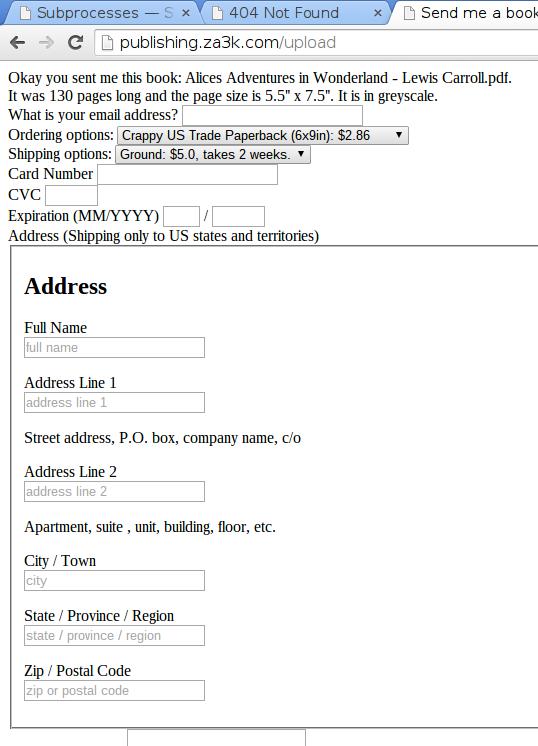][3]
+
+I’ll also add HTTPS.
+
+1. Pingback: [WIP: Dead Tree Publishing 3 | Optimal Prime][4]
+
+
+[1]: https://blog.za3k.com/wip-dead-tree-publishing/ "WIP: Dead Tree Publishing"
+[2]: https://publishing.za3k.com
+[3]: https://blog.za3k.com/wp-content/uploads/2015/04/20150402.jpg
+[4]: https://blog.za3k.com/wip-dead-tree-publishing-3/
--- /dev/null
+---
+author: admin
+categories:
+- Non-Technical
+date: 2015-04-16 18:47:16-07:00
+markup: html
+source: wordpress
+tags:
+- bootstrap
+- dead tree
+- publishing
+- website
+title: 'WIP: Dead Tree Publishing 3'
+updated: 2015-04-16 18:58:51-07:00
+wordpress_id: 167
+wordpress_slug: wip-dead-tree-publishing-3
+---
+Compared with [last update][1], the Dead Tree Publishing website is looking nicer.
+
+[][2]
+
+Looking better
+
+It’s served over HTTPS now (not needed for security, but it puts people at ease and enabled Chrome’s autocomplete) and you can order multiple books at a time.
+
+Other than some more visual improvements, the main thing missing is proper detection of page size — my server doesn’t understand about page margins, so it things books are bigger than they really are.
+
+[1]: https://blog.za3k.com/wip-dead-tree-publishing-2/ "WIP: Dead Tree Publishing 2"
+[2]: https://blog.za3k.com/wp-content/uploads/2015/04/2015-04-16-184416_1366x768.jpg
--- /dev/null
+---
+author: admin
+categories:
+- Non-Technical
+date: 2015-04-30 18:08:01-07:00
+markup: html
+source: wordpress
+tags:
+- bootstrap
+- dead tree
+- publishing
+title: 'WIP: Dead Tree Publishing 4'
+updated: 2015-04-30 18:25:40-07:00
+wordpress_id: 214
+wordpress_slug: wip-dead-tree-publishing-4
+---
+I consider Dead Tree Publishing to be **G**ood **E**nough at this point. It’s launched.
+
+[][1]
+
+New site style, FAQ page
+
+I’m going to add support for URLs instead of uploading PDFs, and fix some bugs here for there, but it’s essentially done.
+
+Meanwhile, I’ve already received my first physical book I’m publishing through the site. I got this nice email from Eric Eve:
+
+Dear Zachary,
+
+Thank you for your interest in my work. Yes, do please feel free to offer print copies of the TADS 3 Tour Guide (or any other of my TADS 3 documentation) along the lines you suggest. The only copyright right I’m interested in enforcing is my right to be identified as the author of the work, and I'm sure that's not as issue here.
+
+Best wishes,
+
+Eric
+
+1. TheTechRobo says:
+
+ [April 23, 2022 at 5:46 pm][2]
+
+ Out of curiosity, why did you stop the service?
+
+ [Reply][3]
+
+ - admin says:
+
+ [April 24, 2022 at 9:39 am][4]
+
+ This was launched in 2015, and you’re the first person to ask me about the the service since. That should give you an idea of the popularity. I’m very bad at marketing, to be fair, so it’s not totally clear that means the service was undesirable.
+
+ So when I eventually ran into some problem with active maintenance (the site needed updating to keep working, or something of that kind), I just didn’t.
+
+ [Reply][5]
+
+
+[1]: https://blog.za3k.com/wp-content/uploads/2015/04/2015-04-30-180400_1366x768.jpg
+[2]: https://blog.za3k.com/wip-dead-tree-publishing-4/#comment-7928
+[3]: https://blog.za3k.com/wip-dead-tree-publishing-4/?replytocom=7928#respond
+[4]: https://blog.za3k.com/wip-dead-tree-publishing-4/#comment-7947
+[5]: https://blog.za3k.com/wip-dead-tree-publishing-4/?replytocom=7947#respond
--- /dev/null
+---
+author: admin
+categories:
+- Non-Technical
+date: 2015-03-29 14:12:31-07:00
+markup: html
+source: wordpress
+tags:
+- dead tree
+- digital
+- PDF
+- physical
+- publishing
+- website
+title: 'WIP: Dead Tree Publishing'
+updated: 2015-04-28 23:09:22-07:00
+wordpress_id: 147
+wordpress_slug: wip-dead-tree-publishing
+---
+I started work on my publishing website again (Dead Tree Publishing). The idea is to make a really, really convenient way to get a physical copy of a PDF/epub book. Think: “send me a printed copy of this mailing list / tumblr”. Right now things are looking encouraging.
+
+I use a “back end” publisher who does all the actual printing, and the one I was using before charged quite a lot and wasn’t amazingly fast; I just used them because they were the only publisher who was at all up to date. Seriously, order of $100 – $200 for a 100 page book, just absolutely ridiculous levels of expensive. I’m switching over to a new publisher who can offer that same book for something like $7 (maybe $12 in hardback), which is absolutely reasonable, and with similar 2-week turnaround times.
+
+First you upload a PDF:
+
+[][1]
+
+Uploading a book
+
+Then I tell you what your ordering options are (hardcover, softcover, color), and what they cost. I’m also supposed to ask you your address to ship the book, and for you to pay for it, but those aren’t done yet.
+
+[][2]
+
+Book-buying options
+
+Hopefully in the next day or two I’ll have something up and running so people can order books, and then make it gradually nicer! I’m very excited about this website existing.
+
+1. Pingback: [WIP: Dead Tree Publishing 2 | Optimal Prime][3]
+
+
+[1]: https://blog.za3k.com/wp-content/uploads/2015/03/1.jpg
+[2]: https://blog.za3k.com/wp-content/uploads/2015/03/1.jpg
+[3]: https://blog.za3k.com/wip-dead-tree-publishing-2/
--- /dev/null
+---
+author: admin
+categories:
+- Technical
+date: 2015-04-13 17:46:31-07:00
+markup: html
+source: wordpress
+tags:
+- boot
+- installer
+- iso
+- os
+- system administration
+- windows
+- windows xp
+title: XP Boot USB Stick
+updated: 2015-04-13 17:51:06-07:00
+wordpress_id: 158
+wordpress_slug: xp-boot-usb-stick
+---
+Most of the following taken from : [http://www.msfn.org/board/topic/151992-install-xp-from-usb-without-extra-tools/][1], just modified to include syslinux support.
+
+Let me know if there are any omissions; it an XP installer bluescreens on boot for me so I can’t actually test.
+
+1. Obtain an XP iso file
+2. Format drive with one FAT parition, marked bootable.
+3. syslinux -i /dev/sdXX
+
+4. $ cp /usr/lib/syslinux/bios/mbr.bin >/dev/sdX
+
+5. $ mount /dev/sdXX /mnt
+
+6. mkdir /tmp/xp\_iso
+ mount xp.iso /tmp/xp\_iso
+ cp -ar /tmp/xp\_iso/\* /mnt
+ umount /tmp/xp\_iso
+ rmdir xp\_iso
+
+7. cp /usr/lib/syslinux/bios/{chain.c32,libutil.c32,menu.c32,libcom.c32} /mnt
+
+8. cp /mnt/I386/{NTDETECT.COM,SETUPLDR.BIN,TXTSETUP.SIF} /mnt
+
+9. Edit /mnt/syslinux.cfg:
+
+ UI menu.c32# Windows XP
+ LABEL windows\_xp
+ MENU LABEL Run Windows ^XP Setup
+ COM32 chain.c32
+ APPEND fs ntldr=SETUPLDR.BIN
+
+10. umount /mnt
+
+11. Boot from the USB stick
+
+[1]: http://www.msfn.org/board/topic/151992-install-xp-from-usb-without-extra-tools/
--- /dev/null
+---
+author: admin
+categories:
+- Non-Technical
+date: 2015-06-28 17:07:34-07:00
+markup: html
+source: wordpress
+tags:
+- review
+- yearly review
+title: Year in Review
+updated: 2020-05-17 12:57:07-07:00
+wordpress_id: 229
+wordpress_slug: year-in-review
+---
+Sep, Oct, Nov 2014: Vietnam.
+
+A year ago, I left my job at Streak and moved to Vietnam. I felt like I needed change. Vietnam ended up being wonderful; I was really glad I travelled with my friends [Richard][1] and [Kathy][2], which ended up making the experience a hundred times better than it would have been otherwise. The basic environment was: everything is cheap, I newly have endless free time, I was automatically prompted by my friends in the evenings and sometimes during the day to go on small novel adventures involving physical activity, and I had little internet access. This is probably my perfect environment, and I was functioning very well (the vietnamese diet also has small, well-balanced meals which might have helped). For some reason, I was also able to intensely single-task. \[I’d like to write more about what Vietnam is like, but this article is quite long enough as it is\]
+
+While I was in Vietnam, I made a to-do list. The to-do list had all the burning projects I actually wanted to do. I’ve ended up accomplishing most of them, at a rate of one every week or two, and it’s a decent summary of what I’ve been doing since. Two things made the to-do list a success. First, it had BIG tasks. These are projects like my recent “set up an IRC server” or “start a publishing company”. Because of that, I don’t get bogged down in minutae, and the tasks are always motivating. I find I function better when I try to carefully plan around having any logistics. The second reason, which I realized today, is that I was very careful to only include tasks I was planning to do (subtly different than tasks I wanted to do). The list was descriptive, not normative, although it certainly included some things like doing taxes I wasn’t wild about.
+
+Looking at my journal and it really only starts up again in March, so I’m going to organize this post in terms of the to-do list. There are a couple items that don’t fit:
+
+- I started dating my wonderful pet, [Lealend][3], while I was in Vietnam. I went to visit them for a month in Puerto Rico where they live. This is very very important to me (the most important thing that happened in the last year), but I don’t usually write about things that personal on my blog so I’m not doing to say much. I’ve been emotionally maturing a lot by being with them.
+- Conventions. I went to [DEF CON][4], which was probably the best single week this year so far. I’m definitely going again next year. I attended a [mirix][5] \[paper\] in the South Bay, which ended up being stressful for transportation-related reasons but really good while I was there. I’m planning on going to [Burning Man][6] this year as well.
+- I started contracting, that’s how I’ve been alive for a year. I’ve been doing some work for [Zinc][7] and [Paul Christiano][8] on a [workflowy clone][9], mostly. I work two hours a day average.
+- I’ve been developing a [minecraft modpack][10] \[I’ll write more about this when it’s stable\], and recently taken an interest in livestreaming.
+
+Now on to the to-do list.
+
+- Project: Printserver
+ Success: Success but obsolete
+ Description: I set up a printserver. It’s a little raspberry pi that talks to my printer, because getting printers set up is a pain and I don’t want to do it all the time. It went great, it saved me a ton of hassle to have it automatically print out my daily agenda every morning, and to just be able to transfer documents over with ‘scp’.
+ Future plans: Unfortunately, my printer died and we only recently got a new one. I need to set it up with the new server. I could also make printing completely automatic when new files show up with scp (right now it’s manual so I can switch out paper, but my roommates would be happier with scp I think).
+
+- Project: Set up my phone so dropping/losing it isn’t horrible
+ Success: Partial success
+ Description: I wanted to root and then [automatically backup][11] my phone. I did figure out how to do as much backing up as I can, and it is automatic. Unfortunately it turns out most of the filesystem (including SMS) just isn’t available over [Media Transfer Protocol][12] which android uses to display files, so I had to special case the things I desperately needed backed up. I’d prefer the state of the world let me back up everything on the phone, but that’s as much work as I’m willing to do.
+
+- Project: Get digital copies of all books I own
+ Success: Success
+ Description: I got digital copies of all books I own via a combination of pirating, buying copies, and getting the books scanned by a service. I did *not* get rid of the physical books.
+
+- Project: Switch to private email
+ Success: Not done
+ Description: I get a little nervous entrusting Google (or any third party) with the ability to read, lose, or add restrictions on what I can do with my email. I want to set up my own email address ([za3k@za3k.com][13]) and have it be my main point of contact. My email does work, but I can’t send outgoing email, and I haven’t switched everything over to it for that reason.
+
+- Project: Download ArXiV
+ Success: Done
+ Description: As an [archive nut][14], I worry that the [ArXiV][15] collection, one of the nicer collections of scientific papers I access regularly, might someday go down or get censored. I downloaded a copy and stashed it away somewhere. Unfortunately ArXiV’s licenses they get papers under doesn’t permit redistribution, so I can’t publicly host it. (This was really cool but I had to decide whether I was going to publicly mention, since it’s a legal gray area)
+ Future plans: Someone (not me) should host a torrent. Contact me and I can get you a copy.
+
+- Project: Pack and unpack storage bins (trip to vietnam)
+ Success: Success
+ Description: Okay I know this sounds stupid, but I spent about a month packing up to go to Vietnam, and all my physical stuff has stayed organized ever since. That’s a really big change for me.
+
+- Project: Host an IRC server
+ Success: [Success][16]
+
+- Project: Make hibernate work on my laptop
+ Success: Success
+ Description: This involved switching partitioning around since btrfs doesn’t support swap files. If I recall, my setup is now a swap partition and a root btrfs partition, inside LVM, inside LUKS.
+
+- Project: Extract bitcoins
+ Success: Success
+ Description: Extract bitcoins from all my computers and centralize them in one place
+
+- Project: iPhone
+ Success: Success
+ Description: Back up all my personal data from my iPhone, clear the contents, and sell it.
+
+- Project: N-grams
+ Success: Obsolete
+ Description: The [Google N-grams dataset][17] from their book scanning project is freely available, but in a terrible format (split across set-size file chunks, but in random rather than sorted order). My plan was to convert the formatting and offer it as a torrent / s3 bucket. Google has corrected the problem in a revised version of the dataset.
+
+- Project: NNTP over tor
+ Success: Didn’t do
+ Description: I run a private newsserver, and I wanted to let people access the newsserver (and anything else on that physical server) over tor. I decided the newsserver was too dead to bother with, and I didn’t feel enthusiastic about setting up tor, so I dropped the project.
+ Future plans: I don’t care about the original project, but if there’s a compelling stimulus, I want to set up tor for my server to learn how and leave flexibility.
+
+- Project: Textmode backup
+ Success: Success
+ Description: ‘textmode’ is the name of a virtual machine on my OS X machine. The project was to back up contents of the machine once, and then delete the virtual machine
+
+- Project: Post pdfmailer website
+ Success: Success
+ Description: I wanted people to be able to get a physical copy of a pdf document they had mailed to them. I think this project was an especial success, because I’d been failing at an over-engineered version of this off and on for a year. I decided to have the website email me instead of trying to do everything automatically, and ended up getting the books to be a factor of 10 cheaper or so by going with a publisher with no API.
+ Future plans: I’d like to popularize the website more. I think there are also some small technical improvements to be made. I’m not going to automate things unless it starts using up a lot of my time to process requests myself.
+
+- \[Censored project involving an arbitrage opportunity I haven’t cornered\]
+- Project: Back up email
+ Success: [Success][18]
+- Project: Flatten backups
+ Success: Good enough
+ Description: Oh just go read the [XKCD][19]. Now imagine you’ve been archiving computers onto other computers for 15 years, and buy cheap laptops.
+
+- Project: QR codes for ebooks
+ Success: [Success][20]
+- Project: Business cards
+ Success: Not done
+ Description: Make some personal business cards
+
+- Project: QR Punchcodes
+ Success: Didn’t do
+ Description: So you know how QR codes can contain any data? That means you could show them to a camera and the camera could run any code. Like, code to wait for another couple of QR codes, or to print out some more QR codes…
+
+- \[Censored project involving an arbitrage opportunity I haven’t cornered\]
+
+- \[Censored project involving a mildly illegal thing\]
+
+- Project: Make a desk out of cardboard
+ Success: Ongoing
+ Description: I want to make a desk out of cardboard, because it sounds fun. I’m proud of doing the design right here. I’ve finished mocking it out of cardstock, and actually noticed a lot of flaws and fixed the design instead of hoping them away. Now I mostly have to get the cardboard and make it, should be fun.
+
+- Project: Make a whiteboard partition
+ Success: [Success][21]
+
+- Project: Write about paper backups
+ Success: [Success][22]
+
+- Project: Sort physical scans
+ Success: Success
+ Description: As part of packing up all my possessions to go to Vietnam, I scanned every physical document I own (and mostly threw them out). Twenty years of stuff is a lot of stuff, but I eventually sorted it all out. I’ve been increasingly finding that a flat folder structure ends up working out best for me in the long term, so that’s what I used.
+
+- Project: Two-location backup
+ Success: Not done
+ Description: My backup server uses RAID-1, but I’d like to have a second copy on an external hard drive somewhere. Also, I have a bunch of external hard drives which are currently not backed up anywhere (mostly with stuff like movies) which I’d like to have some kind of redundancy
+
+- Project: Treemap finances
+ Success: Not done
+ Description: I’ve made my [finances public][23], but my analysis tools aren’t great. I’d like to update some old work I’ve done and add a web interface to see where I spent money during a particular time span, using a [treemap][24] display.
+
+- Project: Archive Github (aka download all the code in the world)
+ Success: Not done, on hold
+ Description: I’m kind of burnt out on archiving tasks lately, so this doesn’t sound fun to me. I decided to work with [archive team][25] on this one. It’ll get done if it sounds low-stress and no one else seems to be doing it, but it’s less likely than the older archiving projects, despite being important for the world.
+
+- Project: Encrypt backup
+ Success: Not done
+ Description: I’d like a way to back up my data to untrusted media, like tarsnap does, especially a way that avoids leaking file metadata (like access times and file lengths). Failing that, I should at least encrypt the drive backups are to so I can turn off that computer if needed.
+
+- Project: Gwernify
+ Success: Not done
+ Description: Gwern writes about how to [protect links][26] against link rot. He does this for all links on his website. I ambitiously plan to automatically save a copy of every site I visit (not just the actual URL I visit ideally, but the whole page).
+
+
+[1]: http://www.jollybit.com/
+[2]: http://thedragonseyelashes.tumblr.com/
+[3]: http://sick-ghost.tumblr.com/
+[4]: https://www.defcon.org/
+[5]: https://intelligence.org/mirix/
+[6]: http://burningman.org/
+[7]: http://priceyak.com/
+[8]: http://paulfchristiano.com/
+[9]: https://github.com/WuTheFWasThat/vimflowy
+[10]: http://za3k.com/colony.md
+[11]: https://blog.za3k.com/backup-android-on-plugin/ "Backup android on plugin"
+[12]: https://en.wikipedia.org/wiki/Media_Transfer_Protocol
+[13]: mailto:za3k@za3k.com
+[14]: https://blog.za3k.com/tag/backup/
+[15]: http://arxiv.org/
+[16]: https://blog.za3k.com/irc/ "IRC"
+[17]: http://storage.googleapis.com/books/ngrams/books/datasetsv2.html
+[18]: https://blog.za3k.com/archiving-gmail/ "Archiving gmail"
+[19]: https://xkcd.com/1360/
+[20]: https://blog.za3k.com/the-double-lives-of-books/ "The Double Lives of Books"
+[21]: https://blog.za3k.com/whiteboard-partition/ "Whiteboard Partition"
+[22]: https://blog.za3k.com/paper-archival/ "Paper archival"
+[23]: http://za3k.com/money.html
+[24]: https://en.wikipedia.org/wiki/Treemapping
+[25]: http://archiveteam.org/index.php?title=Main_Page
+[26]: http://www.gwern.net/Archiving%20URLs
--- /dev/null
+---
+author: admin
+categories:
+- Non-Technical
+- Technical
+date: 2022-07-08 12:02:57-07:00
+markup: html
+source: wordpress
+tags:
+- archiving
+- software
+- youtube
+title: youtube-autodl
+updated: 2022-07-08 12:02:57-07:00
+wordpress_id: 745
+wordpress_slug: youtube-autodl
+---
+I just wrote the first pass at [youtube-autodl][1], a tool for automatically downloading youtube videos. It’s inspired by Popcorn Time, a similar program I never ended up using, for automatically pirating the latest video from a TV series coming out.
+
+You explain what you want to download, where you want to download it to, and how to name videoes. youtube-autodl takes care of the rest, including de-duplication and downloading things ones.
+
+The easiest way to understand it is to take a look at the example [config file][2], which is my actual config file.
+
+Personally, I find youtube is pushing “watch this related” video and main-page feeds more and more, to the point where they actually succeed with me. I don’t want to accidentally waste time, so I wanted a way to avoid visiting youtube.com. This is my solution.
+
+[1]: https://github.com/za3k/youtube-autodl
+[2]: https://github.com/za3k/youtube-autodl/blob/master/config.yaml
--- /dev/null
+---
+author: admin
+categories:
+- Technical
+date: 2024-05-26 18:25:37-07:00
+markup: html
+source: wordpress
+tags:
+- hardware
+- zorchpad
+title: Zorchpad keyboard update
+updated: 2024-05-26 18:28:14-07:00
+wordpress_id: 1372
+wordpress_slug: zorchpad-keyboard-update
+---
+The Zorchpad needs a custom keyboard. Its power budget is only 1mW, and there’s just nothing available in that range. So, I need to make a custom keyboard. I started reading up on how to make your own–especially the electronics.
+
+I don’t know how to make a PCB:
+
+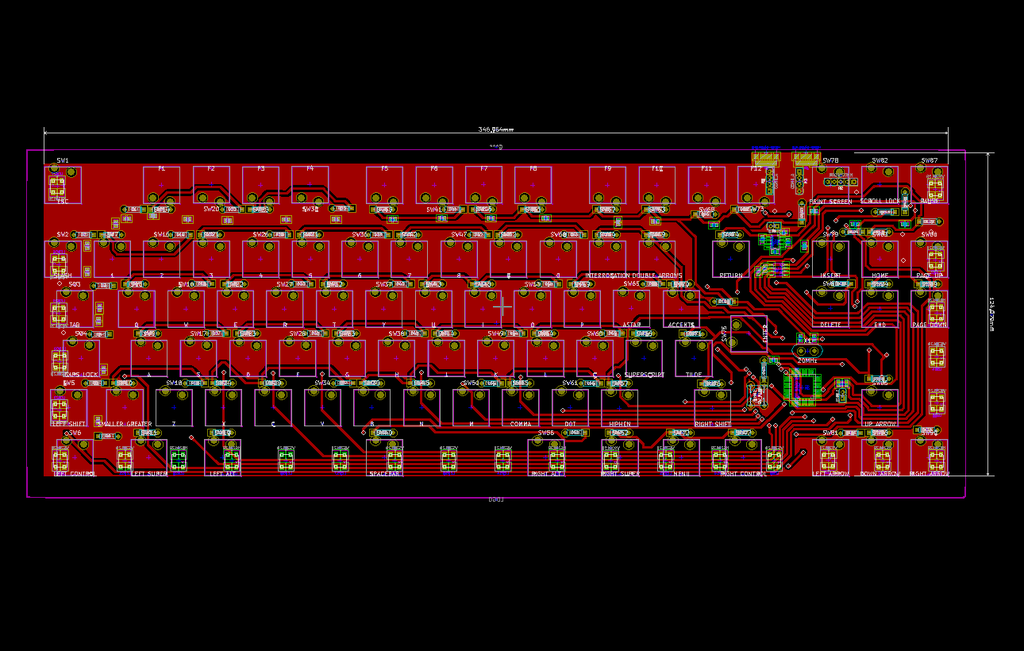
+
+PCB from HacKeyboard
+
+Or how to attach headers to the inside of an existing keyboard, which looks like this–:
+
+
+
+But I found a project called [GOLEM][1] with an excellent guide to making your own keyboard. Here is their wiring:
+
+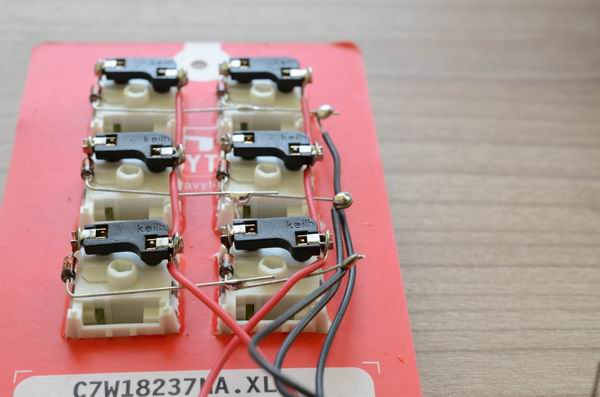
+
+GOLEM Macropad
+
+I can do that! They got me out of a major rut.
+
+---
+
+[Their advice][2] walks you through how to do a small keyboard in a cardboard plate. I did a few keys, gauged the effort, and decided to use my 3D printer. Cutting out 50-60 keys precisely by hand doesn’t sound easy. Worse, if you mess up, you have to start over. In plastic, I can’t mess up halfway, and the spacers to support the keyboard can be part of the print.
+
+[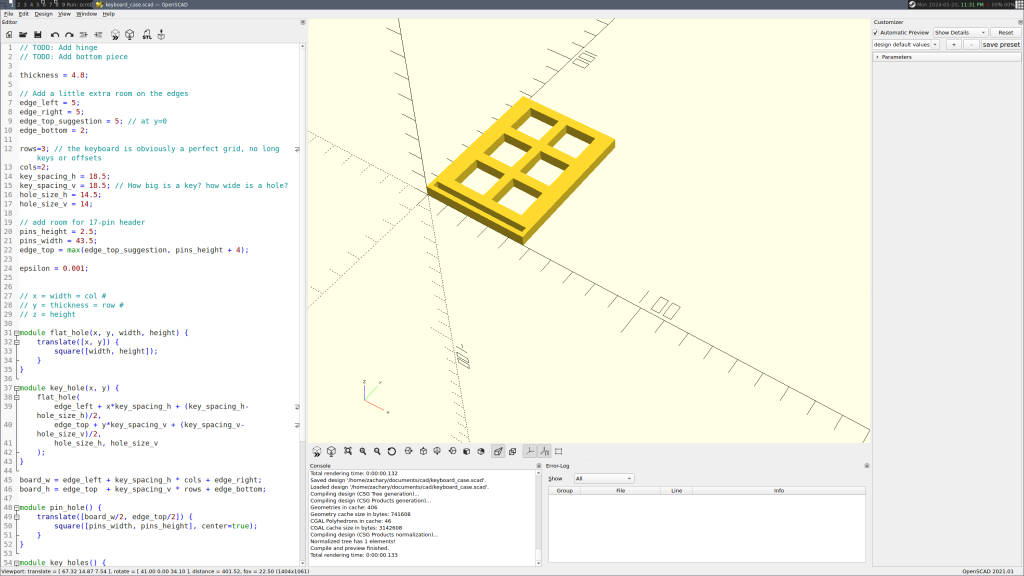][3]
+
+Above, I’m designing a “sampler” keyboard in CAD (OpenSCAD). I want to iron out problems in my process before I try a full-size keyboard. Below, Prusa-Slic3r is slicing the finished model for my 3D printer to print.
+
+[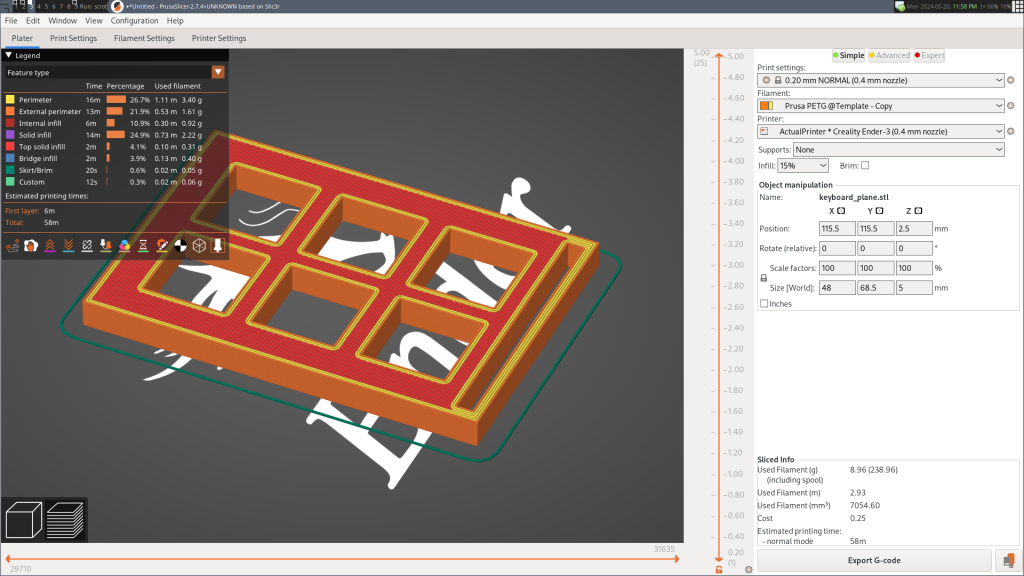][4]
+
+Here’s the finished sampler keyboard:
+
+[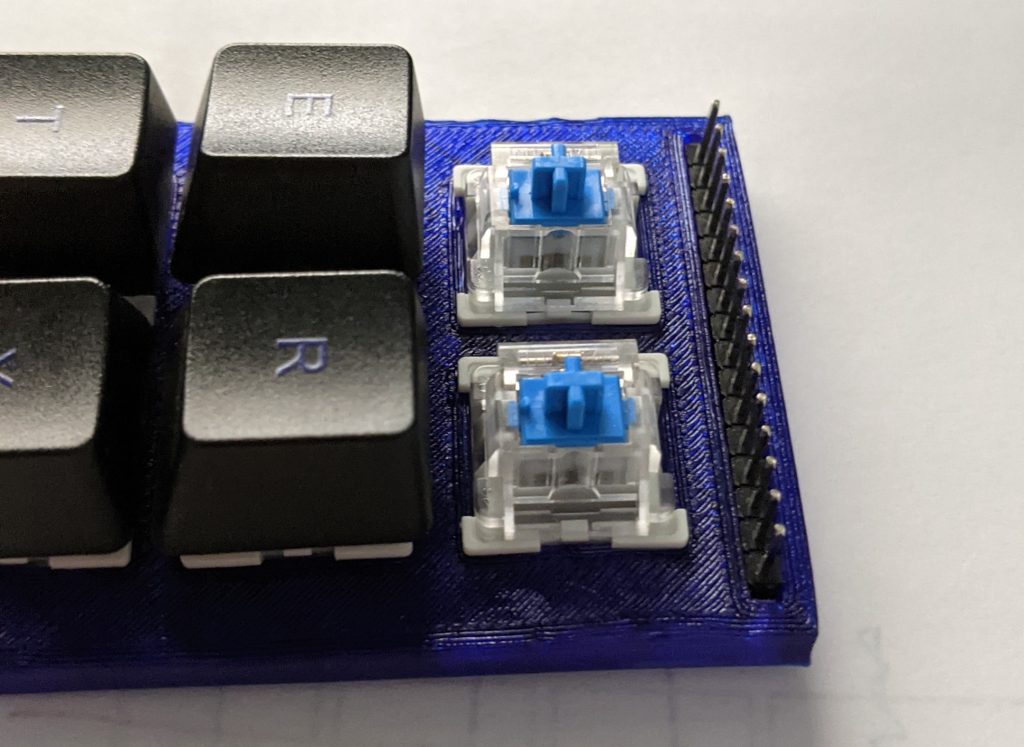][5]
+
+Currently I’m waiting on keycaps and switches ordered from China, and then I’ll put together my finished keyboard. But I have been making some progress in the meantime. Here’s the layout I’m going to try.
+
+[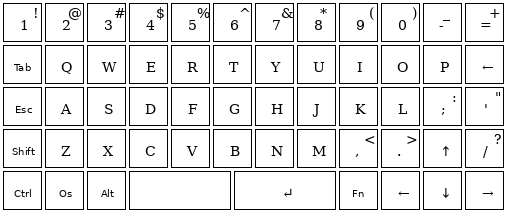][6]
+
+And I’ve started streaming some development of a case and keyboard on [Twitch][7] (Tue/Thu 12pm noon, EDT). Feel free to join! Anyone can watch, but you need an account to chat.
+
+[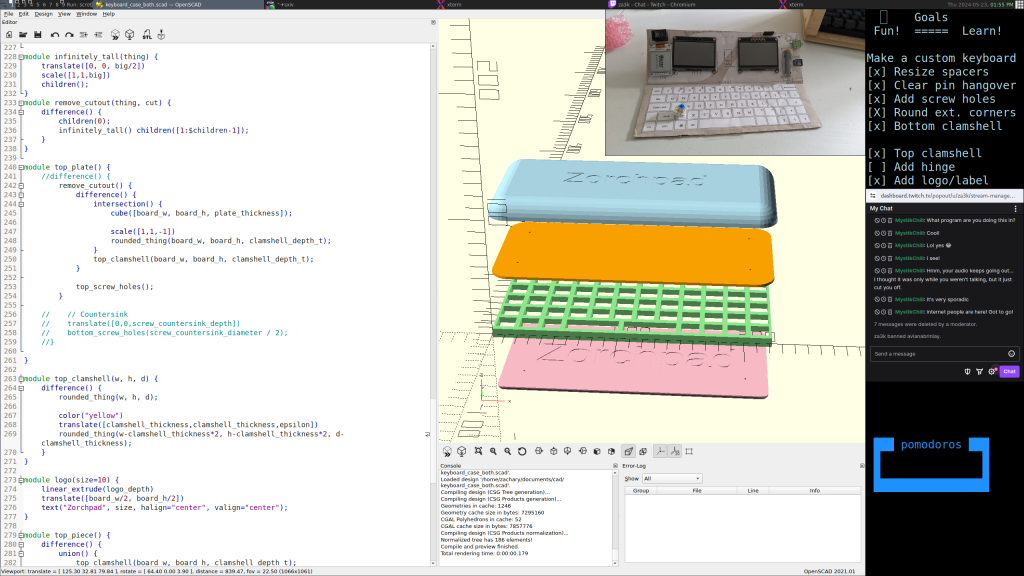][8]
+
+[1]: https://golem.hu/guide/keyboard-build-logs/
+[2]: https://golem.hu/guide/first-macropad
+[3]: https://blog.za3k.com/wp-content/uploads/2024/05/2024-05-20-233106_2560x1440_scrot.png
+[4]: https://blog.za3k.com/wp-content/uploads/2024/05/2024-05-20-235849_1920x1080_scrot.png
+[5]: https://blog.za3k.com/wp-content/uploads/2024/05/tiny_keyboard2-1.jpg
+[6]: https://blog.za3k.com/wp-content/uploads/2024/05/keyboard57.png
+[7]: https://www.twitch.tv/za3k
+[8]: https://blog.za3k.com/wp-content/uploads/2024/05/stream.png
--- /dev/null
+---
+author: admin
+categories:
+- Technical
+date: 2024-05-17 10:04:12-07:00
+markup: html
+source: wordpress
+tags:
+- zorchpad
+title: 'Zorchpad Update: Cardboard mockup, mk1'
+updated: 2024-05-17 10:05:55-07:00
+wordpress_id: 1363
+wordpress_slug: zorchpad-update-cardboard-mockup-mk1
+---
+I’ve gotten to the point in Zorchpad development where I’d like to see how the whole thing fits together and if there will be any insurmountable problems. We’re still trying to figure out some things like–will it have one screen or two? What form factor will it be? Will the keyboard fold in half? So I put together a cardboard model.
+
+[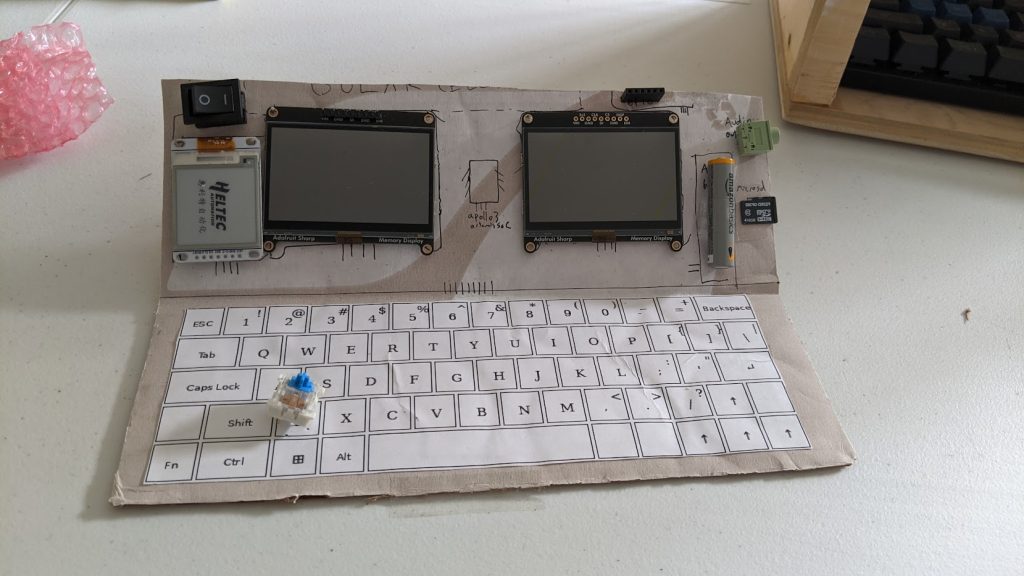][1]
+
+This model has:
+
+- A power switch. I’m assuming the very first prototype will run on battery, not solar like the final one.
+- Two memory-in-pixel screens (total power usage: 0.001 W)
+- One e-ink display (total power usage: variable/unknown)
+- An apollo3 artemis board, which includes RAM, CPU, microphone, and BTLE (not pictured, total power usage about 0.0005 W)
+- One flash chip (not pictured, power usage variable)
+- A battery slot. I’m using AAA for my convenience (Holds: 3000 joules = ~20 days power)
+- An audio jack for headphones
+- A microSD slot
+- A custom keyboard (total power usage: variable/unknown)
+ The keyboard is closely modeled off a standard one, for now.
+
+[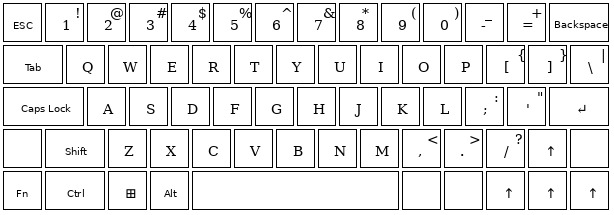][2]
+
+Immediately, a few problems pop out:
+
+- It’s fairly long. This will stick out of my pocket. This is with very closely spaced keys on a somewhat reduced keyboard.
+- There’s not really a great place to put solar panels. It’s has almost zero free space, plus there’s going to be a lot of wiring. Are we going to drill holes through the solar panel to let wires pass through? Also, I **really** haven’t been able to figure out how many cm2 of solar we need.
+- It’s hard to get the screen to stay propped up on my cardboard model. I’d like a solution that doesn’t use hinges, since those tend to loosen over time.
+
+My next step will probably be to make a custom working keyboard. Then, I’ll make an entire working zorchpad. Both will be either cardboard or 3d-printed (whichever is easier).
+
+[1]: https://blog.za3k.com/wp-content/uploads/2024/05/v0_cardboard_zorchpad.jpg
+[2]: https://blog.za3k.com/wp-content/uploads/2024/05/v0_keyboard.jpg
--- /dev/null
+---
+author: admin
+categories:
+- Technical
+date: 2024-06-05 10:36:45-07:00
+markup: html
+source: wordpress
+tags:
+- zorchpad
+title: 'Zorchpad update: first 3d print'
+updated: 2024-06-05 10:36:45-07:00
+wordpress_id: 1384
+wordpress_slug: zorchpad-update-first-3d-print
+---
+I’ve been designing a keyboard and case for the [zorchpad][1].
+
+[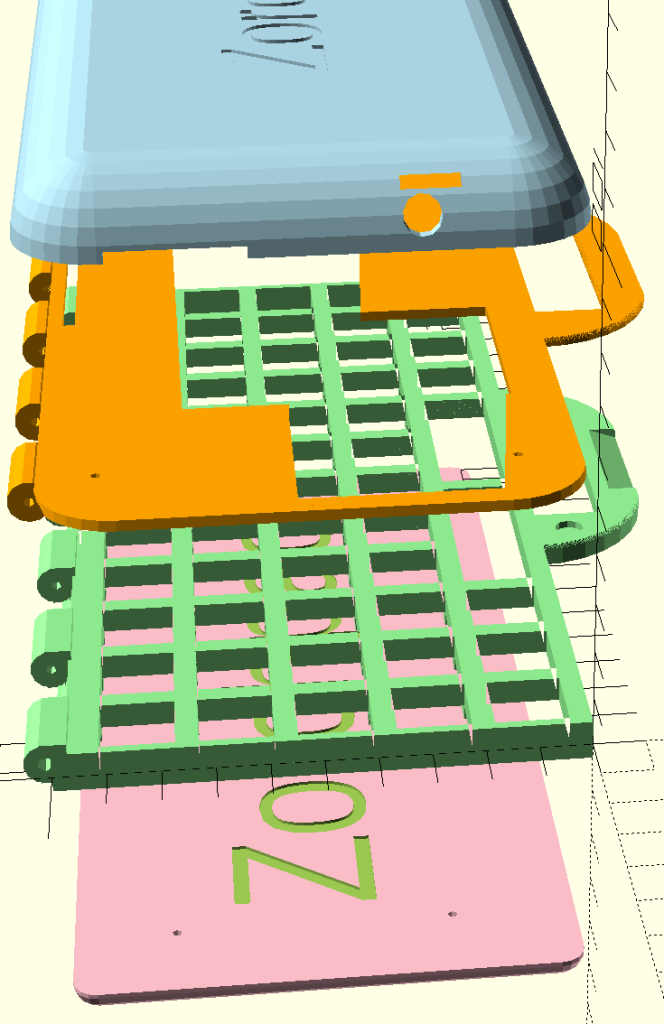][2]
+
+There are four pieces in the first iteration.
+
+[][3]
+
+A top bottom base, to enclose the keyboard electronics.
+
+[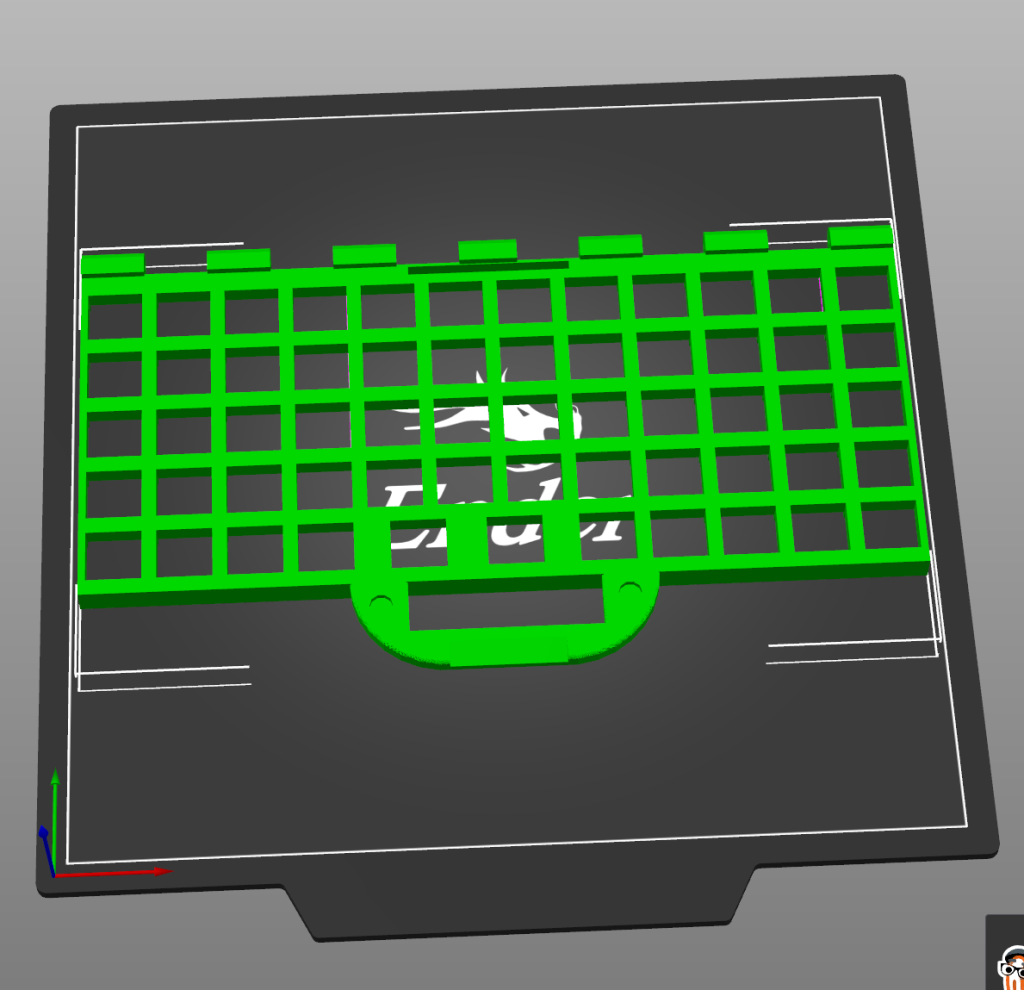][4]
+
+A keyboard plate. The keys fit into the holes here. You type on the top, electronics go in the bottom.
+
+[][5]
+
+A top plate. You see the screens, and switches through the cutouts. Otherwise, it keeps the behind-the-scenes wiring out of sight.
+
+[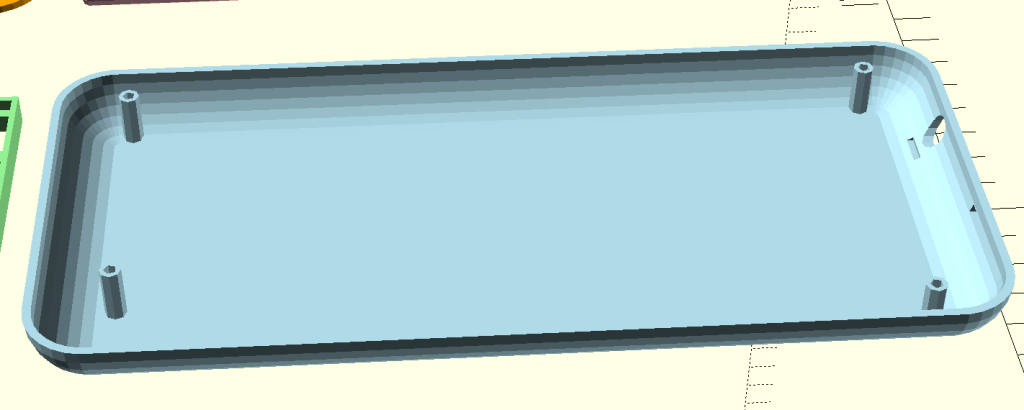][6]
+
+And finally, the top piece.
+
+[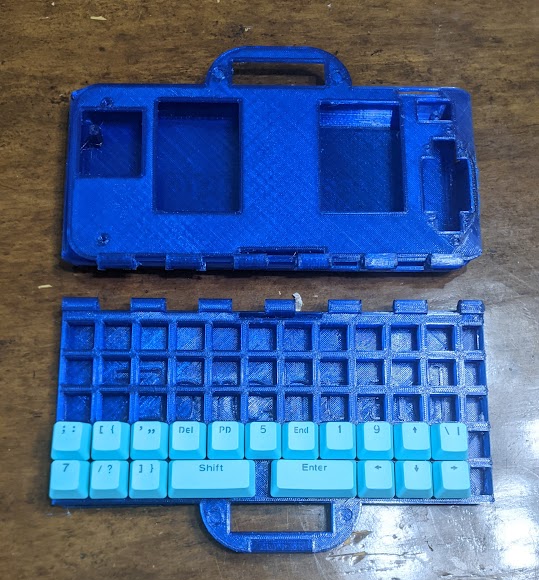][7]
+
+Here are the pieces in correct position. In the top will be the screens and battery. The bottom is a keyboard you type on. The whole things is meant to fold on a hinge, much like a laptop.
+
+[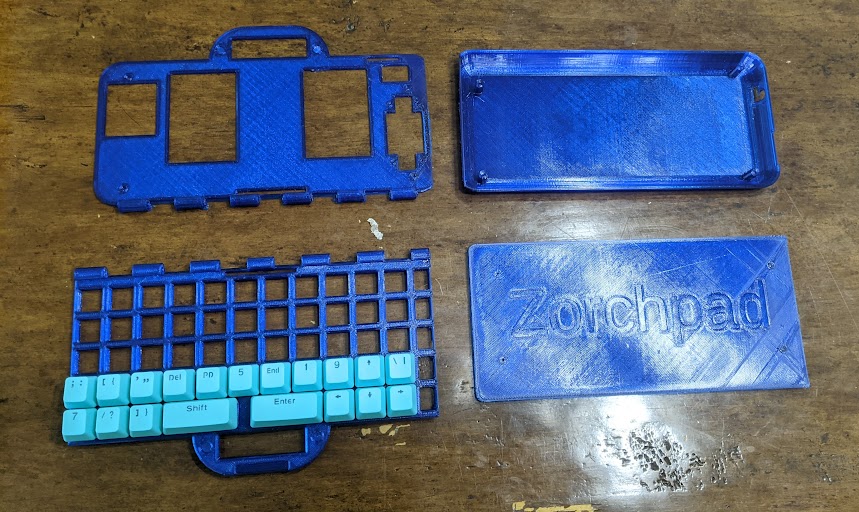][8]
+
+The same pieces, spread out.
+
+There were many, many problems with the first design and the first print. I’ll talk about them (and my fixes) in my next post.
+
+[1]: https://blog.za3k.com/tag/zorchpad/
+[2]: https://blog.za3k.com/wp-content/uploads/2024/06/all_parts_color1.png
+[3]: https://blog.za3k.com/wp-content/uploads/2024/06/bottom_shell-1.png
+[4]: https://blog.za3k.com/wp-content/uploads/2024/06/keyboard_plate_green.png
+[5]: https://blog.za3k.com/wp-content/uploads/2024/06/top_plate_green.png
+[6]: https://blog.za3k.com/wp-content/uploads/2024/06/top_clamshell_v2.png
+[7]: https://blog.za3k.com/wp-content/uploads/2024/06/printed_assembly.jpg
+[8]: https://blog.za3k.com/wp-content/uploads/2024/06/printed_parts.jpg
--- /dev/null
+---
+author: admin
+categories:
+- Technical
+date: 2024-05-08 09:47:52-07:00
+markup: html
+source: wordpress
+tags:
+- hardware
+- zorchpad
+title: 'Zorchpad Update: Keyboard'
+updated: 2024-05-08 09:50:58-07:00
+wordpress_id: 1342
+wordpress_slug: zorchpad-update-keyboard
+---
+Another update on the zorchpad. We now have a working 16-button keyboard (sadly no QWERTY yet). Here you can see a simple typing program that shows what you type on screen.
+
+[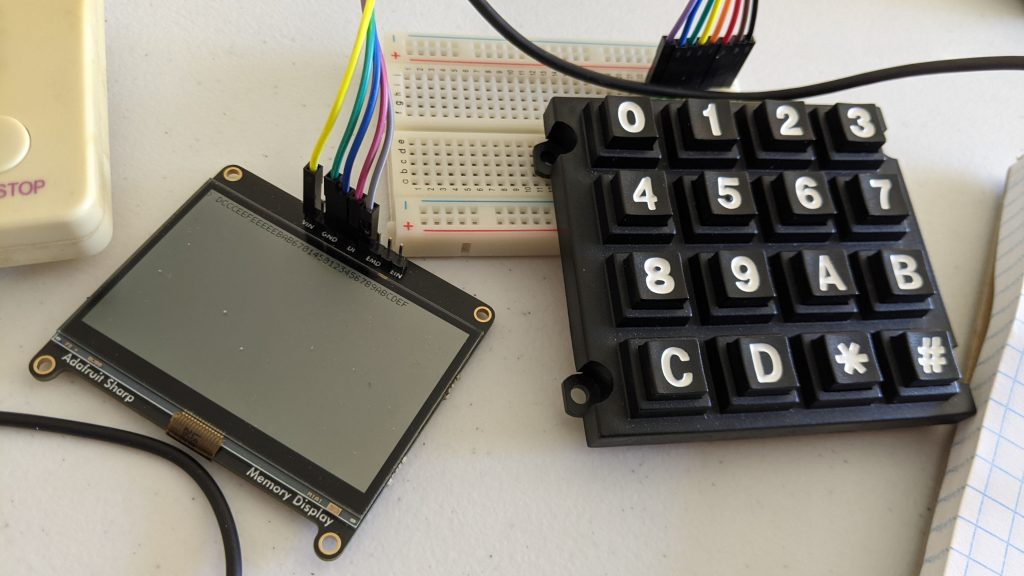][1]
+
+[][2]
+
+As mentioned in a [previous post][3], the reason we’re using a custom keyboard is to stay to low power usage–much lower than a standard keyboard.
+
+So far we have:
+
+- [Screen display][4] — both pixels and letters
+- Sound output (simple beeps for now)
+- [Keyboard input][5]
+
+[1]: https://blog.za3k.com/wp-content/uploads/2024/05/zorchpad_keyboard-scaled.jpg
+[2]: https://blog.za3k.com/wp-content/uploads/2024/05/zorchpad_keyboard_zoom.jpg
+[3]: https://blog.za3k.com/diy-keyboards-and-how-keyboards-work/
+[4]: https://blog.za3k.com/introducing-the-zorchpad-display-demo/
+[5]: https://blog.za3k.com/zorchpad-update-keyboard/
--- /dev/null
+<html>
+<title>{{title}}</title>
+<head>
+<style>
+html, body {
+ margin: 0;
+ padding: 0;
+ border: 0;
+}
+body {
+ display: flex;
+}
+iframe {
+ flex: 1 1;
+ height: 10000px;
+ padding: 0;
+ margin: 0;
+ border: 0;
+ scrollbar-width: none;
+ display:block;
+}
+iframe:first-child {
+ border-right: 3px dashed lightgray
+}
+iframe::-webkit-scrollbar {
+ display: none;
+}
+
+</style>
+</head>
+<body><iframe src="{{url_html}}"></iframe><iframe src="{{url_md}}"></iframe></body>
+</html>
 projects / blog.git / commitdiff